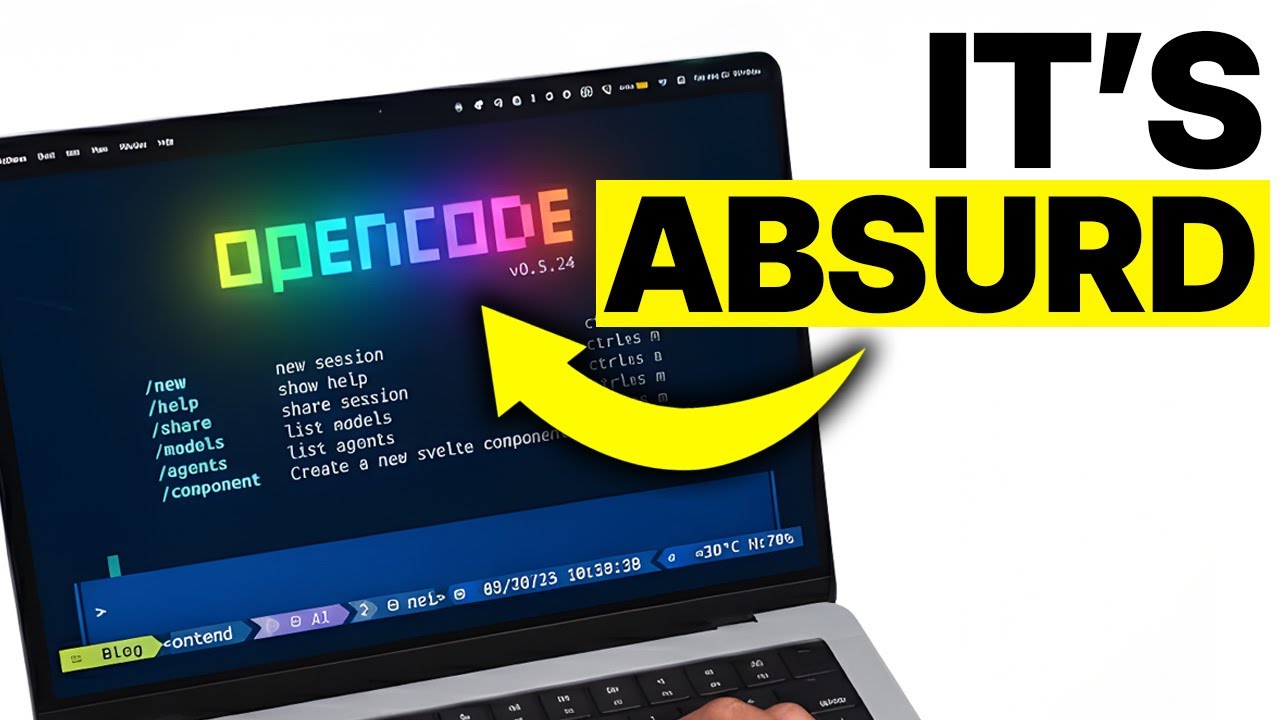
Open Code: Automate ANYTHING!
8:48

Open Code: Automate ANYTHING!

Julian Goldie SEO 14.01.2026 846 просмотров 17 лайков обн. 18.02.2026
Поделиться Telegram VK Бот
Транскрипт Скачать .md
Анализ с AI
Описание видео
Want to make money and save time with AI? Get AI Coaching, Support & Courses 👉 https://www.skool.com/ai-profit-lab-7462/about Get a FREE AI Course + 1000 NEW AI Agents 👉 https://www.skool.com/ai-seo-with-julian-goldie-1553/about Want to know how I make videos like these? Join the AI Profit Boardroom → https://www.skool.com/ai-profit-lab-7462/about Get a FREE AI SEO Strategy Session: https://go.juliangoldie.com/strategy-session?utm=julian Need help with GEO? Order here → https://orders.goldie.agency/order/geo Automate Anything with Open Code: Build AI Tools Without Coding Learn how to use Open Code to build custom web apps, automation scripts, and business tools in under a minute without any programming skills. This step-by-step guide shows you how to transform simple prompts into fully functional ROI calculators, dashboards, and lead magnets. 00:00 - Intro to Open Code 01:25 - Build a Lead Magnet Tracker 03:09 - Customizing AI Code 03:36 - Client Intake Form Demo 04:32 - YouTube Title Analyzer 05:36 - Full Automation Dashboards 06:34 - Tool Limitations 07:05 - ROI Calculator Building

Оглавление (8 сегментов)

  1. 0:00 Intro to Open Code 277 сл.
  2. 1:25 Build a Lead Magnet Tracker 335 сл.
  3. 3:09 Customizing AI Code 99 сл.
  4. 3:36 Client Intake Form Demo 195 сл.
  5. 4:32 YouTube Title Analyzer 221 сл.
  6. 5:36 Full Automation Dashboards 189 сл.
  7. 6:34 Tool Limitations 105 сл.
  8. 7:05 ROI Calculator Building 317 сл.
0:00

Intro to Open Code

Open code automate anything. Today I'm going to show you how to automate literally anything with Open Code. This is huge. It's a new AI tool that writes code for you in seconds. No coding skills needed. You can build custom automation tools, apps, and workflows. I'm going to walk you through everything step by step. So, let me tell you what Open Code actually is. Open Code is an AI coding assistant that writes code for you automatically. You just tell it what you want to build and it writes the entire application for you. No programming knowledge required. This thing is wild. Because it can create fully functional tools in under a minute. I'm talking web apps, automation scripts, data analysis tools, whatever you need. Here's why this matters. Most business owners know they need automation, but they get stuck. Or they try to learn coding themselves, which takes forever. You describe what you want in plain English, and it builds it for you right there in the chat. Let me show you how this works in practice. Hey, if we haven't met already, I'm the digital avatar of Julian Goldie, CEO of SEO agency Goldie Agency. Whilst he's helping clients get more leads and customers, I'm here to help you get the latest AI updates. Julian Goldie reads every comment, so make sure you comment below. I'm going to build a real automation tool that we actually use for the AI profit boardroom. This way, you can see exactly how powerful this is and how you can use it for your own business. First thing you need to do is access Open Code. Once
1:25

Build a Lead Magnet Tracker

you're in, you just start describing what you want to build. The key is to be specific about what the tool needs to do. So, here's what I'm going to build. I want a lead magnet download tracker for the AI profit boardroom. This tool will let people enter their email to download a free AI automation guide. It saves their email automatically and shows them a download button. Watch how easy this is. I'm going to type this prompt into open code. Create a lead magnet download page for the AI profit boardroom. The page should have a clean modern design with our branding. It needs an email input field where visitors can enter their email address. When they submit their email, it should save to a list and then show them a download button for our free AI automation guide. Make the page mobile friendly and include a headline that says, "Get our free AI automation guide. " Add a sub headline that explains how AI automation can help scale their business and get more customers. That's it. That's the whole prompt. Now watch what happens. Open code creates the entire application right there. It writes all the HTML, all the CSS for styling and all the JavaScript to make it work. The page appears in a preview window and you can interact with it immediately. Look at this. The page looks professional, has a clean design, the form works perfectly. When someone enters their email and clicks submit, it saves the data and shows the download button. This entire tool took maybe 30 seconds to create. Now, if you want to dive even deeper into AI automation, I've got something special for you. I run a community called the AI Profit Boardroom, the best place to scale your business, get more customers, and save hundreds with AI automation. Learn how to save time and automate your business with AI tools like Open Code. The link is in the comments and description. Now
3:09

Customizing AI Code

here's where it gets really good. You can modify anything you want just by asking, "Let's say I want to change the colors to match our brand better. " I just tell Open Code, change the main color to blue and make the button green. Done. It updates instantly. Or maybe I want to add more fields. Add a field for their name and their company. Boom. Updated in seconds. This is what makes Open Code so powerful. You can iterate and improve without touching any code yourself. Let me show you another example that's even more practical. I'm
3:36

Client Intake Form Demo

going to build a client intake form for service businesses. This is something every agency needs. When potential clients want to work with you, they need to fill out information about their business and their goals. Here's my prompt. Create a client intake form for the AI profit boardroom coaching services. The form should collect company name, contact person, email, phone number, current monthly website traffic, current customer acquisition methods, biggest business challenge, and what they want to achieve with AI automation. Make it look professional with good space in between fields. Add a submit button that says get started with AI automation. When they submit, show a thank you message that says, "We'll contact them within 24 hours. " Open code builds the entire form in seconds. Look at how clean this looks. All the fields are there. The layout is organized. The submit button works. The thank you message appears after submission. This is a tool you could start using for your business today. But wait, there's more you can do with this. You can build data analysis tools. You can build calculators. You can build interactive dashboards. Let me show you something
4:32

YouTube Title Analyzer

cool for content creators. I'm going to build a YouTube title analyzer. This tool will help us create better titles for our AI profit boardroom videos. Here's the prompt. Create a YouTube title analyzer tool. It should have a text input where I can paste a video title. When I click analyze, it should show the character count. Tell me if the title is too long or too short. Check if it has numbers or brackets which perform well and give suggestions to improve it. Make it specific for AI and business content. Watch this. Open code creates the tool immediately. I can paste in any title and it analyzes it right away. It tells me the character count. It checks for power words. It gives me specific feedback on how to improve the title. Now, let me show you how to save these tools so you can use them anytime. When Open Code creates your app, there's a download option. You click that and it saves the HTML file to your computer. Then, you can open that file in any web browser and use the tool whenever you want. You can also upload it to your website if you have hosting. Here's something most people don't know. You can combine multiple automations into one powerful tool app. Let me build
5:36

Full Automation Dashboards

something more advanced. I'm going to create an all-in-one business automation dashboard for the AI profit boardroom. My prompt is going to be longer this time, but watch how open code handles it. Create a business automation dashboard for the AI profit boardroom. It should have four sections. Section one is a lead tracker where we can add new leads with their name, email, and status. Section two is a content calendar where we can plan our AI tutorial videos with dates and topics. Section three is a simple task manager for our automation projects. Section four is a customer feedback collector. Make everything save automatically so data persists. Use a modern design with tabs to switch between sections. Make it fully functional and mobile responsive. This is a complex request. Most developers would charge thousands for this. Open code builds it in under a minute. Look at this dashboard. All four sections work perfectly. I can add leads and they save. I can plan content and it stays there. I can manage tasks. I can collect feedback. This is a real business tool we can actually use. Now
6:34

Tool Limitations

let me tell you about the limitations so you know what to expect. Open code works best for web- based tools and automation. It's not great for complex apps that need databases or backend servers, but for most business automation needs is more than enough. You can build forms, calculators, trackers, analyzers, dashboards, and tons of other useful tools. The other thing to know is that you want to be clear and specific with your prompts. The better you describe what you want, the better the tool you'll get back. Let me show you one more example that's super practical. I'm going to build an
7:05

ROI Calculator Building

ROI calculator for AI automation. This helps businesses see how much time and resources they can save by automating tasks. This is perfect for the AI profit boardroom because it shows the value of what we teach. Here's my prompt. Create an AI automation ROI calculator. It should ask how many hours per week they spend on repetitive tasks, what their hourly rate is, and how many of those hours could be automated with AI. Then calculate and show how many hours per year they'd save, the dollar value of that time, and display it in a clear results section. Add a headline that says, "Calculate your AI automation savings. " include a note that AI profit boardroom teaches exactly how to implement these automations. Open code builds it instantly. Look at how professional this looks. Someone enters their data and boom, they see exactly how much they could save. This is a lead generation tool. This is something you put on your website to show value and collect emails. Now, here's the thing that makes Open Code different from other AI coding tools. You can have a conversation about your tool. You can ask it to explain how something works. add features. You can troubleshoot problems. It's like having a developer sitting next to you. Now, if you want to dive even deeper into AI automation, I've got something special for you. I run a community called the AI Profit Boardroom. The best place to scale your business, get more customers, and save hundreds with AI automation. Learn how to save time, and automate your business with AI tools like Open Code. And if you want the full process, SOPs, and 100 plus AI use cases like this one, join the AI success lab. You'll get all the video notes from there, plus access to our community of 40,000 members who are crushing it with AI.

Ещё от Julian Goldie SEO

Ctrl+V

Экстракт Знаний в Telegram

Транскрипты, идеи, методички — всё самое полезное из лучших YouTube-каналов.

Подписаться




