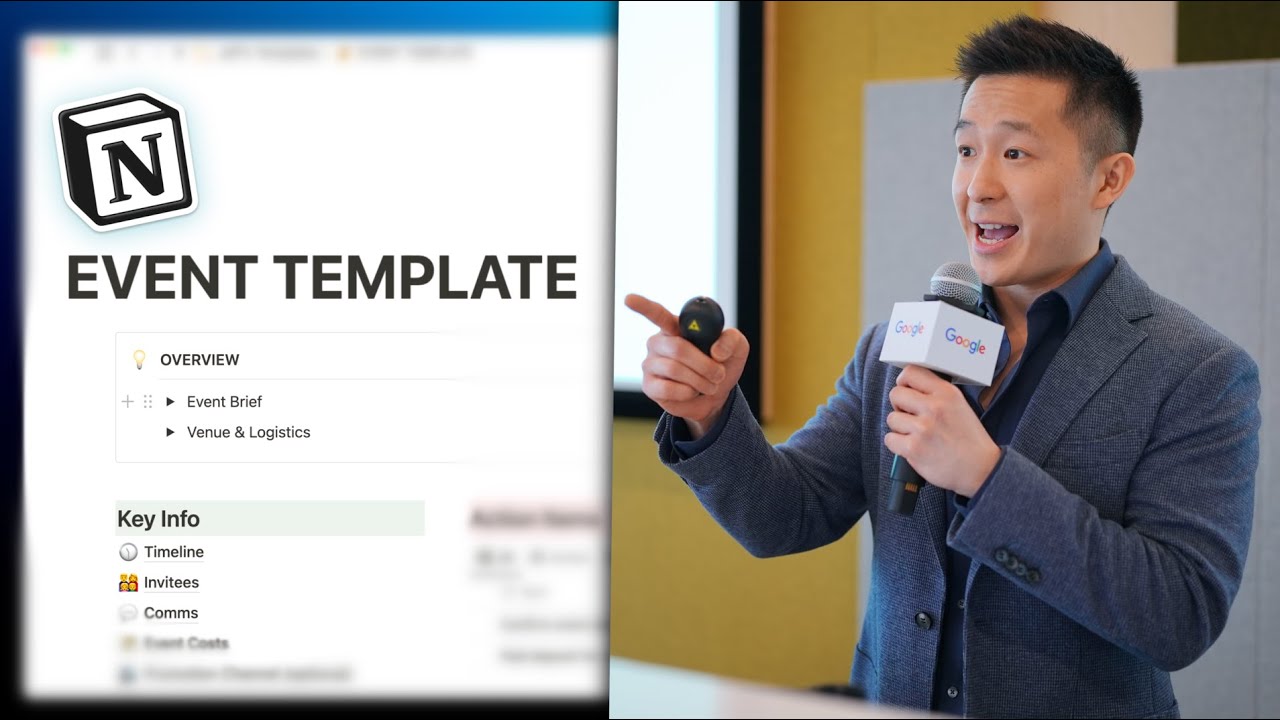
Plan an ENTIRE Event on Notion (in 9 minutes)!
8:28

Plan an ENTIRE Event on Notion (in 9 minutes)!

Jeff Su 11.04.2023 33 327 просмотров 755 лайков обн. 18.02.2026
Поделиться Telegram VK Бот
Транскрипт Скачать .md
Анализ с AI
Описание видео
My free Notion Toolkit: https://academy.jeffsu.org/notion-toolkit?utm_source=youtube&utm_medium=video&utm_campaign=131 Download my event management Notion template here 👉🏻 https://www.jeffsu.org/plan-an-entire-event-in-notion/ As a Product Marketing Manager, I’ve run hundreds of large-scale events at work but those usually involve spreadsheets with over 20 tabs! In this video I share how to plan and organize smaller scale events (such as birthday parties) with ease using a simple Notion template 🎉 The template includes an overview page, action items table, timeline, invitees page, and comms page. The overview callout block allows brainstorming and sets the tone for the event. The action items table lists key milestones and progress, while the timeline page displays milestones in a visual format. The invitees page keeps track of friends' status and +1s, and the comms page provides templates for invitation, confirmation, and reminder messages. 💡 Pro tips include sorting views by due date, including a Notion button for default action items, and assuming a 20% drop-off rate. *THE NO BS PRODUCTIVITY NEWSLETTER* 📧 https://www.jeffsu.org/productivity-ping/ *TIMESTAMPS* 00:00 Plan and Organize Events in Notion 00:35 Notion Template Structure 00:56 Event Overview 01:30 Action Items for Event Management 02:58 Event Timeline 04:11 Invitee List 05:07 Communication Plan 06:53 Cost Management 07:02 Advanced Event Planning Tips 07:31 Bonus Tip *RESOURCES I MENTION IN THE VIDEO* My paid productivity newsletter - https://www.jeffsu.org/productivity-ping/ Thomas Frank’s Ultimate Tasks tutorial - https://youtu.be/tjAWsuz5MdM *MY FAVORITE GEAR* 🎬 My YouTube Gear - https://www.jeffsu.org/yt-gear/ 🎒 Everyday Carry - https://www.jeffsu.org/my-edc/ *MY TOP 3 FAVORITE SOFTWARE* ❎ CleanShot X - https://geni.us/cleanshotx ✍️ Skillshare - https://geni.us/skillshare-jeff 📖 Readwise - https://readwise.io/jeffsu/ *BE MY FRIEND:* 📧 Subscribe to my Productivity newsletter - https://www.jeffsu.org/productivity-ping/ 📸 Instagram - https://instagram.com/j.sushie 🤝 LinkedIn - https://www.linkedin.com/in/jsu05/ *👨🏻‍💻 WHO AM I:* I'm Jeff, a tech professional trying to figure life out. What I do end up figuring out, I share! _PS: Some of the links in this description are affiliate links I get a kickback from and my opinions are my own and may not reflect that of my employer_ 😇 #notion #template #productivity

Оглавление (10 сегментов)

  1. 0:00 Plan and Organize Events in Notion 117 сл.
  2. 0:35 Notion Template Structure 66 сл.
  3. 0:56 Event Overview 102 сл.
  4. 1:30 Action Items for Event Management 290 сл.
  5. 2:58 Event Timeline 210 сл.
  6. 4:11 Invitee List 181 сл.
  7. 5:07 Communication Plan 310 сл.
  8. 6:53 Cost Management 32 сл.
  9. 7:02 Advanced Event Planning Tips 97 сл.
  10. 7:31 Bonus Tip 172 сл.
0:00

Plan and Organize Events in Notion

as a product marketing manager I run large-scale events at work but organizing those often involve complicated spreadsheets crazy formulas and dozens of team members in this video I'll go over how you can plan and organize personal events like birthday parties all by yourself using a simple notion template I found this to be an important life skill because when I was younger my invitations to my friends parties always seem to get lost in the mail and so my parents told me I didn't need friends I could just host my own birthday parties that were way more fun as you can see the overall structure is very simple an overview of the event at
0:35

Notion Template Structure

the very top here with toggle blocks I can use to quickly access information like venue name and date uh key info section on the left here with the six elements that all events have to take into account an empty archive page to throw outdated information into and an action items table on the right that lets me clearly see what my next step is
0:56

Event Overview

starting with the overview callout block the event brief is just you brainstorming what the event is going to be about is it a casual dinner party with 10 friends or a bachelor party with 60 Bros what you write here Will and should affect your action items and how you plan the overall event once you have a date time and venue write that down in a venue and Logistics toggle block so it can easily access that information for example I usually take a screenshot from Google Calendar and highlight the date so my friends can visually see when the
1:30

Action Items for Event Management

event is happening moving over to action items you can see that each item represents a key Milestone that needs to be reached to push the event planning forward there's also a corresponding status due date and item type the action item type includes normal activities like confirming event data and location paying deposit for venue and as you can see in the confirmed food and beverage page here I've included the menu and quotation directly within this page for easy reference the comms item type is where you're sending communication to event attendees like sending the invitation a confirmation or a reminder message we'll talk more about that and what Wave 1 and 2 means won't get to the comms page and when it comes to planning these action items you can just start off with a few key Milestones off the top of your head and just add more as you go along since each event is going to be different oh and if you're new here this template linked down in the description make a copy follow along Pro tip I like to sort all My Views by due date ascending and Inc include the event date at the very bottom here as a visual reminder to see how close each action item is to that date Post-it number two if you find yourself adding the same Milestones or action items for each new event include a button in your events template so that when you click it the default action items populate automatically by the way this video is not sponsored by notion but it is supported by those of you who subscribe to my paid productivity newsletter Link in the description to learn more moving
2:58

Event Timeline

over to the timeline page here this is just a calendar view of the Milestones database we just went over where you can see all your action items in a nice visual format to show you how it got here let me first duplicate this header command D and underneath insert table view select the party Milestones database we just went over select new empty view calendar view toggle off the database title to keep it clean uh no need to change any of this click done then go to properties and choose to show item type and status in order to show due date since it's already in a calendar view exit out go to that corresponding month and there you go you can change this to weak view if you have a lot going on every day I usually keep it as month but I would recommend duplicating this view rename it to WIP which stands for work in progress filter status is not done and now you can see all the action items you have not completed yet this timeline view is super useful for you to reference obviously but I also usually screenshot it to share how the planning is going with others the invitees page
4:11

Invitee List

is pretty self-explanatory it's just a database to keep track of friends you've invited their status uh invited may be confirmed or decline and whether or not they're bringing plus one so it can get an accurate head count this follow-up view filters for people who haven't responded their status is invited or maybe so I know I need to follow up with them and in the confirm view I have the count all at the very bottom here and I sum up all the plus ones so I know at a glance right now there is 19 people coming and you'll notice I don't have a separate view for people who have declined because they're dead to me I'm serious I'm not even kidding this time I take it pretty personally my friends know this Pro tip even if you have the most reliable friends who have confirmed last minute emergencies do happen so it's always safe to assume a 20 drop-off rate meaning 80 of people will show up this is actually the industry standard for offline B2B events
5:07

Communication Plan

all right comms page and this is where my anal personality and general uptightness really shines through as if it hasn't already uh so there are three types of communication uh for any given event the invitation the confirmation and the reminder and they each have a slightly different objective the call to action or CTA of the invitation is to get a yes or no response so you can update the RSVP list accordingly the CTA of the confirmation is to have the confirmed individual add the event to their calendar so the wording reflects this and the reminder is to get them excited about the event so you can share teasers like images of the venue and the cop cocktail menu for the night now to explain why Wave 1 and Wave 2 are necessary imagine you invite two friends to your party Jeff and Elon Jeff the reliable responds immediately Elon the unreliable responds yes two weeks later in your WhatsApp or Instagram group with all the confirmed attendees you don't want to be radio silent for three whole weeks so you send the wave one confirmation message by the end of week one and you said the week 2 confirmation message by the end of week three after all the slow and unreliable people have responded for reminders wave one might be sent one week before the event date wave two might be sent one day before the event date and Wave 3 might be sent two hours before the event start time wouldn't dating me be great that's a miracle I'm still single Pro tip if you want to be super extra like me you can use a free tool like canva to create uh your invitation confirmation or reminder messages to really engage with your attendees I'm not even kidding I literally do this
6:53

Cost Management

I'll show you examples cost page super self-explanatory just a table keeping track of what you're paying for how much it is and whether funds have been successfully transferred at this point
7:02

Advanced Event Planning Tips

for 99 of personal events these four pages are more than enough for more advanced events you might want to add promotion Channel and content Pages let's say you're planning a wedding you're sending invitations out through email regular post WhatsApp Instagram these are all different promotion channels right and you need to keep track of each one for Content let's say there's an MC hosting the wedding the bride has to speak the groom parents may want to speak so you can keep track of all the speaker content and how ready they are in that
7:31

Bonus Tip

page here's a huge bonus tip for those of us who link our projects and tasks databases together in my product database you'll see that I have event template here right I create an event I'll name this New Year's Eve party and after I expand this let's say under this table I add confirm venue if I scroll to the right you'll see that this task or action item has been automatically related to this project through something called a self referential filter what's more if I choose a due date to be today and I go to my home screen I see that the confirmed venue task that is related to the New Year's Eve party project show up in my seven day view here since I've linked my all tasks database with my all projects database if you want to learn how to do this check out Thomas Frank's step-by-step tutorial I'll link it over here see you on the next video in the meantime have a great one

Ещё от Jeff Su

Ctrl+V

Экстракт Знаний в Telegram

Транскрипты, идеи, методички — всё самое полезное из лучших YouTube-каналов.

Подписаться




