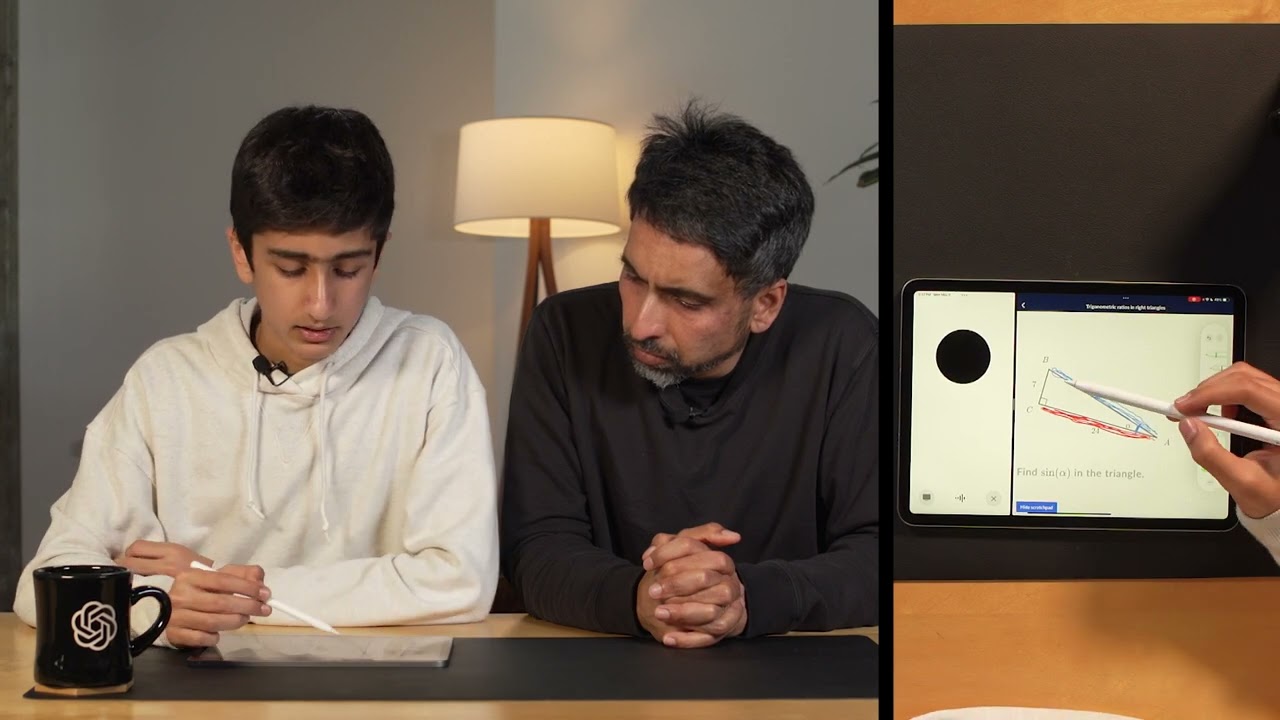
Build beautiful frontends with OpenAI Codex
8:29

Build beautiful frontends with OpenAI Codex

OpenAI 27.10.2025 375 540 просмотров 9 361 лайков

Machine-readable: Markdown · JSON API · Site index

Поделиться Telegram VK Бот
Транскрипт Скачать .md
Анализ с AI
Описание видео
Codex’s multimodal abilities can help you design, iterate, and build beautiful frontends for your apps. Channing Conger and Romain Huet show you how to use Codex cloud as your front-end design partner to build the perfect UI for your app. Timestamps: 00:00 Intro 00:50 Whiteboarding design ideas 01:43 Creating Codex tasks from your phone 02:16 Sketching a new feature 03:00 Different ways to use multimodal features 04:06 Channing’s favorite examples 05:36 Checking in on our tasks 07:30 What Channing and team are building next Try it yourself: Codex cloud: chatgpt.com/codex Learn more: Codex: openai.com/codex Developer docs: https://developers.openai.com/codex/cloud
Оглавление (8 сегментов)

Intro

Hey everyone, I'm Roman. Codex is your AI teammate that you can pay with everywhere you code. Whether it's on your computer with Codex CLI or the ID extension or Codex cloud that you can send tasks to anytime from the web or your mobile phone. But one superpower we really wanted to zoom in today is its multimodal capabilities. But it's even more magical when the model can have vision understanding but also the ability to check visually its own work. Today I'm joined by Channing who helped train the model to tell us more. Hi, I'm Channing from the research team for Codex. One of the big things we've been focusing on is trying to give the model more tools to leverage its multimodal capability to just be a better software engineer. In the same way that I might check my own work and make sure that things visually look the way I expect them to, we want to have the model be able to do that in a tight iteration.

Whiteboarding design ideas

— That's awesome. Why don't we kind of go through an example to see how it works? — Sure. We have one the last like one of the demo apps we showed at a previous dev day. It has one screen to kind of discover destination and one assistant where I can just type in some place. Voila. Harris, what would you like to know about? — So pretty awesome, right? But I think we can do better with codeex now. We have the ability to kind of take it to the next level. So I thought why don't we kind of whiteboard together how we could make like this home screen more engaging. — Sure. You could have like a globe in 3D. — Okay. — And as the user kind of spins the globe, they could see the pens to explore. They could also navigate left and right. — Sure. And the extra details for each of the cities, too. Right. — Right. Like Tokyo. Mhm. And like all of the details that might be like useful for the destination. — Sure. — I think that sounds like a good place to start, right?

Creating Codex tasks from your phone

— We should be able to just take a quick photo of the uh the app as we sketch it up here. We'll just go into chat GPT. — Yeah. Add a codeex task. Put in the photo and then you should be able to just describe what you want. — Redesigned the home screen of Wonderlust to show a 3D spinning globe on the left. Details on the destination on the right. The user should be able to fluidly navigate across the globe. When they click on the pen, they should see the destination. And you can also map the left and right arrows of the keyboard. Boom. I'll just send that prom codeex. — Perfect. I think it should be able to do that. — Perfect. Also, while we're sending that

Sketching a new feature

task off, we could add an extra screen to the app. Maybe we call it something like the travel log. Okay. — Kind of like dashboard of their stats and all that. — Uh, we could do like a full checklist if you wanted to get all the contents. — Oh, great. I love this. Continents checklist. — Could do like bottles of wine drunk personally. — That's a great one. Okay. Bottles of wine. — Sure. — Uh maybe photos taken as well. — Okay. — Maybe we'll come up with a pie chart or whatever makes sense. — All right. Add one more screen to the app called travel log. It's like a dashboard of fun and interesting stats for the user. Make sure the app is responsive on mobile and make sure the design is also consistent with everything else. All right. And I just send this to Codex — and we'll let it work.

Different ways to use multimodal features

— So while this is working, I was thinking like could you uh maybe walk us through an example or two that you've already uh use Codex multimodel capabilities for? — Sure. Love to. — Let's do it. Uh how I would start usually is I would make a change. I'd ask Codex to do it. It would, you know, most of the time do the right thing. Sometimes better than I expected it to. Sometimes I want to make some tweaks and I would take a screenshot and maybe send that back into the app. Some of the other people who are doing, you know, front end development full-time as opposed to as a side thing, they're uh using the Playright MCP. So actually giving the tool in the same way that the cloud has the ability to open a browser and look at the web app they're running in their loop they're able to have the model take a look at the application as they're working on it and check its own work. — So that's when you use Codex CLI locally for instance that you can use that and CEDX cloud would do the same here for the task we just sent. — Exactly. And then in the cloud we give it a set of tools that are hopefully expressive and flexible so it can accomplish its goals and then if you do the same thing through the MCP it can do the same. — Yeah. It's really amazing how we can harness those like aentic coding capabilities, right? Whether it's in a cloud container or like locally with these tools. Do you have like an example

Channing’s favorite examples

for instance that you tinkered with and be curious to see? — Yeah. So, a lot of times uh you're trying to like win someone over and one of the best ways to do that is to present a lot of data and it would be you know great to work through stuff on a whiteboard and you know build up graphs and stuff but it's hard to present the data that way. Um, and so actually a use case a lot of people have been doing recently is they have codecs like turn over the data or like dive deep into a very complicated codebase and present some visualizations or break things down and build just like sometimes a throwaway web application. And so it's just like a single page that they can, you know, they don't even need to keep the artifact around, but you might share the screenshot with someone. — That's such a fascinating use case. — And so I actually before we started this, I uh gave the model uh a bunch of open data. So New York City actually publishes like taxi cab information. So information about rides around the city. And so I actually loaded that just the data into a container and let the model train on that to try to build a dashboard. And so it actually turned out some pretty interesting stuff, you know, at least different theming — and different ways to get a structure and present the data. — Mhm. It allows you to add basically exactly as much fidelity as you want. So like when we were over at the whiteboard, you can do like a very thin sketch and like have the model fill in the details. If you wanted to take a screenshot of a very specific like I want my component to look this way, you can feed that in and it'll try its best to accomplish that. — Yeah. You can go all the way from like a napkin sketch like to a Figma mo application. — Mhm. — I don't have to check this out. run it local. I can just like take a look at the top level what design I like and then I can iterate from there.

Checking in on our tasks

there. — Why don't we go back now and check uh the two tasks that we sent from the whiteboard? — So I guess this first one is uh where we asked it to do the 3D globe and it looks like it did that for us. Oh wow. — So looking through the log, yeah, it pulled in 3JS, so it's actually like animating this, building it all out. It has a texture for like how the globe should look. — I mean, it looks promising to me, but I'm really curious to see if the animations actually work. Do you want to check out that PR locally? — Let's uh Yeah. So, we create a PR. — Yep. — And then we should be able to just in the terminal check it out and then start the dev server. — Oh my god. — All right. — That's incredible. Oh, the globe is spinning exactly like we said. It even decided to put a tool tip on top — to tell how to explore. — Uh, that's amazing. And if you click on one, — damn, it works. And it even has the button to open the assistant. — Why don't we now check the travel lock screen that we wanted to add and see what Codex came up with. — So, it gave us a couple options to look at. — Well, that one is really good. Oh, — it really matches the design of the app. What about the mobile view? Uh, — so we asked to make sure that things were responsive and so you can see it actually took two screenshots here. It took one at like the full desktop resolution or like a common desktop resolution and the other is a common mobile view. And what's nice is it took like the full screen. — Yeah. — Even if it's not in that, you know, above the fold section, you can still see if there's an error or some, you know, overlap. — And I'm sure that can apply to anything, right? If I were to say make sure it works in uh dark mode, it would take as many screenshots as I want. — Yeah. Internally, people have done exactly that. They've run their component through like light mode, dark mode, responsive, different sizes. Like they have uh our design team has like different stops. They want to make sure everything looks good at and so you can actually like make that part of your prompt that you want to see all these things and make sure you check it before it gets PR. — What are some other things that you are excited about uh multimodality and maybe

What Channing and team are building next

like things that you're thinking about? — Yeah, one of the first tools we gave it is a browser tool and so it's ability to look at a website and a web application. I think there's a lot of other multimodal software development tasks where being able to check your own work in a tight iterative loop will be an important thing. So I think we're trying to look at how to do uh like mobile engineering I mean even desktop applications. Web was really kind of a proof of concept to make sure we got the loop working. — Thanks Jenny. — No problem. This was a quick tour of multimodal capabilities in codecs. We know models perform better when they can check their own work. And previously we could only do that with backend code. But now by harnessing the multimodal and agentic capabilities of GP5 codeex, we've also unlocked that for front-end coding. And we hope this gives you some ideas for how you can pair with Codex as a creative partner. To get started, go to chajgpd. com/codex. Thanks for watching.

Другие видео автора — OpenAI

Ctrl+V

Экстракт Знаний в Telegram

Экстракты и дистилляты из лучших YouTube-каналов — сразу после публикации.

Подписаться

Дайджест Экстрактов

Лучшие методички за неделю — каждый понедельник