AgentKit Demo
9:24

AgentKit Demo

OpenAI 08.10.2025 50 983 просмотров 1 146 лайков

Machine-readable: Markdown · JSON API · Site index

Поделиться Telegram VK Бот
Транскрипт Скачать .md
Анализ с AI
Описание видео
Follow along as Christina Huang builds and embeds an AI agent powered by AgentKit directly into the OpenAI Dev Day website in under 8 minutes. Christina quickly builds an agent that: - Creates personalized agendas based on attendees' interests - Provides real-time answers about sessions, speakers, and logistics - Answers general questions about Dev Day Built entirely with OpenAI’s platform tools, this quick walkthrough highlights just how fast and flexible it is to design, deploy, and embed intelligent assistants using AgentKit.
Оглавление (2 сегментов)

Segment 1 (00:00 - 05:00)

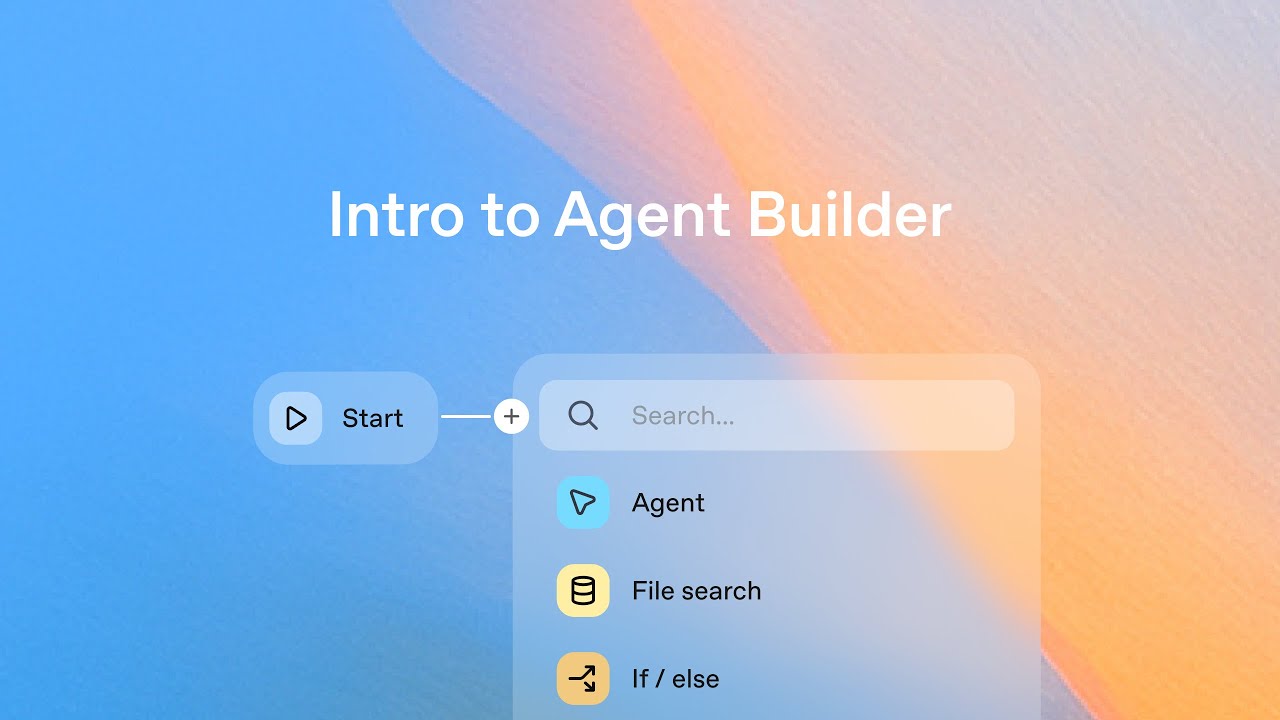
Thanks, Sam. Hi, everyone. I'm Christina and I work on the team building Agent Kit. Today, I want to show you how Agent Kit helps developers create agents faster than ever before. So, you may have already seen our Devday website. It's the site here that all of you have access to and has everything about today's schedule. But right now, it's just a static page. What if it could actually help you navigate the day and point you to the sessions that are most relevant to you? We're OpenAI. We need to have AI in our Devday website. So, that's what we're going to build together. An agent powered by Agent Kit deployed right here inside this site. And to make this interesting, I'm going to give myself eight minutes to build and ship an agent right here in front of you. You just heard how hard it is to build an agent. So, this is going to be a bit of a challenge and I'm going to start the clock now to keep me honest. Okay, we have a clock going. So, I'm starting in the workflow builder in the OpenAI platform. And instead of starting with code, we can actually wire nodes up visually. Agent Builder helps you model really complex workflows in an easy and visual way using the common patterns um that we've learned from building agents ourselves. So here on the left, we've already extracted the common building blocks. For example, tools like file search and MCP, guard rails, human in the loop, and other logical nodes. Today, I'm planning on building a workflow that uses two specialized agents. The first will be a sessions agent, which will return information about the schedule, and the second will be a more generic dev information agent. So, I'm starting off with a categorizing agent to just help route um and categorize the type of message coming in, whether it's asking about a specific session or something more generic. And then I've added in an if else node to route behavior based on that classifier. Next, I'll create the session agent. Here, I'll drag and drop um an agent node. I'll call this session agent. I'll give it the context um about kind of grabbing information about a session. And then I can add in various tools here. Today I already have um a doc with all the information about sessions. So I'll simply drop that in. Let's call this sessions and attach it. So this agent now has all the information needed to answer my questions. Um but showing the schedule should also be fun and visually interesting, not just plain text. So I'll also create a widget for them. I'll head over to our widget builder. Um here I could create a widget from scratch. I can browse the gallery to learn about other widgets and reuse them. But for today, I've actually already designed a widget for this use case. In this case, it's an onboarding session widget for Fro, one of our Devday friends that you'll see around the venue who's holding a 101 onboarding session um in Golden Gate Park. So, we can simply download this and then head back over to our uh to our agent and just attach it in as I don't think I clicked download. So, let me go back and actually click the button download. There we go. Great. So, head over and attach it as an output format for the sessions agent that we just created. Drop that in. We can preview it to make sure we added in the right widget and everything looks ready to go. So this session agent is now done. Um next I'll create the general dev day agent. So once again I'll drag in an agent node. Let's call this the dev day agent. We'll once again give it some context about what it's doing. Um and then we'll also make it speak in the style of froge just to make it really on brand with the day. Um we'll add in a file once again. So, we have a file with all of the information about the day. Call this dev day. Attach it. This agent is ready to go as well. And we'll attach that here. Now, it looks like I have a couple more minutes. So, let's add in some additional security with one of the pre-built guardrails. So, one of the most important things when building agents is being able to trust them. And guardrails help you have that confidence, protecting against hallucinations, adding moderation, blocking PII. In this case, we already have um a couple pre-built guard rails. I'll turn one on for a PII and then I'll just include name as well so I can easily verify its behavior. I'll attach this in to the beginning of the workflow to make sure Froge is really protected against PII. And then I'll add in an additional agent to handle cases when um this information is passed in. So again, I'll make it speak in the style of froze to stay consistent. And I'll remind it that um it cannot help with questions that contain sensitive information and remove kind of the context. Um great. So I think this workflow is ready to go. I can also

Segment 2 (05:00 - 09:00)

configure um the output to determine what shows up to the end user. In this case, I can also turn off um file search sources if that is kind of more internal. Um and I think that's it. Let's test it out. I can preview this directly from um our agent builder. So here I can ask what session to attend to learn about building agents. And I can see this message moving its way through that workflow we just created. Checking guardrail, categorizing intent, pulling information from the file of sessions that I just added in. Um, finding the right session using the widget that I added. Um, and determining, you know, orchestrating agents at scale at 11:15 with James and Rohan is like the best session for me to go to learn more about this. Um, and then I see a couple ribbits because this is actually Fro talking to me and ribbiting at me. So, okay, I think this agent looks good. need to watch the time. Um, so we just built a few specialized agents using tools. We added in guardrails. We customized them using some widgets and then we also tested out the workflow in preview. The one thing we haven't yet done is a full set of eval. And we can also do that directly from the agent builder um to make sure that everything behaves exactly as expected before going live. Um, but right now I've got a giant clock chasing me and dev day is waiting. So let's publish this. Um, hit publish here. Let's call this ask froge. Hit publish. Um, and I now have a fully deployed published agent in production with a workflow ID that I can use to run directly. On the right, we also have code export in case I want to run this in my own environment, in my own servers. But you can see this is quite a bit of code to write. And so I'm just going to stick with using the workfl ID that we just created and then head over to my site. So here in my dubday site, I'm first going to create a chatkit session using um the workflow that we just created. I'll simply drop in that workflow um ID. I'll add in the chatkit react component using that client secret that we just created in our own server. And then adding in visual customization as well to again make this really froge themed. In this case, it's going to be called ask froge. It's going to continue to rivet in the placeholder. Um, and it'll have some froze specific colors and starter prompts. I'll add this froze chat um in a bottom sheet so it'll come up from the bottom of the page. And then finally, I'll add in a link to ask froge at the top of the site um so that it's really front and center on our website. So, let's go back to our site. There it is. Ask froge top of the site. Let's try it out. So, what session to attend to learn about building agents? And again, this is running through that exact same workflow we just created, checking for guard rails, categorizing the message, pulling from tools from file search, using the widget that we designed, and then again deciding orchestrating agents at scale is the right um session for me to go to and continuing to rivet in the style of froge. So, okay, great. We've done it. The agent is ready. We can stop the clock. The agent is ready with uh 49 seconds to spare. Um and I can keep iterating on this agent directly in the um in the visual builder and also deploy these changes directly to my site without making any code changes at all. This includes adding new tools, um, adding new widgets for other use cases, adding new guardrails, and I can even wire it up to client side tools to take actions directly in my website. Um, so in just a few minutes, we've designed an agent workflow visually. We added in some tools and widgets. We previewed it, we deployed it, we tested it, and now you all can use it. This is actually live now in your Devday site. um you can tap your badge and you should be able to see it and use it and um find the sessions that are best for you. So, we're looking forward to using it and meeting Fro and also seeing all of the new experiences that you'll now be able to build using agent. Thanks and back to Sam.

Другие видео автора — OpenAI

Ctrl+V

Экстракт Знаний в Telegram

Экстракты и дистилляты из лучших YouTube-каналов — сразу после публикации.

Подписаться

Дайджест Экстрактов

Лучшие методички за неделю — каждый понедельник