Checkout Free Community: - https://www.skool.com/theaigridcommunity
🐤 Follow Me on Twitter https://twitter.com/TheAiGrid
🌐 Intersted In AI Business: https://www.youtube.com/@TheAIGRIDAcademy
Links From Todays Video:
https://higgsfield.ai/
Welcome to my channel where i bring you the latest breakthroughs in AI. From deep learning to robotics, i cover it all. My videos offer valuable insights and perspectives that will expand your knowledge and understanding of this rapidly evolving field. Be sure to subscribe and stay updated on my latest videos.
Was there anything i missed?
(For Business Enquiries) contact@theaigrid.com
Music Used
LEMMiNO - Cipher
https://www.youtube.com/watch?v=b0q5PR1xpA0
CC BY-SA 4.0
LEMMiNO - Encounters
https://www.youtube.com/watch?v=xdwWCl_5x2s
#LLM #Largelanguagemodel #chatgpt
#AI
#ArtificialIntelligence
#MachineLearning
#DeepLearning
#NeuralNetworks
#Robotics
#DataScience
Оглавление (2 сегментов)
Segment 1 (00:00 - 05:00)
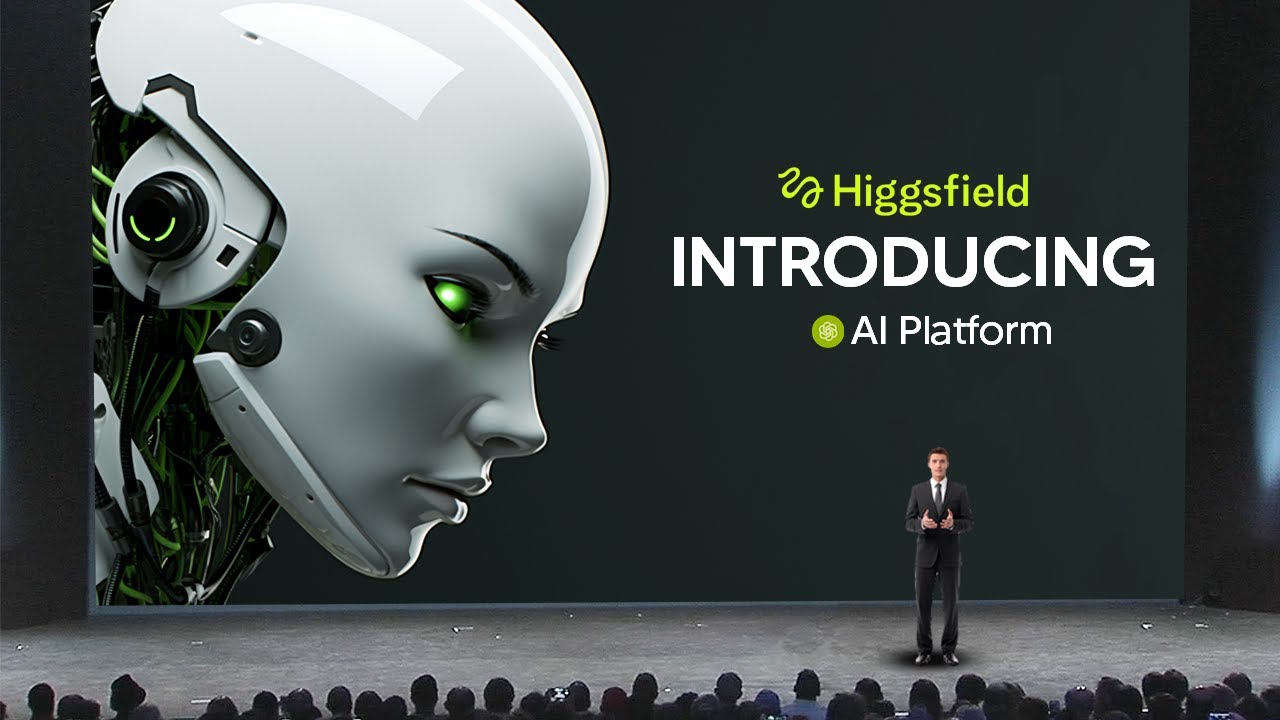
So video creation has completely changed with this platform called Higfield. It is by far the most userfriendly and simplest platform to use if you're getting into AI images and AI video. So let's talk about it. So Higfield is essentially the creative suite for AI. If you've ever wanted to use images or video and you're completely confused by the traditional AI tools, Higsfield is where you go to essentially become a creative. Now, for me, this has been a super valuable tool when it comes to creating images and videos and simply anything that is media related. Now, I work with a ton of media all the time. So, this is a completely invaluable tool. And of course, thanks to them for sponsoring this video. So, one of the first features you're going to know is that if you go to image, you'll see that there are tons and tons of different image areas. And this is super useful because often times you're trying to, you know, figure out which tool is best for this, that. But Higfield has it all right here. Now, for example, let me show you guys a typical workflow that I use when I'm making some B-roll footage for the videos that we usually have on the channel. So, for example, you can see I've got literally access to every single, you know, up-to-ate image model. And of course, the one that I use is Nano Banana Pro. Now, you can see here I've got a few generations which are pretty hilarious in some aspects, but a lot of these images that I use are in presentations, in templates, and just general discussions of AI and media. Now, it's super useful to have Nano Banana Pro here because it means that I'm able to get perfect text rendering along with a bunch of different things that I wouldn't get in the standard Google interface. For example, if we come down here, I've got tons and tons of different aspect ratios. The reason I actually like using Higsfield as compared to Google Gemini is because I can instantly set my specific aspect ratio. This means that rather than telling Google Gemini, hey, I want this to be an aspect ratio 16 to9 or for Google Gemini to wrongly assume and then make it in the wrong aspect ratio, I can simply preset it right here. And you can see that all of these different boxes are going to show you the exact aspect ratio that you do need. In addition, I can also set the quality. It's got unlimited for the ultra highest details, or I can have 1K, which is even quicker. This is super useful when you want to generate a quick image. you still want it to be good quality, but if you want to generate something, you know, super high resolution, you can of course put that there as well. And what's really cool about this is that you do have unlimited Nana Banana Pro, even on the lowest tiers, which makes this super cost effective because often with Google accounts, you definitely get rate limited. So, currently I'm making a video on the new OpenAI product, which is going to be some kind of device, and I'm going to show you guys a quick workflow that I would use with Nano Banana Pro. So, let me show you guys exactly what it is. So right here you can see I'm across this article where OpenAI and Joni Iive are seeking to build a replacement for Apple AirPods. Now one of the things I wanted to do and often do is get a quick product render so that I'm able to use this as background image for on Twitter either on Instagram or in video so that you guys can actually have something visually appealing to look at. So all I've done is I've taken some text from that tweet and then I'm basically said to Nana Banana Pro here design some mockup renders. Since I've got unlimited I'm able to get unlimited variations. And of course, I can always go aspect ratio 16 to9. And this is going to be super useful because I'm able to generate these images as quickly as possible. And if I want to generate a batch style of images, you can see I can generate up to four images at once. And so this is going to save me a ton of time because in Google Gemini, you're only really allowed to generate one image. And if you try to generate more in another chat, it simply just doesn't work. And now, if I do want even more detail, I can actually include the leaked image, which was here. And then of course I can click generate and it's going to generate an additional four more images that are based off of the leaked image. So it might even be a bit better. And so there you go. You can see what a more accurate rendering of the device is actually going to look like. Now that only took a few seconds genuinely, which is a real timesaver, especially when AI news is coming out rapidly and rapidly. And so being able to iterate with eight images this quickly is genuinely a timesaver. Now you can see right here that the quality of these looks super good. Of course, this will be in an upcoming video talking about or it might even be a video that's already on the channel where I'm talking about OpenAI's new audio devices. You can see that these renders are absolutely incredible. Now, of course, I can simply download this. But what's super useful about this program is that of course I can then just quickly animate this. So, I'd probably actually want to use this. So, from here, I can simply click animate. You can see this is going to bring me on over to the video creation area where you can see I can select tons and tons of different models and then I can simply describe my prompt. So, for this prompt, I'm going to put a cinematic slow pan because I know exactly what that is. And that's basically a small pan from left to right. That's just super cinematic that you would see in these kind of trailers. So, here you can see I literally get access to all the different models and you can see exactly how much each one is going to cost. You can see even some models literally have an unlimited feature. So, for me, I can literally click unlimited mode and I can generate unlimited variations which is of course super useful. So, of course, I could then, you know, do this for a bunch of different things because I can have many different concurrent projects running. So now this is really cool because literally after 1 or 2 minutes you can see that I have five separate images that have been converted into videos and now I can simply use these, review them and download them for
Segment 2 (05:00 - 08:00)
use in any of my projects. So we can see the first one here looks really nice, looks really simple. I will definitely be able to use that and I've already actually reviewed most of these and they genuinely look super useful. Now what I find, you know, so useful about Higsfield is that you have, you know, unlimited mode. So, so you don't have to worry about running out of credits and you do have smaller lightweight models that are literally faster than some of the other models. So, like I said, if you're ever strapped for time, this is going to be something that is super useful. So, for me, this is a win in terms of being able to create videos that are super amazing really, really quickly, really cost effectively. Now, another thing that I find super creative that no other video company is doing and this is super useful is these effects that you can use in any different project. Now, the reason that this is so useful is because traditionally in a video workflow, what you'd have to do is search for these effects on maybe Twitter or some online forums, figure it out yourself. But here, you can literally see what every kind of thing is going to do before you apply it. So, Higfield has this built in so that it's just ease of use. You don't need to search around the internet and find all these different prompts and weird things. It literally has it directly in the app. So, if you ever want to create something that's super creative with a very specific style, you can do so. And all of these things definitely look creative. And I wouldn't be surprised if some artists or creatives are using these in their music videos or fullyfledged productions because I'm pretty sure I've seen a few of these things around the internet. And I never suspected that they were AI in the slightest. So, here I'm going to upload a previous video that I had where I made it about AI talking about people taking their jobs. This is just a standard background clip that I use from time to time. So, I'm going to put this in and then I'm going to apply the paper effect click generate. And so, here's where we can see the AI stole our job final effect. And it definitely looks super good in that effect. Now, of course, if you had a much more impactful clip, it probably would look better. But the point is that this is an application that saves you so much time in terms of your workflow. So, for me, this is a no-brainer to use on a day-to-day basis. Now, another area that I really want to show you guys that I wish I could cover every single feature in this video, but I honestly want to say that this just goes to show how much value you're getting when you use a platform like this. There are these things called Hicksfield apps, and this is by far one of the most useful things if you're trying to save time because we all know that we use AI for probably very specific things. And oftent times we're trying to get a image model or video model to do one specific things and it's not really optimized to do that. Never in the way that you intended it to be designed. So, the problem is that you have to, you know, fiddle around and get it to do something really specific. But with Higsfield apps, you get very specific instructions that are already preset and you get a ton of them. And I really wish I could, you know, go through every single one. But all of these are super useful. For example, if you're making ads, you've got click to add, you know, you've got packshot, create a polished closing frame of your product ad. I mean, all of these are so incredibly useful. And literally when you go into the app, you can see that all you need to do is upload your image and then it's able to generate that for you. I mean, for here, I'm actually going to put my logo in and I'm going to, you know, put this in as the ending frame for my ad. And so, that is the final thing there. And honestly, I think this looks absolutely amazing. Now, with that being said, if you guys want to check out Higsfield, don't forget to click the first comment in the description.