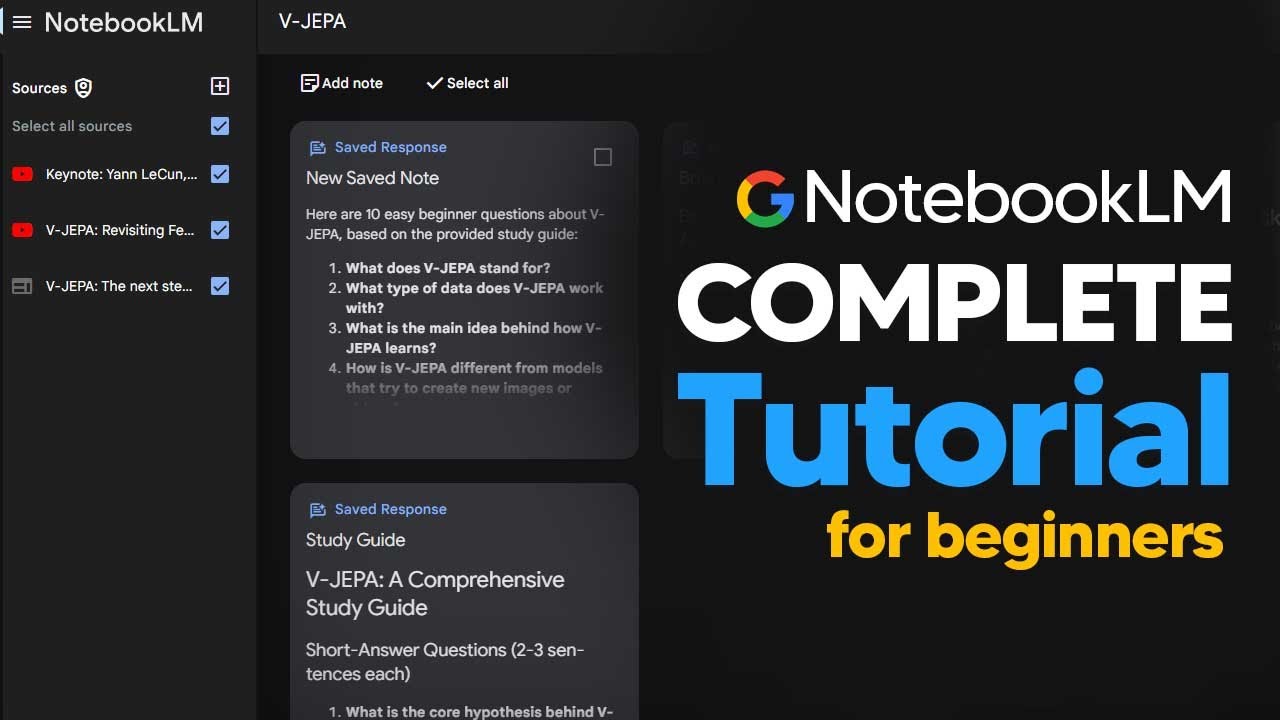
How To Use NotebookLM For Beginners In 2024 (NotebookLM Tutorial)
11:10

How To Use NotebookLM For Beginners In 2024 (NotebookLM Tutorial)

TheAIGRID 20.10.2024 138 485 просмотров 2 900 лайков

Machine-readable: Markdown · JSON API · Site index

Поделиться Telegram VK Бот
Транскрипт Скачать .md
Анализ с AI
Описание видео
How To Use NotebookLM For Beginners In 2024 (NotebookLM Tutorial) 00:00:00 Introduction to NotebookLM 00:00:14 Accessing NotebookLM (Google account required) 00:00:33 Creating a new notebook 00:00:54 Uploading data sources (Google Drive, websites, YouTube, text) 00:01:10 Example: Researching the V-Jetpack AI architecture 00:01:27 Adding multiple sources (YouTube videos, blog posts) 00:02:49 Generating a briefing document 00:03:08 Benefits of using multiple sources 00:03:27 Accessing quotes from source material 00:03:49 Using suggested questions 00:04:04 Viewing source material for specific answers 00:04:25 Focusing on a single source 00:04:47 Asking questions based on a specific video 00:05:43 Generating a podcast 00:06:00 Customizing the podcast content 00:06:21 Generating an audio overview 00:06:39 Creating FAQs, study guides, and tables of contents 00:06:55 Renaming notes for better organization 00:07:12 Renaming the project 00:07:33 Accessing the project from the homepage 00:07:48 Interacting with notes (e.g., generating related ideas) 00:08:07 Enhancing notes with related facts and ideas 00:08:42 Adding beginner questions to the study guide 00:09:01 Saving and iterating on notes 00:09:26 Accessing the generated podcast 00:09:44 Example podcast segment 00:10:41 Benefits of the podcast format 00:10:58 Conclusion and call to action Prepare for AGI with me - https://www.skool.com/postagiprepardness 🐤 Follow Me on Twitter https://twitter.com/TheAiGrid 🌐 Checkout My website - https://theaigrid.com/ Links From Todays Video: Welcome to my channel where i bring you the latest breakthroughs in AI. From deep learning to robotics, i cover it all. My videos offer valuable insights and perspectives that will expand your knowledge and understanding of this rapidly evolving field. Be sure to subscribe and stay updated on my latest videos. Was there anything i missed? (For Business Enquiries) contact@theaigrid.com #LLM #Largelanguagemodel #chatgpt #AI #ArtificialIntelligence #MachineLearning #DeepLearning #NeuralNetworks #Robotics #DataScience

Оглавление (28 сегментов)

Introduction to NotebookLM

so in this online tutorial I'm going to show you all how to use notebook LM as a beginner so that you can get the most out of this amazing AI tool so you just want to head on over to the link in the description and you can see that you'll come across to this link where it says try notebook LM you do need to have a

Accessing NotebookLM (Google account required)

Google account to access this software so just make sure you either logged in or you've created one and are logged in order to access notebook ATM and no you don't need a Google pro subscription to access this model so now you can see here it gives us this home screen we can see that we have this area that says new notebook and of course we've got the

Creating a new notebook

example notebooks just click new notebook because this is going to be a lot easier and now we get into the area where we can actually start to use this so essentially notebook LM is an AI system that allows you to have multiple sources of data and then combines those pieces of data into interactive pieces of media that are easy to digest I'm

Uploading data sources (Google Drive, websites, YouTube, text)

going to demonstrate this with a few examples and I'll show you why this is just working wonders so you can see right here that if we want to upload data and any sources we can see that we firstly have Google Drive so for those of you that have a Google account this is going to be really easy for you to upload your details for those of you that have

Example: Researching the V-Jetpack AI architecture

websites you can see that there is a link to click here and of course any YouTube video that you do want you can also put that link in there and if you have any pasted text in you can also add that now you're currently limited to 50 sources although I don't think most of you are going to use 50 sources immediately so I'm going to actually use

Adding multiple sources (YouTube videos, blog posts)

this to show you guys a recent example that I was working on and something that I wanted to truly understand so what I'm now going to do is I'm going to get every single link I can in order to give it the data it needs so I was working on a video where I was trying to understand a new AI architecture called V jeer so what I'm going to do now is get the links from there so you can see right here I've typed in V jeer and what I can do really easily is I can just click this button right here I can click the share icon and then I can click copy this link and then now I go down to the YouTube area and then I click paste YouTube URL and I click insert and now you can see it immediately gives me a quick summary of exactly what's going on the very best thing about this is that I can ask this questions and this is interactive but I'm not done yet I want more sources because I want to have every piece of available information so that I can truly understand what this architecture does so if I want to add more sources all I need to do is Click plus then I'll just go to YouTube again I'll paste a different link and I'll just insert that source and now you can see this entire thing is B based around two sources so I also want to actually use the blog post so I'm going to click add website and you can see here this is the article that actually talks about the a architecture so what I'm going to do is I'm just going to paste that website URL in and I'm just going to click insert here so now that I've got three decent pieces of information here there's many different things that I

Generating a briefing document

could do if I want to quickly realize exactly what's going on you can see that I just clicked brief generate briefing Doc and basically what that does is it just briefs me on everything that's going on so you can see right here that it just gives me the main themes the key ideas and the facts the problems the solutions and this is something that Aggregates all of the data from all of the videos this is something that is

Benefits of using multiple sources

really good because it allows you to not just have one piece of information it allows you to get smaller pieces of Niche information that you find on the internet that allows you a more comprehensive view this is really good for those of you that want to make content quickly and make content that is personalized to you that is actually great one of the big problems with AI is

Accessing quotes from source material

that when you ask chat certain things it doesn't really know what it's talking about in Niche examples so you can see right here that this is a really comprehensive overview that we do get and interestingly you can see on the brief document it gives us these quotes which are actually in the video which is really nice because if we're doing research or stuff like that we can use these in our content or realize exactly what was said so now if you

Using suggested questions

click this notebook guide of course it gives you some really easy questions that you can ask you can see you've got suggested questions and basically it's going to give you suggested questions that it thinks you would like to enjoy so you can click any of these and of course I can click this right here and

Viewing source material for specific answers

it's going to just immediately ask that question and it's based off all three of these sources the best thing about this is that when you're interacting with all of these sources what it allows you to do is look at the direct source from where it is so for example if we look at any of these things that we think are interesting and we highlight over them we can see exactly where that information has come

Focusing on a single source

from so for example for Point number seven we can see exactly where this has come from if we click this point you can see that this is based on this right here which is of course the blog post so you can see it highlights this entire section where it grabs the data from this is remarkably useful because you want to always know what kind of data the AI is pulling on in order to make its arguments and of course you can

Asking questions based on a specific video

scroll around and see other areas if they interest you too so now what's also interesting right here is that if you decide that okay I have too many sources on the left hand side why need to do is I need to just only work on One Source or one video I can uncheck these two and then I can simply ask it a question so for example I could say what's the main problem with llms and then you'll see that it is only going to answer this question based on this specific video you can see here that it actually talks about all of the stuff that is specifically in this video so for example if I click two here you can see exactly where it's taking that data from if you want to scroll down to certain bits for example if I click five you can see it brings me to the exact point where that text is now of course with videos they aren't as good as PDFs because there is a bit of non-structure to the documents but it's still a really good way for you to immediately get information from a video of course one

Generating a podcast

of the main features of this AI software is the fact that it can generate really interesting podcasts one of the things that you can do is generate a podcast based on the information that you've collected so let's say I wanted to generate a podcast based on all of this data on this new stunning AI architecture what I could do is I'd do

Customizing the podcast content

this audio overview so what I want to do here is I could either immediately click generate and it's going to talk about all of the content in its own way or I could click customize so when I can click customize I can basically say try to focus on why this architecture is a really good way of tackling AGI and why this is perfect in layman's terms for beginners so now I've clicked generate

Generating an audio overview

and you can see this is going to take a few minutes to generate no need to stick around so the audio is somewhere between 5 and 6 minutes long and it's going to be a podcast Between Two Hosts discussing the information that you've added now of course you can create certain things here like for example you can create an FAQ you can also create

Creating FAQs, study guides, and tables of contents

for example a study guide and you can also create a table of contents these are going to be things that help you to understand the exact data of what's going on so you can see here I've got all of these notes saved and this is where I have all of this information that's going to be really useful now

Renaming notes for better organization

another thing that you can do and I think this is really useful is I would go to my notes click them and then I would just rename them they all say new note at the beginning so for example this one is a timeline so I'm just going to put timeline here and then I'll just put this back and you can see it brings it to the front because you've renamed

Renaming the project

it so just click it and then of course I'm just going to do FAQs I really wish it did it itself but this is just where you can rename them yourself and I'm just going to put briefing doc here and you can see now all of these are immediately available in a way that's easy to understand of course as well what you want to make sure you do is you actually rename your entire project so that you don't get confused on the main page so I'm going to title this V jeer

Accessing the project from the homepage

and you can see right here that now my project is easily idential and now you can see that after I've renamed this my project is easily identifiable if I click the homepage you can see that I can see that V jeer is right here three sources I click in and now everything's

Interacting with notes (e.g., generating related ideas)

right there where I like it now another thing that you can do is after you've created these notes you can go even further so let's say for example we look at the frequently asked questions we can say let's do a right click here and of course we can talk with this specific output so for example I could say hey this V JEA thing is actually really cool

Enhancing notes with related facts and ideas

but what about some related ideas let's click this and then of course we can say suggest related ideas so here you can see it gives us some areas where we can go even deeper on the information we've already explored this is good for filling in the gaps where you might not be so sure on exactly what you're learning about it says here are some related facts and ideas from your sources that can enhance certain sections so for example you could see here on the original note how does v jeer relate to Advanced machine intelligence it was a bit small but in the chat that we just had you can see that it managed to give us a broader discussion on how this actually works

Adding beginner questions to the study guide

and most of this is based on our data which is really good because even if some of the notes that we get here aren't really good we can take them and then we can expand on them for example we can see that there's this study guide here but we could say with this study guide let's click this and let's say add 10 easy beginner questions so this way

Saving and iterating on notes

what you can do is even after you get your note done you can iterate on those notes and then get even better content so now with this basic supernote I can save this to note and now I've got another piece of information there that I can then once again interact with so now as this tutorial has gone on all I need to do now is just click this button right here this notebook guide and then I can easily access this podcast

Accessing the generated podcast

surprisingly this one has gone on to 15 minutes long but I'm going to show you guys what it sounds like imagine like a robot right but it doesn't just you know clean up a juice spill it actually gets why it's a bad idea to just tip over a sippy cup in the first place that's kind of the Common Sense AI we're diving into today with vgp yeah that's a great way

Example podcast segment

to put it so vgp stands for video joint embedding predictive architecture CCH you but it's all about you know teaching AI to learn more like we do so that's by observing the world around us making predictions about what's going to happen next and then you know learning from maybe getting it right maybe getting it wrong okay I'm into it so we've got like a whole stack of research papers here about vgp and one name that keeps popping up is uh Yan laon who is this guy what's the deal so Yan laon he's a pretty big deal in the AI world like he won the touring award that's like you know the Nobel Prize for computer science okay so top of the top and uh he's actually the chief AI scientist over at meta right now and he's been developing this idea of joint embedding predictive architectures or Goos for short basically as like a path towards this more humanlike AI so you can see right there that this generates something that is really comprehensive and I think the

Benefits of the podcast format

biggest use case of this is that you're going to get something that you can listen to while you do your dishes laundry while on the way to work it's just something that makes learning really interactive and really a lot more fun so if this is a video that really helped you let me know if you

Conclusion and call to action

want me to make a longer video on separate use cases for this because this technology is absolutely incredible with that being said I hope this tutorial helped you out and if you have any questions don't forget to leave them in the comment section below

Другие видео автора — TheAIGRID

Ctrl+V

Экстракт Знаний в Telegram

Экстракты и дистилляты из лучших YouTube-каналов — сразу после публикации.

Подписаться

Дайджест Экстрактов

Лучшие методички за неделю — каждый понедельник




