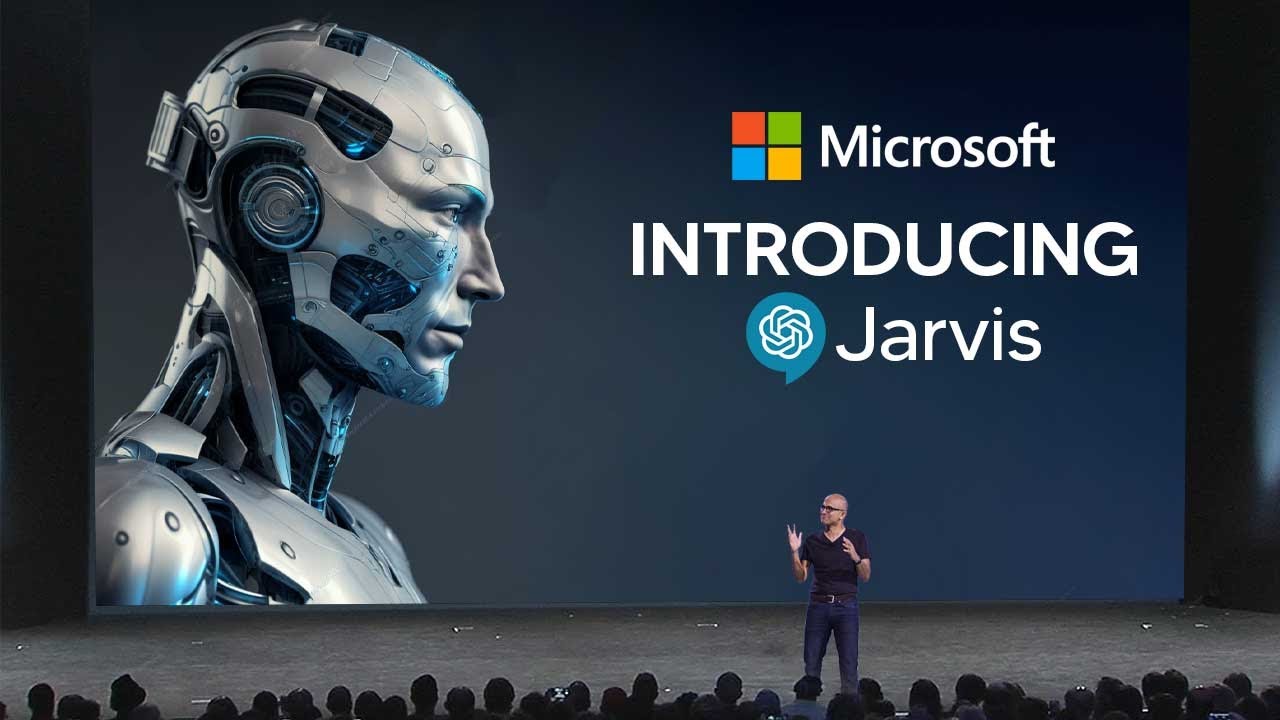
MICROSOFTS New AGI JARVIS  SHOCKS The Entire Industry! (FINALLY ANNOUNCED!)
10:05

MICROSOFTS New AGI JARVIS SHOCKS The Entire Industry! (FINALLY ANNOUNCED!)

TheAIGRID 14.04.2023 139 822 просмотров 1 888 лайков

Machine-readable: Markdown · JSON API · Site index

Поделиться Telegram VK Бот
Транскрипт Скачать .md
Анализ с AI
Описание видео
MICROSOFTS New Insane JARVIS SHOCKS The Entire Industry! (AGI FINALLY ANNOUNCED!) https://github.com/microsoft/JARVIS (Research paper and documentation) https://huggingface.co/spaces/microsoft/HuggingGPT (Actual Jarvis Software) Welcome to our channel where we bring you the latest breakthroughs in AI. From deep learning to robotics, we cover it all. Our videos offer valuable insights and perspectives that will expand your knowledge and understanding of this rapidly evolving field. Be sure to subscribe and stay updated on our latest videos. Was there anything we missed? (For Business Enquiries) contact@theaigrid.com #LLM #Largelanguagemodel #chatgpt #AI #ArtificialIntelligence #MachineLearning #DeepLearning #NeuralNetworks #Robotics #DataScience #IntelligentSystems #Automation #TechInnovation

Оглавление (3 сегментов)

Segment 1 (00:00 - 05:00)

so Microsoft has just recently released a new research paper in which they document their new AI it's called Jarvis so essentially what Jarvis is it's a system that connects these AI softwares that we all know and love to achieve more than one goal you can see right here that this is the community paper that they wrote and there's a lot more details that I'm not going to get into but you can see here that it says we introduce a collaborative system that consists of large language models as a controller and numerous expert models as the collaborative executors now I know that might be confusing but the basic version is that all they're doing is using chat EBT to control many different AI models that are on the hugging face website and if you don't know what the hugging face website is essentially it's a large collection of large language models and many different AI softwares that many people do use and it's all open source so how does this actually work in theory and why is it so game changing so you can see right here that it is broken down into four stages number one we have task planning this is where you use chat TPT to analyze the question that the user input to understand and exactly what they're asking then you have model selection so of course like I said hugging face is a website that has many different AI softwares that can do many different things essentially this is where chat gbt must then make sure that it selects the right software for the right user input then of course we have task execution this involves the execution of the task and then of course returning those results to chat gbt then of course we have finally response generation this is where chat GPT is used to integrate all the prediction of all the models and just give the user the final response definitely something very interesting now you might be wondering what else is there about this that makes it so crazy well we're about to get into some key examples that you need to see if you're wondering what this is like it's actually quite like gpt4 but I would argue that it's better in the sense that it does provide you with many different tasks that it can do we all know the gpt4 is capable of some crazy stuff including the image analysis which hasn't actually been released yet but when it does I'm pretty sure so it's going to blow everyone's socks off and another thing that is really interesting about Jarvis is that it can actually access different large language models for audio images and it can even access the internet which is going to bring more up-to-date responses foreign to take a look at some of the examples so right here you can see that we have the first question it says please generate an image where a girl is reading a book and her pose is the same as the boy in the image now of course the image is a JPEG and then it also says interestingly enough then please describe a new image with your voice so the reason this example is so interesting and so important is because there are many different things that the user has actually requested and it means that many different large language models are needed to be used in order to get the end result now you can also see in stage one where it says task planning that there are six different tasks that it identifies which just goes to show chat dpt's analysis of tasks and of course then on stage two you can see that it then chooses the different models for each one you can see that it chooses one for pose control it uses one for object detection and it of course choosing one for the image class then of course we have task execution where it decides to execute on every single task that it needs to do and then of course it has response generation where it combines everything and gives the user a final response here we can actually see exactly what that response is you can see that image one is the image that was given by the user to a chat gbt or Jarvis as you would Now call it and you can see right here it's then managed to translate that into image 4 and of course the audio that we do get you can also see it says the image you gave me is of a boy and of course you can see every single model that they decided to use not sure why yellow text it is definitely hard to see but essentially they're showing you exactly Which models that they used and why they use these different models now later on in the video I will be actually showing you how you can all use and access Jarvis right away but before that I want to show you one more very interesting example the reason this example is so interesting is because it doesn't just include one question it includes a single question but many different inputs you can see here that there are around three to four images that include a singular question which means that this is a pretty difficult question for Jarvis so you can see right here that the user actually asks how many zebras are in these pictures and of course we know that there are four there are three in the bottom picture and of course one in the last picture now of course you can see right here by the response from Jarvis you can see that it actually managed to get this question right it says therefore there are four zebras in these pictures is there anything I can help you with what's really cool it actually submits these images back with the zebras actually outlined in complete detail so now we're getting to the moment that you might want to wait for how you can actually use Jarvis for yourself so let's head over to the desktop to show you exactly how that's achieved so when you click the link in the description you'll be

Segment 2 (05:00 - 10:00)

able to see hugging GPT and you can see a right here that there are two boxes and there are two keys that you need to submit before you can actually use this the first one that is right here is going to be your openai key and the second one that is right here is your hugging face token I'm going to show you how to get both of these because last time many people were confused now another quick tidbit if you do believe that this link is perhaps not legitimate you can see that right here this is Microsoft's official page on the verified hugging face Tab and you can also see that you can literally just click right here and you can see visual chat GPT which I talked about in my previous video and you can also see hugging GPT right here which is also Jarvis and you all come to the same link so everything is honestly completely fine so for the first key in order to get this first key all you need to do is you need to go to open ai's website first so essentially when you want to get your first API Keys you're going to want to navigate to platform. openai. com and essentially what you want to do is you want to click this button right here in the top right that says personal when you click the top right button over here it's going to show you a bit of personal information that's why I haven't clicked it but once you click it you just drop it down and then it says API Keys then essentially what you need to do is you need to just generate a new key so you can see right here just click create new secret key and once you create that secret key you then paste it into this key right here now I've got to name this hugging GPT or Jarvis because that's exactly what it's going to be used for and just remember to note this down because you can never see this key again so always paste it in a notepad or a Word document or just paste it somewhere on your phone now the next thing that you need to do in order to get your second key is you need to go to the login page and then of course you need to click create an account so just sign up for hugging face like this and essentially you'll be presented with a new page so this is free to create account you don't really need to verify anything just make a free account on the hugging face website then like before essentially what you'll be prompted with is a normal website and all you want to do is go to your settings and that's when you'll see access tokens on the left hand side you just want to click your access tokens then you want to generate an access token now once you have both of your keys you should be ready to go so essentially I'm just going to click submit on both of these and it should be fine so I'm just going to wait for these to go and then I should be able to access hugging GPT now this one says it's going to take 20 seconds and this one said it's going to take 15 seconds so I'm just going to wait for that leap so you can see I've asked Microsoft's Jarvis a very simple question I've just asked them to figure out how many cars are in this image and I'm going to see right here live if this can actually work now I do want to state that sometimes the projects and softwares and large language models that are hosted on hugging face don't always work and sometimes they are buggy like so if this does actually mess up don't be surprised but you can see right here that we actually did get a very accurate response it says there are 11 cars in this image and it looks really interesting so you can see right here we have car one car two car three four five six seven eight nine ten eleven and it managed to get it pretty perfectly so that just goes to show how crazy this software is now this was a live demo so you know that this isn't just something that is screen shot and it definitely means that we are definitely moving towards a increasingly more coherent more sophisticated and more well-networked AI that can literally work with any crazy AI that is out there so honestly guys it does feel like we are building AGI here because this is going to be something that increasingly gets stronger the more large language models that are added to hugging face I mean think about it like this if a large language model that is added to hugging face that enables chat gbt or Jarvis to be able to do something even better Jarvis can simply add that to its pool of resources and incorporate that skill set to it which is going to make it even more capable of anything else so this is truly some groundbreaking stuff now if you remember the gpt4 reveal you remember that they presented this image on the left along with this response on the right so the user inputs what would happen if the strings were cut and gpt4 responds with the balloons would fly away so all you need to do if you want to replicate this I just simply clicked copy image address I then decided to put this into Jarvis but it didn't exactly SEMA to get this entire Crest correct you can see right here I said what would happen if the strings were caught in this image that when you click this image you can see that this is the same one before used and the response that it gave me was very confusing it said I can tell you the result of cutting the strings in this image is the sentence the kite is Dancing In The Wind for Sight to behold so um it's definitely very confusing because I think it actually thought that these balloons were kites so I guess perhaps maybe Jarvis isn't up to the scratch that gbt4 is but then again the experiments are something that you should definitely conduct because it's very interesting and you can all see here how it breaks it down so when I've actually given them the image which you can see right there that's the image link you can see that it then describes the image right here as a large colorful kite flying in the sky so that's how it systematically breaks down each part of the user's request and then moves on to the next step let me know what you think of this new software and if you're going to be using it or you're just simply

Segment 3 (10:00 - 10:00)

going to be waiting for GPT 4 to be released or you're excited about the AI

Другие видео автора — TheAIGRID

Ctrl+V

Экстракт Знаний в Telegram

Экстракты и дистилляты из лучших YouTube-каналов — сразу после публикации.

Подписаться

Дайджест Экстрактов

Лучшие методички за неделю — каждый понедельник




