I was using sub-agents wrong... Here is my way after 20+ hrs test
16:01

I was using sub-agents wrong... Here is my way after 20+ hrs test

AI Jason 14.08.2025 116 884 просмотров 3 186 лайков

Machine-readable: Markdown · JSON API · Site index

Поделиться Telegram VK Бот
Транскрипт Скачать .md
Анализ с AI
Описание видео
Free guide on how to price & launch your AI products (w/ 7-figure ARR): https://clickhubspot.com/b19215 🔗 Links - Get all Claude code template that I tested & useful: http://aibuilderclub.com?utm_source=youtube&utm_medium=youtube&utm_campaign=claudecodesubagents - Follow me on twitter: https://twitter.com/jasonzhou1993 ⏱️ Timestamps 0:00 How sub agent works 4:06 Right way to design sub agents 7:53 How I built shadcn UI agent & Vercel AI agent 12:35 Demo 👋🏻 About Me My name is Jason Zhou, a product designer who shares interesting AI experiments & products. Email me if you need help building AI apps! ask@ai-jason.com #cursor #generativeai #gpt5 #autogen #gpt4 #playwright #ai #artificialintelligence #tutorial #stepbystep #openai #llm #chatgpt #largelanguagemodels #largelanguagemodel #bestaiagent #chatgpt #agentgpt #agent #babyagi #vercelaisdk
Оглавление (4 сегментов)

How sub agent works

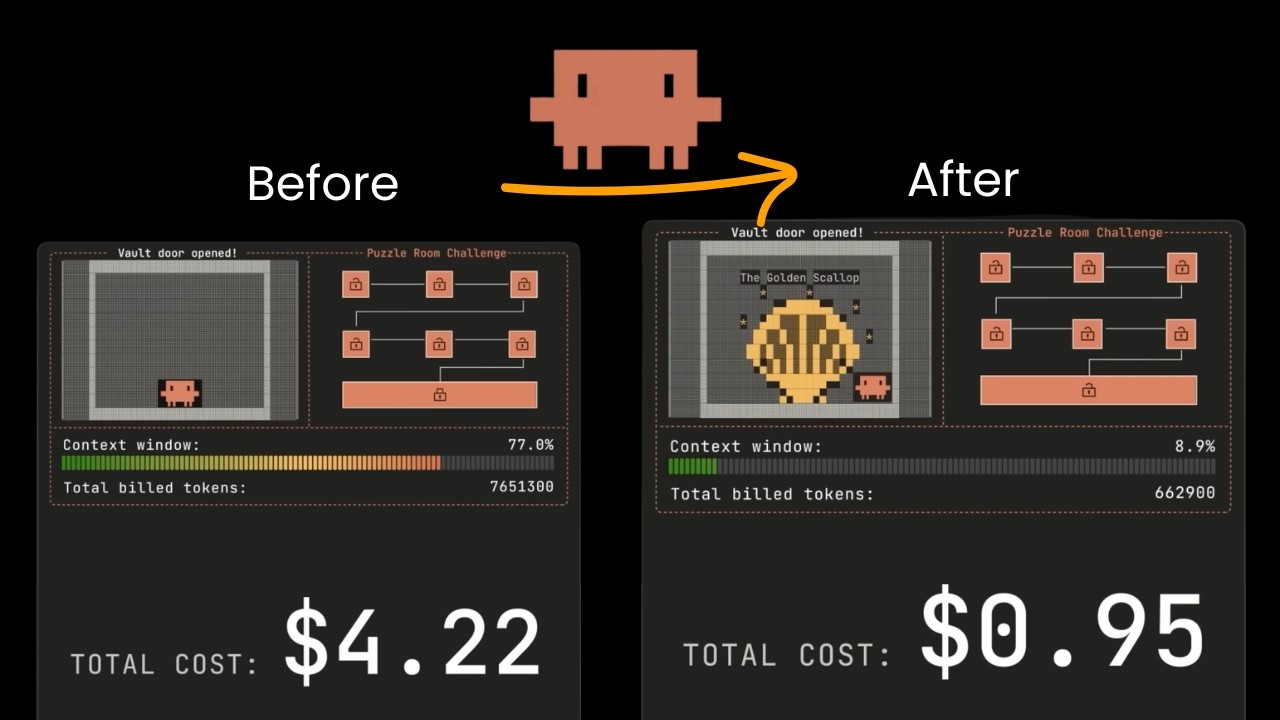
So clo introduced this sub agent feature a few weeks ago. It was super exciting concept. However, for people who tried it, they often get quite negative experience where sub agent feels slow consume much more token and most importantly it didn't feel like it's contributing to the better result. And I was among one of those people but only recently I started learning the best practice of using sub aents and that has totally changed the game and make my cloud code perform much better consistently. That's why today I want to share how do I think about and design sub aent system. So firstly we got to understand why did cloud code introduce sub agent concept initially and if you don't know how exactly cloud code agent works behind the scenes it's basically a tool called agent that has equipped with list of different tools for read file listing all the files edit files stuff like that and some of tool can consume a lot more token like read tool because you're going to include the whole content of file into the conversation history and before cloud code has the sub aent feature everything will be done by the cloud code agent itself which means before it start implementing It might already use 80% of the context window cuz those files will contain large amount of context which will likely trigger this compact conversation command that will summarize the whole conversation before it can proceed. And as we know every time when you compact conversation the performance just dropped dramatically because it start losing context about what it has done before. That's why later they introduce this task tool for the cloud code agent. It allow cloud code to assign a task to another agent and this agent will have exact same set of tools including a read file, search file. So you can trigger this agent to actually scan the whole codebase understand what are the all the relevant files to change and then based on that information to do the actual implementation and the way this saving token is because from the parent agent perspective all steps that sub agent take in the middle one won't be part of the conversation history for the parent agent it can only see that it assign task to the sub agent and then sub agent come back with a summary of the research report which can be used to guide the next best action. By doing that you fatally turn those massive token consumption from the read file search file actions to something like just a few hundred token summary but still contain the most important information to guide the next action. So the whole purpose of sub agent has been around context engineer and context optimization but where things fail is when people start trying to get a sub agent not only doing the research work but also directly doing the implementation. For example, the first thought I had was what if we can have front- end dev agent to do just a front- end implementation with special rules and workflows as well as backend dev agent who is specialized at backend implementation. Then for the parent agent, it really just orchestrate the whole conversation and delegate task to others. This sounds really good at beginning but the moment if whatever sub agent implemented is not 100% correct and you want agent to fix it. That's where the problem begin because for each agent it only has very limited information about what is going on. For the front end dev agent it only knows the action it take as well as the final message it generate in that specific task. Same for the backend dev agent. And if you prompt cloud code agent that there's a front end bug even though it assigned to the front end dev again this will just trigger a new conversation because the front end dev agent wouldn't know what happened before in the last front end session and also won't have any context about what backend dev has done before. So each task is very contained session. Meanwhile, for the parent cloud code agent, it also have very limited information because again it won't see all the actions has been taken for the sub agent which means it want to know what a specific files have been created and what did they actually put in those files. All the parent agent see that I assign task to front end dev and front end dev combassing I complete task and same thing for the back end. So if you want to get cloud code agent to fix the bug itself it will have very limited information about what is causing the issue. This probably will be resolved later in future. We will figure out a good way to share context across those different agents so that each one of them always on the same page about what has been done. But for now, the best practice would be consider each sub agent almost as a researcher and think about what kind of planning and research steps can actually dramatically improve

Right way to design sub agents

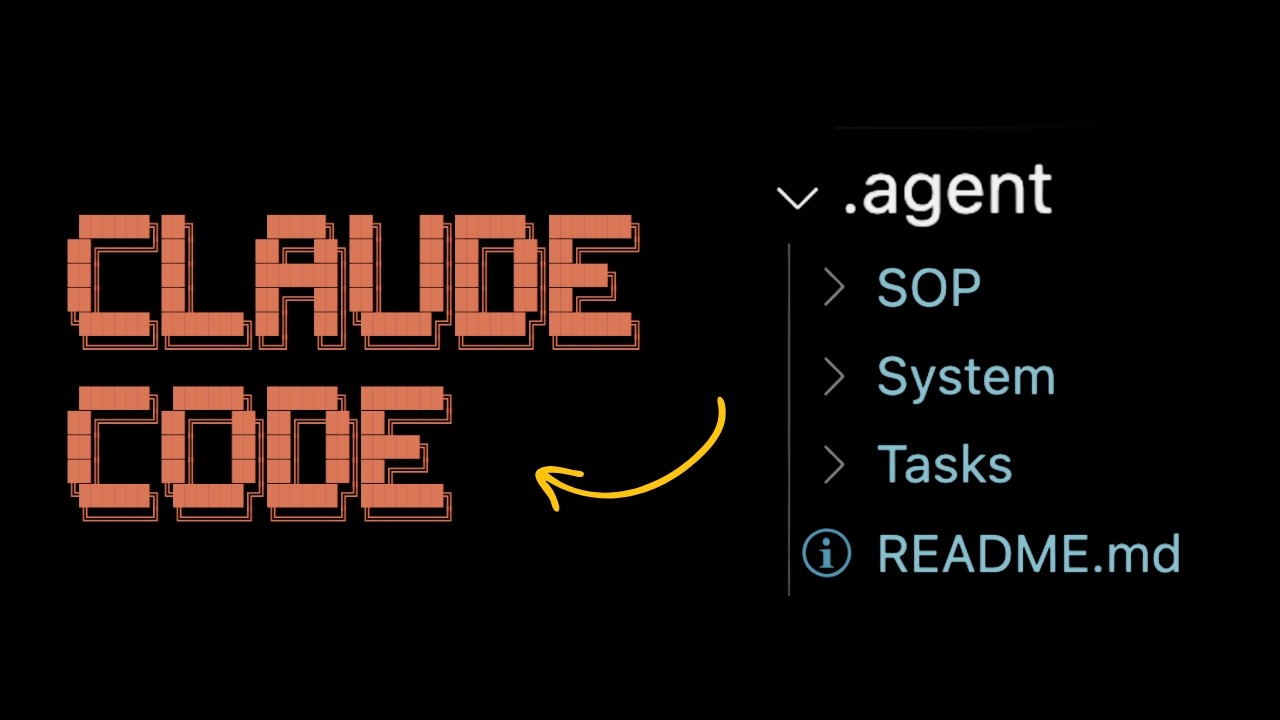
your current AI coding workflow. I also received a similar feedback from Adam Wolf who is one of the key engineer on the cloud code team where he says sub aent works best when they just looking for information and provide a small amount of summary back to main conversation thread. So with this one I got this idea. What if each service provider like Versell AI SDK, Superbase, Tailwind, they can just have one agent that is equipped with all the latest knowledge about their documentations, best practice and design and then this agent can start looking through my existing codebase and to figure out an implementation plan. And this is exactly what I tried. I start creating different expert sub aents for each service from chassen where it has access to special MCP tool that can retrieve relevant components and same design to do a really good front-end job or Versell AI SDK expert that is loaded with the latest vers SDK v5 doc because they just released this new version a couple weeks ago or a stripe expert that is loaded with latest stripe doc as well as tools like context 7 so you can do complex setup like usage based pricing very easily out of Meanwhile, I also did some optimization about the context sharing across different agents. This is something I learned from manus teams blog on context engineer where they talk about all the tricks and tips of how they make manus to execute long running tasks. There a lot of good stuff in there but the part inspires me most is how they use file system as ultimate context management system. So instead of storing all the tool results in the conversation history directly they receive a result to a local file which can be retrieved later. In their case, when the agent run a web scraping tool, instead of including the whole content script inside the conversation history directly, which might take more than 10,000 token, they will just save the script content into a local MD file, which can be retrieved later in any point of conversation. And this is exactly what I designed here. Inside doc cloud folder, there will be a task folder that contain the context of each feature that you want a team to implement. Meanwhile, each sub agent can start creating those MD file about the specific research report and implementation plan so that the process will be the parent agent will always create a context file that include all the information about the specific project we try to execute. And for every sub aent before they start doing the work, they will read this context file first to understand the overall project plan and where things are at now. And after they finish they will also update context file to indicate what are the core steps they did and save the research report into a MD file in the dock. So the parent agent or all the other agent can just read this talk later for getting more context. And this setup has dramatically improved the success rate and result for my cloud code. And this is what I want to quickly show you today. So hopefully you get an idea about what type of sub aent you can create that is going to be actually useful. But before we dive into that I know many of you are first-time farmers. Building product is just one part of puzzle. You also need to learn how to acquire users, how to price it, and how to prove value to customers. That's why I want to introduce you to this free material called money-making AI agents. It is done by Dimmitri Shapier, founder and CEO of M Studio, which is one of fastest growing AI stars. He shared his whole journey and experience from spotting the real problem that were solving all the way to pricing and closing deals covering all the practical and essential workflows, tools, and processes. It even includes specific script about how he do demo to his customers as well as many real world case studies of how people are building and launching AI products that got six to seven figures annual recurring revenue. And my favorite part is how to think about pricing of your AI product and service. Different framework of work with enterprise versus SMB and how to estimate the value from your client's point of view. It has more than one hour practical guide plus guides that you can start using for free. You can click on the link in the description below to get this resource and thanks HubSpot for bringing us this awesome material. Now

How I built shadcn UI agent & Vercel AI agent

let's start building some cloud code sub aents. So to build those sub aents the general rules I have is that I will include a lot of important docs directly inside the system prop so I can have confidence that it will follow the latest practice and meanwhile I will also give them random tools to retrieve important context. In this chassis and expert example, as I mentioned before, there are MCP tool that specific design for those information retrieval from that specific package. One is this chassis and component MCP. They allow you to retrieve components, the example code for each component and relevant blocks. So it will have the four context as well as another MCP to retrieve and design for chassis. This MCP is from Twix in which is a website that is specialized in those scene design and this MCP will just retrieve some welldesigned scene so that it can be used as reference. Normally I will open terminal to code. claw. json. This will open your global settings and here's one key called MCP server where I pass in this chassen component and chassen sync tool. So sub agents will have access to and we can choose which tool agent should have access to the model the color and then you will see this new agent created. You can add agent if you want but what I normally do is that I will open terminal and then do code doc clock. So this will open your personal settings for cloud code which will be applied across all the purchase. So we'll create a new agent and we can either create a project specific agent or personal level agent that will be used across all the purchase. For our example I will use a personal level and we can generate claw. It will try to generate title description and the system prompt for this sub agent based on your quick explanation. So here the description I give is that it's a chassen front end expert who can help design workass front end UI relevant chassis MCPS as mentioned before there are special MCP tool that I used here. So here you can see an example it created here. Normally what I do at this point is either pasting docs into their system prompt or attaching special MCP tools and rules about how to use this MCP tool. In the final version I designed before it has all those rules about the process it should follow. So the overall plan here is that you were listing all the components, choosing the right component and get example code to know how exactly to use that and also get some reference about how to composite different UI patterns together using the block get the relevant seams as well as some rules about where to put which component files and normally what I will also do is I will firstly add a goal here for each sub agent where I will mention that the goal is to design propose a detailed implementation plan and never do the actual implementation and once they finish just save the design file to docloud/doc file and in the end I will also include this output format to instruct that the final message output should look something like this I've created plan as this file please read that first before you proceed and this message will be sent back to the cloud code parent agent so that everyone know that I need to look up this file as well as list of different rules to keep instructing that don't actually do the implementation and before you do any work it should look at the context file first to get full context and after finish your work it should update this context file And this also one kind of weird behavior I observe sometimes sub agent will try to run this cloud MCP client to call itself my suspicious because sub agent actually inherit cloud. md file we have so I just add this rule here to making sure it is not getting confused and this output format and rules as well as the goals are almost identical across all the sub aent I created for example for this versel AI SDK expert I also have just same structure for the output format and the roots the only difference here is I will through more detailed documentation about the latest versile AI SDK doc which is something I directly grabbed from their website. I just copy over some kind of fundamental important page about versile AI SDK v5 into the system prop as well as a migration guide to clearly spit out the difference between 4. 0 and 5. 0 that is also something I get from their own doc. So this is example of how we can set up those specialized sub aent for each service that you're going to use. So now let's give it a try. Our first is set up a nextjs project with chassian and then I will do cd my app and claw. So this will set up the initial project. I do in it to start initializing the codebase and create a base cloud code rule. And now I will create this cloud MD file. But to make it work better in the cloud MD, I also want to add some special rules about the sub aents. So firstly I want this parent agent always keeps the project plan in the doc/task/c contact sessions so that we can use this file as source of choose to maintain it context and after it finish the work it must update this MD file and meanwhile I also want to give some rules about the sub aents so that no it has this two sub agents that should delegate and also when we pass task to sub agent making sure we do pass this MD file name and after each sub agent finish the work

Demo

they need to read the documentation they created before it execute tasks. So with this setup, let's give a try. So our give prompt help me build a replica of CHBT using chassen as front end and versile as SDKs AI service. Let's firstly build the UI making sure we consult sub agent and firstly it will try to create this contact session one MD file to document the context about this project that we're executing. Then it trigger this chassian agent. If I do controlr R to open the detail, you can see that it give a very specific task to this chassen your expert agent including the context file to raid as well as specific tasks. Then the first thing this sub agent do is that it try to read this context file. Then it start running the MCP tool called chassen components. So this special MCP tool that we connected. So if I go back to the agent, it will continuously using those relevant tools to retrieve information that can help it design the UI with right components. And for each component, it can also get some example code of how to use it. So in the end, this chassen agent will finish the work and create a doc file about this UI design, overall layout and the plan components to use with very detailed structure. And based on that, the parent agent will read this plan and start breaking down the actual implementation. And after a while it finish the whole thing in just one go and also update this context session file to indicate what kind of things have been done and what are the overall architecture and I can run this application. By the way cloud code just introduces background session that it can keep running and monitoring the result which is really useful. If I open this UI, you can see it is extremely high fidelity with all those detail interaction considered which looks almost identical to the first version of CHBT and there's some arrows which we can paste in start fixing those errors and this is why the new sub aent structure is so good because all the execution will be done by this parent agent. So it will have full context. What's the best way to fix the issue? Great. So now there's no arrows and if I type in a message it will also have nice interaction and animation has been handled. So next we can ask it to connect to the versel SDK. So I ask it to let's do the vers SDK integration and make sure consult the sub agent. So this will trigger the versel AI SDK implementation planner inside this agent again it will firstly try to read this context file. Then it will look through the whole code base to see what are the best way to implement this and after finish it will create this talk about the implementation plan for the verselia SDK and also update this contact session MD file to document what has been done and then this parent agent read the whole implementation plan and come up with a specific implementation steps and cool again after finish remarkings are completed and continuously update this context file. So now we get this application running. If I just type in hi I'm Jason it have this agent actually connect to the large link port bottle and return me the result in just one shot which is amazing part. So here's quick example of what I learned as best practice for using sub agents. If you want to learn more in a bit club I pasting all the prompted process of creating those sub aents that I just show you. Meanwhile, we have this cloud code template that we are curating which include a list of hooks, commands, and agents that we actually tested and really useful in production environment. So, if you're interested, you can click on the link below to join AI builder club. We also have a weekly session to talk through the best practice we learn every week. I hope you enjoy this video. Thank you and I see you next

Другие видео автора — AI Jason

Ctrl+V

Экстракт Знаний в Telegram

Экстракты и дистилляты из лучших YouTube-каналов — сразу после публикации.

Подписаться

Дайджест Экстрактов

Лучшие методички за неделю — каждый понедельник