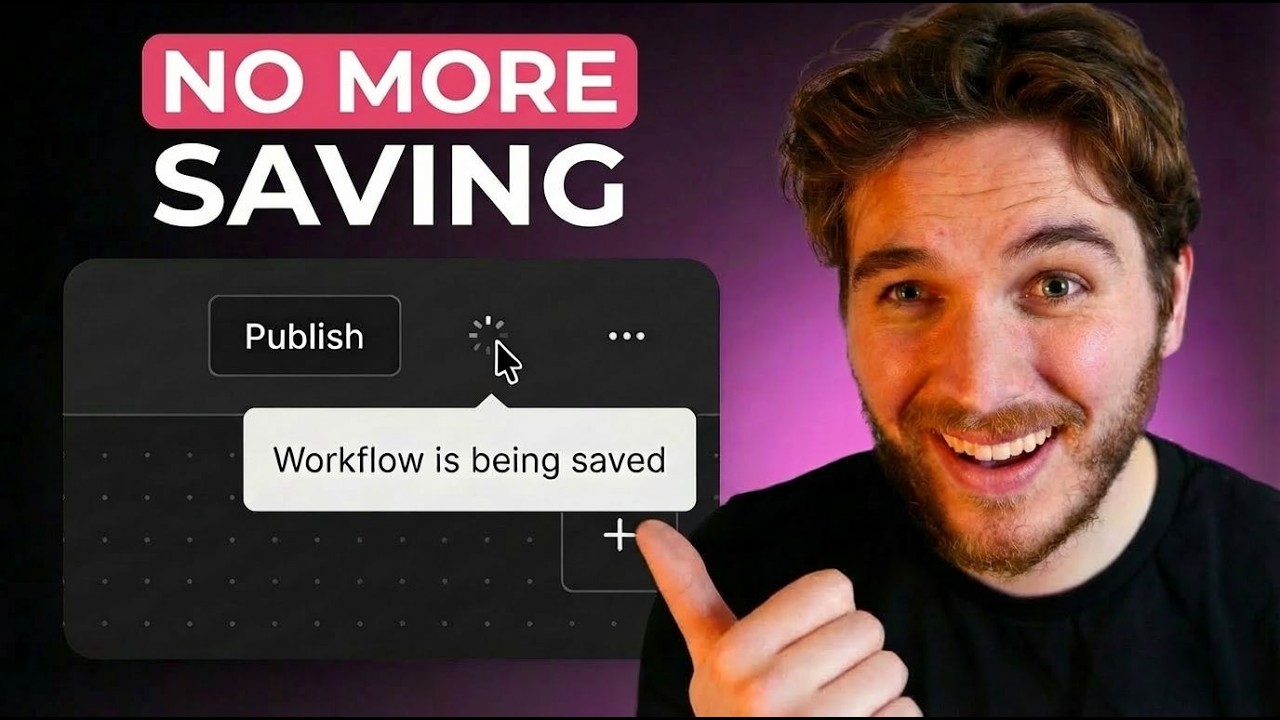
Auto Save is Finally in n8n
2:33

Auto Save is Finally in n8n

n8n 06.02.2026 1 397 просмотров 58 лайков

Machine-readable: Markdown · JSON API · Site index

Поделиться Telegram VK Бот
Транскрипт Скачать .md
Анализ с AI
Описание видео
n8n now has autosave! @liammcgarrigle explains the new autosave and publishing paradigm in n8n which upgrades the development experience across n8n. Read more details on the release blog here: https://go.n8n.io/tEb6Gq Links: How to upgrade on cloud: https://go.n8n.io/jjyAQg How to upgrade on self hosted: https://go.n8n.io/xJU5DF Sign up for n8n cloud (14 day free trial): https://go.n8n.io/hK7Vlp Get help: https://go.n8n.io/yEBf4P Time Stamps: 00:00 - Announcement 00:20 - New publishing paradigm 01:17 - Version history 01:47 - Better collaboration 02:12 - What do you think?

Оглавление (5 сегментов)

Announcement

Losing work in N8N is a thing of the past. Our latest stable release now includes autosave. But we didn't just remove a button here. This is the result of us rethinking the entire workflow development life cycle to be more userfriendly and safer for production. Autosave is now always on, saving your work for you in the background. You might also notice that the activation

New publishing paradigm

toggle has been replaced with a button to publish. Before the version 2. 0 0 release when publishing was introduced. The workflow on your canvas and the workflow that was accessible in production was the same. If you made a change that broke something and saved it, it would immediately replace that workflow in production. Before adding autosave, we needed to decouple the workflow canvas from the workflow that actually runs. Or else every change you make would not only be autosaving, but autopublishing, which would never end well. So, that's exactly what this new publish button does. You can make as many changes as you'd like to a workflow. And of course, now it will be saved as you make those changes, and it won't affect the workflow actually running in production until we make the conscious decision to publish the changes. And when we go to publish, we can actually give each version a name and a description. I highly recommend utilizing this because if you're in a

Version history

situation where you need to roll back to a previously published version, it makes it super easy to see what the actual changes are across versions to know what you're actually rolling back to. Autosave also stores a history of all of your changes. So, if you want to revert to something from the past, you can do that even if it wasn't published. How far back the history retains is different on each plan, though, so make sure to keep that in mind. There are still some cool things coming to this workflow history panel, so keep an eye on it to see what's coming. The biggest

Better collaboration

thing for me though is the new collaboration options this enables. If you open a workflow that someone is already editing, you get put into a readonly state that's similar to the execution view, and you can see the updates the other person is making in near real time. This is great if you're on a call with someone to work on a workflow. You don't need to share your screens anymore. And even better, while in view only mode, you can still click around and explore. I used to say that I

What do you think?

didn't want autosave in N8, but after using it for a few months in beta, I admit I was wrong, and it is definitely the way forward, especially with all these other improvements that are coming with it. So, please go try it out. Upgrade to the latest version. And if you have any feedback, please leave it down in the comments. We really do want to hear

Другие видео автора — n8n

Ctrl+V

Экстракт Знаний в Telegram

Экстракты и дистилляты из лучших YouTube-каналов — сразу после публикации.

Подписаться

Дайджест Экстрактов

Лучшие методички за неделю — каждый понедельник


