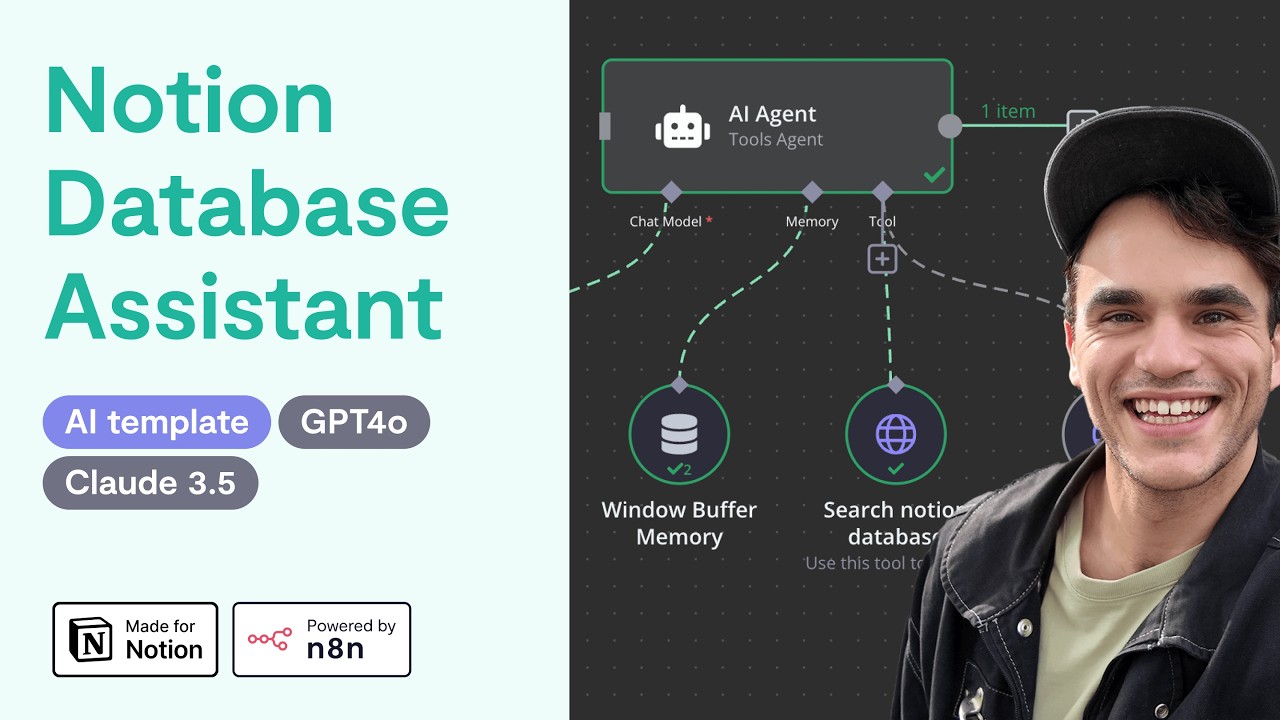
How to Set Up a Notion Knowledge Base AI Assistant
4:59

How to Set Up a Notion Knowledge Base AI Assistant

n8n 13.09.2024 45 441 просмотров 748 лайков

Machine-readable: Markdown · JSON API · Site index

Поделиться Telegram VK Бот
Транскрипт Скачать .md
Анализ с AI
Описание видео
This video walks through set up of the Notion Knowledge Base AI Assistant (a project made by Max Tkacz as part of the 30 Day AI Sprint). Download this solution for free 👇 Duplicate the n8n workflow template: https://n8n.io/workflows/2413-notion-knowledge-base-ai-assistant/ Duplicate the Notion template: https://www.notion.so/templates/knowledge-base-ai-assistant-with-n8n This workflow is perfect for teams and individuals who manage extensive data in Notion and need a quick, AI-powered way to interact with their databases. If you're looking to streamline your knowledge management, automate searches, and get faster insights from your Notion databases, this workflow is for you. It’s ideal for support teams, project managers, or anyone who needs to query specific data across multiple records or within individual pages of their Notion setup. -- Learn more about the 30 Day AI Sprint: https://30dayaisprint.notion.site

Оглавление (5 сегментов)

Intro

hey there it's Max from NN in this video I'm going to show you how to set up the notion knowledge based AI assistant first thing I'm going to want to do is create a connection in my notion account so the NN workflow can talk with notion

Setup Notion Integration

so I'm here in my notion account I go here to the top left and click on settings the settings button is going to look a little bit different if you're on a team plan from here I want to go to my connections and we're going to want to develop or manage an integration okay from here we want to create a new integration you want to give it a name let's say it's the Nathan bot the workspace you want to pick add this to and it can be internal for now if you pick public there's going to be extra steps so if you're doing this just for yourself or your own team you can pick internal you could add an icon as well let's skip that for now okay now in the configuration copy this internal integration secret I'm going to refresh this before I release the video so feel free to try it but my key is going to be different by the time you see this so I

Create Notion Credential

go over into my NN account and so if you create a new account this is what your account's going to look like you're going to want to go over to credentials here add first credential we search for notion and you want to pick notion API not a world2 API and then in here we just paste in that internal integration secret and save it so now we've created an NN credential that we can connect to notion the next thing we're going to want to do is go over to the workfl template on nid in. iio and we want to click use workflow from here I can copy the template to clipboard and then back in my NN workspace go over to workflows and start from scratch the workflow

Create Notion Workflow

right now is represented in Jason in my pasteboard so I can just hit command V to paste it in when you open this up you're going to see various errors because we first have to attach that notion credential so since I've already created it what I can do is go into each node with this eror and here you see credential to connect with we'll pick that notion account I just created same thing for the AI tools here so here it's notion API I'll pick that same thing for this tool and I'll pick that so I also need to add a credential to my AI model here that my AI agent is using I have an existing open AI key that I'm going to use here but again you can just set up an open AI account this workflow also does work with Claude 3. 5 so you could also set up an anthropic key and I believe they have three credits still so you could try that out for free without paying anything without having a credit card okay so I've set up all the credentials in my workflow the next thing I'm going to want to do is I have to clone the notion database itself so we can interact with that okay here

Clone Notion Database

is the workflow template that I need to copy into my notion account this will also be available in the notion Library so if you got it from my page or the notion Library it will still work you're going to want to click this duplicate button here and it's going to copy it into your account as long as you signed in one of the nice things about this database is I actually use GPT to generate many realistic examples so you can test this out of the box without having to populate your whole own uh database you can get a feel for how it works and how useful it can be once I have this what you're going to want to do is hit this Ellipsis menu here go to connect two and make sure that you connect to that credential you just created so that's the Nathan but right there okay now that my Nathan bot has access to this which means nend I can go back into my workflow the last thing we're going to want to do before we can run this is double click on my notion node and make sure that I'm picking the right database so there's that company knowledge Bas we just duplicated great now let's give it a quick test what VPN do we use now you're going to see this unpin chat output this is because I had some pin datter in the workforce you could run with without having to paste in your own question so this is running right now we can see that we use nde layer for our VPN Services it's also referencing the documents that it used so as you can see that loads up in there and it's accurate we are using n layer that's what our source of Truth and notion database is same so once you're happy with it what you can do is make sure it's saved and then activate the work cuz once it's activated you can go into your trigger node here you can copy this chat URL and now if you go going on new tab it's publicly accessible um so from here you can use it just like you did in the test chat but in a live mode when you use it from this view the executions won't show up in here they're going to show up in the executions tab itself make sure to follow And subscribe because the next template I'm going to be launching uses a react agent takes this template and generates a brand new workflow template based on any arbitrary database schema in motion

Другие видео автора — n8n

Ctrl+V

Экстракт Знаний в Telegram

Экстракты и дистилляты из лучших YouTube-каналов — сразу после публикации.

Подписаться

Дайджест Экстрактов

Лучшие методички за неделю — каждый понедельник


