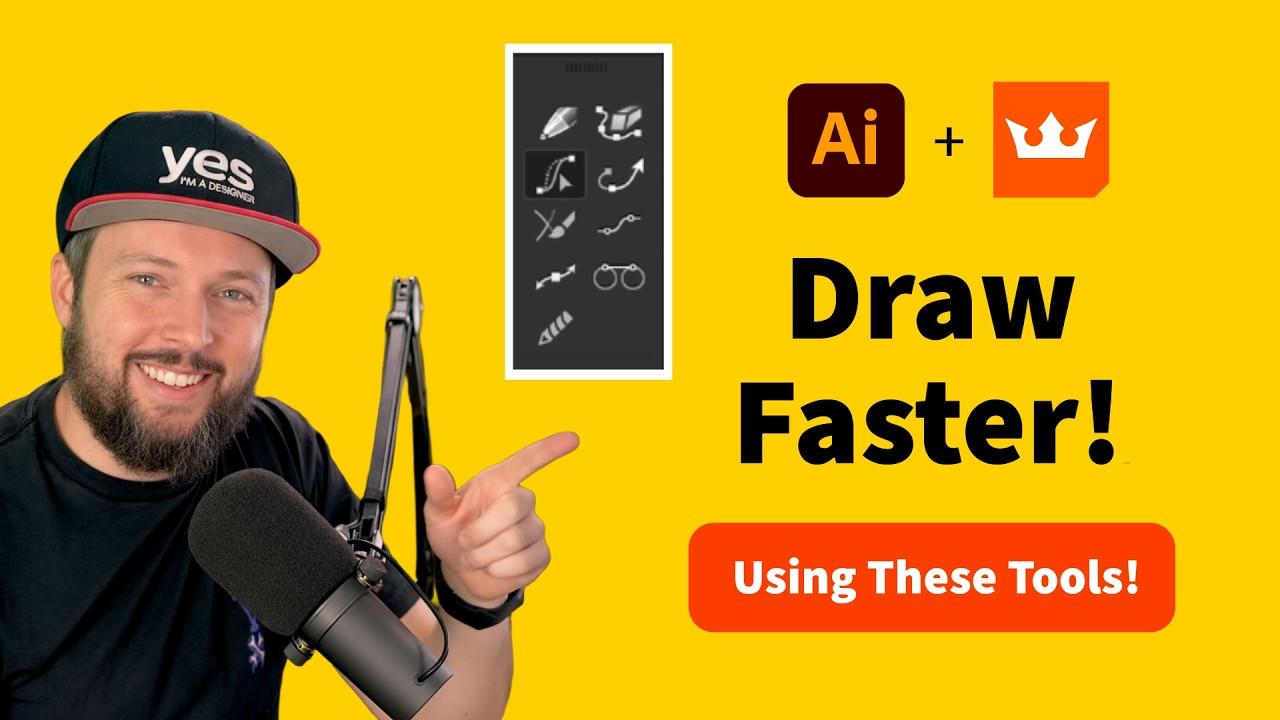
What's wrong with the Shape Builder Tool? #adobeillustrator #astute
1:55

What's wrong with the Shape Builder Tool? #adobeillustrator #astute

Yes I'm a Designer 14.10.2025 2 994 просмотров 89 лайков

Machine-readable: Markdown · JSON API · Site index

Поделиться Telegram VK Бот
Транскрипт Скачать .md
Анализ с AI
Описание видео
‪@astutegraphics‬ Try 100+ features for Adobe Illustrator FREE for 7 days: https://account.astutegraphics.com/#/auth/register?referrer=yesimadesigner LEARN FROM US: Join our creative community of 20k+ students and get mentoring from Martin: https://bit.ly/3R0qume NEWSLETTER: https://yesimadesigner.com/creative-resources/ READ OUR BLOG https://yesimadesigner.com/blog/ FOLLOW US https://www.instagram.com/yes_im_a_designer/ PODCAST https://yesimadesigner.com/podcast/ Apple - https://podcasts.apple.com/gb/podcast/yes-im-a-designer-podcast/id1462185547 Spotify - https://open.spotify.com/show/2vdeYhJimT7CXTVc09zfoA ADOBE CREATIVE CLOUD If you don’t have a Creative Cloud subscription yet, you can subscribe to it here. https://prf.hn/l/vwx0jBM (*We are partners with Adobe. If you purchase through this link you also support our channel.) (*We are partners with Adobe. If you purchase through this link you also support our channel.)
Оглавление (1 сегментов)

Segment 1 (00:00 - 01:00)

Let me demonstrate one of the many reasons I fell in love with Astute Graphics dynamic sketch tool. So first here you will see me using the Adobe Illustrator native pen tool. And you can see me drawing these few lines that we will require to draw the belt for this character. Notice that even though I'm using the smart guides, I already made a mistake. I ended up placing one of the anchor points not directly on an existing path. And this can happen unfortunately quite often even while using smart guides. Now to remove the overlapping details, I have to first select all of these paths and then switch over to the shape builder tool which can easily remove details while holding down alt or option key. But notice what happens. It actually generates these additional anchor points on this shape. Now, even though this doesn't seem like a big problem, in the long run, if your illustration is full of these, you will have trouble making changes and it will also lead to more inaccuracies and mistakes. Now, let's try to draw the same thing with Astute Graphics dynamic sketch tool. And straight away, you will see that my lines look much more fluid and natural. And when I hold down alter option key, I can still draw straight lines, of course. And if I hold down the shift key, I can trim any unnecessary details. When we check this triangular shape in the middle, notice that it only has three anchor points instead of seven. But in case you notice any unnecessary anchor points, of course, you can just use Astute Graphics smart remove brush tool. Simply by painting over them, the anchor points will be removed without affecting or amending the paths in any way. So, just to summarize, the SG graphics plugins allow me to work more efficiently, more naturally, and create cleaner shapes with only the necessary amount of anchor points.

Другие видео автора — Yes I'm a Designer

Ctrl+V

Экстракт Знаний в Telegram

Экстракты и дистилляты из лучших YouTube-каналов — сразу после публикации.

Подписаться

Дайджест Экстрактов

Лучшие методички за неделю — каждый понедельник