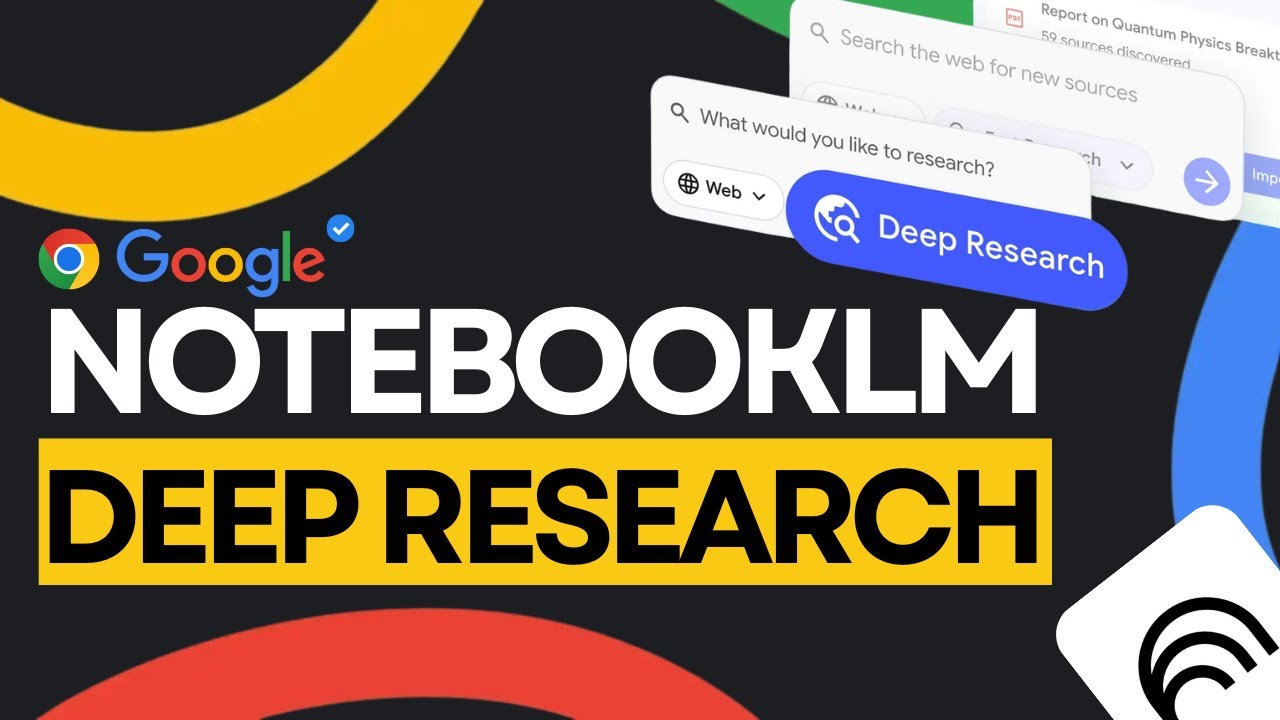
Google NotebookLM: Deep Research Is LIVE (Huge Update!)
9:32

Google NotebookLM: Deep Research Is LIVE (Huge Update!)

Universe of AI 15.11.2025 17 493 просмотров 562 лайков обн. 18.02.2026
Поделиться Telegram VK Бот
Транскрипт Скачать .md
Анализ с AI
Описание видео
Google just dropped the biggest NotebookLM update so far — and Deep Research is finally LIVE. In this video, I break down everything that just launched inside NotebookLM, including Google’s new Deep Research agent, support for way more file types, flashcards, quizzes, chat upgrades, and a full workflow that finally turns NotebookLM into a true research workstation. Whether you're a student, a researcher, a creator, or you're just trying to learn faster, this update changes everything. 🔔 Subscribe for AI breakdowns, leaks, and analysis — all in plain English. 🔗 My Links: 📩 Sponsor a Video or Feature Your Product: intheuniverseofaiz@gmail.com 🧠 Follow me on Twitter: https://x.com/UniverseofAIz 🌐 Website: https://www.worldzofai.com 🚨 Subscribe To The FREE AI Newsletter For Regular AI Updates: https://intheworldofai.com/ 📌 What I cover in this video: 00:00 – Intro 00:50 – Deep Research finally launches 2:38 – New file type support (Docs, Sheets, images, Drive links, PDFs) 3:56 – Flashcards & quiz generator demo 9:11 – Outro 📌 Try the demo prompt yourself: “Create flashcards and a quiz that teach me the fundamentals of Transformer models — attention, embeddings, encoder/decoder, and tokenization.” 📌 Follow me for daily AI updates: X (Twitter): @UniverseofAIz #notebooklm #googleai #geminiai #deepresearch #aiagents #researchtools #aiupdates #UniverseOfAI #machinelearning #ainews NotebookLM, Google NotebookLM, Deep Research Mode, Data Tables, Google AI, Artefact system, NotebookLM update 2025, AI productivity, research automation, AI tools, Universe of AI, AI for students, AI for researchers, AI for business strategy, ChatGPT alternative, Google AI tools 2025, Perplexity vs NotebookLM, AI note-taking, Google Labs


Оглавление (5 сегментов)

  1. 0:00 Intro 141 сл.
  2. 0:50 Deep Research finally launches 317 сл.
  3. 2:38 New file type support (Docs, Sheets, images, Drive links, PDFs) 264 сл.
  4. 3:56 Flashcards & quiz generator demo 1078 сл.
  5. 9:11 Outro 63 сл.
0:00

Intro

If you watched my last Notebook LM video, you'll remember we talked about that leaked feature called deep research. At that time, it was hidden and it was not officially announced. Well, now it's real and it's honestly bigger than what I expected. Google isn't just releasing deep research. They're rolling out a full upgrade to Notebook LM as a whole. More file types, flashcards, quizzes, way better chat experience, and a ton of workflow improvements. Notebook LM went from being that AI tool that summarizes your PDFs to something that feels more like an actual research workstation, the place where you collect information, generate reports, build study tools, and keep the entire project in one flow. So today, I'm going to break down everything that's new, what's changed, and how all this works together. So let's get into it. All
0:50

Deep Research finally launches

right, so what exactly is deep research? Think of it like giving Notebook LM an actual research assistant. The kind who does all the tedious parts of digging through the internet. Here's what deep research actually does. You give Notebook LM a question or a topic. It doesn't just search like a normal chatbot. It builds a research plan behind the scenes. Then it goes out, browses hundreds of websites, refineses its search as it learns more, and comes back with an organized report, key points, summaries, citations, and all at the original sources it use. So instead of you going tap to tap, bouncing around Google, and opening academic papers, reading random blogs, Deep Research handles all of that. But here's the part that really changes the experience. The report is not the end. It's actually the starting point. Other AI agents hand you a report and that's it. Notebook LM lets you take that report plus every source it found and drop it directly into your notebook. Now you turn a one-off answer into an actual research material. Let's say for example you're researching a market trend. Deep Research builds you a report. You drag it in. Now you can generate charts, summaries of FAQ section or hypothetically you're studying for a class. Deep Research pulls sources. you import them instantly generate flashc cards to help you study. And while you add more files or links, deep research keeps running in the background. It keeps expanding your knowledge base automatically. If you want to try it, you can go to the source panel, click web, you'll see the option for fast research. Fast research is the quick mode. It finds sources you can preview and import immediately. More modes will roll out later. This is the first time Notebook LM actually feels like a complete research loop from search to gather to organize and build.
2:38

New file type support (Docs, Sheets, images, Drive links, PDFs)

One of the biggest complaints about Notebook LM used to be file types. People would say it only works with PDFs and Google Docs. Why can't I add X, Y, or Z? So, Google finally fix that. So let's say if you're working and you have multiple file types, let's say it's a Google sheet, you can add your structured data and ask information on key statistics or generate summaries just from your spreadsheets. Or you can insert your drive file as URLs. So you can add your URLs with a simple copy paste just like any website or even like YouTube video and you can even add multiple links, separate them with commas and notebook LM will understand that. If you have images, you could upload a photo of even your handwritten notes or a brochure you got or some science paper or some notes from a friend. You can upload that to Notebook LM and upgrade your deep research section. Let's say there's also PDFs from Google Drive. You can add those research papers, reports or ebooks directly from Drive and you can skip the downloading and re-uploading every single time. Even if it's not a Google product and if it's Microsoft Word document, you can actually upload your Docs files to analyze the notes, drafts, or any other documents. All of these features are supposed to be available to users over the next week. So, you might have to wait a bit, but hopefully you get access to this as soon as possible. All right, this next section is for my
3:56

Flashcards & quiz generator demo

students especially. I want to show you guys how powerful Notebook LM is and how it can help you in your studying, especially with the new flashcard and quiz features. So let's ask notebook LM to gather sources about large language models and let's see what it creates and how we can use that information to learn. So I'm going to do add sources. Obviously I don't want to upload anything right now. So you can just do discover sources. And as I mentioned the new features that you saw earlier in the video. They're going to be available later on this week hopefully early. And that's why you might see my video right now and it might look different from the example I showed you. But this is what is available right now. And this is something that you guys can try out for yourself. So I'm going to ask Notebook LM to help me understand the fundamentals of large language models. So let me type that in and then I'm going to select the find sources from the web because obviously I don't have anything in my own personal Google Drive for this. So then I'll press submit. So as you can see it gathered some solid foundation sources to help you understand LLMs. Uh, I'm not going to go through and vet any of these right now, but if you wanted to, you could go ahead vet them. You can say, "Okay, these are good, these are bad, and notebook will refine a search. " So, let's import this into our notebook. All right, so at the get-go, you can see that Notebook LM took all these sources from the web, which are probably tons of paper and tons of technical stuff, and summarized it into a paragraph. Uh, this is not actually a bad understanding of the large language models. the sources actually found for us. It teaches us about the fundamental architecture behind these large language models, training capabilities and how they're optimized and then the transformer deep learning architecture that they're built on and word vectors uh which are important part of large language models. So as you can see it gathered bunch of information from these sources and has created a database for us to learn from. So you can you know like the typical way you could use notebook element is once you have these sources you can ask it specific questions you want to learn about. Um so these are some suggestions questions. So you can already see that it has created some key questions that we could ask but for our tutorial today we're going to learn about the feature called flashcards. So we can create that. So as you can see on the side here, notebook element is generating flash cards for us to help us study large language models. All right. So it looks like our flash cards are ready. So let's click on them. So what types of AI models are GPT, Llama, 3, Gemini, and Claude? I'm guessing it's large language model. Okay, I am smart enough to answer that. Uh what is a large language model? That's a very broad question, but let's look at the answer. an AI model trained on vast amounts of text data to understand, generate, and manipulate human language. So, we can see we have bunch of flashcards from there 72. So, if you're studying in this midterm season and you want something to help you memorize or you want a tool that helps you recall things, the Notebook LM is the place to be. So, that was one feature that we checked out. We also have this new feature called quiz mode. So, if we click on that, it's going to create a quiz for us and test our knowledge. And if you're a student, you probably know the best way to remember something is active recall. So the flash cards are a great place to practice your knowledge as well the quizzes. So let's see what kind of quiz it creates for us. So looks like the quiz is ready. So let's go to it. What is the primary function of the attention step within a transformer layer of an LLM? It is to allow words in the input test to look around and exchange contextual information. So that one is correct. Uh you can see we have another question. So it has created like 12 questions. So the quiz feature is really good as well for active recall. But one of my favorite is the mind map. I'm a very visual learner. I like to see the information laid out and how it connects to everything. So if we click on the mind map feature, Notebook LM will create a mind map for us to help us understand the content. So the mind map is ready. So let's click on it. All right. So you can navigate around the mind map like this. So large language models, definition and core concepts, training and life cycle. So it's broken down into concepts that you want to learn. So let's learn about some core concepts right. So once you click on that what LLM are key components prediction method and this is going to give you the information based on what you clicked on. So now we have the key definitions and everything like that you need to know about LLM. So this is kind of cool. So you can see that notebook LLM is not just a tool for research but I think it's a really great tool for students especially or anyone trying to learn a new concept. You input bunch of credible sources or let notebook LM find those sources for you and then you take those sources and create a study mechanism for yourself. You can use the quiz feature, flashcards, you can use the mind map and these features are only going to get better with deep research which is coming out next week. And to make matters even more better, Gemini 3. 0 is coming out which is supposed to be Google's smartest model ever. All these features and all the tools that Google has been giving us are about to get better and smarter. And Notebook LM is definitely one of those tools that will definitely get smarter and make us all smarter at the same time. If you enjoy
9:11

Outro

this breakdown, make sure to like the video, subscribe to the channel, and turn on notifications so you don't miss the next one. You can also follow me on Twitter at Universe of AIZ for quick updates, leaks, and behindthe-scene AI news. Thanks for watching and stay tuned because we got some huge videos coming up soon. I'll see you in the next

Ещё от Universe of AI

Ctrl+V

Экстракт Знаний в Telegram

Транскрипты, идеи, методички — всё самое полезное из лучших YouTube-каналов.

Подписаться



