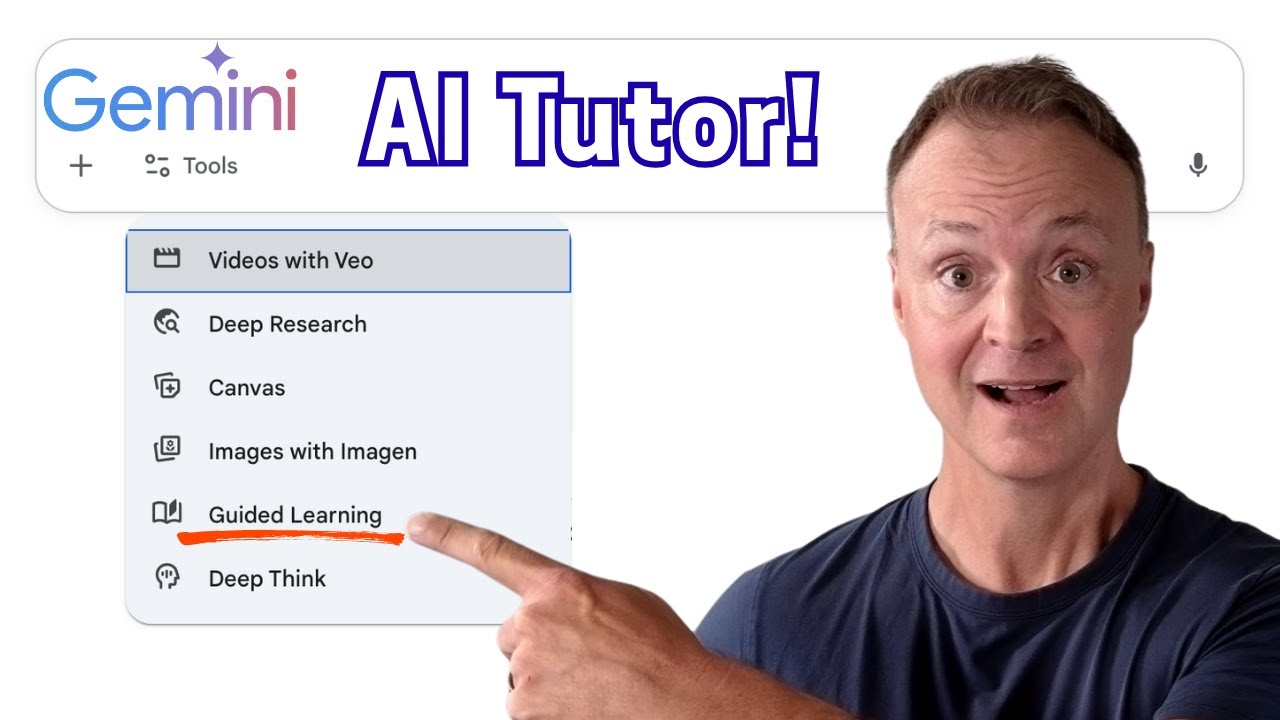
GOOGLE GEMINI'S NEW GUIDED LEARNING - A GAME CHANGER FOR LEARNING!
9:06

GOOGLE GEMINI'S NEW GUIDED LEARNING - A GAME CHANGER FOR LEARNING!

Teacher's Tech 06.08.2025 46 414 просмотров 879 лайков обн. 18.02.2026
Поделиться Telegram VK Бот
Транскрипт Скачать .md
Анализ с AI
Описание видео
How to use Guided Learning in Gemini. Is AI the future of education? After getting an early look at Google Gemini's brand new "Guided Learning" feature, I'm convinced it's a massive leap forward. This isn't just another AI that gives you answers—it's a personal AI learning companion designed to help you truly UNDERSTAND complex topics. In this video, I give you a first look at Guided Learning, inspired by the official announcement from Google. We'll explore what makes this tool different and I'll demo how it works as a personal tutor in three completely different subject areas. Read the official announcement here: https://blog.google/outreach-initiatives/education/guided-learning/ ▶️ WATCH NEXT: 🎓 The Ultimate Teacher's Guide to Google Gemini: https://youtu.be/8FxB9haKmiU 📚 The Ultimate Guide to NotebookLM: https://youtu.be/FOs4RDTC52Q 🔔 Subscribe to Teachers Tech for more on AI in education and the tools that are changing the way we learn! Let me know in the comments: What subject would YOU use Guided Learning for first? 0:00 - Intro: A Game-Changing AI Tool for Learning 0:40 - What is Guided Learning & How Does it Work? 1:44 - Demo 1: Science (Understanding Enzymes) 5:14 - Demo 2: Social Studies (Exploring Complex Topics) 7:21 - Demo 3: Creative Skills (Mastering Photography) #GoogleGemini #EdTech #AIinEducation #GuidedLearning #FutureOfLearning #TeachersTech

Оглавление (5 сегментов)

  1. 0:00 Intro: A Game-Changing AI Tool for Learning 128 сл.
  2. 0:40 What is Guided Learning & How Does it Work? 228 сл.
  3. 1:44 Demo 1: Science (Understanding Enzymes) 721 сл.
  4. 5:14 Demo 2: Social Studies (Exploring Complex Topics) 431 сл.
  5. 7:21 Demo 3: Creative Skills (Mastering Photography) 334 сл.
0:00

Intro: A Game-Changing AI Tool for Learning

Hey everyone, welcome back to Teachers Tech. I'm Jamie and if you're excited about how AI can transform education, you need to see this. I've been testing out a brand new feature inside Google Gemini and I have to say it's one of the more exciting developments for learning that I've seen all year. It's called guided learning. Here on the channel, we're all about finding those tools that can genuinely advance learning. We know that AI can give us answers in a split second, but is the answer the same as understanding? Not really. True learning happens in the struggle, in the exploration, and in the figuring out the how and the why. That's the exact problem Google is tackling with this new feature. So, what exactly
0:40

What is Guided Learning & How Does it Work?

is guided learning? Well, Google's blog post, which I'll link down below in the description, describes it perfectly. It's a new way to study and learn with Gemini that goes beyond just giving you answers. Think of it as your personal AI learning companion. It breaks down complex topics step by step and adapts its explanations to help you really understand the how and why behind things. I want to give you a peek at what guided learning is all about and demo three really cool ways it can help you learn in different subject areas. Before we dive in, make sure you hit that subscribe button so you don't miss my upcoming video. I'll be doing a deep dive into how to learn with Gemini where we'll explore all the features and give you tons of examples to use in your own learning journey. Also, check out my other videos about Notebook LM and a guide for teachers all about Gemini. All right, let's jump into our first example. Imagine you're a student trying to wrap your head around enzymes and biology. This can be a tricky topic with lots of moving parts. Let's see how guided learning can help. I want to point out you can access guided learning under Flash. You'll see it as one of the features and also Pro. I'm going to be
1:44

Demo 1: Science (Understanding Enzymes)

using Pro. I find it just works best that way. So I'm going to go under pro and I'm going to click on guided learning and what do I want to learn now in this one about enzymes. I'm thinking more about conceptbased. I know enzymes are catalyst but I don't understand how their shape is so important. Can you explain that part to me? Now I could focus it more on a goal oriented. Maybe I have a test the next day and I wanted to use it to help me uh study for a test or maybe I just want to start at the very beginning of enzymes. I could ask a question like that. But let's send this off and see the response that it gives us. Now let's look at the response. Of course, it's a great question that gets to the very heart of how enzyme works. So it's saying with me that I'm right that there are biological catalyst. Their specific three-dimension shape is the reason why they can speed up reactions. Uh creates a special pocket, a groove. We have a image that it brought in to help understand. Here scientists often use the lock and key model that describes this in analogy. the enzymes lock in the molecule act called the substrate is the key. So now it's about to ask a question. So it gave me some information but it's going to check my understanding now based on the lock and key idea. What do you think would happen if the enzyme shape the lock didn't fit the substrate the key? So I'm going to say you know there wouldn't be a reaction. Let's see what happens here. Well, it looks like I got this one right. Exactly. If the key doesn't fit the lock, you can't open the door. The substrate can't bind to the active site. So the enzyme can't help the reaction long. So it goes into the locking key here. And I'm not a biology major, so I'm learning as I go along with this question. So instead of a rigid lock, think of the enzymes active site of being more memory from glove and the substrate as your hand. But I like the way this was broken in. So now we have a picture that it found. Again, I like how it brings this in to help explain what's happening. So when the substrate binds, the active site changes its shape slightly to grip perfection. Okay. So it looks like that we have a new product. After the substrate has been converted into molecules and how are they released? What do you think happens next? Well, I kind of look like it's going to just go back to normal after the product leaves. Let's try that here. Goes back to normal and it gives me some positive feedback. So it's just like if you're conversing with the teacher asking questions and you can ask questions as you go along. So tying it all together. So we established a few things. Tell what we learn. Now it's going to give me another question. And if I get something wrong it will help me with that. I'm going to say I don't know. So you can see now it's going back a step and trying to break it down. So now we've gone through seeing the enzyme as a simple lock to understand. So, it's trying to explain to me back if this explanation is helping me. And it's going to go through just like a teacher sitting down with the student trying to go through step by step and meeting the student where they're at. If I was using Gemini without the guided learning, look at the difference here. We'll put the same question in. So, notice it just goes ahead and tells me it gives a little bit of positive feedback here, but it breaks it down all the different things. But this can be a little bit overwhelming to get all this information at once. It wasn't trying to see what the student knew or what you were trying to learn. I do like how it's putting videos and puts in images, but it doesn't go ahead and start asking question to ask what you understand.
5:14

Demo 2: Social Studies (Exploring Complex Topics)

Okay, let's switch gears. What about a more nuance topic? Something you might write a paper on for social studies or health. Let's explore the connection between teen mental health and physical activity. I need to write a paper on the connection between teen mental health and physical activity. Where should I start? So, a lot of students might feel like this. They have their research topic and we're taking a look at this about how getting help to write a paper. They're trying to figure out where we start. So, let's send this off and see what how guided learning will help us. Now, notice it's not writing the paper for me. It's trying to get the learner to think. So, this is a really important topic. The connection between how we move our bodies and how we feel mentally is a powerful. There's lots of research on this. To get started, we could approach this from different angles. We could explore the science, the specific benefits, the real world challenges. Which one of these starting points feels most aligned with you? So, I'm thinking, you know what? I think number three. So, I'm just I could type it in, but I'm going to put number three, and I think it will understand what I'm talking about. So, excellent focus. Excellent. Focusing on the real world challenges and solutions can make a very compelling paper. This topic has two natural parts. The barriers and the solutions to help structure your re research. What would you like to brainstorm first? Well, you know what? I'm want to think about the solutions. Perfect. Focusing on solutions often leads to a strong and impactful conclusion for the paper. So, when we think about the solutions, it's helpful to organize them by who is providing them. We could look at solutions at three different ways. Notice how it's breaking it down, getting the student or the learner to think about the paper. It's not writing this paper for the person. It's just helping them understand how to write a good paper. So even if you look at the next question, which of these three areas seem like the most interesting place to start? Then I would put that through. So could you imagine having a group of students in a class that would have access to this where they can go through and uh each be working on their own paper getting feedback to it. Uh this is could be a really an amazing product for students to use. Finally, let's see how guided
7:21

Demo 3: Creative Skills (Mastering Photography)

learner can help with a creative passion. A lot of us want to take better photos, but technical concepts can be intimidating. Let's say you're a budding photographer trying to move beyond your camera's auto mode and finally understand the exposure triangle. I want to understand the exposure triangle in photography. Illustrations really help me learn. Now I've just put that in. Sometimes it does give illustration, sometimes it doesn't. So this time I'm just trying by adding that as well. Let's go ahead and submit this. Okay, here's the response. We have the illustration that I asked for. You can click on these two and it will just kind of remove the text around it. It breaks this down the exposure so into three elements. And the key to remember these things is setting related. If one change, you'll likely need to adjust both or others to maintain the same exposure. Uh do you have any questions about that? Uh I'm just going to say no. Great. So we know all three settings, aperture, shutter speed, and ISO control the brightness of your photo. And let's look at the diagram again. According to the illustration, what else does the aperture affect besides the amount of light? So knowing that it told I told it that I like you to work with illustrations. It's bringing me back to the illustration and ask me a question about this. So, you get the idea of using these different uh from writing a paper to explaining a concept to a creative passion like photography. You can use guided learning for everything. From everything I've seen, it's clear that guided learning was designed with educators and effective learning science in mind. We want students to think critically, and this tool encourages that. It's a judgment-f free space where students explore their curiosity and take control of their own learning. Thanks for watching this week on Teachers Tech. I'll see you next time with more tech tips and tutorials.

Ещё от Teacher's Tech

Ctrl+V

Экстракт Знаний в Telegram

Транскрипты, идеи, методички — всё самое полезное из лучших YouTube-каналов.

Подписаться




