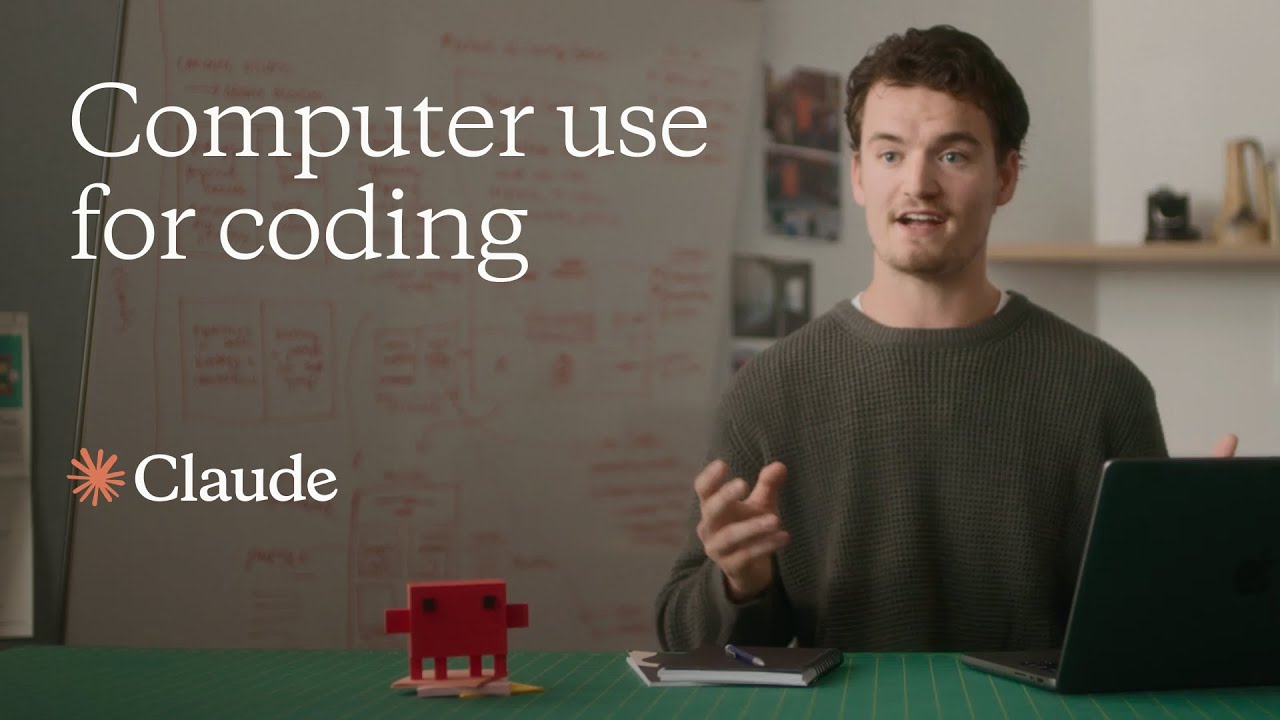
Claude | Computer use for coding
3:03

Claude | Computer use for coding

Anthropic 22.10.2024 265 688 просмотров 6 479 лайков обн. 18.02.2026
Поделиться Telegram VK Бот
Транскрипт Скачать .md
Анализ с AI
Описание видео
With the upgraded Claude 3.5 Sonnet, we’re introducing a new capability in beta: computer use. Developers can now direct Claude to use computers the way people do—by looking at a screen, moving a cursor, clicking, and typing text. While groundbreaking, computer use is still experimental—at times cumbersome and error-prone. We're releasing computer use early for feedback from developers. In this demo, Claude creates a themed website—generating code, launching a server, and fixing its own mistakes. Claude is generating all the computer actions shown here. This demonstration was recorded in a controlled environment, with some supporting infrastructure simplified to highlight the core capabilities. Read more about Claude and computer use: https://www.anthropic.com/news/3-5-models-and-computer-use
Оглавление (7 сегментов)

  1. 0:00 Introduction 53 сл.
  2. 0:23 Create a personal homepage 73 сл.
  3. 1:09 Download the file 63 сл.
  4. 1:35 Start a server 84 сл.
  5. 2:06 Check the website 123 сл.
  6. 2:42 Run the website 33 сл.
  7. 2:51 Final look 35 сл.
0:00

Introduction

I'm Alex, I lead developer relations at Anthropic, and today I'm gonna be showing you a coding task with computer use. So we're gonna be showing Claude doing a website coding task by actually controlling my laptop. But before we start coding, we need an actual website for Claude to make changes to.
0:23

Create a personal homepage

So, let's ask Claude to navigate to claude. ai within my Chrome browser, and ask Claude within claude. ai to create a fun, 90s themed personal homepage for itself. Claude opens Chrome, searches for claude. ai, and then types in a prompt asking the other Claude to create a personal homepage for itself. Claude. ai returns some code, and that gets nicely rendered in an Artifact on the right-hand side. That looks great
1:09

Download the file

but I want to make a few changes to the website locally on my own computer. Let's ask Claude to download the file and then open it up in VS Code. Claude clicks the save to file button, opens up VS Code, and then finds the file within my Downloads folder and opens it up. Perfect. Now that the file's up and running
1:35

Start a server

let's ask Claude to start up a server so that we can actually view the file within our browser. Claude opens up the VS Code terminal and tries to start a server. But it hits an error, we don't actually have Python installed on our machine. But that's all right, because Claude realizes this by looking at the terminal output, and then tries again with Python 3, which we do have installed on our machine. That works, so now the server's up and running.
2:06

Check the website

Now that we have the local server started, we can go manually take a look at the website within the browser, and it looks pretty good, but I notice that there's actually an error in the terminal output, and we also have this missing file icon at the top here. Let's ask Claude to identify this error and then fix it within the file. Claude visually reads the terminal output and opens up the find and replace tool in VS Code to find the line that's throwing the actual error. In this case, we just ask Claude to get rid of the error entirely, so it will just delete the whole line. Then, Claude will save the file and automatically rerun the website.
2:42

Run the website

So now that the error is gone, let's go take a final look at our website, and we can see that the file icon has disappeared and the error is gone as well.
2:51

Final look

Perfect. So that's coding with computer use and Claude. This took a few prompts now, but we can imagine in the future that Claude will be able to do tasks like this end to end.

Ещё от Anthropic

Ctrl+V

Экстракт Знаний в Telegram

Транскрипты, идеи, методички — всё самое полезное из лучших YouTube-каналов.

Подписаться