Claude | Computer use for automating operations
2:03

Claude | Computer use for automating operations

Anthropic 22.10.2024 348 598 просмотров 4 955 лайков обн. 18.02.2026
Поделиться Telegram VK Бот
Транскрипт Скачать .md
Анализ с AI
Описание видео
With the upgraded Claude 3.5 Sonnet, we’re introducing a new capability in beta: computer use. Developers can now direct Claude to use computers the way people do—by looking at a screen, moving a cursor, clicking, and typing text. At this stage, it is still experimental—at times cumbersome and error-prone. We're releasing computer use early for feedback from developers, and expect the capability to improve rapidly over time. In this demo, Claude searches through different tabs, gathers the requested information, and fills out a form—a task that could be scaled across many domains. Claude is generating all the computer actions shown here. This demonstration was recorded in a controlled environment, with some supporting infrastructure simplified to highlight the core capabilities. Read more about Claude and computer use: https://www.anthropic.com/news/3-5-models-and-computer-use
Оглавление (3 сегментов)

  1. 0:00 Introduction 60 сл.
  2. 0:14 Demo 36 сл.
  3. 0:32 Example 224 сл.
0:00

Introduction

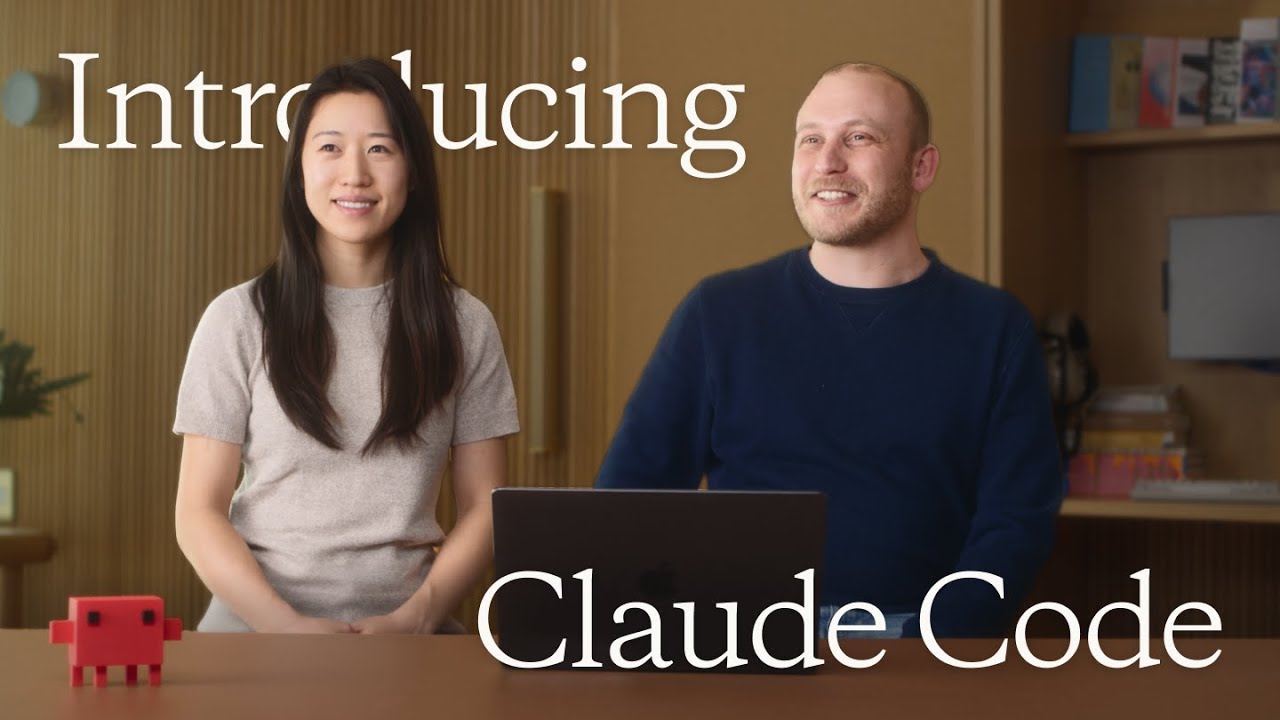
So I'm Sam, and I'm one of the researchers here at Anthropic. Computer use is something that we felt was gonna be important for a while now. And so, today we're gonna be talking about a very early version we have of computer use. And walking through a representative example of the things we think it's gonna be useful for.
0:14

Demo

We're gonna be going through a quick demo today. In this fictional demo, a customer, in this case, the Ant Equipment Company, has come to us and asked us to fill out a vendor request form.
0:32

Example

The data I need to fill out this form is scattered in various places on my computer. What we're gonna do is ask Claude to look at a spreadsheet, check if Ant Equipment is in there. And if not, move over to the CRM and try and find some more information there. Once it has this data, Claude's gonna then fill out the form for us, and hopefully transfer the information across to the vendor form. The first thing that's gonna happen is Claude's gonna start taking screenshots of my screen, and quickly realizes that the Ant Equipment Company isn't actually in the spreadsheet. So the first thing it does is it swaps over to a CRM and searches for the company we're interested in. Luckily, we get a search match. And Claude then starts scrolling through the page, looking for all the information it needs to fill out this form. Claude then autonomously starts transferring the information across without me having to do anything. And goes through the steps, and fills out all the information needed. And then submits the form. This example is representative of a lot of drudge work that people have to do. This is available in the API. We're excited for people to try it, and we should expect things to get a lot better over the coming months.

Ещё от Anthropic

Ctrl+V

Экстракт Знаний в Telegram

Транскрипты, идеи, методички — всё самое полезное из лучших YouTube-каналов.

Подписаться