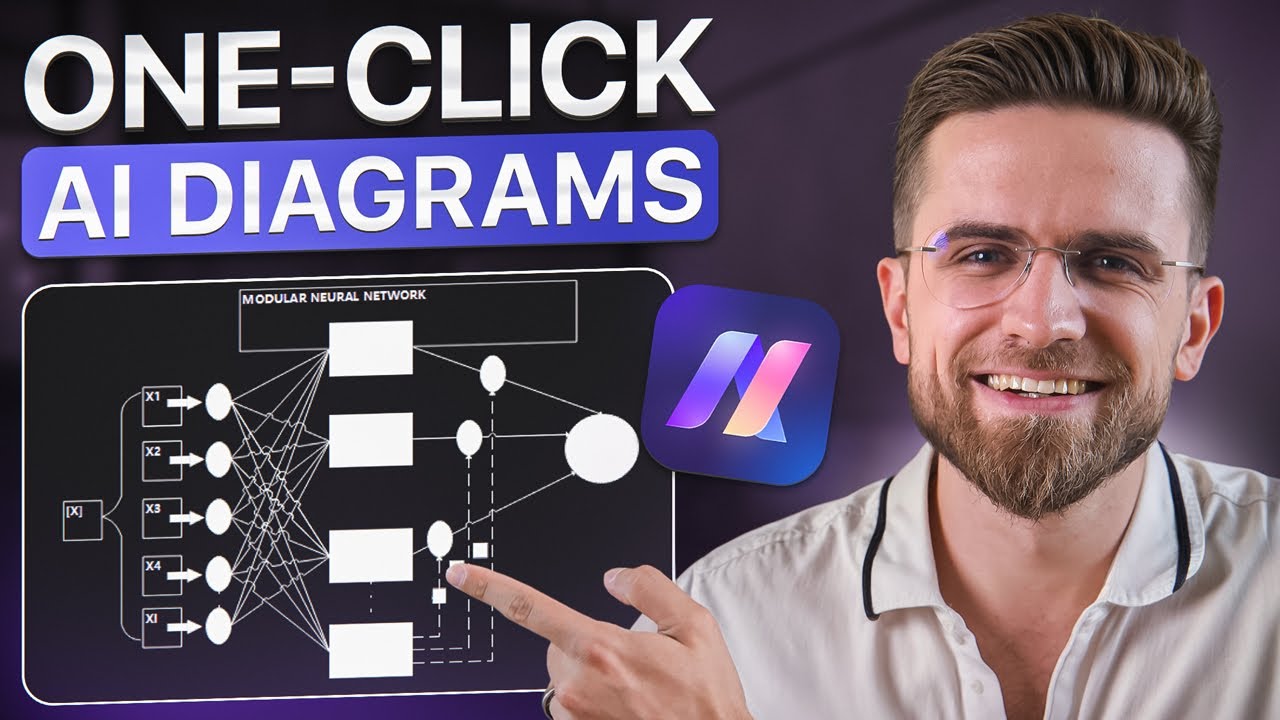
This AI Tool Will Blow Your Mind! Create Pro Diagrams Instantly...
8:42

This AI Tool Will Blow Your Mind! Create Pro Diagrams Instantly...

AI Master 29.01.2025 6 665 просмотров 182 лайков обн. 18.02.2026
Поделиться Telegram VK Бот
Транскрипт Скачать .md
Анализ с AI
Описание видео
#sponsored Sign up to Edraw AI for FREE https://bit.ly/3PQBSiU 🚀 Become an AI Master – All-in-one AI Learning https://aimaster.me/pro 📹Get a Custom Promo Video From AI Master https://collab.aimaster.me/ In this video, discover how to create stunning visuals effortlessly using a powerful, browser-based AI platform—no installations or extra apps required! You’ll learn how to generate mind maps, flowcharts, Gantt charts, and more in just a few clicks. Whether you’re a student, entrepreneur, or creative professional, this tool streamlines your workflow with real-time collaboration, file analysis, AI-generated images, background removal, OCR capabilities, and even an AI chat feature. f you’re looking to save time and supercharge your productivity, this is your all-in-one solution.


Оглавление (2 сегментов)

  1. 0:00 Segment 1 (00:00 - 05:00) 922 сл.
  2. 5:00 Segment 2 (05:00 - 08:00) 588 сл.
0:00

Segment 1 (00:00 - 05:00)

diagrams let's face it we all hate making them but we all need them at one point or another creating them can be incredibly time consuming especially if you are unsure which type of diagram or graphic you actually need I've recently shown you a pretty cool method for creating diagrams from scratch in just a few clicks and in this video I will show you an even simpler way to do it entirely in your web browser no extra apps required the toll we'll be using is called one share ER draw Ai and as I mentioned and it's purely web based this means you don't have to install any apps or worry about cluttering your computer just open the website log into your account and start grading right away as I tested this toll I was pleasantly surprised by the intuitive interface every feature is easy to locate every button is exactly where it expected to be and the overall experience is polished and user friendly on top of that the sheer number of features and the variety of things it can do it's nothing short of amazing flowcharts diagrams Maps OCR image to text the list seems to go on forever even better there are tons of pre-made templates over 700 to be precise and more than 26,000 individual elements for you to use not only you can instruct the AI to build diagrams for you but you can also design them from scratch yourself plus there is support for Real Time collaboration so you can easily work together with friends or colleagues on the same project at the same time now let me show you how this actually works in practice and how you can create surprisingly detailed diagrams in mirr seconds on the homepage you'll see shortcuts to some popular diagram types like mind maps flowcharts Gant charts and so on below that section you'll find a list of all your recent projects let's jump in by cread mind map when I click on mind map a prompt window appears allowing me to describe what I want let's say I type a mind map for creating a YouTube tutorial on how to use Chad GP then I simply click Start and within a few seconds beautifully structured diagram appears in real time this automatically generated mind map looks almost like the perfect outline for a video script it's welld designed neatly arranged and packed with relevant details one of the cool things here is how I can instantly change the layout of the Mind map with a single click now we need to wait for anything to regenerate updates right away there are over 20 layouts to choose from and some of them are truly unique and even bizarre if you're looking for Less conventional design if I want to modify any individual element I can easily change its style colors or text I can also use the built-in AI to expand on a specific part of the diagram allowing me to add more in-depth points this same AI can create new mind maps inside the existing file write text for me perform translations and so forth another handy option is adding custom labels to set priority or stickers highlight or direct attention to particular sections stickers are especially helpful when you're collaborating with someone each person can have their own sticker type and you can assign different tasks or sections without needing multiple documents next let's create a flowchart the process is very similar to making a mind map I type in a prompt hit the generate button and a flowchart appears in the right side of the screen if it's not quite what I'm looking for I can regenerate it with a single click until I see one I like from there I can edit it directly in the canvas adding new steps and notes or removing unneeded ones I can also change the style add col outs symbols images or charts and more any chart I add is interactive and can be customized with just a few clicks any point I can select a portion of the canvas and ask the AI to analyze it which helps me understand the flow or the relationships in that part of the diagram I can also add tables for data math equations QR codes and even watermarks adding equations feels familiar if you've used Excel before you pick symbols from a list fill in the blanks and you're done waterm marks are similarly straightforward to just you can choose the text color style and possession to match your documents aesthetic there's a ton of stuff you can do with ER draw AI the quantity of diagrams and Graphics you can create is truly staggering everything is neatly organized and easy to navigate with professionally designed templates grouped by type and style mind maps and flowcharts are just the start if you want to create a more General diagram you can simply select diagram from the menu on the left type in your prompt and then choose the type of diagram you want or let AI pick for you can keep hitting generate until you find a version that feels right and of course every design can be adjusted once it's on your canvas another cool feature I found myself using this file analysis I can upload any file whether it's a PDF a Word document or something else and have ai analyzes the toll will give me
5:00

Segment 2 (05:00 - 08:00)

insightful highlights and a concise summary of the content then with just one click I can convert that summary into well structured mind map it's really accurate at extracting the key points and it doesn't seem to skip anything significant this is a huge deal for students entrepreneurs or really anyone who needs a quick visual representation of their documents but doesn't want to invest hours into creating it manually that's not all e draw AI has in store can gener images that you can use in your project generating images is simple in the menu on the left select AI drawing next choose a model either Universal or comic Universal offers standard art styles like landscape serialis watercolor ink and a variety of others while comic leans toward anime or cartoon like Styles can also pick your images aspect ratio and quality level low medium or high the higher the quality the more points it will use to generate even so generation speed is impressively quick usually just a few seconds the resting images may not rival the absolute best AI art out there but they're definitely good enough to illustrate a report blog post or presentation additionally e draw AI includes an image to image feature allowing you to completely transform an existing images style the library of styles is very artistic choices like cyber Punk oil painting and more you can set this style intensity and the AI cre the higher you set the values the more unexpected and imaginative the outcome despite the radical changes the final image still retains the core composition of the original if you need to remove the background from an image e draw AI is get you covered there too under AI image upload your file and wait a few seconds the background removal here is among the best I've seen a lot of other apps struggle with detailed photos like a parot purge in the branch but each draw a I pull it off flawlessly leaving the branch intact you can even use a slider to see exactly how the background was removed oh and there's a built-in OCR feature for recognizing text from images simply go to OCR upload your image or scan document and wait for the extracted text my test file was pretty messy multiple fonts weird layouts and some jumbo text and E draw AI still managed to handle it without issues if your documents are a bit more standard like a handwritten note or printed flyer you will likely see near perfect results as the cherry on top e draw AI features a special AI Chad you can use it for research generating text content or just about anything else click on AI chat and start typing if the mode is set to article Generation all responses are neatly formatted as full length articles if you switch to weekly report generation you will get a success business focused report style there are also modes for translation copywriting or free chat where the AI can answer just about any question you throw at it essentially e draw AI makes it incredibly easy not only to build stun inv visuals for your projects but also to learn and explore new topics all under one digital roof and all powered by AI so click the link in the description to give e draw AI a try it's well worth it thanks sheriff for sponsoring this video thank you guys for watching see you the next video

Ещё от AI Master

Ctrl+V

Экстракт Знаний в Telegram

Транскрипты, идеи, методички — всё самое полезное из лучших YouTube-каналов.

Подписаться



