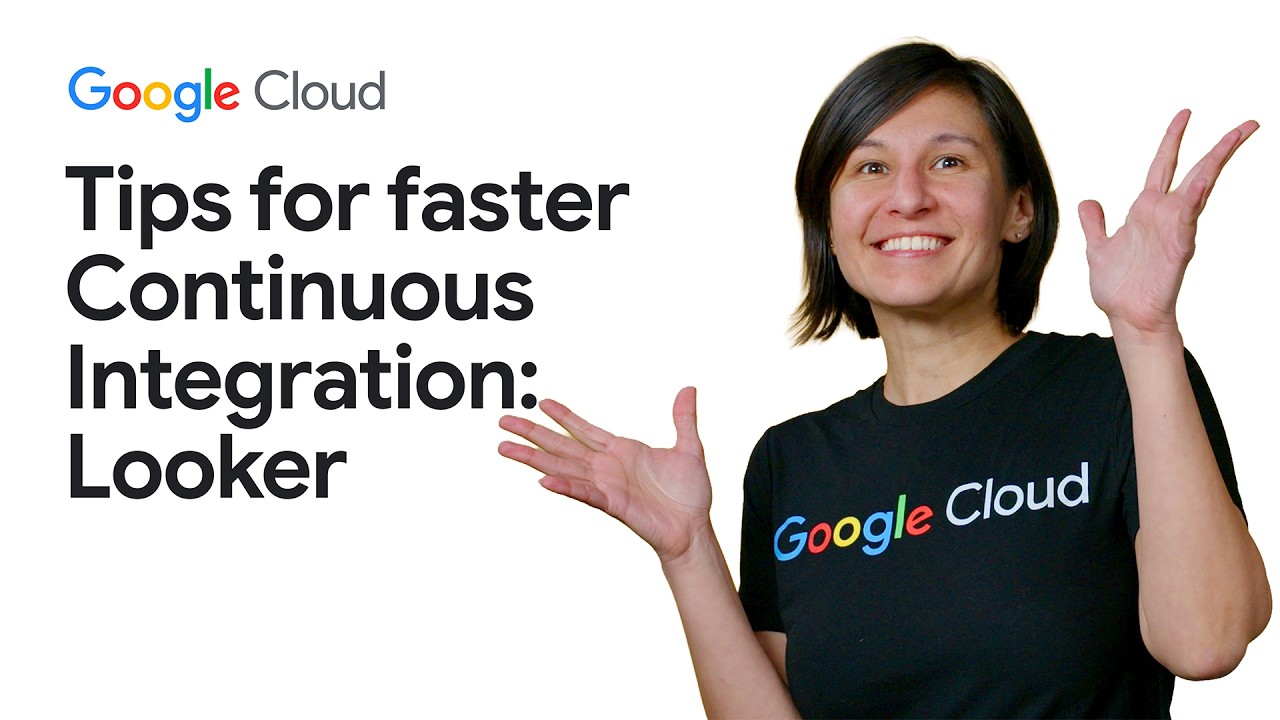
Looker Continuous Integration: Pro tips for efficiency

Looker Continuous Integration: Pro tips for efficiency

Machine-readable: Markdown · JSON API · Site index
Поделиться Telegram VK Бот
Транскрипт Скачать .md
Анализ с AI

Оглавление (1 сегментов)

Segment 1 (00:00 - 03:00)

When you first use Looker continuous integration, that run might seem long. This is because the default for liquor continuous integration is to check the entire model. Especially when you're first starting out with Looker CI, it's common to be overwhelmed by the volume of existing errors in a legacy project. When working on complex branches, this often surfaces as inherited errors. These issues that are already existing in production that are unrelated to the current polar request. In enterprise scale projects with hundreds of explorers, a full validation sweep is great for large-scale improvements, but unnecessary for small changes. To optimize this, we can utilize two primary strategies. error isolation via incremental validation and scope control through targeted explores. When you just want to run tests against your branch, you can enable incremental validation. Technically, this method identifies and reports only the errors that are unique to your specific development branch. By comparing the branch state against the production baseline, Looker CI ignores the pre-existing issues. This allows developers to focus strictly on the code they're responsible for, significantly decreasing the time spent triaging unrelated technical debt. Beyond error isolation, we can manually define the validation scope to further reduce execution time. This is managed through two configuration parameters, explores to query and explores to exclude. explores to query limits the validator to specific explores. The syntax is model name slash and then the explore name. Conversely, explores to exclude is used when certain explores are known to be computationally heavy or are currently under maintenance by another team. Then they can be explicitly bypassed. With SQL validator, the resource intensity increases because Looker must run queries against your dialect to verify the underlying SQL. To further optimize this workflow, we utilize the fail fast option. When the fail fast parameter is set to true, the SQL validator will terminate the execution immediately upon encountering its first error. Rather than waiting for a full report of every broken query in a large project, the pipeline stops and alerts the developer to the initial failure. This provides the fastest possible feedback loop, allowing for an iterative fix and rerun approach. It's essential for maintaining the CI velocity. Let's execute a preconfigured Looker CI validator with explores excluded. In this demonstration, you can see the terminal output reflects a skipped status for all explorers not included in the targeted string. Now, let's test a SQL validation suite with a fail fast configuration. If the validator hits a SQL syntax error in the orders explorer, the process terminates instantly. This targeted approach ensures that validation remains a help rather than a bottleneck. To eliminate friction, configure suites according to your team's specific needs. This will maintain the benefit of Looker continuous integration. Check the documentation for other tips to make Looker CI work for you. Thanks for tuning in. Chat soon. —

Другие видео автора — Google Cloud Tech

Ctrl+V

Экстракт Знаний в Telegram

Экстракты и дистилляты из лучших YouTube-каналов — сразу после публикации.

Подписаться

Дайджест Экстрактов

Лучшие методички за неделю — каждый понедельник