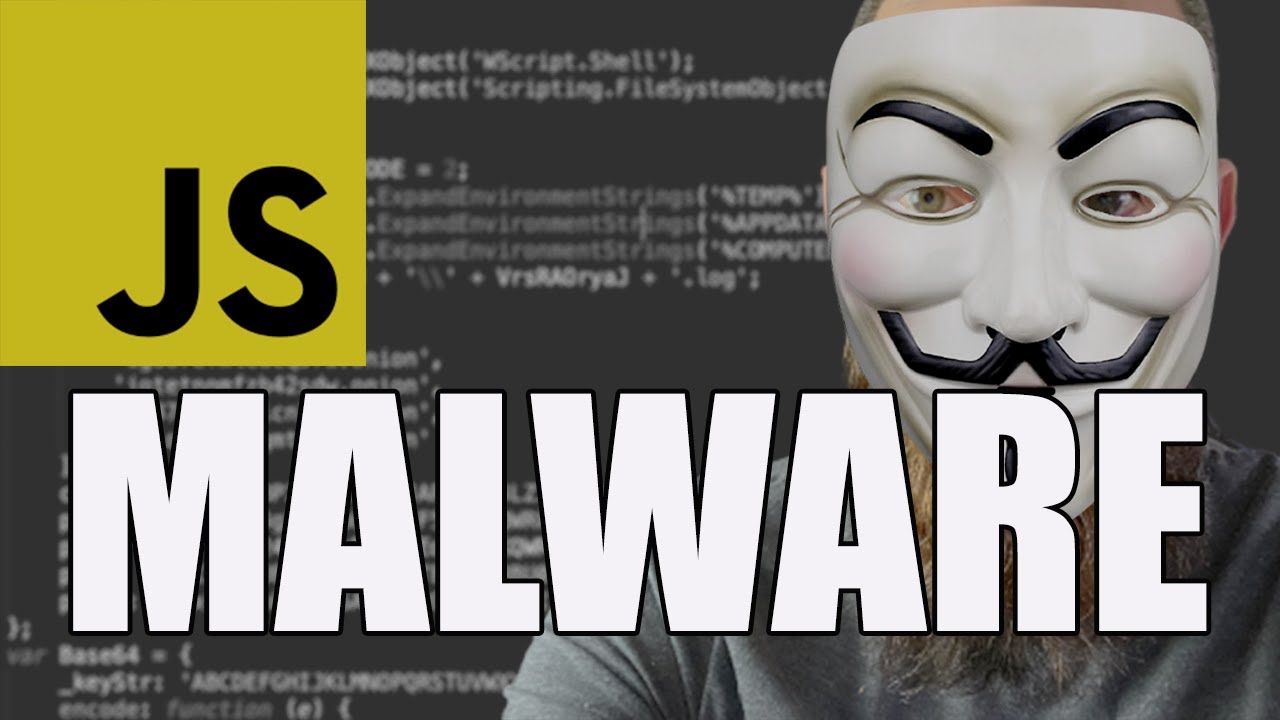
JavaScript Malware - How bad can it be?

JavaScript Malware - How bad can it be?

Machine-readable: Markdown · JSON API · Site index

Поделиться Telegram VK Бот
Транскрипт Скачать .md
Анализ с AI

Оглавление (3 сегментов)

Segment 1 (00:00 - 05:00)

javascript is a powerful language you'll find it pretty much everywhere on every website on the internet it's revolutionized online content but there's more reasons than you think as to why javascript is powerful but what gives a language like javascript power for me it's all about the interpreter or moreover the prevalence of the interpreter how and where it's used as an example we've probably all heard of javascript and python and java which is obviously not to be confused with javascript but have you heard of languages like f or r d or even stuff like lego script well likely these are less prevalent than the more mainstream languages that i've just mentioned and that's down to how and where they're used but with javascript most people think of the web client-side javascript the stuff that runs in your browser which makes web content that you're looking at more dynamic and the code is interpreted by your browser so chrome or edge or firefox or whatever executes your code in your browser environment there's also server-side javascript as well for example you can use a javascript engine such as node. js and you can run javascript on the server as well as the actual client and node. js is an interpreter and it can execute on your web server to control your clients but did you also know that javascript can execute natively on windows that's right microsoft has its own javascript interpreter built into every windows installation and what's more there are two flavors a gui version and a console version the version is called wscript or windows script host and the console version is also known as cscript these are actually really powerful interpreters they're capable of executing other languages as well such as vbscript but that's getting into a bit more detail for this video because of this fact that microsoft has a native interpreter malware authors often harness this power and they write malware written in javascript which can interact with your file system your registry can make network connections and can even run commands on your computer it's also a language which lends itself really well to hiding its true meaning you'll often come across very convoluted javascript when you're browsing through perfectly legitimate websites online because web operators will they like to minify the content in an effort to reduce the file size of javascript on your page so it loads faster take a look at this example from paypal as an example this is not a very appealing piece of code to analyze because the function names are all just letters there's no context to any of the code and it's all actually squished onto just a single line of course there's also the added benefit that if the code is tricky to analyze they may be able to sneakily track you or do something else nefarious and so adversaries will often harness these same tricks when writing their malware to hide and disguise their true functionality leaving us malware analysts having to peel back many different layers before we uncover the true intention of the code so today i wanted to share with you some insight into how i approach javascript malware analysis and in particular look at a malware variant known as ratifi or retifee or ratif retief retail we'll go with retivi from maopedia we can see the initial details about this malware and also get some great blog posts as well to refer us to which helps our analysis ratifi is a windows banking trojan that can also download and install additional malware onto the system using windows powershell its primary functionality is to assist the attacker with stealing credentials for online banking websites and it usually targets swiss banks so this is what the malware looks like you can see it's pretty unreadable and if we just scroll through the code you can see in the middle here a call to eval is pretty dangerous we want to get rid of that in the text editor let's change that to wscript. echo we can then take this file we can put it in our virtual machine we don't want to run it on our host we can use cscrip the interpreter that will run this to execute the code using wscrip. echo and we can just see the output we can actually pipe that to a file what's output is another call to eval with another function and we can just again rinse and repeat w script. echo and we can copy that file out as well let's replace that in our virtual machine and let's run cscript again on that file and let's just have a look and see what the output gives us we can see here we get loads more code yet again so let's just pipe that out to another file once it's written it to a file we'll copy it back into our text editor here so we can take another look at it and we can see right at the top again another call to eval which we're just going to replace with w script. echo again so just get rid of that wscript. echo and we can take that file yet again and we can put that back in our virtual machine and we can run that yet again using w script or c script in this case here we see we get yet more code let's pipe that out to another text file once we've got that in our sublime text editor we can then prettify that as well we can see it looks like valid javascript which is all good it looks a little bit more readable

Segment 2 (05:00 - 10:00)

but we do need to beautify this code and so what i like to do is use cyber chef again to beautify this we can just dump it in a new instance here and we can just select javascript beautify critifies the code for us and we can now perform our analysis since malwa has got a few tricks up in sleeve and some indicators we can glean immediately from this code but let's just have a skip through it first to see what kind of jumps outsiders with respect to functionality we can see functions to write data to files generate random numbers also we can see some calls here to get my ip address and a function called install pack which takes a argument here which is base64 encoded so let's decode that using something like cyber chef cyberchef's nice and easy because we can create a recipe here to get rid of that string concatenation sort of do some simple find and replaces here to get rid of those and then we can basically for decode the content as well and that's going to reveal a registry location that this malware is going to be writing to we can see here that equates to the internet settings auto detect another base64 encoded string here as well we can use the same recipe to decode that and that equates to the auto config url as well these are settings within the registry that are going to manipulate the proxy environment of the victim also there's some stuff going on with the firefox profiles and also another part of the pac file manipulation there's some editing going on here of internet preferences to make sure that the dot onion addresses that we saw earlier in the code are permitted and also that certificates are trusted within the environment as well we can see some other stuff going on with relation to base64 encoded content let's just decode that because that's what the recipe we've got going on we can see if we decode those they equate to killing tasks namely firefox chrome and internet explorer we can also see the malware is going to look to see whether or not c-script and w-script are running on the machine which would indicate that this malware is already being executed we've got these four dot onion addresses at the top and we've got these blobs of base64 encoded content as well one is called cert so if we decode that we can see that in fact is a certificate and this certificate is going to be installed on the victims machine so the adversaries can proxy all of your internet traffic and also decode your tls content as well so we can see this other variable ps that's more code and if we have a look at that code there's a lot of stuff which again relates to certificates also looking at running processes on the machine all that kind of good stuff that you can go and take a look at okay the next one is psf let's have a look at this again as well and if we just adjust this in cyber chef we can see yet more code yet more what looks to be net we can see that in fact we've got some code related to certificates again next one pstp let's have a look again using the same recipe we can see that this looks like powershell and if we have a look at this again and just apply some syntax highlighting to make it a bit more readable we can see that this particular malware is downloading 7-zip onto the machine also as well it's downloading the task scheduler module as well to set a scheduled task which is going to be how this malware is going to remain persistent on the underlying victims machine as well we see all of the attributes of that windows task and we can see some calls to bits admin here where it's going to download urls passed to this particular function and save the contents to a file and we can see actually what it's going to download here are actually the tor binaries and so the reason why the malware does this is because it wants to proxy all of your data over tor so it needs to have the tor service running and it's going to proxy that using this particular binary here called socat and it's going to set up a proxy listener to proxy all of your internet traffic through tor back to the bad guys servers and they'll be able to intercept your tls traffic using the certificate that we saw earlier as well okay the final one ps log let's have a look at that using the same recipe just tidy it up slightly and we can then see again more powershell so let's have a look at this in the window here with some syntax highlighting and this is all about writing a log file which is uploaded to an ftp site the credentials here are hard coded into the malware so you can go and take a look at that if you wish but you can see that the malware is tracking its progress it's writing stuff to a log file and then uploading that log file to that ftp location and that includes stuff like your antivirus products that you have installed on your machine as well so there you have it today we've seen some super simple tricks that we can use in our lab environment to analyze these layers of malicious javascript so we can get closer to the original code that the adversaries don't want us to get to and see and examine and we can extract as many indicators of compromise as possible so then of course we can then go and best protect our environment i really enjoy making these videos i appreciate you being here as well i like looking at novel techniques that malware uses and if you want to get closer to my work and support this channel well i've set up recently a patreon and

Segment 3 (10:00 - 10:00)

thank you to those who've already subscribed to my patreon it really does mean an awful lot to me the link is in the description of this video in my patreon you can get access to the most interesting stuff that i read around the cyber security industry and more importantly i tell you why it's interesting and also as well you can get access to my notes for these videos and they often include some insights and thoughts and analysis that doesn't necessarily appear in the video as well if that's your thing i do appreciate you checking it out also as well you can follow me on twitter at cybercdh i really look forward to seeing you there until next time take it easy

Другие видео автора — cybercdh

Ctrl+V

Экстракт Знаний в Telegram

Экстракты и дистилляты из лучших YouTube-каналов — сразу после публикации.

Подписаться

Дайджест Экстрактов

Лучшие методички за неделю — каждый понедельник