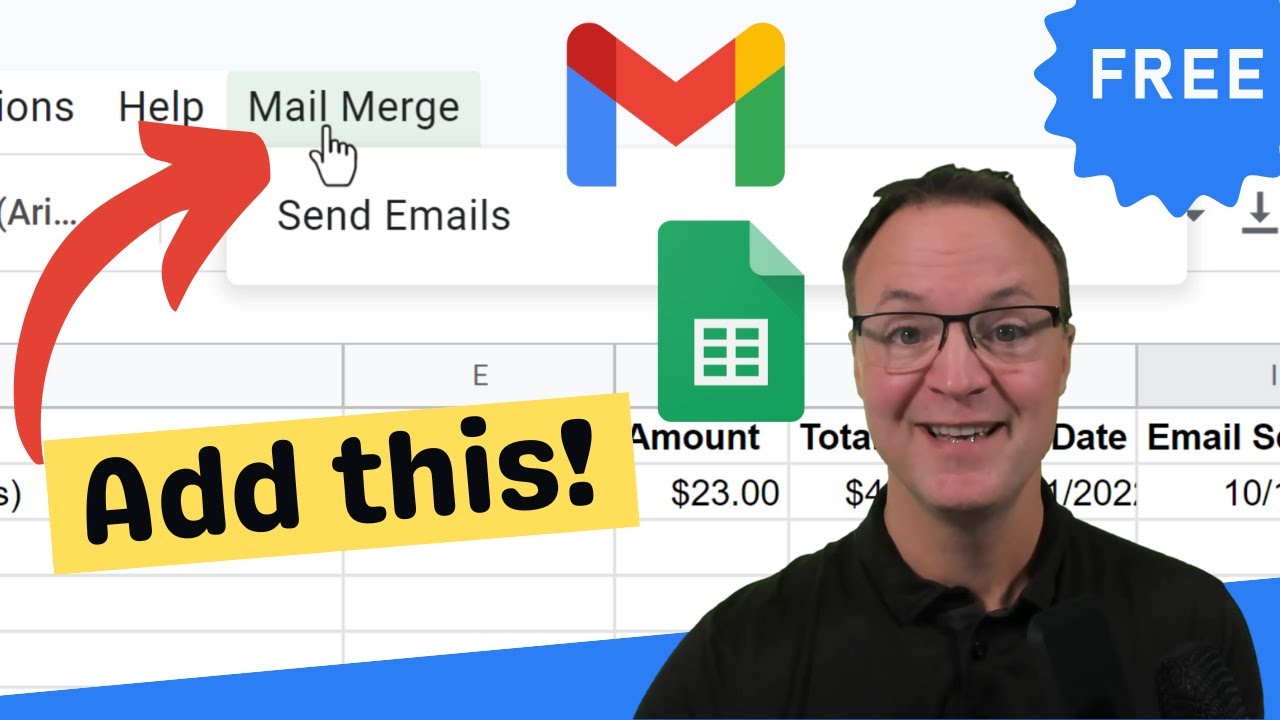
How to Send Customized Bulk Emails with Mail Merge in Google Sheets and Gmail
Machine-readable: Markdown · JSON API · Site index
Описание видео
Send personalized bulk emails using Mail Merge in Google Sheets and Gmail. I'll go through the step-by-step process of setting up Mail Merge and sending out messages from your list in Google Sheets. You create a Gmail draft template with placeholders that correspond to data in a Google Sheets spreadsheet.
Google Apps Script link: https://developers.google.com/apps-script/samples/automations/mail-merge
0:00 Introduction
1:00 Make of copy of Google Sheets with Mail Merge
1:38 Customize your fields (columns) in Google Sheets
4:30 Create your draft email in Gmail with field names
8:55 Initialize and Run Mail Merge from Google Sheets
12:20 Quota for Google Services
Beginner's Google Sheets Tutorial: https://youtu.be/G93P4DxryVE
Gmail Tutorial: https://youtu.be/6E2JxZ2vKPk





