Agent Observability With Trace Explorer
2:38

Agent Observability With Trace Explorer

Monte Carlo 28.01.2026 57 просмотров

Machine-readable: Markdown · JSON API · Site index

Поделиться Telegram VK Бот
Транскрипт Скачать .md
Анализ с AI
Описание видео
How to ensure trusted reliable agents with Agent Observability

Оглавление (1 сегментов)

Segment 1 (00:00 - 02:00)

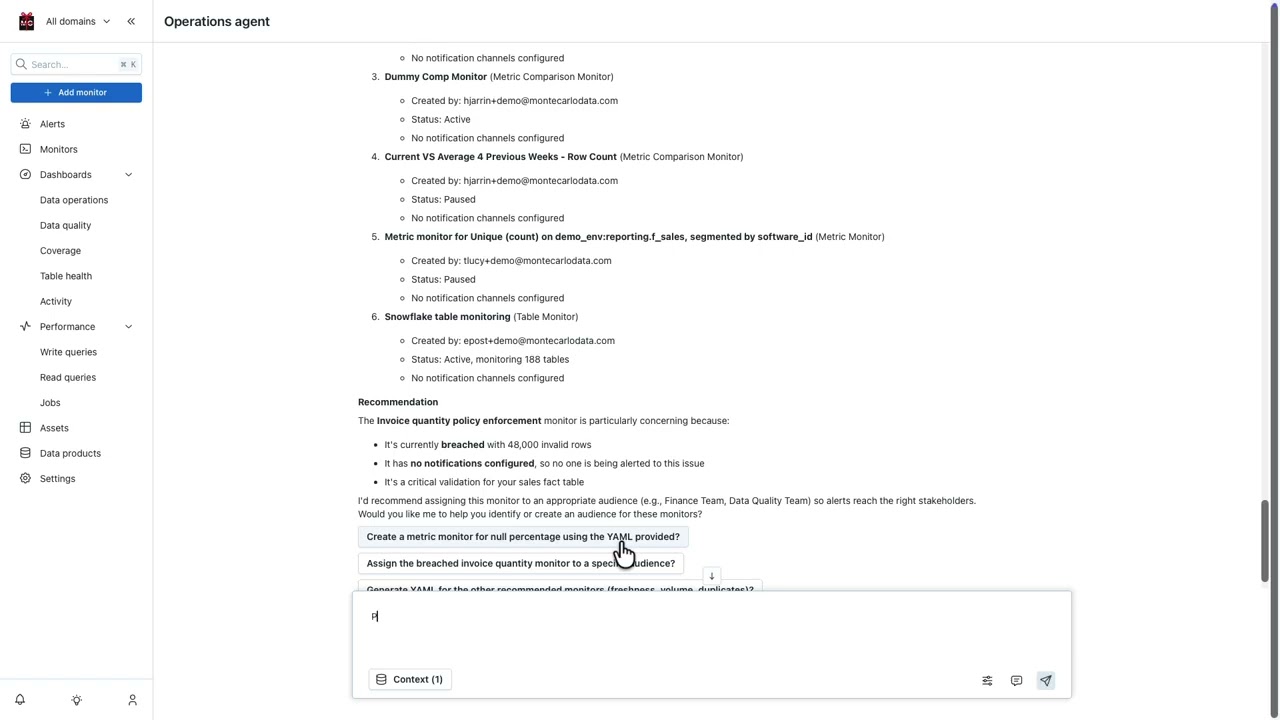
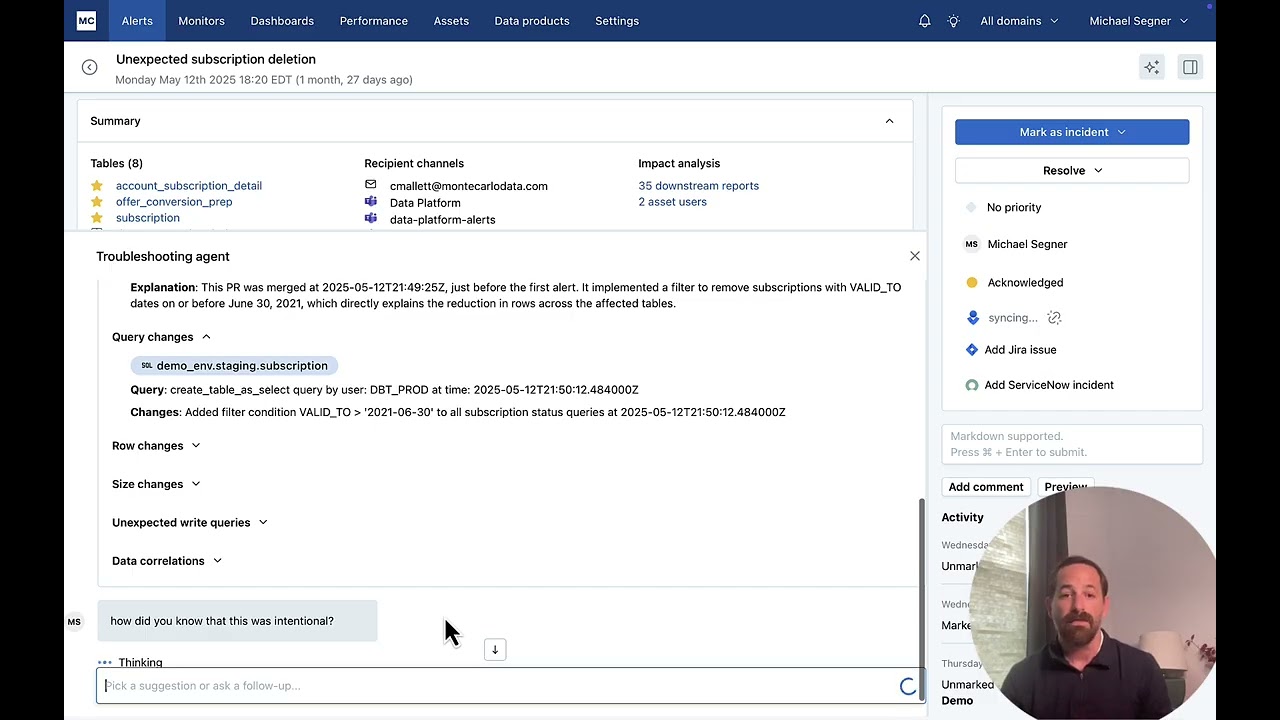
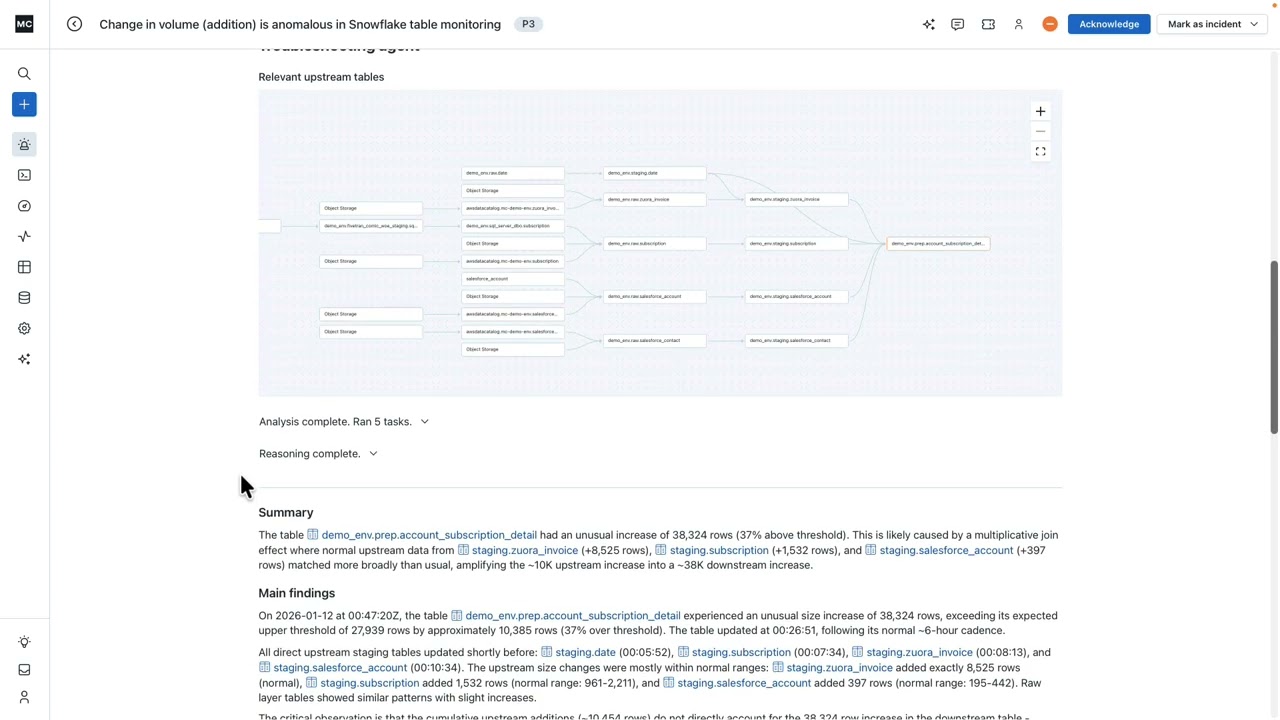
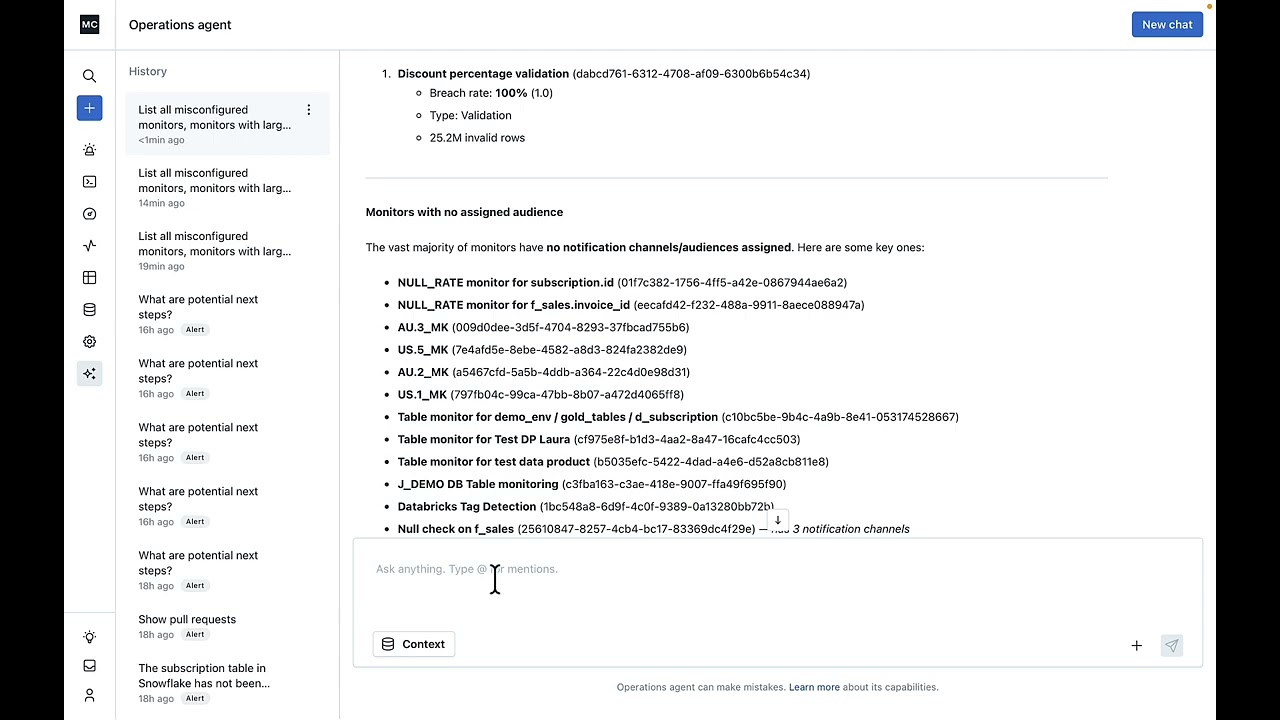
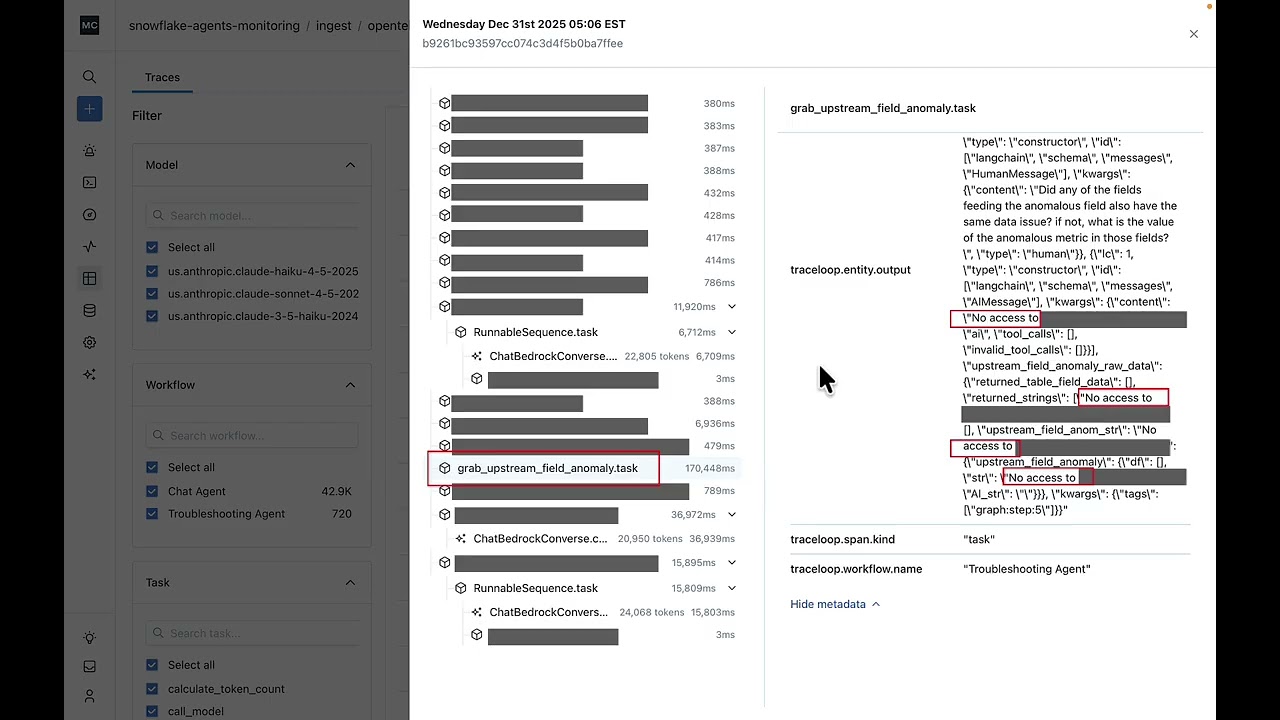
Let's look at Monte Carlo's agent observability capabilities woven across our data and AI observability platform. Here we have our trace explorer where we can look at the different traces associated with our agents. Here we can uh filter by the different models, workflow tasks, duration, seconds, prompt tokens, and a variety of other filters. In this case, we might want to look at respon traces, engagements with uh users or run of an agent that are particularly long. If we look at an a trace that I've saved previously, we can see here that we have a task within our troubleshooting agent that took abnormally long, longer than 2 and 1/2 minutes. And if we look at this output here, we can see that one of the big reasons for this is that there is a permissions issue. There's no access to uh this type of permission from this particular customer. And that is causing our agent to loop and creating the response to come in about four times longer than it normally would. Uh so this is helpful. list can help us start to debug the issue. We can go further. Um, we can also now start to make sure we set monitors here to be alerted to issues like this proactively. So, if we have our troubleshooting agent, we can grab that very specific span that we were looking at earlier. So, we can help control our costs here. We have a couple of different evaluations. We have a codebased monitor that's looking for the language specific to that permissions issue, no access to. We also have an LLM as judge evaluation that is looking at whether the uh agent completed the task that it was given. In this case, uh the output might not have uh have a high completion score again because it wasn't able to get its necessary inputs due to that permissions issue. We have a few different alert conditions here. We're looking to see if the max latency for that span is greater than 60 seconds. So now when we have that span that takes 2 and 1/2 minutes, uh we would be alerted to those issues. Uh we also have our completion score. If it starts to become anomously low on the span, we will be alerted. And if that permissions issue, that specific language that indicated that we had that permissions issue pops up more than uh once indicating that there could be a loop, we will also be alerted. So we can set all these different alert conditions proactively, making sure that we are alerted to issues before they become a reoccurring issue and affect our agents adoption. What that would look like is something like this. So we can see here our completion score uh was less than two in this case. Uh we have a one here and we can see an explanation for why that might be. So, what we were able to do was explore our traces, identify a potential issue, proactively set monitors to make sure that issue didn't happen again, and then investigate and get an explanation as to uh why a typical evaluation came back lower than we might Respect.

Другие видео автора — Monte Carlo

Ctrl+V

Экстракт Знаний в Telegram

Экстракты и дистилляты из лучших YouTube-каналов — сразу после публикации.

Подписаться

Дайджест Экстрактов

Лучшие методички за неделю — каждый понедельник