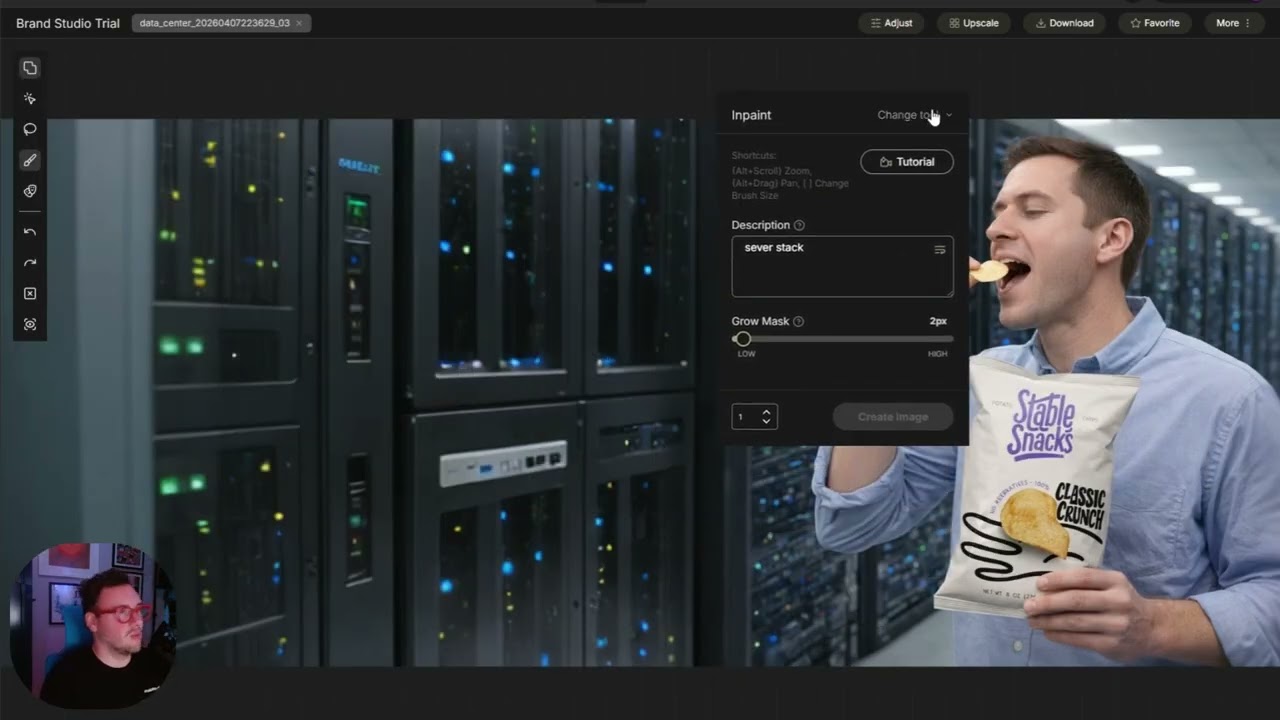
How to put together your first workflow in Brand Studio
Machine-readable: Markdown · JSON API · Site index
Описание видео
A single generated image is rarely production-ready without some tinkering. Maybe it needs to fit a banner, or a detail needs to change for a specific market.
That’s what workflows are for. Instead of re-generating from scratch over and over, we’ll get one image to the finish line in three steps.
What you'll learn:
✂️ Step 1: Remove the Background: Isolate your subject as a transparent PNG with original lighting intact. Use the Remove tool to clean up any edges before moving on.
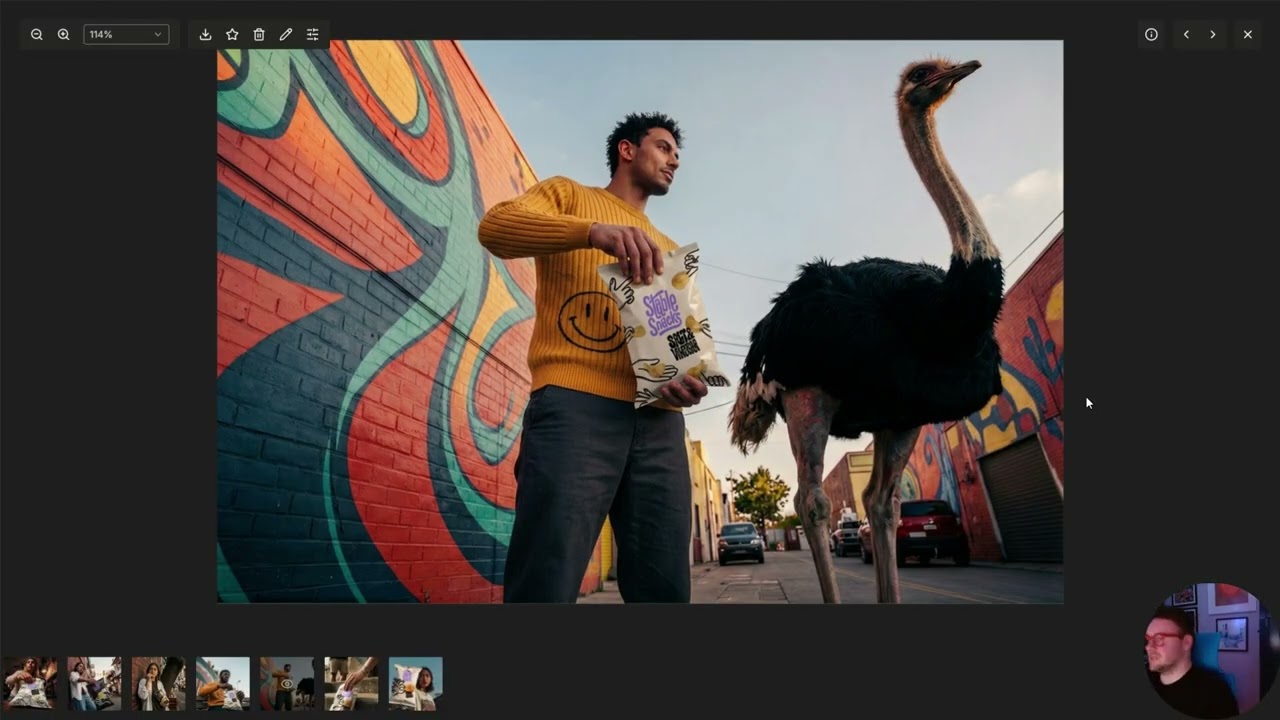
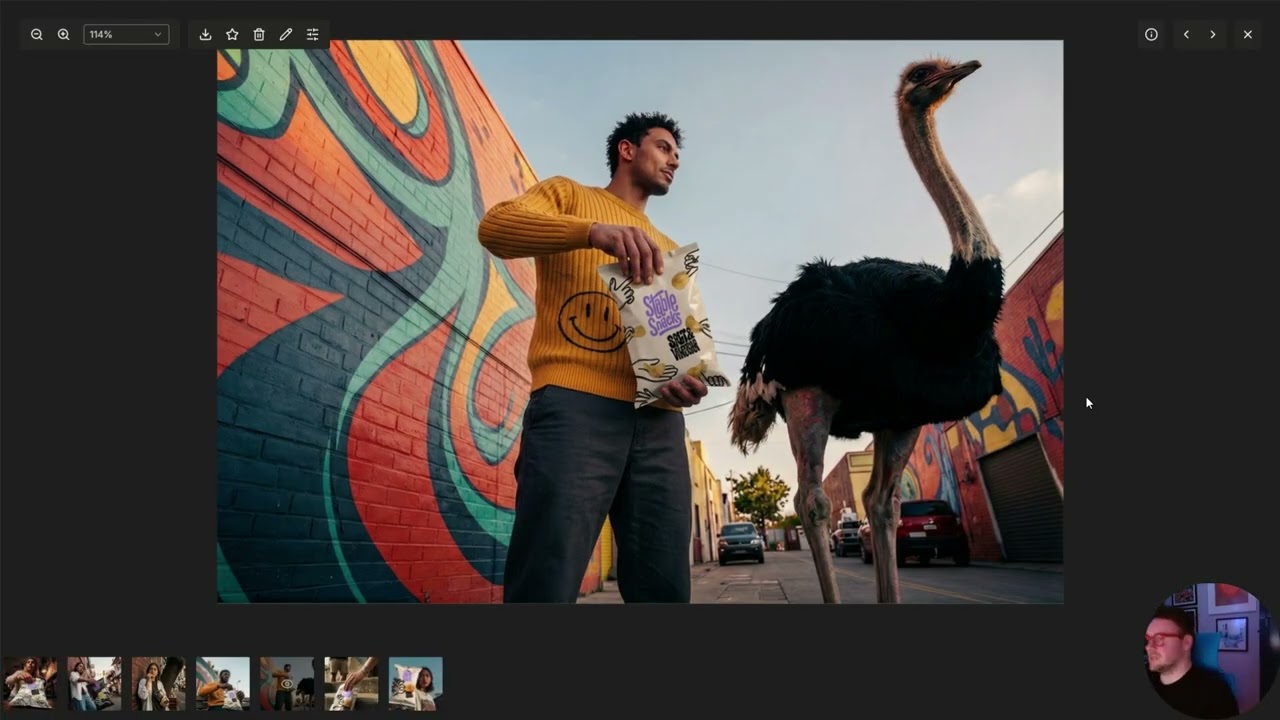
🌄 Step 2: Expand and Recompose: Use Outpaint to extend the original image to your target ratio (21:9, landscape, whatever you need), then use Quick Select to cleanly pull the subject out and leave an empty background.
🔍 Step 3: Upscale to Production Quality: One click takes your final composition from 2K to 4K, getting you to pixel-perfect.
Once you start thinking in workflows, the tools you already know get a lot more powerful.
🔗 Follow along in Brand Studio → https://bit.ly/4vg00yP