How to Receive USD Without a US Bank – Wise Guide
6:53

How to Receive USD Without a US Bank – Wise Guide

Wise 28.04.2026 1 712 просмотров 54 лайков

Machine-readable: Markdown · JSON API · Site index

Поделиться Telegram VK Бот
Транскрипт Скачать .md
Анализ с AI
Описание видео
Get your US dollar account details - https://wi.se/99ho4c 🇺🇸 In this video, we'll show you exactly how to get your US dollar account details, how to receive money with them, and all the things you can do with your dollars afterwards. 0:00 - Intro 0:59 - Sign Up: Personal vs. Business 2:02 - Verification 2:22 - Open USD Balance 3:09 - Get Your USD Details 3:46 - Currency Conversion 4:35 - Order a Wise Card 6:05 - Send Money Globally 6:34 - Outro
Оглавление (9 сегментов)

Intro

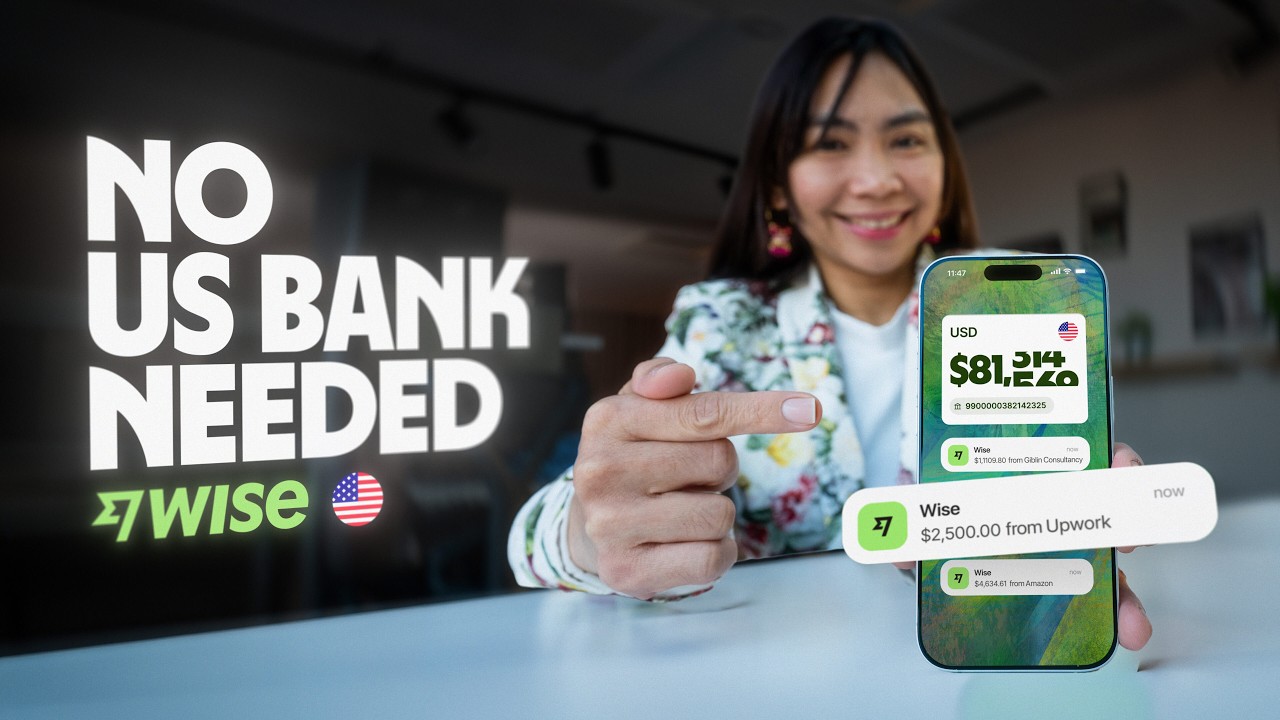
Getting paid in US dollars can be surprisingly complicated, right? Whether you're a freelancer billing clients in the US, a business expanding into America, or just have family overseas sending you USD, you need those domestic account details. The problem is getting US dollar details from a traditional bank isn't always easy. The process can feel slow, outdated, and full of paperwork. But what if you could get your own US routing and account numbers without the usual paperwork? So you can start receiving dollars just like a local. And once that money is with you, you have full control over it, whether you want to hold it, spend it, or move it to your bank account in another country. In this video, we'll show you exactly how to get your US dollar account details, how to receive money with them, and all the things you can do with your dollars afterwards. I'm Kathy from Wise. Let's get started.

Sign Up: Personal vs. Business

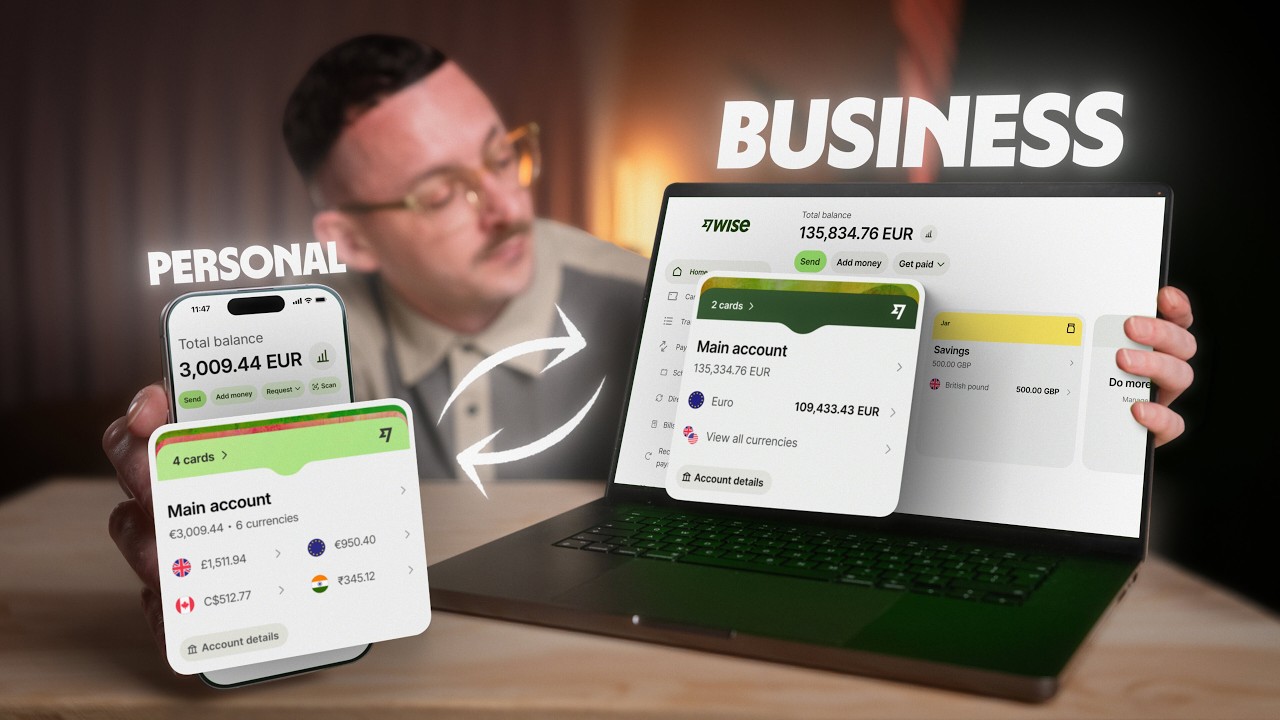
Getting US dollar account details with Wise is available in a wide list of countries around the world. If you don't have a Wise account yet, the sign up link is right in the description. You can use both the full web version and the mobile app. We recommend downloading the app so you have all the features handy, and we'll be showing the steps on the app in this video. But don't worry, the steps on the full web version are exactly the same, just made for a horizontal interface. When you sign up, we'll ask what kind of account you want to create, personal or business. If you're expecting transfers from friends or family, the personal account is for you. But if you're a freelancer or a company getting payments from clients for services, or want your team to spend from one account, you'll need to choose a business account. It's important to choose the right type of account. Just check the customer agreement for your region before signing up to see which account fits you best so it stays compliant. You can also ask in the comments section. After that, we'll

Verification

need to verify you. The steps depend on the account type you chose and the country you're registering in. This is standard practice as Wise is a regulated financial institution, so these checks help us keep your account and your money safe. — Once you finish signing up and getting verified, you'll see your main home

Open USD Balance

screen. It should look like this. To get your US dollar details, we're going to focus on this section right here. It might be called differently like current account or everyday account, depending on your region, but the name won't change how it works for you. This place is where you can hold all your currencies with Wise, and there are over 40 available. About 10 of those currencies, depending on your region, — come with account details that let you receive money just like a local, and US dollars is one of them. So, from your current account, tap add a currency, find US dollar in the list, and now that currency is active in your account. It's that simple. All that's left is to tap on the US dollar currency and select your account details here. And there they are. You'll see

Get Your USD Details

your account number, routing number, and all the other details you need to receive a transfer. There's a handy share button right here that lets you copy them in one click. If you scroll down, you can also see information on the fees for receiving different types of transfers, how fast they are, and if there are any limits. — And as you can see, at the time of filming, there are no limits on receiving US dollars at all. Okay, so you've shared your details and you've received a payment. The next question is, what can you do with that money? You have a few options.

Currency Conversion

First, you can just hold it in your Wise account, and not just in US dollars, but in over 40 currencies. — To convert your money instantly, just tap the convert button and choose the currency you want to convert to. The exchange rate is always the mid-market rate. That means no hidden charges. You'll only pay a small transparent fee, which you'll see up front. There's a new conversion setting that gives you more control. You can convert your money immediately, but you can also schedule it for a future date, or set a target exchange rate. When the market hits that rate, Wise will automatically convert the money for you. This lets you get the exact rate you want without having to watch the market 24/7.

Order a Wise Card

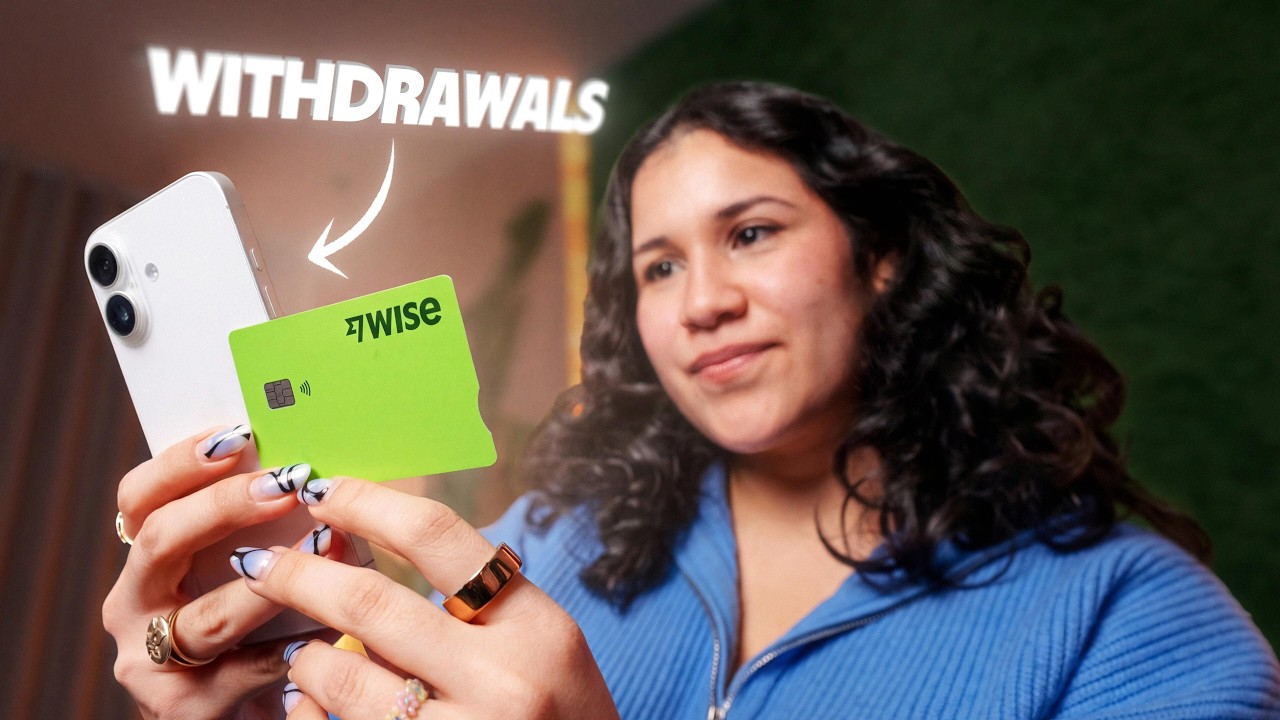
But of course, holding and converting money in different currencies isn't all you can do. In many regions, you can also get the Wise debit card. It links to all your currencies at once. You can order the card if we deliver it to your country, and spend with it just like any normal card. It's also super convenient for travel. For example, you received money in US dollars, — but you're traveling to the UK soon. You can instantly convert your dollars to British pounds at the mid-market rate with no hidden charges, just a small transparent fee, and spend in the UK just like a local. Alternatively, you don't even have to convert. You can hold your money in dollars and still pay for things in other currencies. In the app, we'll show you exactly what rate you got, it will always be the mid-market rate, and how much the conversion cost. You can order the Wise card from this menu here, and then add it to your mobile wallet before the physical card even arrives. You can create digital cards and add them to your mobile wallets, too. — These are great for contactless payments, or for when you want to create a specific card for a specific payment. For example, you can have one card just for subscriptions, and another card for online shopping. You can delete and replace them anytime. It's useful if you want to buy something online, but don't want to use your main card details. Make the purchase with a digital card, freeze it right after, delete it, and create a new one. It's an extra layer of security for your money. Another option, you can move your money

Send Money Globally

from Wise. We provide world-class transfers all over the globe for over 10 years to millions of our customers. To make a transfer, just tap the send button on the main screen. There's also a send button in your main account, and even inside the currency menu itself. We've put it everywhere so you can send a transfer from different places whenever you're ready. To see the full guide on how to send money with Wise, check out the link right here. So, now you not only know

Outro

how to get US dollar account details and receive money with Wise, but also about the wide range of possibilities you have for managing your money. If you still have questions, we'll be happy to answer them in the comments. See you in the next one.

Другие видео автора — Wise

Ctrl+V

Экстракт Знаний в Telegram

Экстракты и дистилляты из лучших YouTube-каналов — сразу после публикации.

Подписаться

Дайджест Экстрактов

Лучшие методички за неделю — каждый понедельник