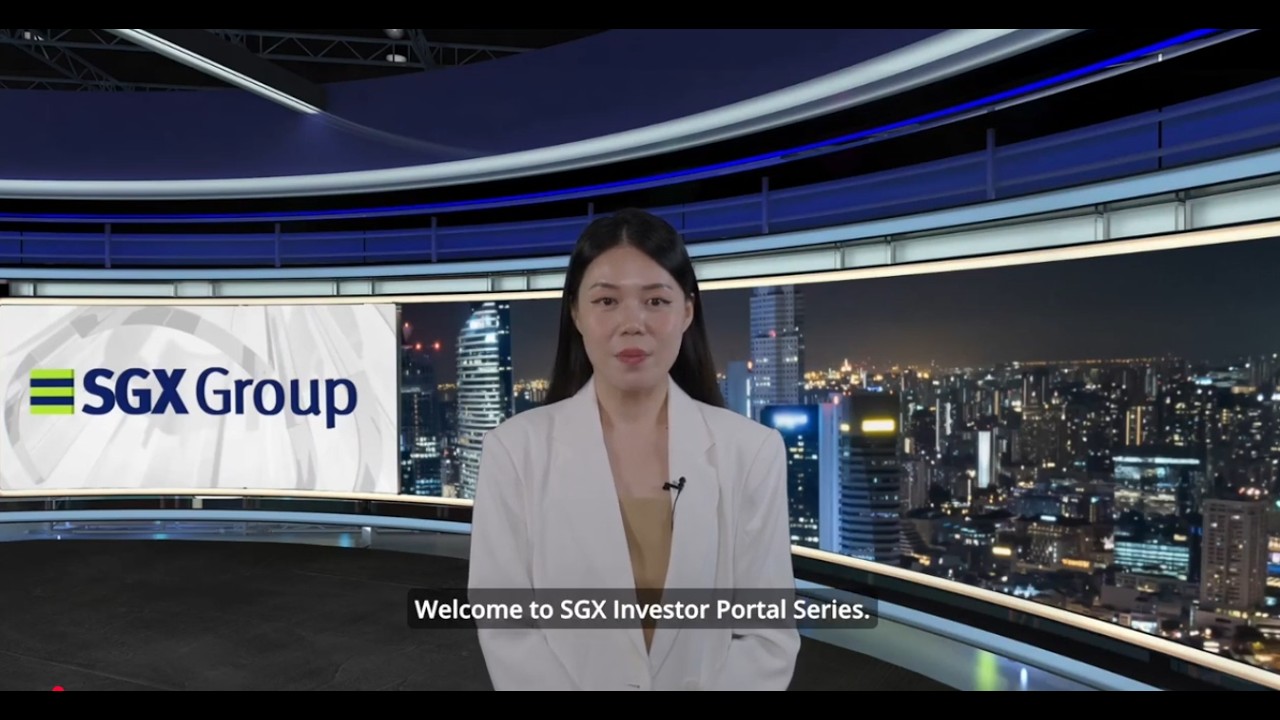
Access to CDP securities Portfolio, Statements and Notifications | 3/6
1:18

Access to CDP securities Portfolio, Statements and Notifications | 3/6

SGX Group 28.04.2026 93 просмотров

Machine-readable: Markdown · JSON API · Site index

Поделиться Telegram VK Бот
Транскрипт Скачать .md
Анализ с AI
Описание видео
Video guide on how to access details on CDP Securities Portfolio, download e-statements and Notifications. Follow SGX Group for the latest market insights and corporate updates: 关注新加坡交易所集团,即时获取最新市场动态和企业消息: LinkedIn 领英: https://www.linkedin.com/company/sgxgroup/ Facebook 脸书: https://www.facebook.com/SGX.SingaporeExchange WeChat 微信 ID: SingaporeExchange | http://www.sgx.com/qrc/wechat YouTube: https://www.youtube.com/SGXGroup Mobile App 手机APP: https://www.sgx.com/mobileapp

Оглавление (1 сегментов)

Segment 1 (00:00 - 01:00)

Hello everyone. Welcome to SGX Investor Portal Series. In this video, we'll guide you through how to view your CDP securities portfolio and download e-statements after logging in to your Investor Portal. Once you are logged in, you will arrive at the portfolio page. Scroll down to the investment details section to view your CDP securities holdings. Click on e-statements to access account statements and notifications. You can view and download up to 24 months of past account statements and up to 60 days of CDP notifications at no charge. To download a statement, simply click on download. You can choose to print any statements you need. And there you have it. Gain easy access to your CDP portfolio, e-statements, and notifications. Visit now at investors. sgx. com.

Другие видео автора — SGX Group

Ctrl+V

Экстракт Знаний в Telegram

Экстракты и дистилляты из лучших YouTube-каналов — сразу после публикации.

Подписаться

Дайджест Экстрактов

Лучшие методички за неделю — каждый понедельник