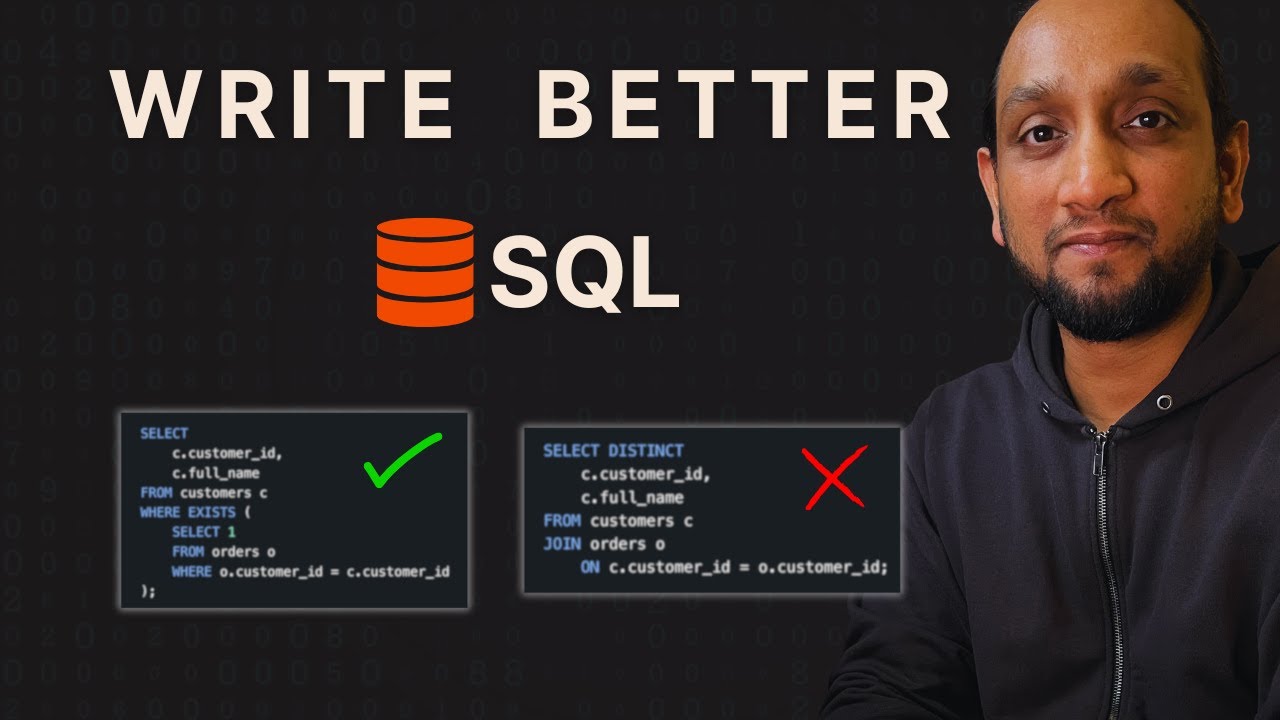
7 Simple Tricks to Instantly Make Your SQL Queries Better
13:40

7 Simple Tricks to Instantly Make Your SQL Queries Better

techTFQ 30.12.2025 135 309 просмотров 5 479 лайков

Machine-readable: Markdown · JSON API · Site index

Поделиться Telegram VK Бот
Транскрипт Скачать .md
Анализ с AI
Описание видео
Want to write SQL that looks like it was written by a senior developer? In this video, I’ll show you 7 simple tricks that will instantly improve your SQL - from avoiding SELECT * to using CTEs, writing index‑friendly filters, and understanding COUNT(*) vs COUNT(column) correctly. If you want to practice these concepts with real SQL interview questions and hands‑on exercises, check out SQLNest - my all‑in‑one SQL learning platform 👇 https://sqlnest.com These are practical habits you can apply immediately in your day‑to‑day work: 1. How to format SQL so it’s easy to read and maintain 2. Why SELECT * is a bad idea in production 3. How CTEs make complex queries easier to understand 4. When to use joins vs subqueries 5. How to write filters that actually use your indexes 6. Using DISTINCT the right way (and not to hide bad joins) 7. The real difference between COUNT(*) and COUNT(column) with NULLs THANKS for WATCHING!

Оглавление (3 сегментов)

Segment 1 (00:00 - 05:00)

When you write SQL, there are some simple tricks that you can follow to make you seem like a professional instead of an amateur. Over the years, I have seen even senior developers writing shitty SQL code because they do not follow these basic tricks. In this video, I'm going to share with you seven tricks that is going to help you write cleaner, faster, and more reliable SQL code for your day-to-day work. The trick number one is an obvious one, which is basically to write clean and formatted SQL code. In the screen you can see two queries. I have option number one, option number two. These both are exactly the same queries. But the option number two what you see here this is a query that has been properly formatted and cleanly written. Now imagine you are given an option where you can choose any one of these queries to quickly understand and then make some changes. Which query would you choose? Obviously you would choose the option number two. Right? Why? Because it would be much easier for you to read and understand it. Now this is a very simple query. Imagine the queries that we actually use in our real work. The queries that we work are 100 times bigger than these queries. And when you do not format them and cleanly write them, it becomes extremely difficult for other team members and yourself to look at it after a few months and understand what exactly is written. So remember one thing that you write your code once but it will be read hundreds of times not just by you but by other team members as well. So spend some time to format it cleanly. Write it. And when it comes to formatting it, you just need to follow three steps. Number one, all the keywords like select, from, join, where, everything, keep them in uppercase. That's number one. Number two, all the identifiers like column name, table name, alias, all of them, let them be in lower case. And finally, try to follow a common indentation. That is, you can see that I have four spaces here. All the columns are separated out in each different lines. The table names are in separate lines. The filter conditions There are common spacing that I'm following all across. If you just follow these three simple steps, you'll write a clean and formatted code which is going to save a lot of time in future. The trick number two is to fetch only what you need. If you look at my screen, I have two queries, option number one and option number two. In option number one, I have select star from orders for a particular date. And in option number two, I have select four different columns from the orders table for that same date. and I have a limit of 100. Now imagine this orders table was having a million records for this date and it was having let's say over a 100 columns. In that case the option number two would be so much more efficient. Right now let's talk about limit first. If you are writing a query just to do some analysis, you want to see what the data in a table is. It's always best to use limit because if you just want to do some analysis, you can do analysis on 10 records or 100 records. You don't need all the millions of records. This will save a lot of cost especially if you are using some cloud-based data warehouses and also it will improve the performance in of fetching a million records. It can very quickly fetch the 100 records. That's about fetching only the rows that you actually need. When it comes to the columns, there are more than one advantage of mentioning the column names. So let's say you mention star and every time so every time you mention a column name internally what database needs to do is database for each column it needs to go to the disk where the data is stored. It needs to read that data and then it needs to return that data in the network. So this IO operation right and it needs to do that for every single column. If you have a 100 columns when you do star it's going to do this IO operation for all the 100 columns but if you mention these four columns only because you're only interested in these four columns it will do the IO operation only for these four columns so much of resources is basically getting saved that's the advantage one the second advantage is let's say if the table structure changes if your orders table gets some new columns added in the future and you have written a code where you have used star so you expecting that there are 100 columns but after 6 months it becomes 104 columns and you have written your code to handle only those 100 columns when you say star it will fetch all the 104 right and your code will break. So by mentioning the column names you our code will always work irrespective of any additional columns being added to that table. Right? So these surprising issues that can pop up can be avoided by mentioning the column names. And finally it also helps with readability and documentation. Right? So anyone who looks at your code look sees star they don't know what columns are actually getting returned. But if they see the actual column names it becomes much easier for them to know okay these are the columns that are getting returned. So fetch only the rows and the columns that you need. It's a simple thing but a lot of people ignore this. The trick number three is to split your complex query into multiple different parts using CT. So let's say you're writing a query and it's getting more complex and you have some complex piece of logic

Segment 2 (05:00 - 10:00)

written inside a query or let's say you have some nested queries that you have built. It is always better to break that query into multiple different chunks by using CTS one or multiple cities. This way your code will become much better for readability and for maintenance. In the future if someone wants to make some change in that complex logic they don't need to find it within different nested subqueries. Rather they can just go to that CT which holds this complex logic and make that change in that city. For example in the screen you can see that I have a query. This is option one where I have some query that is written which is doing some calculations from the orders table and then it's doing some additional calculations in using this nested query and then on top of both of this I'm doing the final aggregation here right so I have like two levels of nested subqueries that are written here now I could rewrite this same query using CTS by having two CTs so that inner query I could put it in the main CT then I have a second CT which does what we were doing in the second subquery and then finally the final aggregation can be done in the main query. Now this query is much better for maintainability and for readability compared to this query which has multiple nested subqueries and in some cases this query with CTS can also help with performance. So always remember if you are having a complex query with some complex logic within it try to split it into multiple parts by using a CTE. The trick number four is to prefer an explicit join over everything in a subquery. Now I'll explain this with this example that I have. I have two versions of the same query. In the version one I have this subquery inside my select clause where I'm basically connecting the customers table with the orders table and then I'm fetching the customer name from the customers table. In the second version, I'm directly or explicitly joining the orders table with the customers table and I'm fetching the customer name from the customers table. Right? Now, if you look at both of these queries, which query would be easier for you to understand. Obviously, it is the version two. Right? Because here you clearly know that these two tables are getting joined on which column they are getting joined and which field is getting fetched from which table is very clear. But in the first query, it's kind of confusing, right? You have a subquery. How is the two tables getting linked? Are they getting linked and what is getting fetched from where and everything right? So for the readability purpose and for maintaining purpose the second version is always better and also with regards to performance because in the first version you have an additional subquery that SQL needs to execute. So in short whenever you're writing a query if you get an option where you can write the same query which returns the same result either by using a join or by using a subquery always go with the join. It will always be better. But having said that there will always be cases where you will have to use subqueries and that is absolutely fine. The trick number five is to write index friendly predicates. Now what this means is if you have a column on which you have created an index and you want to use that column in your wear clause then make sure that you are not enclosing that column within a function because if you enclose a indexed column within a function then SQL optimizer may not be able to use the index and this could happen because index is created on the values stored in the column and when you enclose this column within a function its values could change and index could not be used. Now an example for this you can see I have two versions of the query and I'm looking at the orders table it has this order date field and its data type is date and index exist on this column okay and let's say in the first version I have this filter condition where I'm enclosing this index order date field within the date inbuilt function and in this case SQL may not use the index and it might do a full table scan whereas in the version two I'm not enclosing it within a function and I'm using this indexed column as it is and here there is a high probability that the index will be used. Okay. So whenever you have an indexed column make sure that you use that column as it is in your filter conditions in the wear clause and do not enclose those indexed column within any function. The trick number six is to use distinct properly and do not use it to cover some bad queries. Now what I mean by that is this thing should generally be used when you want to fetch some unique values. It should not be used to cover up some bad data that is returned from your query. For example, let's say you have a query and it is returning some duplicate data and the duplicate data is getting returned because you have written a bad query because the join that you have written is not working properly. It's returning some duplicate data. The data set does not have duplicates but because you have written the join wrongly, it's returning the duplicate data. Right now to fix that issue, you use a distinct so that you'll get the unique values. Right? Now the final output works but it's not the right way to fix this

Segment 3 (10:00 - 13:00)

issue. You should have fixed the underlying join rather than using a distinct here. Now let me explain this with an example. You can see in the screen that I have two versions of this query. In the first query, I'm basically joining the customer table with the orders table based on the customer ID and then I'm fetching the full name and I'm using a distinct here. Why? Because this query can return duplicate data. Why? Because a customer could have done multiple orders, right? If a customer had done multiple orders, then multiple times those customer would get returned from this query, right? Because I'm joining based on the customer ID. And to avoid that duplicate customer information, I'm using a distinct here. Now, this is not the right way to use distinct because here the problem is the query that you have written. This is not the correct join that you are doing here, right? and you're trying to fix this by using distinct. This is wrong. Now the right way to fix this issue is the second version here. So here what I'm doing, I'm fetching everything from the customer table and I'm only fetching those customers who have made some order. Right? Now this way I'll always get only one record for each customer. Right? And I don't need to use a distinct here. Right? So this is the correct way to solve the problem and not by using distinct. Use distinct only when you really need a unique value. The final trick that we are going to be talking about in this video is going to be the difference between count of star and count of column name. Now count of star will always return the total number of rows irrespective of whether there is a null value or not in any of the column. Whereas a count of column name will only return the total number of non-null value in that specific column. Now let's understand this with this query that I have in my screen. Now you can see that in the query one I'm doing select count of star from the users table. Now what this will do is this will always return the total number of users present in this table. Whereas the second query is going to return the total number of users where this particular column is not null. So let's say we have in total 100 users and out of that 100 users 30 users have this field as null. Okay. So that means when I run this query, it's going to return me 70 and not 100 because only 70 of the users have this field populated. So remaining 30 users for this field is basically null, right? So only the non-null values will be counted here. And this can be a major issue in your code. Let's say you your intention was to always count the total number of rows, but instead of using a star, you mentioned a column name. And when you wrote that code, this column was always having value. So there was no null values in any of the record. But let's say in the future for some of the rows this particular column became null and then your query starts behaving weirdly because it's going to return different data. Right? So always be careful. If your intention is to fetch the total number of rows irrespective of the value then always use count of star. But if your intention is to find the non-null value in a particular column only then use the count of column name. I hope you like this video. I hope you learned something from this video. If you did, leave a comment below. I would like to read it and know what was it that you actually learned. And if you think there is something that I missed and if you want me to create another version of this video covering some more tricks, let me know in the comments as well. And finally, the next video is going to be a very interesting video where I will be giving you a complete road map of how to become a data engineer in 2026. So stay tuned for that video next week. Thank you so much for watching all my videos this year and I'll see you next year.

Другие видео автора — techTFQ

Ctrl+V

Экстракт Знаний в Telegram

Экстракты и дистилляты из лучших YouTube-каналов — сразу после публикации.

Подписаться

Дайджест Экстрактов

Лучшие методички за неделю — каждый понедельник