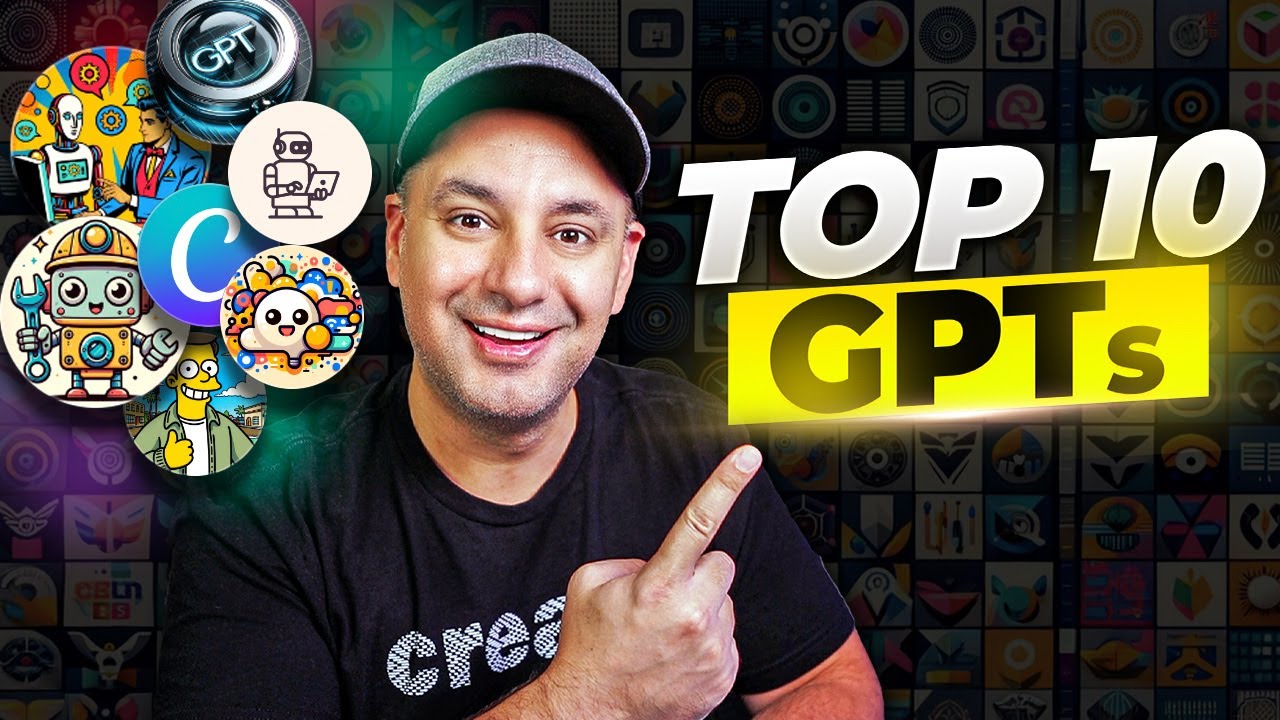
Top 10 GPTs You Should Try Right Now
9:09

Top 10 GPTs You Should Try Right Now

Skill Leap AI 14.11.2023 37 320 просмотров 817 лайков

Machine-readable: Markdown · JSON API · Site index

Поделиться Telegram VK Бот
Транскрипт Скачать .md
Анализ с AI
Описание видео
After testing about 250 GPTs this week, I narrowed it down to the top 10 most useful that you can try right now. These includes GPTs for Design, creativity, business, fun and productivity. If you want to create GPT actions using Zapier, like connecting to your calendar, check out this tutorial: https://youtu.be/z4JSxlfMduU You can find the list with all the links to GPTs here: (Go to File and Make a Copy) https://docs.google.com/spreadsheets/d/1uXNFP8_z_nMKtbsU8iZLyuf7UmR3LYqQbNi4IwzMk3c/edit?usp=sharing ▬▬▬▬▬▬▬▬▬▬▬▬▬▬▬▬▬▬▬ MORE FROM SKILL LEAP: 💡 Join the fastest-growing AI education platform & Instantly access 20+ top courses in AI: 👉 Start with a free trial: https://bit.ly/skill-leap ▬▬▬▬▬▬▬▬▬▬▬▬▬▬▬▬▬▬▬

Оглавление (2 сегментов)

Segment 1 (00:00 - 05:00)

I tested about 250 different gpts this week I got a couple hundred more to go through and I put together a list of the top 10 so far that I think you'll find really useful and in the process of my testing I actually put together a massive data set of the top gpts that I'm constantly updating and I'm using this to train my own GPT I'll show you that in a bit it's going to make it really easy for you to find links directly to some gpts that are useful so this one is called prompty and basically prompty is your personal prompt engineer so it's trained on data on creating good prompts things like Chain of Thought prompting or one shot or few shot prompting and it's going to give you basically a better version of any type of prompt that you want to give chant GPT prompt engineering is a big deal to get better results out of chant GPT so this should be a very useful one so here I asked that what's a good prompt for writing a SEO blog and he basically gave me a big picture overview but more importantly it created The Prompt for me so it says write a detail engage SEO optimize blog post about and you can see it's a much larger prompt than the one I gave up here right so this is a great way to copy this now and then open up a chat GPT conversation or you could do it inside of here too and basically fill in these red sections with your very specific use case and then gets a much better results out of chat GPT so this is the one I wanted to start with I think you'll find this one really useful now next on the list is going to require a little bit of integration but it's going to turn your chat GPT into a personal assistant basically you could link with calendar GPT your personal calendar or your work calendar to chat GPT and when you do that you could ask a question like what's my day look like so right now if you go to this right here and if you try to use it it's going to ask you to use zapier to connect to your calendar and it says sign in with a zapier action so I already created a video showing you exactly how to use these zap your actions it's a little bit more advanced but I think you'll find a useful if you could create a zap account which is a automation tool connect your calendar to this calendar GPT and then ask it basically to help you with your day planning next on the list we have canva now this is the one that open AI showed as a demo when they release gpts now this one again helps you create presentation logo social media post and this one if you come over here and you go to the privacy setting I think this is built by the chat GPT plug-in canva so it looks like the official one and the privacy policy takes you to the canva page here now for this Instagram post is asking me what I like to include so I'm going to ask it to quote sees the day to see that is this just pulling templates here from canva that it's going to link to or is it actually going to create something that has what I want so I specifically put text here to see if that's going to incorporate that into my design now it says do you want to trust chat GPT plugin. cva. com I'm going to say allow and while that's working I should mention right now because there is no official GPT store just be careful and don't put any personal information into any gpts because anybody could create them and anybody could share them with a private link so make sure you keep your personal information very secure from these gpts okay and it gave me this which doesn't look very good at all but it did actually include my text sees the days right here terrible placement but you could see where this could go it's not quite there yet in fact it's not there at all but this canva plugin is going to turn into this canva GPT and hopefully rolls out to the GPT store which I'm sure it would be part of it because this is what they used in their demo and it will be huge when it comes to graphic design if this works properly right now I'm just using Dolly 3 to create type of Graphics but this canva could be a very useful option and when you click it does redirect you here to cana. com so again not quite there yet but I wanted to point it out because it will be one of the leading gpts in the GPT store soon okay next on the list we have this baby a. txt and this is basically a task manager that saves any conversation you have with chat GPT into a text file so the really cool thing about this is I could create a to-do list to help me plan my day for example and then I could ask it to give me a text document that I could download right so it's not just inside of chat GPT now it does this with a combination if I go over here to the about section it's going to do that with a combination of the Advanced Data analysis that will be allowed to create some kind of a text document so again this is possible using the regular chat GPT but this is just dedicated to that version now this next one is being really useful this one is called tech support advisor and it's one of them that chat GPT actually rolled out they created about 16 of these gpts when they introduced it so if you go to the explore tab on your gpts you'll see all these different gpts here that they have about 16 of them right now and this

Segment 2 (05:00 - 09:00)

one's trained on a lot of text support so turning a Google doc into a PDF for example I could just click this and get a step-by-step guide and I tested this out versus the regular chat GPT and the tech advisor actually had better answers from the three or four different prompts that I give it versus the regular chat GPT so I'm assuming this has more upto-date and more relevant hech support questions so if you're trying to do anything like setting up a printer this might be better to use than the regular chat G now here's a fun one this one's called simpsonize me and this one right now is the number one trending GPT so you could upload a photo to it and it's going to turn it into a Simpson style character and this one I tried on my mobile app on the chat GPT app so I uploaded a picture of Andrew here in the studio and he did a pretty good job he even got the microphone but when I uploaded a picture of myself I did not get a good result it just put Homer over here but it didn't do a good job at all with me so give it a try in the few test that I've done half the time it does a really good job half the time you get something that looks like this now this one's not on the list but the same person that made Simpson eyes actually made this one and scape The Haunt it's really interesting you basically is a clue game or kind of escape room game that you could do with text and it generates these images giving you different Clues and you have to solve a puzzle so again another fun one that I was actually playing for quite a while now this one's pretty cool this is called logo GPT and it turns sketches into logos which is really useful here I'll do a quick sketch in Photoshop let's say here's a triangle and then I'm going to put s and let's put l and then let me go ahead and take a screenshot and upload that screenshot and I'm going to tell it to create a minimalistic logo here based on the sketch let's see what it comes up with oh wow that's actually pretty good I didn't even answer any of his follow-up question I just kept saying you choose he asked me a couple questions like background colors and it definitely got the initials right it got the triangle right and it turn it into a minimalistic logo now I could say turn it into elegant logo and get bunch of different variations of the logo just from that sketch that took me just a few seconds to create now this one I really like because I use chat GPT to draft a lot of emails right sales copy customer service this one is called email GPT and this one is specifically an expert in customer service email and it has a couple of different options like draft the response to a complaint you could just click that now again chat GPT could do this but remember these gpts are very narrowly focused so they're probably trained on a set of data that is going to give you results that is much more in line than what you're looking for because of that narrow data set now this next one is called GPT finder this is your friendly guide for finding the best gpts this is the one I mentioned in the beginning and this one I think you'll find really useful basically I gave it all the gpts that we added to our list and we're updating that every day so if I go to edit GPT basically the custom set of knowledge is our set of gpts that are handpicked now this is a great way for building gpts because it's only data we have it's a hand selected set of data right between me and my team and we update it every day so it's going to be the most fresh version of a GPT finder that could exist and I broke it up into categories to make it easier for a specific use case so you could search by individual names of gpts to see if we have them on the list or you could just see things for creative writing for example or business or if you're doing this for coding and when I give this GPT a set of instructions I made sure that every time that it gives you a recommendation it picks it directly from the list and that it creates a link that you could just click to go directly to that GPT and in the description I also put a link to a top 10 list so you could actually go if you don't want to use the GPT finder you could just click on the ones that I mentioned throughout this video to test it out for yourself and if you haven't watched it already I recommend watching the GPT automation video that uses zap here to connect to ton of different apps to automate email sending and connecting to calendars and things like that so I'll link that below as well thanks so much for watching and I'll see you next time

Другие видео автора — Skill Leap AI

Ctrl+V

Экстракт Знаний в Telegram

Экстракты и дистилляты из лучших YouTube-каналов — сразу после публикации.

Подписаться

Дайджест Экстрактов

Лучшие методички за неделю — каждый понедельник




