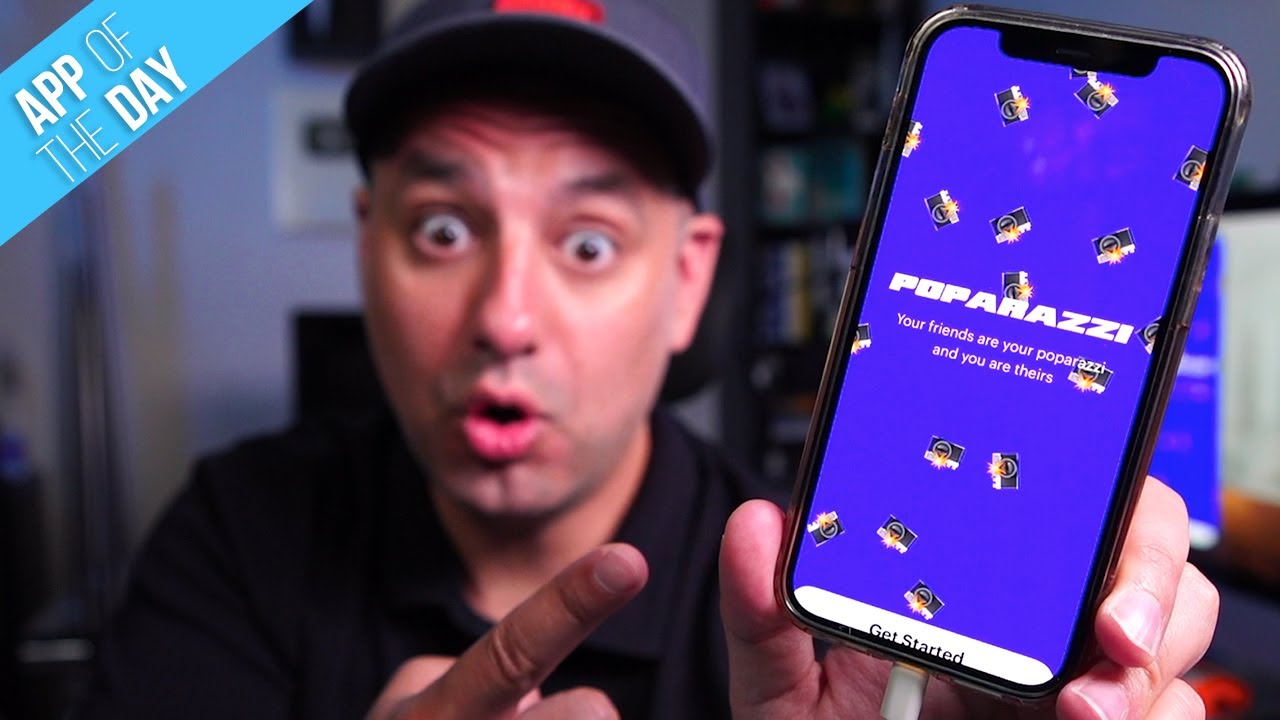
How to Use Poparazzi - #1 App in the App Store
5:22

How to Use Poparazzi - #1 App in the App Store

Skill Leap AI 28.05.2021 23 783 просмотров 242 лайков

Machine-readable: Markdown · JSON API · Site index

Поделиться Telegram VK Бот
Транскрипт Скачать .md
Анализ с AI
Описание видео
Poparazzi is a new photo-sharing network where your friends are your paparazzi and you are theirs. Your profile on Poparazzi is created by your friends when they take photos of you. On the flip side, you create your friends' profiles when you take photos of them. Poparazzi's approach to a social network is completely new. Instead of taking selfies, trying to get the perfect picture of yourself, and making a perfect profile, your friends will have to do it for you. The app is currently available for iPhone and iPad users on iOS 13, 14, or later. https://www.poparazzi.xyz Thank you for watching this video! Please share and subscribe and never miss the next great app. ======================================= Share this video: https://youtu.be/NVvzu8op7O4 ======================================= See more, easy to follow how-to videos https://howfinity.com

Оглавление (5 сегментов)

Intro

there's a brand new app on top of the app store as i'm recording this and it's called paparazzi it's a brand new social network social media platform with a brand new twist it's completely different than the other ones this is how it's different and i'll show you exactly how to use it and then i'll give you my thoughts at the end of the video but unlike other social media apps you do not make your own profile in fact your friends will have to take pictures of you and then tag you to create your own profile so they're basically trying to get rid of selfies and creating that perfect profile with your own pictures for yourself your friends are responsible for that and you are responsible for doing that for your friends it is only available on iphone and ipad right now

Poparazzi

so you could check out the app store here and download it and go ahead and open it up but when you do open it i already sign up for an account but you do have to give it permission for your contacts and your photos and your camera and then go ahead and create a user profile but let me show you around after you sign into the app so if you go to the home page if you look on the bottom here the home page here this is basically where you could invite your friends and then they could use this app with you because you obviously need friends the way this is designed because you can't create a profile with your own picture someone else has to take pictures of you so let me press this i'm sure this is going to change a lot this is only a few days old so i'll make an updated video in a few months and i think they're gonna rebrand to pop right now it's called paparazzi it's a mobile app for exchange of photos between friends but unlike other social media apps profiles are not created by you they're created by your friends what i explained in the beginning so you could read more about it here so the first thing you typically want to do is you want to at least invite a couple of friends so you could use that i just downloaded it so it's brand new then on the bottom there's a search icon

Profile

and let me kind of show you what posts on this platform look like this is what they look like you could do a single photo or this gif style photos like this and then here there's a search bar and you're gonna get suggested friends so that's why it's asking you for your contacts on your phone so you can actually recommend people here and you could search for other users here using their profile name or their first or last name here you have a notification icon just like any other platform where all your activities are gonna show here on the bottom you have your profile again where i set up my profile this will be your profile username that you could share and your profile will appear here when other people pop you that's what it's called they'll appear here on your profile so your pictures will appear here but you can't take pictures of yourself so someone else has to do it and then this tab right here is going to show you the pictures you've taken of your friends that will appear on your profile under this tab and just like other profiles let me show you let's go back to search and i'll click on someone here just to show you can actually follow other users here and you can react to their posts so you could give it a heart you could go ahead and share posts all this stuff that you're used to with other platforms but if you press on a user on top right here you could go ahead and follow them over here so that's all available just like other platforms and this looks a lot like instagram when you're on a profile page to add a photo to someone else's profile you could do it from their profile page with this icon or you could press the photo icon right here this camera icon

Tag

and i don't have anyone next to me so let me just show you for example you could just take one picture so i'm gonna take one picture and i'm gonna wait and then it's gonna take me to the next page to tag whoever this is and then this is gonna appear on their profile let me go back you could also let me delete that one you could also take multiple pictures to create a gif so you could kind of move around and take all the pictures based on those white lines and when it's done it's going to create this kind of gif animation you see that on top next to tag then you would tag someone so if i type someone's name for example find them in search if they're your friends they're going to show up but you could tag anybody on this platform you could go ahead and post it to their platform like this and this will appear on their profile and now if you come back to the home page with the p here all your activities are going to show up over here now i tag someone i'm not friends with but it still appeared over here and i could click on it to see right there you could see i tagged them and it's waiting for their approval so it's not just going to appear this is obviously not a picture of them but if they like it they could actually add it to their profile and then they could react to it and share it and everything else that you typically do on social media platforms

Final Thoughts

platforms so far from my limited use of this app it worked very seamlessly and i love the unique idea and the unique approach to social media i think it really has a leg to stand on especially if they raised the round this got to the top of the app store with limited funding and almost no advertising really i'm impressed with how they were able to get this app to this point so i'll make follow-up videos but on this channel i cover all kinds of apps so i have all the social media apps covered over 100 videos on different apps here so make sure you check those out to kind of compare different apps to see what's best for you i hope you found this one useful please give it a thumbs up i'll see you next time

Другие видео автора — Skill Leap AI

Ctrl+V

Экстракт Знаний в Telegram

Экстракты и дистилляты из лучших YouTube-каналов — сразу после публикации.

Подписаться

Дайджест Экстрактов

Лучшие методички за неделю — каждый понедельник




