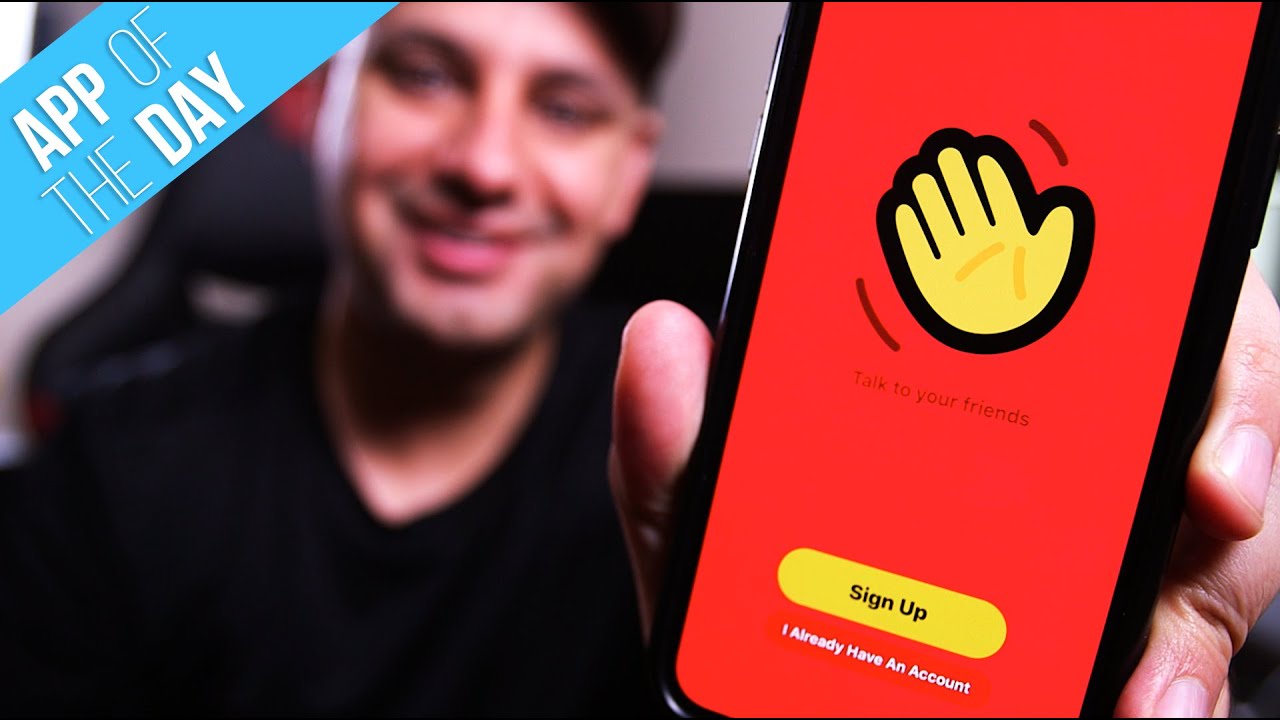
How to Use Houseparty - Group Video Chat App
5:47

How to Use Houseparty - Group Video Chat App

Skill Leap AI 01.04.2020 77 301 просмотров 565 лайков

Machine-readable: Markdown · JSON API · Site index

Поделиться Telegram VK Бот
Транскрипт Скачать .md
Анализ с AI
Описание видео
Houseparty is a video chat app and a social media app in one. You can invite friends from your contact, Facebook, Snapchat, or by text to join you on Houseparty. You can use the app to video to chat with one person or a group, you can play games like Trivia in real-time, you can send Facemail and you can share your screen. You can get the Houseparty video chat app for iPhone, Android, macOS, and Chrome. https://houseparty.com/ Thank you for watching this video

Оглавление (9 сегментов)

<Untitled Chapter 1>

everyone in today's a for today video I want to show you this app called house party and it's a group video chat app and it's like a lot of other video chat apps if you've ever video chatted with someone where you could video chat with two or more people inside of a room but what I really like about the app and what's unique about the app is the ability to play games with someone right live on the video chat so you could play trivia for example they have many games that I'm gonna show you in this video so I'm gonna do a quick overview of how to install house party how to get started with it everything the app has to show and at the end of the video I'll give you my rating from 1 to 5 let's jump into the phone to get house party search for again house party one word is available for iOS Android and on Mac and PC press open I'm gonna show you the mobile app and you should see this page right here and go ahead and press sign up if you don't have an account yet and he's pretty straightforward here you could also connect snapchat to it here and he will pull your profile picture from there just go ahead and type in

type in your username

your username and your password here and your birthday and you do have to be 12 plus this is considered a social networking app so it does have an age restriction and then once you get past the signup page you could connect Facebook or your contacts you could give it access so it's a little bit easier to add friends that you already know and it's gonna ask you to send you notifications if you want you could allow that it has to get access to your camera and your microphone again it's a video chat app so I'm gonna say ok to that so here's the homepage of the house party app and you'll see yourself before you invite any friends so let me show you all the different options here you can press the

press the three dots on the bottom of the page

three dots on the bottom of the page and share your screen once you invite someone you could record a face mail that's just a quick video mail video message that you could send someone and you could go ahead and disable your

disable your camera

camera flip your camera so if you press flip the camera it's gonna flip the camera I show you what you're looking at so I'll flip it back and again let me disable the camera you could lock the room so no one else could join you in this room that's that option and you could go ahead and mute yourself and then now you're muted those are all the options of the now what's more important is inviting people so on the left you have the smiley face that's a place where you could see all your friends and invite people here too so you go ahead and add friends and you have all these different options for adding friends like you could add them by name by searching them in the app you could add them by contact if you give the app access to your contact you could add it from Facebook if you gave it access to Facebook from nearby and from snapchat if you give it access to snapchat or you copy the link

copy the link and paste that link on a text message

and paste that link on a text message for example and invite people that way you may also show you people you may know by recognizing people that have this app that are in your contact I'll press X another way to add people is by pressing the plus sign and here you could add new

add new friends

friends and invite new friends here and then you could see people on your contacts and your existing friends here too so in order to add someone I'll jump over here I'll go ahead and press add

add friends

friends and add someone by name and as you can see it's kind of search for all the people here and you just press add next to their name if they're part of the app if they're not add them via any of these other options I'll show you what the dice does in a second you could also always swipe up on this homepage and you'll see all your friends here that have joined and our part of the app if they're here right now you'll see a little join icon next to their name you could press that and start a chat with them or you could go ahead and wave at them that's one of the options if they're showing up here or you could go ahead and call them I'm gonna call them to show you how this works now that someone has joined our video chat here we could add other

add other people by pressing the plus sign

people by pressing the plus sign and then we could go ahead and mute ourselves here or turn off camera or share our screen but the main thing about this app is the ability to play games with other people so if you press the dice option here you have all these different types of games you could choose from chips and guac actually requires three people minimum so I can't do that with two but if I press this and I do trivia for example I have all these different options to choose from to play

play trivia based on these categories

trivia based on these categories so if I choose sports trivia for example I could go ahead and let's play here and then we could go ahead and answer these questions based on this timer so if I answer and then the answer you can see who gets it right or wrong so let me X out of this conversation see you and let me show you how face mail works if I press the three dots and do record face mail I could go ahead and press record right here and leave my message this is my message for someone else when I let go it's gonna let me send that message to people on my contact on my friends if I just press send and press done now they got that face mail so it's just a video voicemail really for someone and you'll get a message up top that says they're reading your face mail when they read it and that's everything about this app that you need to know I'm gonna give house party a five out of five on my review what I really found useful in the app was the ability to play games with all the people that you invite to the app and he made it so easy to invite people from anywhere from Facebook from snapchat from your contact list it was really straightforward how to do that I wish it didn't have to options on top two plus sign on the smiley face to ask friends I feel like it was almost the same option there twice but other than that I found that very enjoyable thanks so much for watching this video please subscribe I post these type of the day videos multiple times a week and I hope to catch you next time thanks for watching

Другие видео автора — Skill Leap AI

Ctrl+V

Экстракт Знаний в Telegram

Экстракты и дистилляты из лучших YouTube-каналов — сразу после публикации.

Подписаться

Дайджест Экстрактов

Лучшие методички за неделю — каждый понедельник




