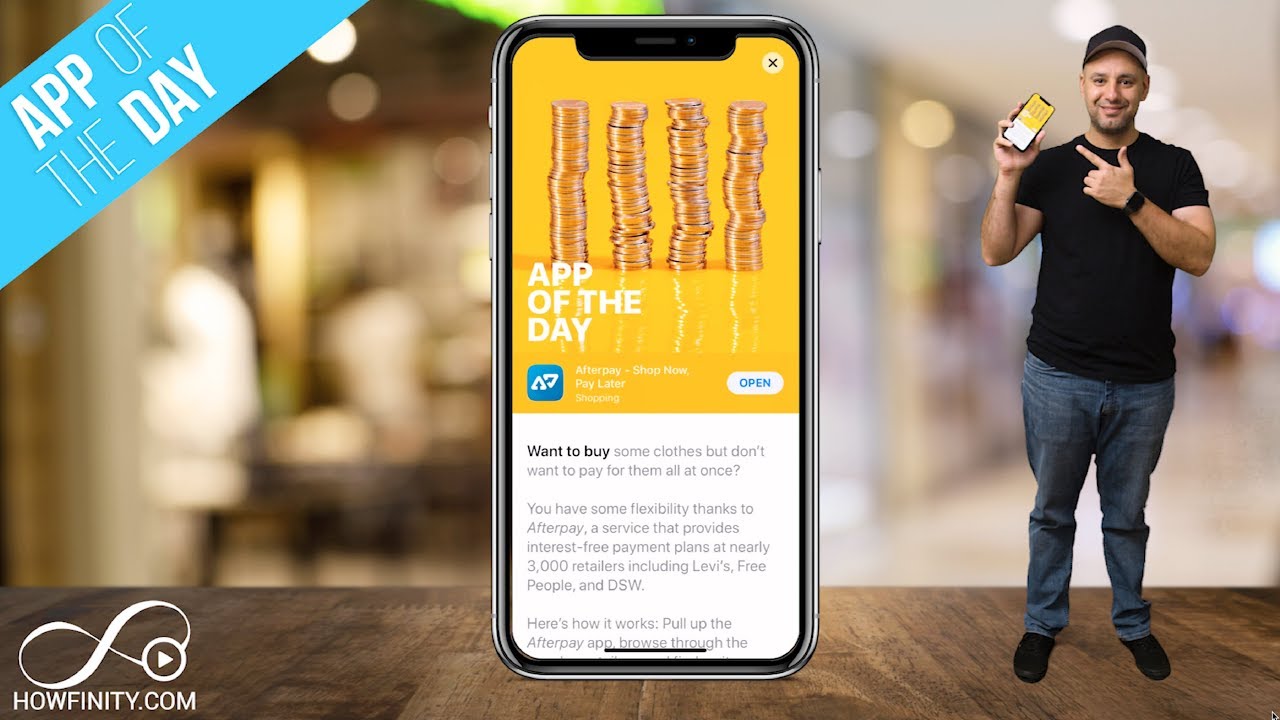
How to Use Afterpay - Buy Now Pay Later
6:25

How to Use Afterpay - Buy Now Pay Later

Skill Leap AI 11.08.2019 59 317 просмотров 391 лайков

Machine-readable: Markdown · JSON API · Site index

Поделиться Telegram VK Бот
Транскрипт Скачать .md
Анализ с AI
Описание видео
Afterpay is a service that allows you to buy things from your favorite stores and pay for them in installments. Afterpay has partnered with over 3000 retailers to offer the install payment during checkout. You can simply apply for Aferpay using credit or debit card and they do not check your credit score. You will pay the 1st of 4 installments at the time of checkout and pay the rest every two weeks. The Afterpay app allows you to view all the partners with ease. Simply click on a store or product and it will take you to their page to purchase the item. You can download Afterpay for iOS and for Android from their website. https://www.afterpay.com/mobile-app Thank you for watching this video

Оглавление (4 сегментов)

<Untitled Chapter 1>

everyone in today's app of the day I wanted to show you this app called after pay shock now pay later and it's exactly what it sounds like you could basically buy things now from a variety of different stores that are basically partnering with the app and then you could pay for them some of it now and some of it later basically the way it works is it breaks up the payment into four equal parts you pay the first part now and then you make three additional payments over time what I really liked about the app from reading the description is that you pay all of that interest free so a lot of us may put something on a credit card and hopefully pay it off before the interest kicks in but if we don't the interest could really add on to that purchase with this you don't have to worry about that so it's almost like layaway except you get a shift right away and the way they approve you is that they don't even use your credit score what they do is they basically ask for your debit or credit card and they use a technology that they have to basically check if you could qualify and you do have to be 18 years old to use the service he says all of this in the description so the app is called after pay let's go ahead and download it I'm gonna go open it up and show you how to take advantage of it so when you first open the app for the first time there is four splash screens that basically explain to you what I just explained to you but there are a bunch of different stores big stores the stores that you've actually heard of and brands you've heard of that have partnered with this app to have this in their checkout so you don't really need the app so you could basically go to ray-ban for example one of the partners and in the checkout page you see Apple pay credit card debit card PayPal and you'll see after pay as one of the options but with the app you could basically see all the stores all in one place so this is basically that page that shows you that and then you'll have to create an account this is the home page of the app but right before that I went on logged in for an account I put in my address birthday to verify that I'm at least 18 years old and I skipped over adding a credit card but you could still do that once you're in the home page of the app this is basically how simple it is to use so right here on top you see all stores you could basically slide through let's look at some of the big ones here DSW it's a shoe warehouse rabe and there is Levi's there's Steve Madden so big brands that you've probably heard of here and a store section and then there's most popular for example flight club it's a shoe store in New York that I visited that's pretty cool so if you go through you could see things categorized by men women kids even by sections like beauty and then you could discover things here too so this page really doesn't have much to explain except on top you could search for store or for brands so for example if I search for Nike and press search I could see all the different brands here all the different stores that carry Nike and I could see it in the text drop down here all these different places so for example Fight Club that store I like I could see if that shows up here if you search for Nike and it does it's the sixth option here so I could jump in there every time you do select a store for example it's gonna just take you right to their website so that app is not really designed for purchases it's designed to send you to places they've partnered with so you could use the after pay function in the checkout so let me just do one right here let's say we wanted to buy these Air Jordans here I'm gonna go ahead and press this one and just like you do purchases on any single website all you would have to do is here add it to cart and then when we go to the checkout section right here I'm gonna say go to checkout bunch of different apps have different functions of the way they check out but ultimately it's the same process and he's telling me to I pay with Apple paste and some on the iPhone here but let me just go down here before I type in billing or shipping and as you can see right here on the bottom you have credit card information you have PayPal and right here after pay is that option so if you select after pay it tells you exactly how it breaks down and it breaks everything to four installments like I mentioned in the beginning so as you can see instead of paying the 275 now you pay eighty three dollars right now and then every two weeks you pay the rest of it so that's how its laid out but remember if you don't make these payments they do charge a late fee but

Late Fee

the nice thing is the late fee is capped and I believe is a quarter of the entire purchase price so only one of these payments could be your total late fee so that's really good some payment processors could charge you as much as the whole perch price or even more in interest and late fees they don't do that here so let me jump in to the app if you follow the checkout processor that's all it took and then you will basically have your debit card or credit card and automatically take those couple of days before he will send you an email just to let you know the payment is about to go through so again I'm gonna go to the home page now let's look at the bottom of the app that I'm going to talk about you first have search where you see the

Search

home page here your search function and your category way to explore then in the middle if you press that icon you basically shows you everything you've ever ordered here your history your payment dues they're all laid out here as you start using the app and then you have your little profile icon again how it works shows you the splash screens in the beginning then you have your payment method again I didn't add a card when I sign up for the first time but here is where you would add it the nice thing is once you do at it you could use the check up function in all those different web sites that we saw on the explore page and if I go back here you could log out if you wanted to keep this log that

Rating

so when it comes to the rating of the app I do the ratings on every single app I review on this channel and I do the how-to on this channel on this app I'm gonna give a 4 out of 5 and I'm only taking a personal point 5 away the functionalities flawless but the whole idea of paying for things over time I'm not a big fan I think you should just purchase things at the time that you purchased them put it on a credit card take advantage of the points I'm paid off before any interest kicks in but obviously we can't do that all the time so the idea of this paying things over time without interest is huge so that little point five is just a personal preference of not really wanting something like this for when I make purchases but I'm gonna really take my time and use it a couple of times and see if I like that idea of paying for things in four instalments instead of all at once so I hope you found this app of the day video useful please give it a thumbs up and subscribe to this channel I post these multiple times a week so you never miss the next great app and I'll catch you next time thanks for watching

Другие видео автора — Skill Leap AI

Ctrl+V

Экстракт Знаний в Telegram

Экстракты и дистилляты из лучших YouTube-каналов — сразу после публикации.

Подписаться

Дайджест Экстрактов

Лучшие методички за неделю — каждый понедельник




