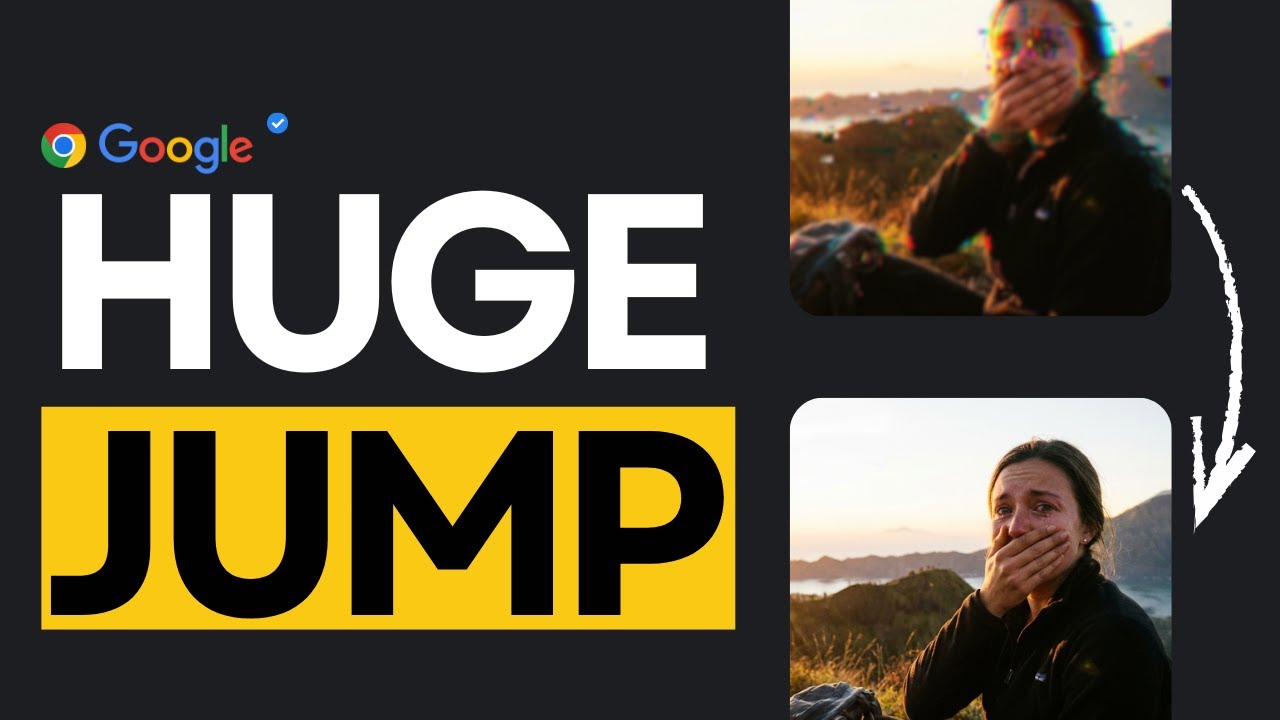
Google just released Nano Banana Pro, the upgraded image model built on Gemini 3 Pro Image, and the results are actually interesting. In this video, I walk through what’s new, how it compares to the previous Nano Banana model, and what the latest benchmark charts tell us about Google’s progress in image generation, editing, and multilingual text rendering.
This channel covers fast, clear updates on the biggest moves in AI, with breakdowns you can actually understand.
For hands-on demos, tools, workflows, and dev-focused content, check out World of AI, our channel dedicated to building with these models: @intheworldofai
🔗 My Links:
📩 Sponsor a Video or Feature Your Product: intheuniverseofaiz@gmail.com
🔥 Become a Patron (Private Discord): /worldofai
🧠 Follow me on Twitter: https://x.com/UniverseofAIz
🌐 Website: https://www.worldzofai.com
🚨 Subscribe To The FREE AI Newsletter For Regular AI Updates: https://intheworldofai.com/
#NanoBananaPro #Gemini3 #GoogleAI #AIModels #ImageGeneration
#Gemini3ProImage #AIBenchmarks #GoogleDeepMind #AIEditing
#TextToImage #AIUpdate
Nano Banana Pro, Google Nano Banana Pro, Gemini 3, Gemini 3 Pro Image,
Google AI updates, Google DeepMind, Gemini 3 benchmarks,
AI image models, AI image editing, Gemini 3 image model,
Nano Banana vs Nano Banana Pro, Gemini image quality,
AI text rendering, multilingual AI text, Google AI 2025,
Gemini 3 image benchmarks, AI model comparison,
AI text to image, GPT-Image 1 vs Gemini, Seedream vs Gemini,
Flux Pro Kontext Max, AI photography tools, generative AI,
latest AI models, Universe of AI, Google image generation
Оглавление (2 сегментов)
Segment 1 (00:00 - 05:00)
This has been one of the busier weeks we've seen from Google in a while. We got Gemini 3 across consumer and enterprise. New features rolling out in Workspace, a new IDE called anti-gravity, updates to Notebook LM, and then today they sneak in another release Nano Banana Pro, which is the upgraded version of their image model built on top of Gemini 3 Pro image. I've had a bit of time to play with it. So, in this video, I want to go through what's changed, what's actually better, what still feels the same, and then I'll show you a few examples and a quick demo at the end so you can see it in action. So, let's get into it. All right. The first thing you'll notice is that Nano Banana Pro is actually embedded into Gemini 3 Pro image. So, wherever you use this model, you'll also be using the assets which are going to be powered by Nano Banana Pro, which is a key thing to keep in mind as well. One thing you'll notice is that you can also generate more clear text. One of the most common issues with AI, especially when it comes to image generation, is the consistency in text. If you give older versions of Nano Banana or any other AI image generation model, what tends to happen is that they suffer with the text. Sometimes it's unreadable or it doesn't make sense. Nano Banana Pro addresses that. We also have the ability to have studio quality control. So you can play with lighting, shots, you can expand resolution, which is a really cool feature of Nano Banana Pro. We also have the ability to use Nano Banana Pro for real world knowledge. For example, you could give it a prompt to explain how light works and it can generate a illustrative example that you see on the screen, which is amazing, especially for education purposes. All right, one of the biggest claims with Nano Banana Pro is that it's supposed to be good at text generation. So what I'm going to do is I've given this image to NanoBanana Pro which is a simple elephant and I'm going to tell Nano Banana Pro to create a story board for this scene. So if Nano Banana Pro is actually good at text generation, it should take this image, break it up into a bunch of sections and give me a story board. So let's see what it does. All right, so here is our story board. So let's look at it. So the elephant comes, it approaches, it drinks the water, it refreshes itself and leaves. And I'll be honest, guys, this is not bad cuz the elephant looks consistent in all those images, which is a really good sign that the model is understanding it. Is there some difference between the backgrounds? A little like if you look at the sky here, but it could be like it's departing, so the sun has set and that could be the reason. So, not too bad at all. And it was able to keep the spelling consistent. All right, let's give it another prompt. I'm going to tell it to spell something in the forest. Meaning like I want the trees to spell something out. So the prompt is spell out hello viewers with the trees. Hopefully it takes this image and you know does some word art within the forest with the trees. Okay. So this is what it gave to us. I mean it's not bad like but I was expecting the trees to be laid out like uh you know in the hello viewers but if we look at the image I have given it is pretty consistent. It hasn't messed up that like the background is the same and everything like that. So this is not bad but not what I was looking for 100% but not bad at all. Now one of the claims that Nano Banana Pro has is that it's supposed to use Gemini Pro model and use real world knowledge and deep reasoning capabilities to deliver precise detailed rich image results. And it's supposed to annotate pictures, represent data as infographics or turn handwritten notes into diagrams. So I'm going to test this by asking Yando Banana Pro to create a highquality infographic about what AGI is in AI. So let's see what it comes up with. Okay. So we can look at the infographic it has created. So understanding AGI artificial general intelligence the goal of universal capability current state. Okay, that's cool. ANI. So we're at artificial narrow intelligence at the moment. The first thing that stands out to me is that none of the words seem cut off or wavy or anything like that. something that we see with a lot of AI models. They're all pretty clear and crisp and the infographic is pretty good. They make sense. For example, operate within set rules and data boundaries. Translation and driving. It says that and the images has given us are about translation and driving. Same thing here. Chess or welding. It's able to create that human level cognition. A good infographic explaining that. So, this is really cruel and this is really great. And like if you wanted to play around with themes and style, you could do that. But based off the simple example I have given it, it has created this infographic for me which is not bad at all. Okay. Now what Nano Banana Pro is supposed to do is that it's able to take two images and create something out of it. So I have a sketch of a dog here on the left and then the fur that I want Nano Banana Pro to match with the dog. Okay. So I'm going to tell it create a dog playing in the field with the carpet as his fur. So not bad at all. It took the dog image. It obviously made it much more better than that simple drawing that I had
Segment 2 (05:00 - 09:00)
given it. And it has kind of matched the fur. The fur looks similar to the input image I have given it. So pretty good guys. And it's playing in the field and it's pretty cute. So I'm not going to complain too much. Another big claim by Nano Banana Pro is that it gives the user studio quality control. So you can play around with the image. You can tell it what to focus on, change the lighting and stuff. So we're going to play around with this image of Drake at the Raptors game. and we're going to tell it to only focus on Drake and make everyone else blurry. So, let's see what it creates. Okay, so if you can look here, which is pretty cool for two reasons. Number one, if you look at the image, this is the original image. You can see everyone else's faces. And then we have Drake here. Then I told the model to only focus on Drake and make everyone else blurry. Now, what's cool about this image is that it recognized who Drake was and it made everyone else blurry. So, not bad. Now I'm going to tell it to make a wide shot with the whole crowd in the back and a 16 to9 aspect ratio which is something you can do now with Nano Banana Pro. Give it specific aspect ratios you want and it's supposed to create an image that fits that. All right, this is amazing guys because if you can see here it expanded the whole image that actually looks like a real image number one. Like there's a ref here which we didn't have in the original image and the ref is wearing traditional NBA clothing. Uh, we also have the commentators fans wearing Raptors jersey. Another Raptors jersey. What it looks like over there. More Raptors jersey. So, this is really great. And then we have another lady here which you can see the Raptors logo clearly on there. So, this is amazing. Let's take a quick look at the benchmarks because they explain exactly why Nana Banana Pro feels different. First is image editing. In the image editing benchmark, the blue bars Gemini 3 Pro image are consistently the highest across every category. object editing, stylization, character consistency, multi character consistency, and text editing. Gemini leads in all of them. Two things stand out though, character consistency. This was a weak spot for a lot of models, but Gemini 3 Pro is able to handle faces, hands, and proportions reliably. When it when we get to text editing, this is a big jump. Earlier models struggled, but Gemini is clearly ahead. So for anything involving edits, swapping backgrounds, fixing lighting, adding objects, this model is simply more stable. On the text to image side, we kind of see the same pattern. Gemini 3 Pro image is top in overall preferences, top in visual quality, and has a huge lead in infographics. The last one matters because infographics require clean text, sharp shapes, consistent layouts, and accurate structure. Most models break there, but Gemini doesn't. That's why Nano Banana Pro feels better for posters, diagrams, or even slide graphics. The text rendering heat map might be the clearest result. Lower is better, and Gemini 3 Pro image sits at 8% overall error. Everyone else is dramatically higher. GPT image is 38%. Crum is 60% and Flux is at 88%. Across languages like German, Spanish, Italian, Japanese, even Hindi and Chinese, Gemini's error rate is far lower. So, multilingual posters, captions, or UI mock-ups actually come out usable without you having to fix the text manually. Putting it all together, editing is better, the generation quality is better, the infographics are much more cleaner, and the text accuracy, especially multilingual, is on a different level. This is the foundation Nano Banana Pro is built on. And these charts explain why the upgrade is noticeable right away. If you enjoy this video, this is what we do here. fast, clear updates on the biggest moves in AI. If you want to stay ahead of everything happening in this space, make sure you're subscribed. And if you want the hands-on side, demos, tools, workflows, and everything developers can actually build, check out the World of AI. We also run a simple no noise newsletter that gives you the most important AI tools and updates in just a couple of minutes. Subscribe here. Follow World of AI. Join the newsletter.