Product Network: Fill merchandising gaps instantly

Product Network: Fill merchandising gaps instantly

Machine-readable: Markdown · JSON API · Site index

Поделиться Telegram VK Бот
Транскрипт Скачать .md
Анализ с AI

Оглавление (1 сегментов)

Segment 1 (00:00 - 02:00)

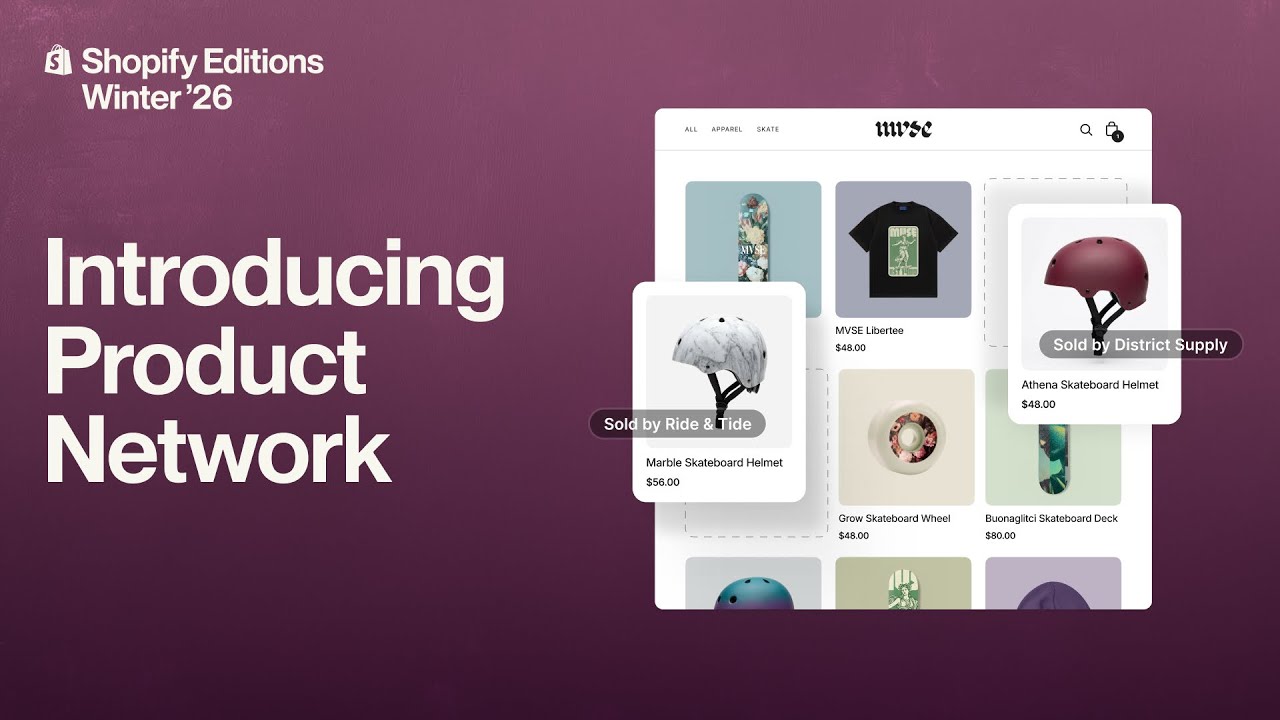
Hi. My name is Amanda, and I build product at Shopify. You can think of Product Network as an app that allows you to dynamically source products and instantly fill the demand of your customers. Say you're selling skateboards and your buyer comes to your site, adds a skateboard to their cart. But your buyer also realizes they need a helmet as well. So they go ahead, do a search for helmets. Turns out, though, you didn't anticipate helmets, and your buyer is not able to actually find everything that they're looking for. This is where Shopify Product Network comes in. The next time your buyer searches for skateboard helmets, the Product Network is going to provide back recommendations that are not just relevant to your buyer but also relevant to your store. So the buyer has a selection of helmets to pick from They can add that helmet now to cart. And now that buyer is yours to keep. This is really unique by the way. This is not something other people in the industry are able to provide. It's Shopify’s checkout but built across multiple stores and again with a single click. Once they transact this is now your customer. Your customer to continue to remarket to, to build a relationship with. We compensate you for that customer too. So this is a commission that you earned. It is revenue made. Now let me show you how you can control this in the admin. Once you're in Shopify Admin, within the Product Network app, you have multiple controls. You can decide what placements work best for your store, whether that's collections or search or even our post-purchase placements. And you can select and decide which brands or categories that you don't want to show. Again, you should feel in control of the types of recommendations that we're providing to your buyers. Once placements are on, you can come back to the Product Network app and see how they're performing. So you can see performance across placements. And you can also get a pretty good understanding of which categories are actually working for your buyers. So maybe there's something you never considered that your buyers wanted or needed. Well, now we're giving you the insight to see what it is that they're actually looking for. And that should power your next move. You also have the choice on how you want to earn. You can choose cash, in which case we're going to drop some commission into your Shopify payment account or choose Shop Campaign credits, which is going to give you a credit to run your next advertising campaign and to continue to grow your business. We've heard great things from merchants so far. Actual audible gasps when they've actually seen the recommendations. They look and feel like something that they would’ve selected, and they can see a future where they continue to use Product Network to expand their categories and make better merchandizing decisions. Setting up is as easy as finding the app in the App Store and turning on Product Network today.

Другие видео автора — Shopify

Ctrl+V

Экстракт Знаний в Telegram

Экстракты и дистилляты из лучших YouTube-каналов — сразу после публикации.

Подписаться

Дайджест Экстрактов

Лучшие методички за неделю — каждый понедельник