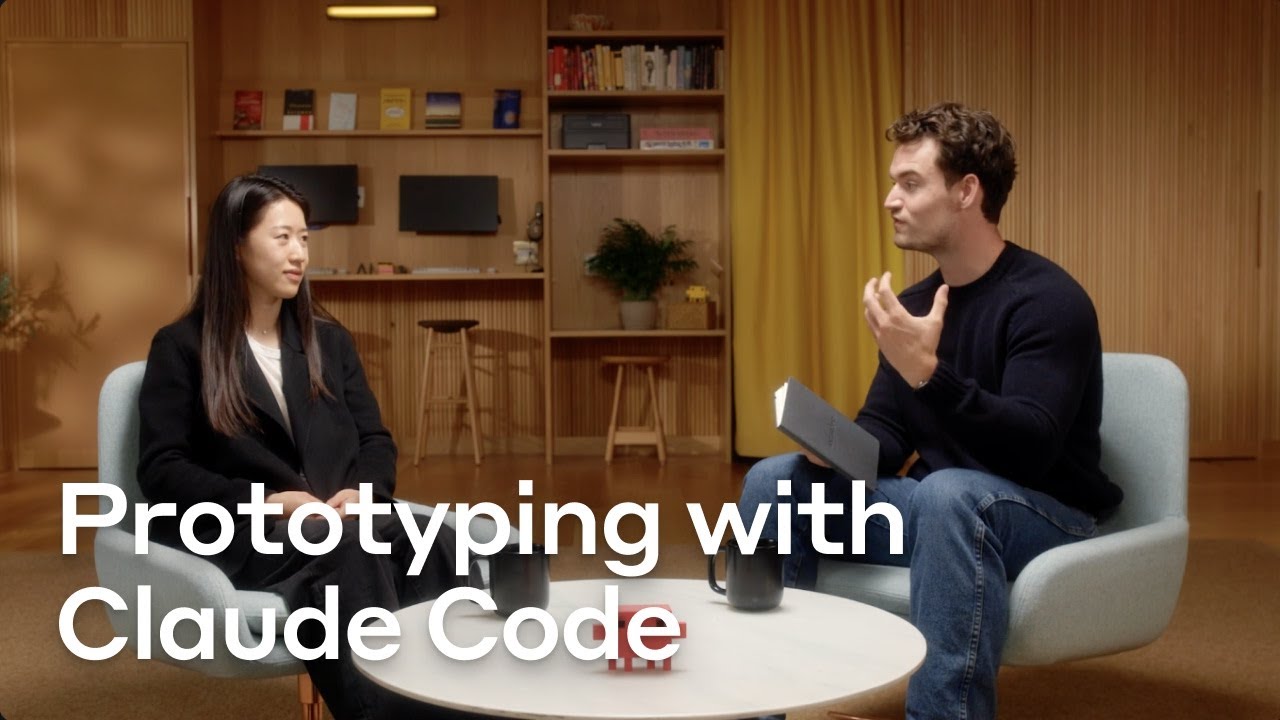
Building and prototyping with Claude Code
14:03

Building and prototyping with Claude Code

Anthropic 21.08.2025 81 757 просмотров 2 107 лайков обн. 18.02.2026
Поделиться Telegram VK Бот
Транскрипт Скачать .md
Анализ с AI
Описание видео
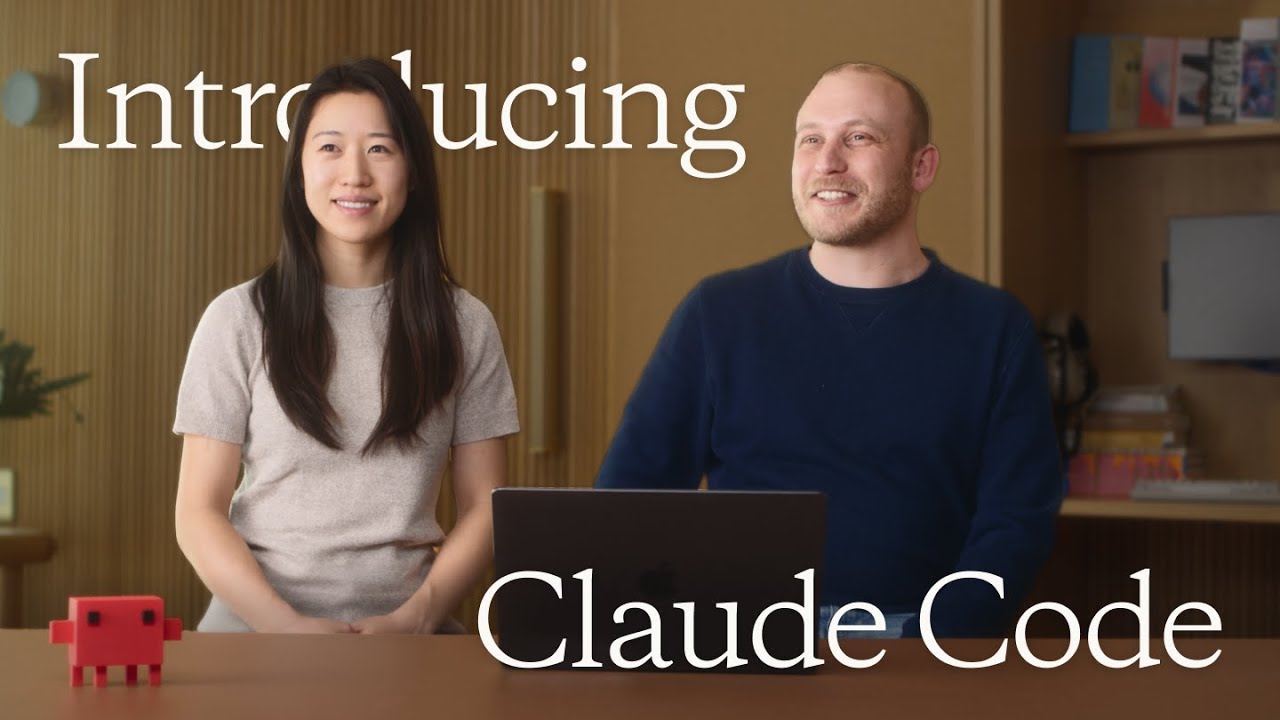
Anthropic's Cat Wu (Claude Code) and Alex Albert (Claude Relations) discuss how the Claude Code team prototypes new features, best practices for using the Claude Code SDK and other learnings from building our agentic coding solution alongside developers. Learn more about Claude Code: http://clau.de/prototyping-claude-code Check out the Claude Code docs: https://clau.de/claude-code-docs 0:00 - Introductions 0:26 - How Anthropic prototypes new features with Claude Code 3:43 - Common use cases 5:47 - Usage patterns and "multi-Clauding" 7:13 - Customizing Claude Code (CLAUDE.md, slash commands, and hooks) 8:34 - Overview of the Claude Code SDK 10:13 - Using the Claude Code SDK to build agents 12:10 - Tips and best practices
Оглавление (8 сегментов)

  1. 0:00 Introductions 75 сл.
  2. 0:26 How Anthropic prototypes new features with Claude Code 615 сл.
  3. 3:43 Common use cases 358 сл.
  4. 5:47 Usage patterns and "multi-Clauding" 261 сл.
  5. 7:13 Customizing Claude Code (CLAUDE.md, slash commands, and hooks) 228 сл.
  6. 8:34 Overview of the Claude Code SDK 276 сл.
  7. 10:13 Using the Claude Code SDK to build agents 360 сл.
  8. 12:10 Tips and best practices 352 сл.
0:00

Introductions

- These developers tend to like to run multiple Claude sessions at once, and they've started calling this multi-Clauding. So you might see sessions where people have like six Claudes open on their computer at the same time. - Hey, I'm Alex. I lead Claude Relations here at Anthropic. Today we're gonna be talking about Claude Code, and I'm joined by my colleague Cat. - Hey, I'm Cat. I'm the product manager for Claude Code.
0:26

How Anthropic prototypes new features with Claude Code

- Cat, I wanna kick this off just talking about the insane rate of shipping in Claude Code. It feels like literally every time I open it up in my terminal, there's a new product or a new feature, something for me to use. Can you walk me through what the process looks like of the team going from an idea to actually shipping something to end users? - Yeah, so the Claude Code team is full of very product-minded engineers and a lot of these features are just built bottom-up. It's like you're a developer and you really wish you had this thing, and then you build it for yourself. And the way that our process works is instead of writing a doc, it's so fast to use Claude Code to prototype a feature that most of the time people just prototype the feature and then they ship it internally to "Ants". And if the reception is really positive, then that's a very strong signal that the external world will like it too. And that's actually our bar for shipping it externally. And then of course there's always features that like aren't exactly right that need some tweaking. And if we feel like, okay, "Ants" aren't really using it that much, then we just go back to the drawing board and we say like, okay, what else could we change about this? - And when we say "Ants," do we mean Anthropic employees? - Yes, yes. - Yeah. That's really fascinating. I've never seen a product have as strong of like a "dogfooding" loop as Claude Code. Do you think that's something we purposely did or that just kind of naturally arise from the product itself? - It is quite intentional, and it's also a really important reason why Claude Code works so well. Because it's so easy to prototype features on Claude Code, we do push people to prototype as much as possible, but it's hard to reason about like exactly how a developer will use a tool because developers are so heterogeneous in their workflows. So oftentimes, even if you theoretically know you wanna do something, like that you wanna build an IDE integration, there's still a range of like potential ways you could go about it. And often prototyping is the only way that you can really feel how the product will actually be in your workflow. So yeah, it's through the process of "dogfooding" that we decide what version of a feature we decide to ship. - I see. And there's something about the, almost like the flexibility but also the constraints of the terminal too that allows for easy addition of like new features, which I've kind of noticed where it's like, because we have the primitives built out of like slash commands and things, it's easy to add another one on top of that. - Yeah, it's totally designed to be customizable. And because so many developers are familiar with the terminal, it makes like new feature onboarding super straightforward, because for example, for a feature like hooks, which lets you add a bit of determinism around Claude Code events, because every developer knows how to write a script, and really at the end of the day, all a hook is, is a script. And so you don't need to learn a new technology to customize Claude Code. You write this script that you already know how to do and then you add it to one of the Claude Code events and now you have some determinism. - We're really trying to meet customers or developers where they are with this tool. - Definitely. - Switching gears slightly
3:43

Common use cases

so alongside this insane rate of shipping is also the insane growth rate of Claude Code with developers everywhere. Can you walk me through what that's been like to kind of be on this rocket ship and how are we seeing various developers, whether it's at startups or individuals or at even large enterprises, use Claude? - So one of the magical things about Claude Code is that the onboarding is so smooth. After you do the NPM install, Claude Code kind of just like works out of the box without any configuration. And this is true whether you are an indie developer through to if you're an engineer at a Fortune 500. I think this is the magic behind Claude Code. Because it has access to all of the local tools and files that you have, you have this like very clear mental model for what Claude Code is capable of. We do see different use case patterns though between smaller companies and larger ones. We find that engineers at smaller companies tend to run Claude more autonomously using things like "auto-accept mode," which lets Claude make edits by itself without approval of each one. We also find that these developers tend to like to run multiple Claude sessions at once, and they've started calling this multi-Clauding. So you might see sessions where people have like six Claudes open on their computer at the same time. Maybe each of them are in a different Git workspace or in a different copy of the Git repo, and they're just like managing each of them. Whenever anyone stops and asks for feedback, they'll jump in there and then send it off and let it continue running. And on the other end of the spectrum for larger companies, we find that engineers really like to use "plan mode. " So "plan mode" is a way for developers to tell Claude Code to take a second, explore the code base, understand the architecture, and create an engineering plan before actually jumping into the code itself. And so we find that this is really useful for harder tasks and more complex changes.
5:47

Usage patterns and "multi-Clauding"

- So going back to multi-Clauding just 'cause I think that's a fascinating concept. I'm sure we kind of imagined folks wanting to do things like that, but it was like somewhat surprising. Is there other things in that domain of like, oh wow, this is a usage pattern that we really did not expect that have kind of popped up organically and we've shifted our roadmap around a little bit? - Yeah, I think multi-Clauding is the biggest one because this is something that we thought was just a power user feature that like a few people would wanna do. But in fact this is actually a really common way in which people use Claude. And so for example, they might have one Claude instance where they only ask questions and this one doesn't edit code. That way they can have another Claude instance in the same repo that does edit code and these two don't interfere with each other. Other things that we've seen are people really like to customize Claude Code to handle specialized tasks. So we've seen people build like SRE agents on Claude Code, security agents, incident response agents. And what that made us realize is that integrations are so important for making sure Claude Code works well. And so we've been encouraging people to spend more time to tell Claude Code about, hey, these are the CLI tools we commonly use or to set up remote MCP servers to get access to logs and ticket management software. - When these engineers are customizing Claude Code
7:13

Customizing Claude Code (CLAUDE.md, slash commands, and hooks)

does that mean they're creating sub-agents or are they creating markdown files like CLAUDE. md files? How exactly are they creating these different types of agents? - Yeah, I think the most common ways that we've seen people customize is by investing a lot into the CLAUDE. md file. So the CLAUDE. md file is our concept of memory. And so it's the best place for you to tell Claude Code about what your team's goals are, how the code is architected, any gotchas in the code base, any best practices. And investing in CLAUDE. md we've heard dramatically improves the quality of the output. The other way that people customize Claude Code is by adding custom slash commands. So if there's a prompt that you're always typing, you can add that into the custom slash commands and you could also check these in so that you share them with the rest of your team. And then you can also add custom hooks. So if for example, you want Claude Code to run lints before it makes a commit, this is something that's great for a hook. If you want Claude Code to send you a Slack notification every time it's done working, this is actually the original inspiration for making hooks. And so these are all customizations that people are building today. - Tell me more about
8:34

Overview of the Claude Code SDK

what is the Claude Code SDK? - The Claude Code SDK is a great way to build general agents. The Claude Code SDK gives you access to all of the core building blocks of an agent, including you can bring your own system prompt, custom tools, and what you get from the SDK is a core agentic loop where we handle the user turns and we handle executing the tool calls for you. You get to use our existing permission system so that you don't need to build one from scratch. And we also handle interacting with the underlying API. So we make sure that we have backoff if there's any API errors. We very aggressively prompt cache to make sure that your requests are token-efficient. If you are prototyping building an agent from scratch, if you use the Claude Code SDK, you can get up and running with something pretty powerful within like 30 minutes or so. We've been seeing people build really cool things with it. We open-sourced our Claude Code on GitHub integration, which is completely built on the SDK, and we've seen people build security agents on it, SRE agents, incident response agents. And these are just within the coding domain. Outside of coding, we've seen people prototype legal agents, compliance agents. This is very much intended to be a general SDK for all your agent needs. - The SDK is pretty amazing to me. I feel like we've lived in the single request API world for so long. And now we're moving to like a next level abstraction almost where we're gonna handle all the nitty-gritty of the things you mentioned.
10:13

Using the Claude Code SDK to build agents

Where is the SDK headed? What's next there? - We're really excited about the SDK as the next way to unlock another generation of agents. We're investing very heavily in making sure the SDK is best-in-class for building agents. So all of the nice features that you have in Claude Code will be available out of the box in the SDK, and you can pick and choose which ones you wanna keep. So for example, if you want your agent to be able to have a to-do list, great. You have the to-do list tool out of the box. If you don't want that, it's really easy to just delete that tool. If your agent needs to edit files, for example, to update its memory, you get that out of the box. And if you decide, okay, mine won't edit files or it'll edit files in a different way, you can just bring your own implementation. - Okay, so it's extremely customizable, basically general purpose in the sense that you could swap out the system prompt or the tools for your own implementations. And they just nicely slot in to whatever thing you're building for, whether it's in an entirely different domain than code. Right? - Yeah, totally. I'm really excited to see what people hack on top of this. I think like especially for people who are just trying to prototype an agent, this is like, I think by far the fastest way to get started. Like we really spent almost a year perfecting this harness, and this is the same harness that Claude Code runs on. And so if you want to just jump right into the specific integrations that your agent needs and you wanna jump right into like just working on the system prompt to share context about the problems faced with the agent, and you don't wanna deal with the agent loop, this is like the best way to circumvent all the general purpose harness and just add your like special sauce to it. - Hmm, all right. Well, you heard it here. You gotta go build on the SDK. Before we wrap up here
12:10

Tips and best practices

I'm really curious to hear your own tips for how you use Claude Code, and what are some best practices we can share with developers? - When you work with Claude Code or any agentic tool, I think the most important thing is to clearly communicate what your goals are to the tool. I think a lot of people think that prompting is this like magical thing, but it really isn't. It's very much about, okay, did I clearly articulate what my purpose is? Like what my purpose with this task is, how I'm evaluating the output of the task, any constraints in the design system. And I think usually when you can clearly communicate these things, Claude Code will either be able to do them or just tell you that like, "Okay, this thing, like I'm not able to do because A, B, C and do you wanna try like D, E, F instead? " - So it's all about the communication just as if you're working with another engineer. - Yeah, totally. And another thing is if you notice that Claude Code did something weird, you could actually just ask it why it wanted to do that. And it might tell you something like, oh, okay, there was something in CLAUDE. md that said this, or I read something in this file that like gave me this like impression. And then that way you can actually use like talking to Claude as a way to debug. It doesn't always work, but I think it's definitely worth trying. And it's like a common technique that we use. - You use Claude Code to debug Claude Code. I love it. - Yeah, yeah. Like the same way that when working with a human, if they say something that you didn't expect, you might feel like, "Oh, interesting. Like, what gave you that impression? Or why did you think this? " And I think you can do the same with agents too. - That's fascinating. Well, Cat, this has been great. Really, we appreciate the time. Thank you. - Thanks for having me.

Ещё от Anthropic

Ctrl+V

Экстракт Знаний в Telegram

Транскрипты, идеи, методички — всё самое полезное из лучших YouTube-каналов.

Подписаться