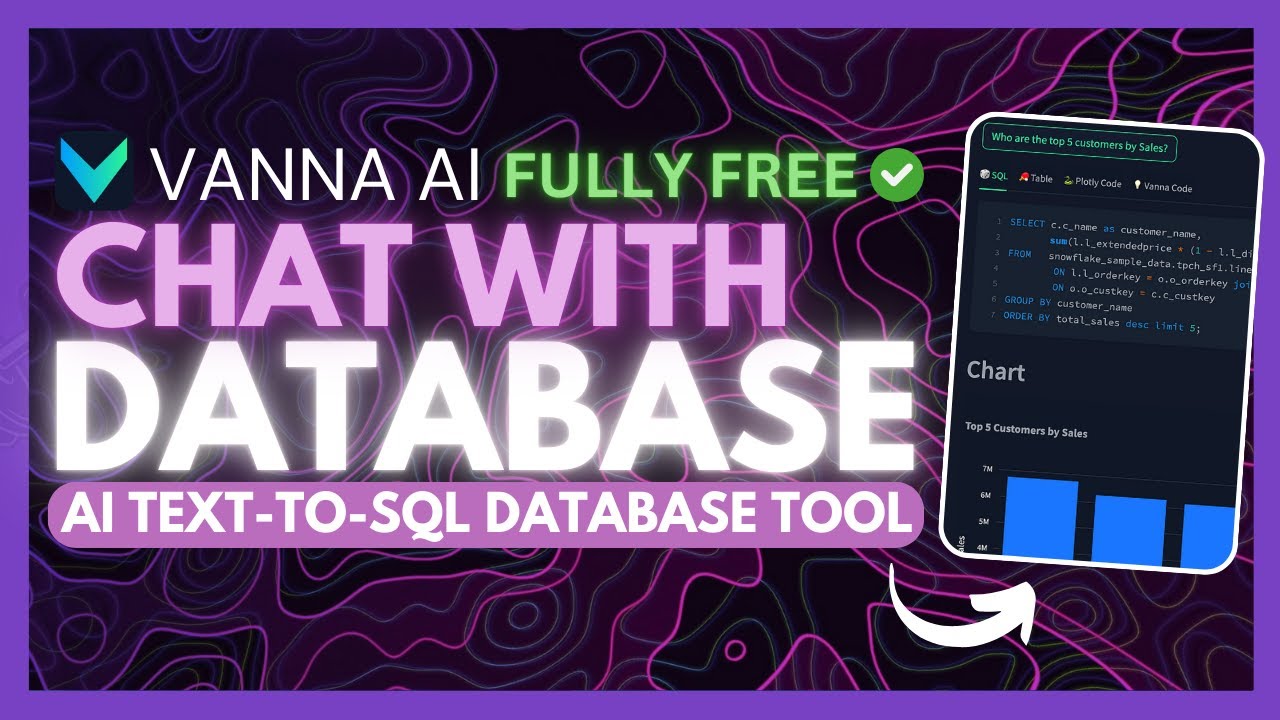
Vanna AI: Build SQL AI Chatbots To Talk To Database! (Opensource)
6:54

Vanna AI: Build SQL AI Chatbots To Talk To Database! (Opensource)

Universe of AI 16.04.2025 9 613 просмотров 175 лайков обн. 18.02.2026
Поделиться Telegram VK Бот
Транскрипт Скачать .md
Анализ с AI
Описание видео
Tired of limited, paywalled tools like Chat2DB? Today, I’m showcasing Vanna AI — a 100% FREE and open-source solution that lets you chat with your SQL database using LLM-powered Text-to-SQL. 🧠⚡ [🔗 My Links]: Sponsor a Video or Do a Demo of Your Product, Contact me: intheworldzofai@gmail.com 🔥 Become a Patron (Private Discord): https://patreon.com/WorldofAi ☕ To help and Support me, Buy a Coffee or Donate to Support the Channel: https://ko-fi.com/worldofai - It would mean a lot if you did! Thank you so much, guys! Love yall 🧠 Follow me on Twitter: https://twitter.com/intheworldofai 📅 Book a 1-On-1 Consulting Call With Me: https://calendly.com/worldzofai/ai-consulting-call-1 📖 Want to Hire Me For AI Projects? Fill Out This Form: https://www.worldzofai.com/ 🚨 Subscribe To The FREE AI Newsletter For Regular AI Updates: https://intheworldofai.com/ 👩‍💻 My Recommended AI Engineer course is Scrimba: https://v2.scrimba.com/the-ai-engineer-path-c02v?via=worldofai" 👾 Join the World of AI Discord! : https://discord.gg/NPf8FCn4cD [Must Watch]: DeepCoder-14B: NEW Opensource Coding Model Beats 03-Mini! (Tested): https://youtu.be/U_OcMM_h-9g?si=MCkwIyGfxeLjSE72 Google Launches an Agent SDK - Agent Development Kit + Agent2Agent (Opensource): https://youtu.be/Cv6mUjdTowo?si=h0yqRsm0ZBAtkPVU Cline v3.10 UPDATE: Fully FREE Autonomous AI Coding Agent! (Chrome Browser, YOLO Mode, Drag & Drop: https://youtu.be/PodEIhAJco0 [Link's Used]: Github Repo: https://github.com/vanna-ai/vanna Quick Start Doc: https://vanna.ai/docs/postgres-openai-standard-chromadb/ Website: https://vanna.ai/#configure Why Vanna AI? ✅ Open-source & fully free ✅ Accurate Text-to-SQL via custom RAG training ✅ Dynamic data management ✅ Works with your existing SQL database ✅ Two-step setup: Train → Ask → Execute Whether you're a dev, analyst, or data explorer, Vanna gives you full control to ask questions and get SQL queries generated instantly — no limits, no gatekeeping. Let’s dive in! 👉 Subscribe for more open-source tools & AI tutorials! 🔔 Turn on notifications to never miss a drop. #Tags: vanna ai, text to sql, chat with database, sql agent, rag sql, open source rag, rag framework, database llm, vanna open source, ai sql generator, chat2db alternative, chat2db free, ai sql tools, llm sql query, free sql ai, sql automation, text2sql #Hashtags: #VannaAI #TextToSQL #OpenSourceAI #RAG #LLM #SQLAutomation #FreeAI #AIDatabaseTool #DataAnalytics

Оглавление (2 сегментов)

  1. 0:00 Segment 1 (00:00 - 05:00) 967 сл.
  2. 5:00 Segment 2 (05:00 - 06:00) 380 сл.
0:00

Segment 1 (00:00 - 05:00)

On the main channel, I've showcased several apps that let you chat with your database, like chat to database. But the issue is most of these different apps are only partially free and come with usage limits. But not today. Allow me to introduce Savannah AI, a fully open- source app that lets you chat with your SQL database without limits. And the best part is it delivers highly accurate text to SQL generation using large language models and rag. Vanna AI is a powerful rag framework built for complex text to SQL tasks. It handles dynamic data and even lets you train your own custom rag model for greater accuracy. It works in two simple steps. Firstly, you can train a rag model on your own database schema. And secondly, you can ask natural language questions and get executable SQL queries automatically. This is quite a gamecher for anyone working with data. And this is why I think this is a perfect SQL database AI tool that you can get started with today. What's great is that it is under the MIT license and it's going to allow you to fully access it locally. What's nice is that you have so many different user interfaces where you can access Vanna through Jupyter notebooks, Google Collab. You even have it so that you can host it as a Streamllet app, Flask as well as Slack. There's so many different supported large things models and vector stars as well as supported databases. So it allows you to easily get started and if you want you can easily install this locally as well. Before we get started I just want to mention that you should definitely go ahead and subscribe to the world of AI newsletter. I'm constantly posting different newsletters on a weekly basis. So this is where you can easily get up-to-date knowledge about what is happening in the AI space. So definitely go ahead and subscribe as this is completely for free. What they recommend is that you start off with their quick start template with sample data so that you get a better idea as to how you can work with this. But what we're going to be doing is quick starting with our own data and I'll be showcasing how you can set this up. Now what you can do is you can either set this up locally or run it through Collab which is super free and you just need to host it off of your Google account which I'll showcase in a bit. Now you can also use different large English models. I personally recommend you use Open AI, but you can also use uh Enthropic as well as Google Gemini, which are both powerful models or have powerful models that can assist you with data analysis. So, what I recommend you do is first click on file and you want to save a copy in your own drive. So, go ahead and do that. And once it creates that own copy, you can then work on this copy rather than the original uh Vanna Collab. Now what you will need to also do is change the runtime. So click on runtime and change that to the best hardware accelerator that is available. Now once you have set everything up, what you can now do is go over to the setup tab. This is where you can first start off by installing Vanna and this is with Postgress and you can go ahead and import and install all the necessary things that makes this dependency functional. So go ahead and install all the requirements. What you'll need to do after you install this, go ahead and click on the play button for the next slab. And then lastly, you're going to need to paste in your API key over here. After you have set your key, what you'll need to do is select whatever database you want to query from. So you can choose from all of these other options. You also have other databases that you can incorporate within this collab. So once you have figured out what you want to work with, you can then change the configuration of the database and then you can change the host, the database name, the user, the password and the port. And once you have configured all of that, you can then go forward with training. This is where you only need to train it once. So you don't need to repeat this cycle again. But essentially, it's going to start training the rag system based off of the data that you have queried from your database. And essentially it's going to help you in terms of chatting with your data as well as getting analysis from it easier. Then you can go ahead and ask any question. This is where you can ask any sort of question and it's going to provide you analysis from it right away. They also have a launch from user interface. This is essentially where you can use it as a flask app. Now, in this case, I don't have anything connected, so it's not going to work. But this way, you have this userfriendly interface that lets you work with your data a bit easier rather than Google Collab. I'll just quickly showcase how you can set this up with Streamlit. You can also do this with like Flask or even a Slackbot, which is definitely giving you a lot of flexibility. In this case, what you can do is go over to the green button, assuming you already have Git installed, copy this link, and then open up your command prompt. Once you have done so, you can then go ahead and paste in get
5:00

Segment 2 (05:00 - 06:00)

clone and then paste in the link and click enter. This will clone the repository locally onto your computer. And once that's finished doing so, what you can do is create a virtual environment with Python. Once you have done so, paste in the next command to activate that virtual environment and then go ahead and install the requirements. What we're going to do is something DGEN, not even activate or create a virtual environment. We're just going to go ahead and create the or install the requirements. And afterwards, you just need to simply configure the functions within the VANA calls. py file for the desired VANA setup. And then you can configure the secrets within the streamllet/secs. l and then run the streamllet run app. py command and you'll start it up within your local host. So this way you're going to be able to start asking questions to your database over here. Now using it through collab might not be the best cuz it will get you the right answer but it's not uh appealing in terms of having a userfriendly interface to work with but within this interface you can ask the same sort of questions and this way you're going to be able to get generations of SQL as well as graphs generated for you. So you have everything that you would need all fully generated within this application. And that's essentially how you can easily use this new AI open-source tool to fully free talk to your database. And it's something that you can set up locally as well. So, I hope you enjoyed today's video and got some sort of value, guys. This is a way for you to easily get started and start chatting with your database. I'll leave all these links in the description below. Make sure you subscribe to the newsletter, follow me on the Patreon, and join our Discord, our Twitter as well. And lastly, make sure you guys subscribe, turn on notification bell, like this video, and please take a look at our previous videos because there's a lot of content that you will truly benefit from. But with that thought, guys, have an amazing day, spread positivity, and I'll see you guys fairly shortly. These are false.

Ещё от Universe of AI

Ctrl+V

Экстракт Знаний в Telegram

Транскрипты, идеи, методички — всё самое полезное из лучших YouTube-каналов.

Подписаться




