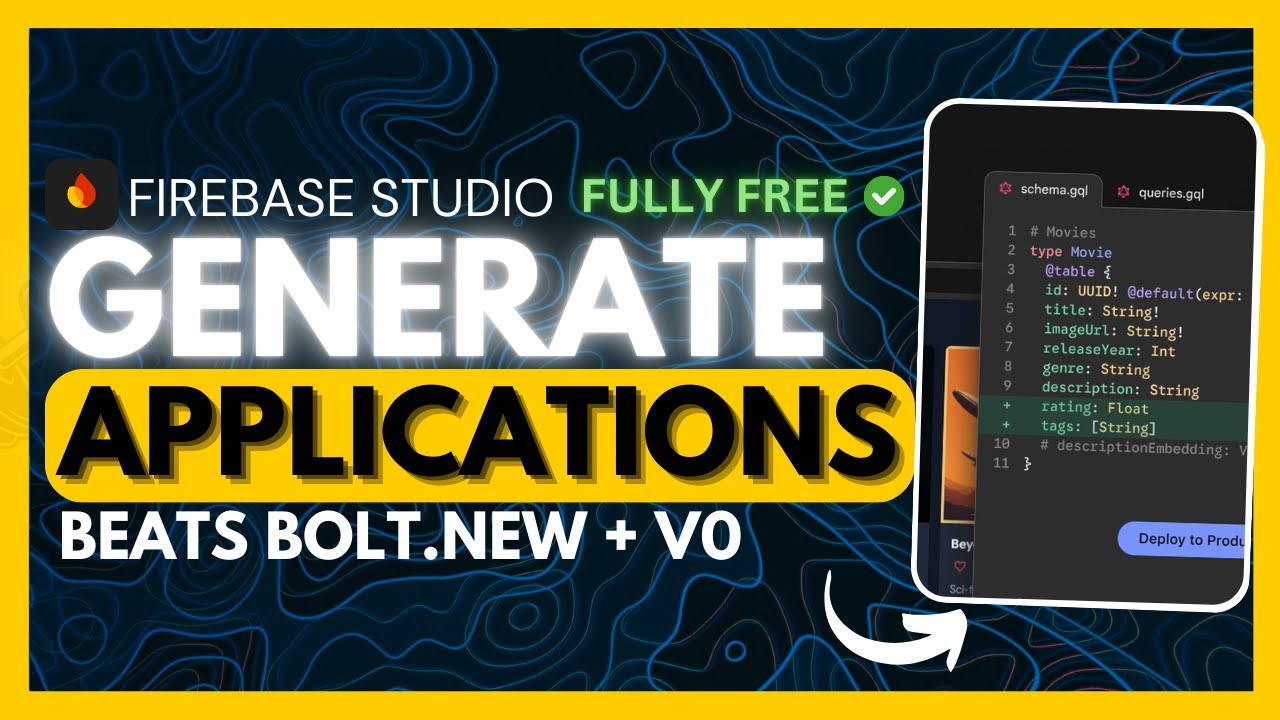
Firebase Studio: FULLY FREE way to Generate Full-Stack Apps + Agentic AI IDE!
6:32

Firebase Studio: FULLY FREE way to Generate Full-Stack Apps + Agentic AI IDE!

Universe of AI 15.04.2025 1 799 просмотров 57 лайков обн. 18.02.2026
Поделиться Telegram VK Бот
Транскрипт Скачать .md
Анализ с AI
Описание видео
In this video, I dive into Firebase Studio’s new agentic AI IDE, powered by Gemini, and show you how to build complete apps effortlessly using the Firebase Studio Canvas. Whether it's mobile, web, or embedded platforms — this tool changes everything for developers. 💡 [🔗 My Links]: Sponsor a Video or Do a Demo of Your Product, Contact me: intheworldzofai@gmail.com 🔥 Become a Patron (Private Discord): https://patreon.com/WorldofAi ☕ To help and Support me, Buy a Coffee or Donate to Support the Channel: https://ko-fi.com/worldofai - It would mean a lot if you did! Thank you so much, guys! Love yall 🧠 Follow me on Twitter: https://twitter.com/intheworldofai 📅 Book a 1-On-1 Consulting Call With Me: https://calendly.com/worldzofai/ai-consulting-call-1 📖 Want to Hire Me For AI Projects? Fill Out This Form: https://www.worldzofai.com/ 🚨 Subscribe To The FREE AI Newsletter For Regular AI Updates: https://intheworldofai.com/ 👩‍💻 My Recommended AI Engineer course is Scrimba: https://v2.scrimba.com/the-ai-engineer-path-c02v?via=worldofai" 👾 Join the World of AI Discord! : https://discord.gg/NPf8FCn4cD [Must Watch]: DeepCoder-14B: NEW Opensource Coding Model Beats 03-Mini! (Tested): https://youtu.be/U_OcMM_h-9g?si=MCkwIyGfxeLjSE72 Google Launches an Agent SDK - Agent Development Kit + Agent2Agent (Opensource): https://youtu.be/Cv6mUjdTowo?si=h0yqRsm0ZBAtkPVU Cline v3.10 UPDATE: Fully FREE Autonomous AI Coding Agent! (Chrome Browser, YOLO Mode, Drag & Drop: https://youtu.be/PodEIhAJco0 [Link's Used]: Firebase Studio: https://studio.firebase.google.com/u/1/ Blog: https://cloud.google.com/blog/products/application-development/firebase-studio-lets-you-build-full-stack-ai-apps-with-gemini No setup. No cost. Just prompt & deploy. From UI design to backend, auth, and deployment — Firebase Studio handles it all. 🔖 Tags (for SEO): firebase studio, firebase project idx, firebase studio demo, firebase ai, google gemini ai, full stack ai apps, no code app builder, firebase studio canvas, agentic ai, firebase genkit, firebase full stack development, google firebase, ai powered ide, firebase app hosting, firebase data connect, vertex ai, gemini firebase, firebase tutorial, firebase 2025, google ai app builder 🔥 Hashtags: #FirebaseStudio #GoogleAI #GeminiAI #AIDevTools #NoCodeBuilder #AppDevelopment #FullStackDev #Firebase #AIIDE #BuildWithAI #FirebaseCanvas #IDXReborn #VertexAI #AgenticAI #AppBuilder #FreeAItools


Оглавление (2 сегментов)

  1. 0:00 Segment 1 (00:00 - 05:00) 924 сл.
  2. 5:00 Segment 2 (05:00 - 06:00) 312 сл.
0:00

Segment 1 (00:00 - 05:00)

Google recently partnered with Firebase to transform their older project IDX into Firebase Studio, a powerful AIdriven cloud-based fullstack development platform that's powered by Gemini. And the best part is it's completely free. It's built to simplify app development across mobile, web, and embedded platforms. Now, I've already made a video on the main channel showcasing what Firebase Studio can do. But due to high user activity at the time, I wasn't capable of showcasing the most exciting part, which was the Firebase Studio canvas, which lets you build full stack apps with a single prompt. Here's an example of someone creating a mindm application with the canvas. And you can see that it is something that it was able to do with a single prompt that was sent in. In this example, someone had created an image application where you can go ahead and upload various images and then use AI to generate various poems based off of the image recognition system that was built within this app. So, which is why today I'm going to be showcasing exactly how you can create anything with Firebase Studio. You can prototype with their agent. You can use natural language or drawings to create apps with 60 plus templates. You have the Gemini integration. You can deploy quite quickly and you can even use their IDE that's cloud-based to help you prompt and edit the code further in detail. But one thing I'll keep that I would want to keep in mind is that this is a cloud-based platform. So everything that you code or prompt is going to be used for training, which is something that they have stated within their policies. So, just keep that in mind. To get started, you're only going to need to have a Google account. And what you can do is head over to Firebase Studio with the link in the description below and click on try Firebase Studio. Once you sign up or log in, you're going to be then sent over to the main dashboard of Firebase Studio. This is where you can either start coding an application on your own by creating a new template or an empty workspace. Now, this is where you can create it with various sorts of templates with different sorts of languages. So in this case, you can easily get started with front-end web development templates. You have backend, mobile, AI, and machine learning, databases, and miscellaneous. But what we're going to be doing today is showcasing the AI studio canvas. This is essentially where you can go ahead and you can create anything based off of the text that you input within this chatbot. So we can say create me uh an animated weather application and we can simply go ahead and send in this prompt and we can click on prototype with AI. And what this will do is that it will use the Gemini model to plan and execute this task with multiple agents. And you can see right away it is going to create the plan first before you can go ahead and start prototyping with the app. You can actually see that it is going to talk about all the features like the current conditions, the 7-day forecast, animated weather icons, location search, as well as the weather tip. And then you have a couple of different guidelines like the color. So, if you would actually want to change this, you can actually click on this edit button, and you can start chatting with the AI within this chat interface to actually work on editing this work through plan. But what we're going to do is simply go ahead and click on prototype this app and continue forward with this generation. And what's nice is that you'll get to see the generation live in action. So right now it is generating through everything that is necessary for this app to be functional. And this is why I really like Firebase Studio is you get a good visualization of where the edits are being made. And you can also then deploy this with one click with this top right button over here. And there we go. We have this beautiful weather app that looks pretty decent in my opinion. And this was fully complete with a single prompt. Now, to have this functional, we would need to input our API key to showcase the real data of different places. But overall, it did get the job done with this basic prototype. Next up, we're going to do something pretty simple, creating a tipping calculator to help calculate tips on a bill with multiple friends. So, let's go over and send in this prompt and generate this basic application. I know this is a super simple app, but what I wanted to showcase is this draw feature. If you had to click on this button over here on the bottom right, you're going to be able to see that this is a canvas that lets you edit things. Now, what you can also do is you can either send in additional instructions through text or by sending in a drawing. So, what you can actually do is use these different shapes and tools to highlight certain sections. So in this case, if you want to change the alignment, you can then highlight this area and then you can say change up something like uh aligning the text to the left. And that is just like a simple
5:00

Segment 2 (05:00 - 06:00)

example of what you can do with this canvas feature. It's a more interactive way for you to work and iterate on things further. Now what you can do afterwards is you can also get the source code. You can switch to the code which will let you go through their IDE. And if you actually click on the Gemini button, you can actually start chatting with the code. So this is exactly the reason why I really wanted to showcase this because you have the first way to use Firebase Studio to prototype on the code and then you can switch over to their IDE to use their Gent capabilities that are powered by the Gemini model to work on creating anything. But that's basically a gist of this beautiful uh new studio. I think it is great, but maybe having it powered by the Gemini 2. 5 Pro in the future will make this more appealing because right now it is definitely not generating the best quality of content. But that's all right cuz this is completely free. And they do also provide the ID that's completely free so that you can iterate on your code even further and use the Gemini models to help you edit and prototype further. So I guess that is definitely a great add-on. But with that thought, guys, I hope you enjoyed today's video, got some sort of value. Make sure you subscribe to the newsletter, follow me on the Patreon, and join our Discord. Follow me on Twitter. And lastly, make sure you guys subscribe to the YouTube channel, like this video, and please take a look at our previous videos because there's a lot of videos that you will definitely benefit from. But with that thought, guys, have an amazing day. Spread positivity, and I'll see you guys fairly shortly. He suffers.

Ещё от Universe of AI

Ctrl+V

Экстракт Знаний в Telegram

Транскрипты, идеи, методички — всё самое полезное из лучших YouTube-каналов.

Подписаться



