WiFi 7 Explained

WiFi 7 Explained

Machine-readable: Markdown · JSON API · Site index

Поделиться Telegram VK Бот
Транскрипт Скачать .md
Анализ с AI

Оглавление (2 сегментов)

Segment 1 (00:00 - 05:00)

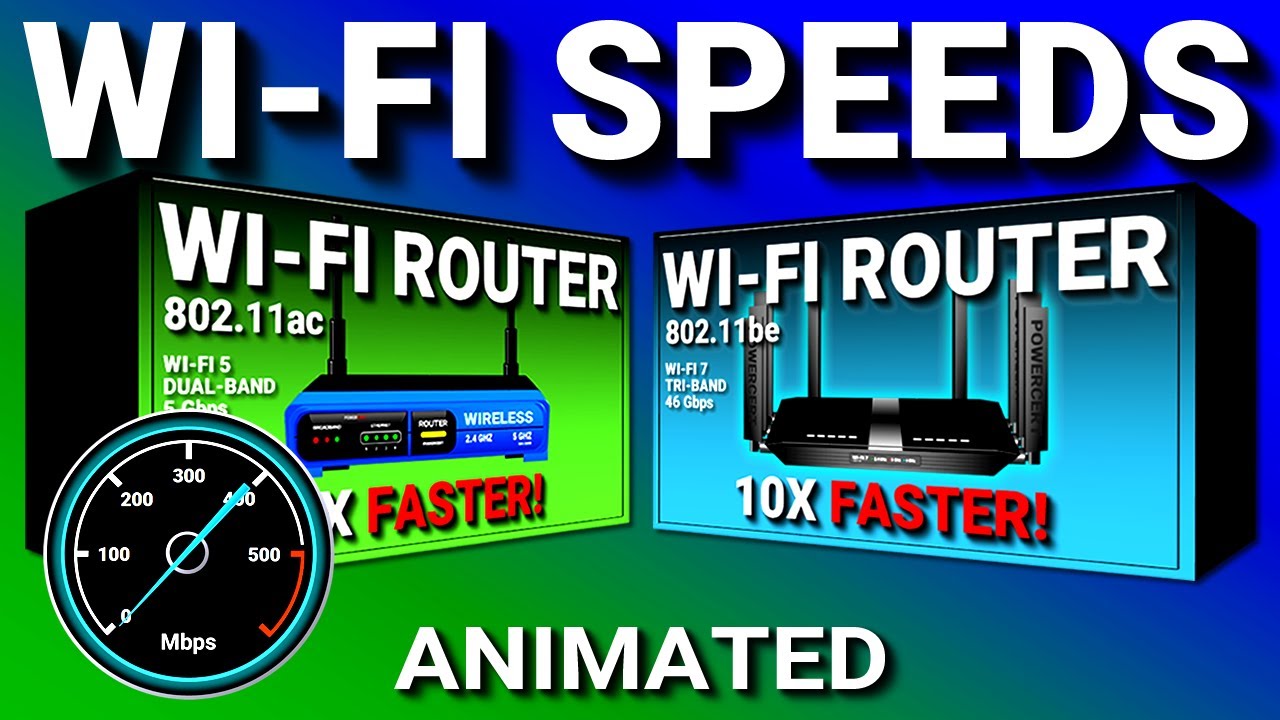
Hello everyone. In this video, we're going to be talking about the 802. 11BE wireless standard, which is more commonly known as WiFi 7. Now, Wi-Fi 7 was released in 2024 and is the latest wireless standard that is used in wireless devices and is the successor to the 802. 11 AX Wi-Fi standard, which is known as Wi-Fi 6. Now, Wi-Fi 7 was dubbed as EHT, which stands for extremely high throughput. And this is because one of the main differences between WiFi 7 and WiFi 6 is speed. Because where Wi-Fi 6's main goal was focused on connecting and handling a lot of different devices, Wi-Fi 7's goal was pure speed, which has an incredible maximum speed of 46 Gbits per second, which is a significant increase from Wi-Fi 6, which had a speed of 9. 6 Gbits per second. And in addition to using the 2. 4 4 and 5 GHz bands. Wi-Fi 7 also uses the new 6 GHz frequency band. The 6 GHz band opens up additional channels for delivering large amounts of data to Wi-Fi devices. It's also a more private band with significantly less interference from other devices that mainly use the 2. 4 and 5 GHz bands. Wi-Fi 7 also makes use of the 6 GHz band by the introduction of the 320 megahertz ultra wide bandwidth channel which is twice the width of the previous Wi-Fi standard. This allows significantly faster speeds by putting more data into each transmission. Wi-Fi channels are just smaller ranges of frequencies in a band and devices use these channels to send and receive data. So, you can think of Wi-Fi channels as roads for cars. The wider the road, the more lanes you can have for more cars to go through. So, where Wi-Fi 5 had a 80 megahertz channel. and Wi-Fi 6 had a 160 megahertz channel. Wi-Fi 7's channel, which is twice the width of Wi-Fi 6 and four times wider than Wi-Fi 5, allows a lot more cars or data to travel through, which results in higher speeds. However, the 6 GHz band does have a downside, and the downside is that it does have a shorter range. So, you want to be sure that you're in the same room with the Wi-Fi router if you're going to use the 6 GHz band. Another feature in Wi-Fi 7 is 4K QAM, which translates digital data into an analog signal. This is where Wi-Fi 7 uses a higher order modulation that allows each symbol to carry 12 bits instead of 10 bits with Wi-Fi 6, which basically means that this allows more data to be packed into each signal. So, as an analogy, this is like a delivery truck delivering fruit to a supermarket with each truck loaded to full capacity with each delivery. So the next question is, well, how can more fruit be delivered without increasing the amount of delivery trucks? Well, the only way to do this is to somehow find a way to pack more fruit into each truck. And this could be done, for example, by packaging more fruit more efficiently using crates to create space for more fruit in the delivery truck, which could increase each delivery by 20% more fruit. And this is basically what 4K QAM does. It works by packing 20% more bits of data into each transmission, which means more data can be delivered, which results in faster speeds. Wi-Fi 7 also features MLO or multi-link operation. This allows Wi-Fi 7 devices to connect to multiple bands simultaneously to achieve greater speeds. Now, in previous Wi-Fi versions, devices could only connect to one band at a time. But in Wi-Fi 7 with MLO, it allows devices to connect to multiple bands at the same time. And while connected, the devices can transmit and receive data using those bands simultaneously. And as a result, MLO increases the throughput of data, reduces latency, and it also offers redundancy if a single band gets disconnected. And another feature in Wi-Fi 7 is multiU puncturing. Now, in previous versions of Wi-Fi, if a channel is being interfered with by a device that's transmitting data, the entire channel will be useless and unavailable to be used by other devices. So, the

Segment 2 (05:00 - 08:00)

interference affects the entire channel. But in Wi-Fi 7 with multiU puncturing, it solves this problem. So when interference does happen, this feature actually carves and slices out the part of a channel that's being interfered with so that the interference doesn't affect the entire channel. So now when interference happens, it doesn't bring down the entire channel. It only affects a small portion of the channel, which allows other devices to use the unused portion of the same channel. So with this feature, this helps Wi-Fi devices avoid bottlenecks and lag in crowded areas. Wi-Fi 7 also has 16x6 MUo, which stands for multi-user, multiple input, multiple output. Now, this technology first made its debut in Wi-Fi 5 version 2. And what this does is that it allows multiple wireless devices to communicate with a Wi-Fi router at the same time. Now before Wi-Fi 5 routers used SU myo which stands for single user myo and this allowed Wi-Fi routers to communicate with multiple devices but with only one device at a time. So each device will have to wait their turn to communicate with the router. But a router with MUo, all the devices that are connected won't have to wait their turn because it allows communication to multiple devices at the same time. It breaks up the internet bandwidth into individual streams and pushes it to the connected devices. This technology provided a significant improvement in the speed of an internet connection, especially if you're doing things that require a lot of bandwidth, such as streaming videos or downloading. So, where Wi-Fi 5 and Wi-Fi 6 can support four and eight streams respectively, Wi-Fi 7 with 16x6 muo can support 16 simultaneous streams. And finally, do you know that every time you go online, your data is being tracked primarily by websites, data brokers, and other shady companies? And this tracking happens using various methods such as cookies, web analytics tools, and by tracking your IP address, allowing them to collect information about your online activity. But there is a way to keep your internet activity private, and that's by using NordVPN. NordVPN is a tool that protects your online activity from spying eyes. It makes your data safer from cyber criminals and shady companies by encrypting your internet traffic and sending it through a secure tunnel. So every time you go online, 100% of your online activity is routed through a secure and encrypted server first. This way, it changes your IP address and virtual location, which makes it impossible for third parties to find out who you are and invade your privacy. And NordVPN is what I personally use. And if you go to nordvpn. com/powersert or just click the link in the description of this video, you'll get a significant discount off the regular price.

Другие видео автора — PowerCert Animated Videos

Ctrl+V

Экстракт Знаний в Telegram

Экстракты и дистилляты из лучших YouTube-каналов — сразу после публикации.

Подписаться

Дайджест Экстрактов

Лучшие методички за неделю — каждый понедельник