My Favorite Mouse, Upgraded (MX Master 4) #ad

My Favorite Mouse, Upgraded (MX Master 4) #ad

Machine-readable: Markdown · JSON API · Site index

Поделиться Telegram VK Бот
Транскрипт Скачать .md
Анализ с AI

Оглавление (1 сегментов)

Segment 1 (00:00 - 00:00)

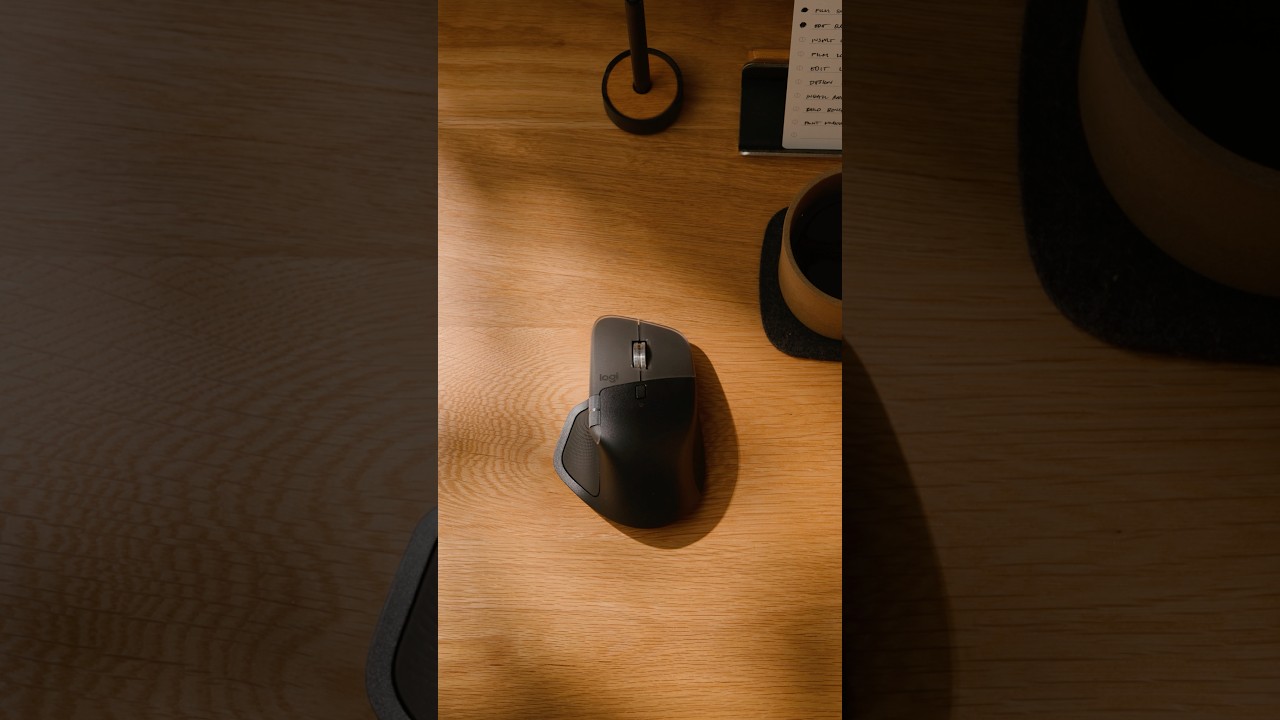
Most of my day is made up of small movements. Click, drag, scroll, repeat. That's why I'm picky about my mouse. For years, my go-to has been the MXM series thanks to its comfortable shape and productivity features. The new MXM 4 has updated durable Surface materials and adds a handful of features that can speed up your workflow. The actions ring is a radial menu under your thumb with appsp specific shortcuts that appear wherever your cursor is. Map it to common actions in apps like Premiere, so you can make quick adjustments without digging through menus. The new haptic sense panel provides tactile feedback as you work, like when snapping to guides in Photoshop, adding a physical dimension to your software interactions. You can fine-tune these features in the Logi Options Plus software to customize button mappings, shortcuts, and haptic feedback. The Logitech MXM 4, a mouse designed for how you work, built for the long run.

Другие видео автора — Matthew Encina

Ctrl+V

Экстракт Знаний в Telegram

Экстракты и дистилляты из лучших YouTube-каналов — сразу после публикации.

Подписаться

Дайджест Экстрактов

Лучшие методички за неделю — каждый понедельник