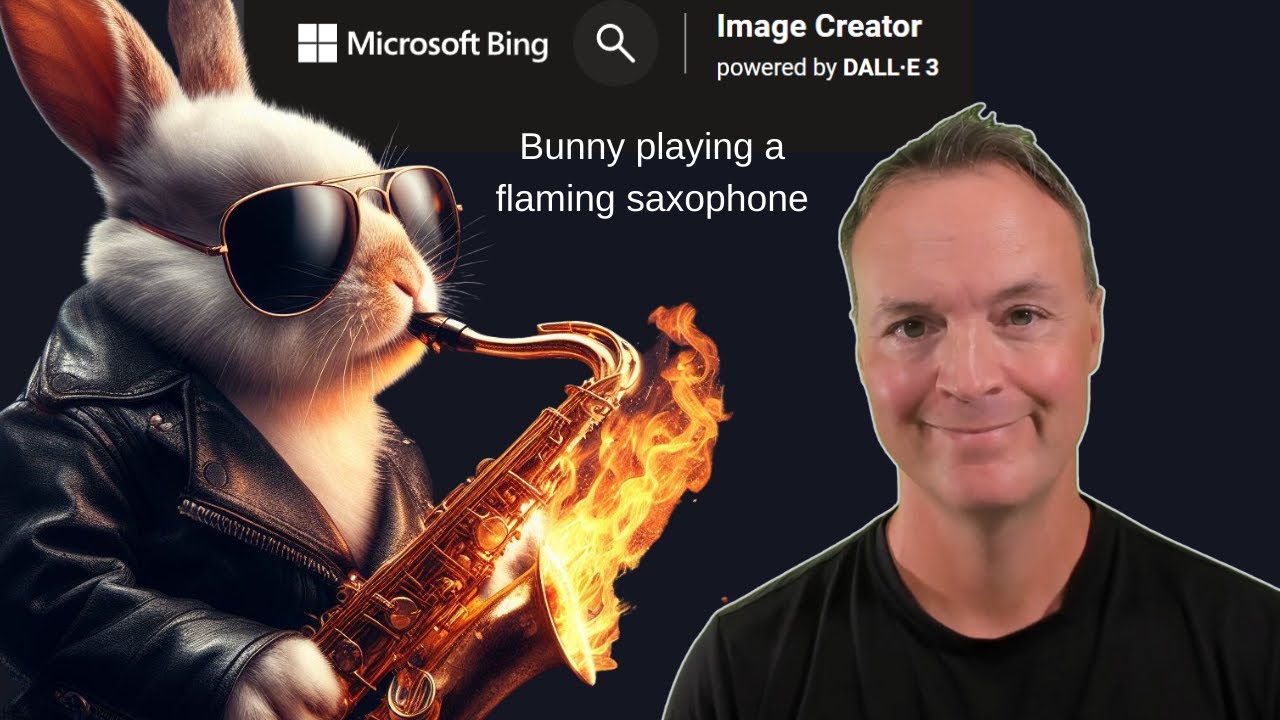
How to use Bing's AI  Image Creator - Create Images from Words!
4:43

How to use Bing's AI Image Creator - Create Images from Words!

Teacher's Tech 18.10.2023 152 063 просмотров 1 173 лайков обн. 18.02.2026
Поделиться Telegram VK Бот
Транскрипт Скачать .md
Анализ с AI
Описание видео
Have you ever wondered how to turn your words into captivating visuals? In this video, I will explore Bing Image Creator, a fantastic tool by Microsoft Bing that effortlessly transforms your text into AI-generated images! Also, I will show you how you can quickly access Bing Chat built-in Microsoft Edge. https://www.bing.com/create Check out the video on Bing Chat here: https://youtu.be/w6feTDaPYn0 Learn more about Image Creator: https://teachers.tech/bridging-text-and-imagery-discover-bing-image-creator-enhanced-by-dall-e-3/ 0:00 Introduction 0:18 Navigate to Image Creator 0:35 Enter text, then join & create! 0:55 Explore recent 1:13 Share, Save, Download, Customize 1:30 Open in Microsoft Designer 2:53 Try it in Bing Chat inside of Microsoft Edge

Оглавление (7 сегментов)

  1. 0:00 Introduction 59 сл.
  2. 0:18 Navigate to Image Creator 61 сл.
  3. 0:35 Enter text, then join & create! 84 сл.
  4. 0:55 Explore recent 64 сл.
  5. 1:13 Share, Save, Download, Customize 59 сл.
  6. 1:30 Open in Microsoft Designer 254 сл.
  7. 2:53 Try it in Bing Chat inside of Microsoft Edge 337 сл.

0:00

Introduction

hi welcome to teachers Tech my name is Jamie and  it's great to have you here today I want to show   you how you can create images from words with AI  for free just by going to this site here bing. com   slre and you're going to get to image   Creator I'll put the link to this site Down
0:18

Navigate to Image Creator

Below in the description so you can just quickly  click on it uh image Creator is powered by dolly3   which is by open AI but I'm just going to jump  right into this right way and I'm going to just   put something in that I'd like it to create and I  haven't even tried this one out I'm just going to
0:35

Enter text, then join & create!

go ahead and paste this so this is going to be a  shark reading a book in a scary forest with eyes   looking at him through the tree so it's pretty  random I want to try something random uh it is   free but you do have to create an account to do  this or use the one that you have so I already   have one I'm just logged in here and I'll show  you a couple of the other ones that I did before
0:55

Explore recent

as we're waiting for this right now uh if I just  scroll down these are my past ones on the side   if I click on this one right here so this one was  just a bunny playing a flaming saxophone and if I   click on each of these you can see uh I have some  different options to go through these uh but that
1:13

Share, Save, Download, Customize

was pretty amazing just for that simple prompt  take a look at what we can do with this too I   can share it from here I can save it and I can  download it I can even customize this so when   when I say customize uh we'll just bring it over  to designer and Microsoft designer allows you it's
1:30

Open in Microsoft Designer

kind of like canva it allows you to uh add it to  different things maybe an Instagram post but at   this point you can describe something here and  launch it so it gives some ideas what it's being   added to and you can just go through give the idea  hit generate and then keep on having some more fun   with this but let's go back to our first one here  I'm just going to close out I do want to point out   it gave me different versions of this as well so  if I click on this you can see now it's more in   the cartoon let's go to the shark in the forest  I'm going to click on it I can see it's ready and   that's how long it took so this time it gave me  these ones so I said uh reading a book in a scary   forest with eyes looking at it and as I go through  you can see the different versions that it created   for me here so this is in image Creator this is  a ton of fun and this was completely free uh as   you go through you can see a few different options  with the surprise me and we can take a look at the   explore ideas over here but what I really want  to point out too if you're using um if you're   using Microsoft Edge if I go over to uh this right  up top into Bing chat and a lot of people don't
2:53

Try it in Bing Chat inside of Microsoft Edge

realize this is here this is like having your own  own personal assistant where you can do a ton of   different things uh ask at anything sum up web  pages but what I want to point out is right at   this point here I can ask it to draw anything  also so if I go ahead and put this prompt in   create an image of a tabby cat reading a book  in a scary forest with eyes looking at them so   I just change the character here and I'm going to  go ahead and just hit enter this will connect to   image Creator right in here I don't have to go to  uh bing. com slre or image Creator uh just using   Bing chat right inside Microsoft Edge will allow  me to create this so we'll just wait a moment you   can see it's creating and then we'll come back so  there's my tabby cat if I go ahead and click on   any of these I can do the exact same thing that I  just showed you from image Creator but again how   fun is this to create and it's completely free  uh take a look at using Microsoft Edge this is   built right in and this can do a lot of things  we can even compose emails uh through here uh   write paragraphs blogs with tone all these  things I do have a different video all about   uh using Bing chat and I'll put a link to that  in the description down below as well and also   in the uh in the card up above so I hope you like  this little quick walkth through of image Creator   here today and a little bit about using being  Bing chat to get to it also let me know if you   played around with it uh if you've created some  great imageries with it uh and anyway have a great   day thanks for watching this time and I'll see  you next time with more Tech tips and tutorials

Ещё от Teacher's Tech

Ctrl+V

Экстракт Знаний в Telegram

Транскрипты, идеи, методички — всё самое полезное из лучших YouTube-каналов.

Подписаться


