This Finally Fixed My Stair Lights! (Radar)

This Finally Fixed My Stair Lights! (Radar)

Machine-readable: Markdown · JSON API · Site index

Поделиться Telegram VK Бот
Транскрипт Скачать .md
Анализ с AI

Оглавление (3 сегментов)

Segment 1 (00:00 - 05:00)

I have a problem! You see for almost two years and in 2 dedicated videos, I tried to build a decent add-on for my stair case that lights it up during the night. And as you can see, everything seems to work perfectly fine now, right? Well, it might look like that at first glance, but I noticed and went through tons of frustrating problems. So in this video; let's simplify things one last time and go from these custom made PCBs to some off the shelves components that are not only widely available and cheaper, but also come with the missing features I was longing for. Let's get started! When you love making your own PCBs like me then you maybe already encountered this problem where you got too many pins and too little space for routing a trace. Now of course you could redesign the whole thing; but you could also simply use JLCPCBs 6 Layer PCB Via In Pad solution and needless to say JLCPCB is the sponsor of this video. By using this technique you place vias directly within the pad which frees up routing space and makes your whole design more efficient. With 10% impedance control and ENIG finish, this solution balances cost and performance for complex designs. So why not try it out in your next project and to help with that you can click the link below to get a $30 coupon for your next 6 Layer PCB. To get started let's firstly address the problems I had with my old setup. It all began when I noticed that turning the LEDs off when leaving the stairs is not such a practical idea. Don't get me wrong; it looks cool as hell but it would make way more sense to simply have a timer of like 30 seconds before the light turns off, so that you can still see something downstairs or upstairs when leaving the staircase. Well, that should not be a problem you might think, I mean simply edit the code a bit and upload it again. And yes; that is correct; but having to manually open up the whole circuit and pushing probes onto it in an awkward way to make small changes is super annoying meaning uploading should happen over the air, ideally with WiFi. But that is not all because while the used distance sensors do work most of the time, they also occasionally trigger continuously. Sometimes there is dust on the transceiver and sometimes it is just doing nonsense at which point I have to turn off and on the whole system. And troubleshooting these sensor is also a pain because once again opening everything up and sitting next to it, is no fun at all. So I not only want other sensors, but I also want to see all sensor data wireless. And last but not least since we will get rid of this distance sensor that required a clear line of sight, I can also extend the diffusor here and make it look a bit prettier. I think that should be about it meaning the only thing that works great and looks great is my LED strip enclosure and the LED strip itself. So time to remove everything else and grab the 4 new components that will hopefully make all my wishes come true. These are basically just 2 Small ESP32-C3 microcontroller boards and two 24GHz Radar Boards that can basically detect human presence even behind barriers. And in combination to that I will also be using my HomeAssistant system as the middleman. The idea here is that one ESP with one Radar will be positioned at the top and bottom of the staircase and the lower ESP will also connect to the LED strip. And as you might already have guessed, as soon as one radar detects motion near it, my homeassistant middle man will tell the lower ESP to turn on the LED strip and as soon as 30 seconds passed, it will send the command to turn it all off. Pretty straightforward; but you might be wondering what about the brightness sensor of the old PCB that told the system when it was dark and thus time to turn on the LED strip. Well, luckily for me my HomeAssistant knows at which time the sun sets and rises meaning we can simply use that for the automation. Another small problem I initially thought I would run into is that the ESP board and

Segment 2 (05:00 - 10:00)

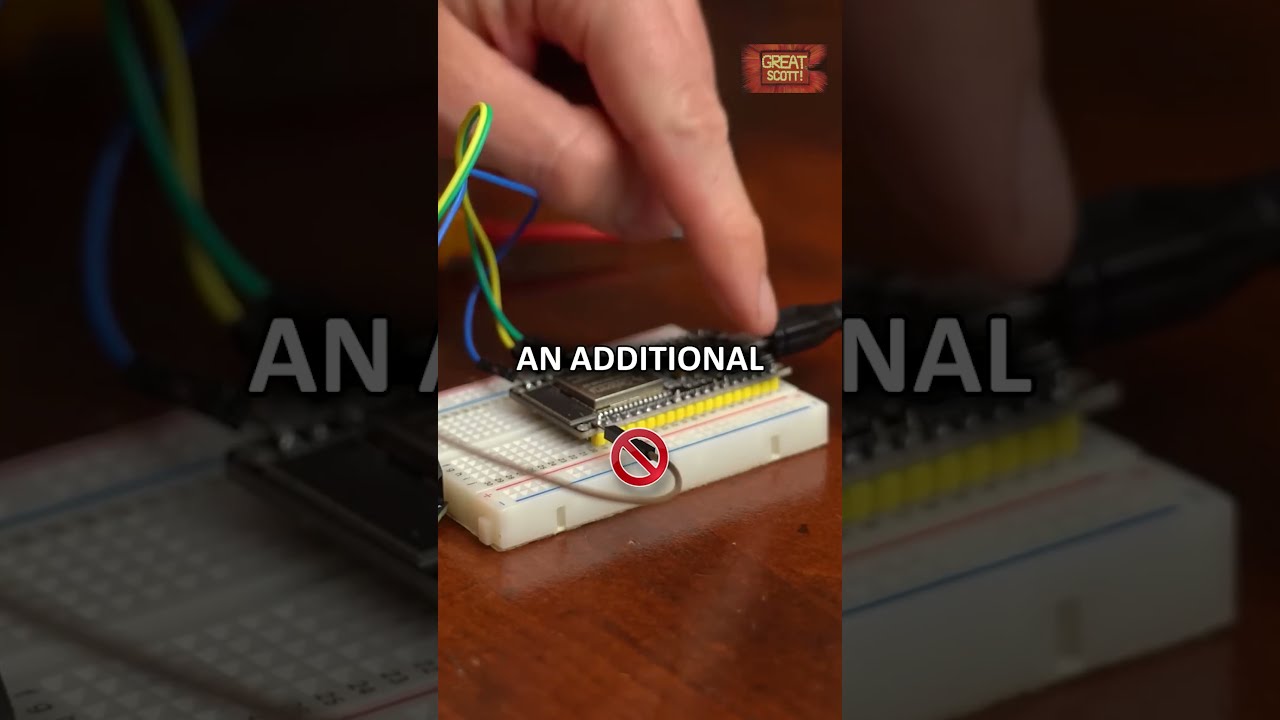
radar does not fit inside the LED strip channel. But after removing the header pins of the radar, they both actually somehow fit in there which was a total surprise for me. Believe me, I was ready to drill holes into the wall behind it to mount such wall junction boxes. I even already 3D printed some nice covers for it all. But you know, less extra work is always appreciated and thus I continued by connecting the radar with the ESP to do some initial tests. Now luckily for us, this radar board is supported by ESPHome which is an addon for HomeAssistant that can turn any ESP board into a WiFi Sensor or a Smart Home Device. So I connected my ESP to a computer to firstly flash a blank ESPHome firmware onto it and enter my WiFi information. Once that was done, it got discovered by my ESPHome in HomeAssistant and thus I could upload this test code here that should let use interact with the radar. And yeah, I was able to find it and it apparently comes with 2 sensors and quite a bit of configuration. Now I set the detection range max to 1 and detection range min to 0 meaning my sensor will only react when there is motion in front of it between around 0 to 70cm which should hopefully work well with my steps. And I also set the timeout to the minimum meaning that the presence sensor will clear pretty quickly. And with the configuration done; I powered my test setup and wrapped it up in kapton tape so that nothing will short out when I squeeze it into the LED channel and then close it all up. At this point I was happy to see that triggering the radar worked pretty great and it did not react besides my steps. But I also noticed that this time the trigger area was not a straight line like before, but more like a cone. So to stop the LEDs from turning on when not being on the steps, I will simply also have to rely on the moving distance and will later probably define something like if the distance is under 70cm, the LEDs should light up. That means we should definitely be able to work with this radar and the only question left now was whether my ESP board can talk to my LED strip since my ESP uses 3. 3V, while the LEDs use 5V. So after hooking everything up, I went into HomeAssistant to create a test sketch that should light up the LED strip in pretty much the same way as the old system did. After uploading that, I can simply push this button here to see that something weird was going on. Yeah, it seems like the first LEDs do not work correctly and only after a few of them, the data signal seems to stabilize and get recognized the correct way. That was at least my theory because the ESP data signal with 3V peaks should really be too low for the LED strip ICs. So, I spent quite a lot of time to level shift this data signal and while I ultimately did end up with perfect 5V, the LED strip still did the same weird things. As it turns out, my code was incorrect and it actually took me another day to come up with the perfect code that finally does what I tell it to. And of course you don't need the level shifter, it all works with the signal straight from the ESP. And while this process was certainly painful, it was definitely worth it because this way I can now easily add or change animations to create something silly like an RGBW staircase. But anyway, with all my tests done, it was time to hopefully finish this all successful. So I flashed another ESP with HomeAssistant, connected it to a Radar and hooked that one up to the top of the staircase. I of course also wrapped it into kapton tape before stuffing it into the channel which I did in almost the same way with the boards at the bottom and of course if you are interested in my wiring diagrams, code or similar, then definitely check out the video description. With that being said; my last mechanical task was to cut the diffusors to their new size, push them into place and then do the automations in HomeAssistant. Now in the bottom ESP code, I created three services that animate the LEDs, two for turning on and one for turning off. I used these services then in my three automations to basically achieve the same functionality as before and as you can see in this final test

Segment 3 (10:00 - 10:00)

it all works pretty great. I now finally got my time delay before the LEDs turn off and just like before the turn on animation works in both ways which is pretty slick. So overall, I am super happy with this final upgrade and it solves pretty much all problems I had before. Hopefully I will not have to return for a fourth time and I also hope you got inspired by this video to maybe create something on your own. If so don't forget to like, share, subscribe and hit the notification bell. Stay creative and I will see you next time.

Другие видео автора — GreatScott!

Ctrl+V

Экстракт Знаний в Telegram

Экстракты и дистилляты из лучших YouTube-каналов — сразу после публикации.

Подписаться

Дайджест Экстрактов

Лучшие методички за неделю — каждый понедельник