NVIDIA Jetson AGX Thor Hands-On: King of Embedded AI Power?

NVIDIA Jetson AGX Thor Hands-On: King of Embedded AI Power?

Machine-readable: Markdown · JSON API · Site index
Поделиться Telegram VK Бот
Транскрипт Скачать .md
Анализ с AI

Оглавление (3 сегментов)

Segment 1 (00:00 - 05:00)

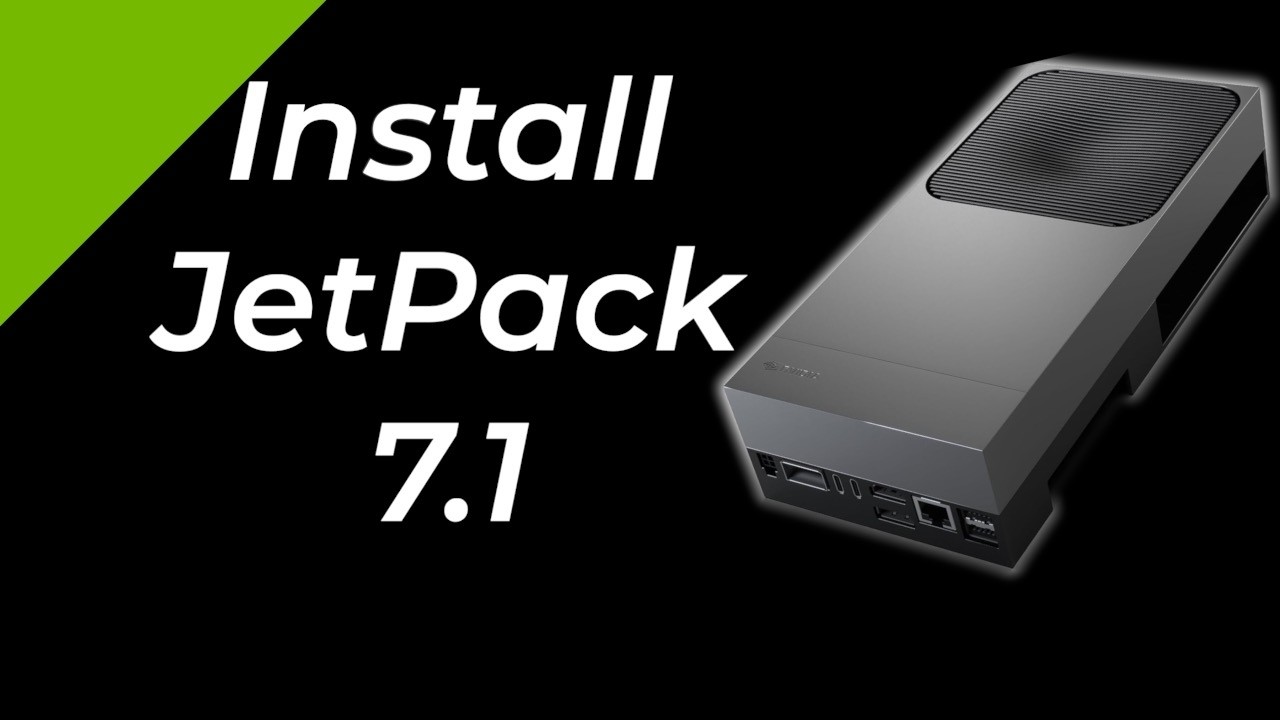
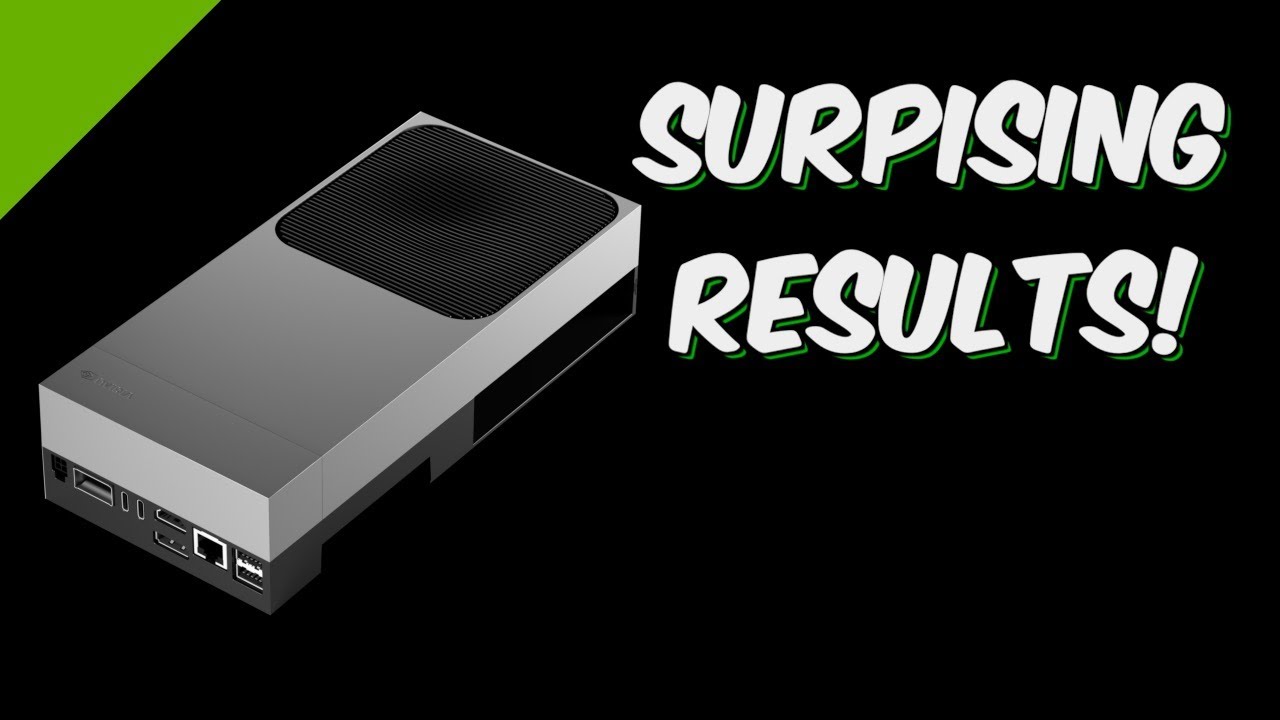
Hello, it's Jim from jetsonax. com. On today's show, we are looking at the new Nvidia Jetson AGX Thor. I've created chapters so you can skip around. Of course, if you skip even one second, well, God made hell for a reason. I'm just kidding. He made it for a lot of reasons. Unboxing starts now. Let's see what's in the box. Oh my. It's a big boy. It seems pretty heavy. Let's put it aside. What else is in here? The accessory box. Let's open that up. We have a little instruction manual. Let's see what else. Oh, here's a power cable. It has a Mickey Mouse connector on it. Here is a USB 3 A to C cable. Some more power cables. This is a review unit. Your accessories may vary. Let's pull out the power supply. Come out of there, you little pig dog. Let's see. Anything else in here? Nope. This can supply 240 watts. USBC power delivery. Let's take a look at the manual. This is a nice little diagram of all the ports. And then the usual fine print. I'll save it for one of those long winter nights. Let's take a look at the connectors and ports. Here is something new to the Jetsons. It is a four pin microfit input power connector. 9 to 20 volts, 5 amps. This is also a new type of connector. It is a QSFP28 NVIDIA hollow scan sensor bridge. This allows you to connect four 25 GB Ethernet sensors to the Thor. Then we have two USBC 3. 1 gen connectors. You can power the Thor through one of these ports. Next up, the display connectors. This is a full-sized HDMI 2. 1 port. And underneath there's a Visa Display Port version 1. 4A. Moving on, we have the RJ45 jack for 5 GB Ethernet. And finally, we have two USBA ports, 3. 2 Gen 2. There are no connectors on the long sides. On the back, we have our buttons, power, force recovery, and reset. Then we have our power indicator, and the little gray strips are the Wi-Fi antennas. And we're back to the front. There's a secret compartment. Let's open it up. It's our trusty friend, the serial debug console, USBC. Now, normally I would take the cover off, but there's not a whole lot to see. This is a better visualization. The carrier board and the Jetson 5000 module are the same size as the HX Orin. In comparison, the increase in overall size of the developer kit is for the addition of a fan. At launch, the Thor is $34. 99. Let's take a quick look comparing the size of the Orange versus the Thor. Here we can see the extension of the enclosure on the Thor for the fan. Now let's take a look at the underside of the carrier board. First up is a M. 2 KM slot PCIe Gen 5 4 lane. It's populated with a 1 TBTE NVME SSD. Then we have a M. 2 key slot PCIe Gen 5 one lane. It's populated with a Wi-Fi 6 nick. Over in the corner, we have the audio header. This allows interface with a standard PC audio panel. Next to that is the automation header. This allows access to several system functions, including wake on LAN, system overcurren indicator, and more. Next up is two 13pin CANbus headers. If you are a software developer and you believe that your life has hit rock bottom, you have not until you plug into the J-tag header. That is finally we have a connector for the real-time clock battery. I removed the SSD because I wanted you to see the hardcore heat sink that it's in. They are serious about this. You

Segment 2 (05:00 - 10:00)

should be too. The heart of Thor is the Nvidia Jetson T5000 module. It includes a Blackwell GPU, ARM Neoverse CPU, and 128 GB of LPDDR5X memory. The Jetson Thor is using the new ARM CPU architecture, Neover Automotive Enhanced. These are version 9. 2 cores. The cache sizes have been significantly increased over the last generation. The L2 cache of 1 megabyte is quite generous. The big takeaway here is that the CPU complex is designed for fault tolerance, safety, and deterministic performance. After all, you don't want to crash on one of the CPU cores causing a real life crash in a vehicle. This makes it a natural for robotics and edge computing. The Thor has a Blackwell GPU, which is quite the upgrade over the previous generation. The big takeaway is that there is now a multi-instance GPU. This allows you to split the GPU up so that if one section has issues, it doesn't affect the others. Thor also adds 32 more tensor cores which now support a wider variety of numerical precision types. This allows up to two pedlops of AI performance. We're on the third generation of programmable vision accelerator and we have an optical flow block for frame processing. And we still have our friends for video encoding and decoding along with audio and sensor processing. We have the usual complement of system software too numerous to list here. The big takeaway is CUDA 13. A major release. Jetack 7 unifies with the rest of the CUDA releases. That means that the Thor will be using the server-based system architecture which runs across all Nvidia supported platforms from data center through PCs to Jetson. Okay, let's start this puppy up. Connected the power, HDMI monitor, Ethernet along with the keyboard and mouse on the Thor. You can now download an ISO operating system image and write it to a USB drive. Then you can flash the Jetson from the USB drive. You don't need a PC for the first boot. I'll plug in the prepared USB drive and then turn the power on. Let's switch over to a screencast. That's a good sign. It's starting to boot up. The Jetson Thor is set up from the factory to boot from a USB drive the first time it is turned on. It then asks you if you want to flash the SSD. To no one's surprise, that's what I did. After the flash, the Jetson reboots and upgrades the firmware. In more exciting news, it reboots again when the release software is available. I'll go over this in more detail. For now, we'll just power through the setup. I'll leave it to you to come up with clever responses during the initial setup. I've got to hand it to them. They have more questions than I can make up lies to answer with. Okay, we're finally at the desktop. Let's open up a terminal. We'll get our apt update and full upgrade out of the way. Now we install Jetack. Let's see if we can get JTOP up and running. Oh, it didn't like that. I don't know who PEP 668 is, but I don't like him. This is Python 3. 12. Let's install a browser. We'll put in Chromium. Earlier, Jetson's had a problem running Snap 2. 7. Let's see if we can launch Chromium. Oh, that's a good sign. I need to monitor the GPU usage graphically. JTOP doesn't work, so I'm on my own. Let's take a look at Tegra stats. Most of my friends are here, but I don't see the GPU usage. Let's take a look at Nvidia SMI. It looks like that figures it out correctly. After a little research, I find out that

Segment 3 (10:00 - 14:00)

it uses the Nvidia management library. Then I wrote up a little mini Jtop. We can see the GPU activity. I've downloaded a few models. You can see the terabyte doesn't get you very far. Here's a quick info screen. and a little bit about the CPU. And this is almost exactly unlike what I need for my demos, but I was able to get VS Code up and running with no problems. This is all low-level system stuff. This is all written in Python. PSUIL for interfacing with the system. Pi3 NVML for looking at the GPU stats and the system thermals are in virtual files. Let me launch it here. This feels more suited towards our demos. Let's get big. Let's go small. That should do. Now, normally I don't do benchmarks, but the Thor is quite the machine, and it's going to take me a while to fully understand its performance. Alex Ziskin recently did a video comparing an AMD Ryzen AI and an Apple M4 Pro machine. For fun, let's compare the Thor with these. In the demo, the benchmarks are run using Llama. CP. This is the lowest common denominator for comparison, as it only uses the CPU and the GPU for the test. It doesn't use specialized AI hardware like the Thor's tensor cores currently. All three machines have unified memory, but each are a little different. On the AMD, you split how much memory goes to the CPU and how much goes to the GPU. Both the Jetson Thor and the Apple M4 Pro have the same idea of unified memory. The CPU and the GPU share the same memory space. Physically, the implementation is a little different. The Jetson attaches discrete memory chips on the modules to the SOC while Apple connects the memory to the chip in a system in package design. Here's a top secret completely madeup scenario on how Apple manufactures the chips and connects them together. Running our test, Thor gets a prompt processing score of 1253 tokens per second. Then our token generation score is 39. 04 tokens per second. Let's compare that to the AMD and the Apple. You can see that the Jetson Thor is a little behind on the token generation score, but that's a competitive number for an embedded machine. Big PP low T. You really thought I'm above that kind of joke? What's wrong with you? Let's run another one from the video. Again, a little slower than the AMD. Now, when you run the Jets and Thor using AI acceleration, it's quite a different story. The speed increases by a factor of four to 20 depending on the task. Here, we went from 10 to 70 tokens per second. You will note 70 is more than 10. This is the first time in quite a while that I have been overwhelmed by a new system. Because of the new system architecture and software, it will take some time to figure out what the Jetson Thor is capable of. The history of Jetson is that the first day is the worst day in performance terms. Typically, software updates increase performance by a factor of two in the coming year or so. My initial impressions are quite good. It's made me think a lot about system design and trade-offs. Lots of material here to explore. I hope you will join me on the quest.

Другие видео автора — JetsonHacks

Ctrl+V

Экстракт Знаний в Telegram

Экстракты и дистилляты из лучших YouTube-каналов — сразу после публикации.

Подписаться

Дайджест Экстрактов

Лучшие методички за неделю — каждый понедельник