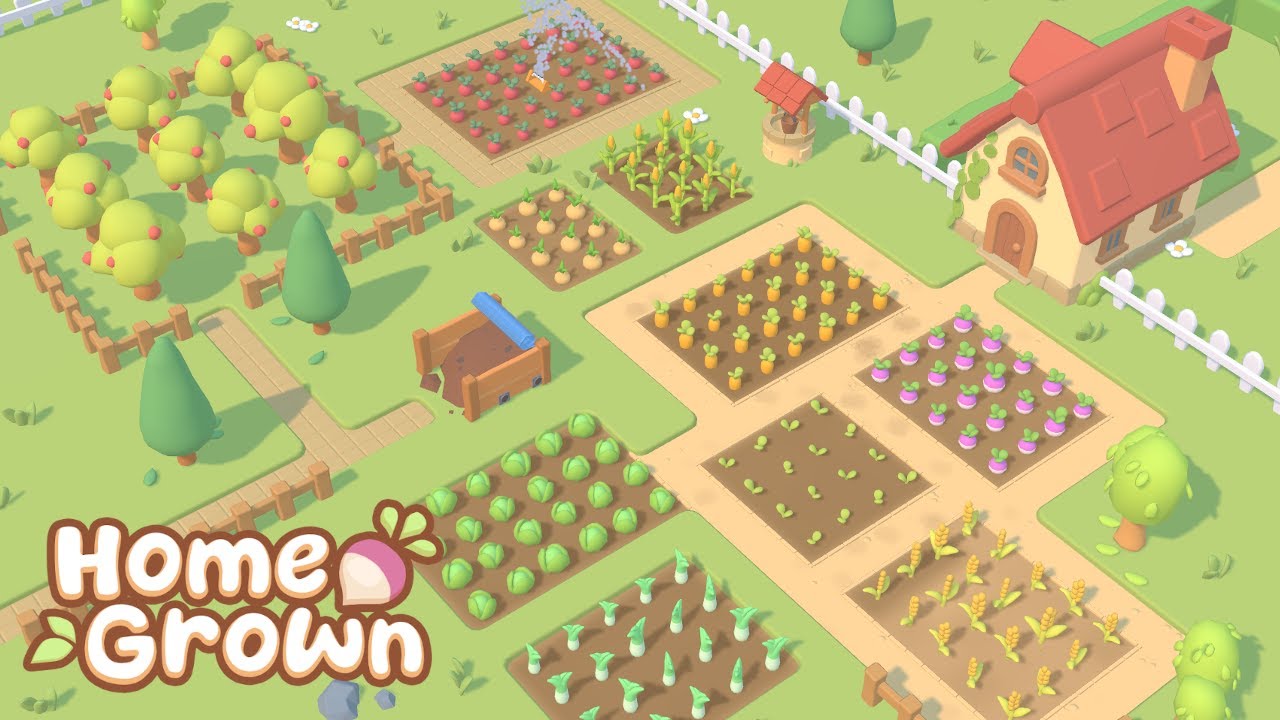
Hello everyone and welcome to another delog video for Homegrown, the casual farming game I'm making using my own engine. And this week I'm going to be working on probably the final big new feature that I want to get into the game before release. And that's going to be all about machines that you can get for your farm and they process your fruit and vegetables into other products. So it's Monday morning coming up to 9:00 today. I am going to be starting work on the machines. And the example that I'm going to be using to start with in this video is going to be a machine that turns fruit into juice. And it's going to be made up of three parts. The item hopper where you put the fruit, the machine itself, which processes that fruit and turns it into juice. And then the output tank, which will fill up with juice, and then you can take the juice from there. And I'm going to start off today by making the juice tank. So, I've got this temporary model for the juice container. I've actually just taken it straight from the maple syrup update for now. You might remember it. And it's made up of two parts. The outside frame and then the liquid that goes inside. And if I scale the liquid along the up axis, I can make it look like the container is filling up or emptying. And here you can see that happening in the game. I'm just manually increasing and decreasing the contents here. So the functionality for the liquid container is handled by this liquid storage component, which again I already had from the maple syrup update. So it already has a lot of methods to do with changing the amount of liquid in there. And I've now just been making it possible to change the type of liquid. Um, each liquid type has a color and then I can override the color of the liquid mesh when I change the liquid that's in there. So, if I just manually change the type of liquid that's in this container, you can see the colors are changing accordingly. So, I've added the first two fruit juice items to the game. Now, we've got some apple juice and blueberry juice, just cuz those are the only two fruits I have in the game at the moment. And I've just been getting it working with the bottle filling tool. So, I've got a tank full of each juice here. And then if I take these empty bottles, I can fill them up with apple juice from this tank or from this tank, I can fill them up with blueberry juice. Last up, quick bit of UI work. So, the liquid storage component now provides a stats bar to show how full it is and then also uh a little bit of information saying what type of liquids in there. So then in the game that appears when you mouse over one of these tanks, it now tells you exactly what it contains. So today I'm going to be moving on to the item hopper item container where you put the fruit. And I actually already have something pretty much exactly like this in the game when I was working on the auto harvesters and the auto planters. I made these item containers where you put the seeds that you want the auto planters to use. Um, so I'm going to be basing it off this or pretty much reusing this. I do have a few issues with it visually though. I've had it in the game for a while. I've always found it a little bit tricky to see how full it is at a glance. So, I'd like to make that a bit more visually obvious. So, at the moment, I'm just trying out a few ideas in Blender. I spent the whole morning today kind of reworking how the item container functions. Um, so it's made up of three parts. You've got the outside frame, then this inside contents block, which works the same as the liquid tanks, so I can scale it up and down to show how much is in this container. And then there's this extra mesh that goes on top which kind of represents the item that's contained inside. And there are quite a few variations of this. So each item can just choose which of these meshes it's going to use. And it can also choose the color as well. Um so let me just show you this in the game. I've got some of these item containers here and I'm just going to put a few of these vegetables into them. And you can see the contents take the color and the shape of those vegetables. And then if I take some out, you can see that contents mesh going down and indicating how full the container is.
Segment 2 (05:00 - 10:00)
So the new item container code now works with any size of item container. All I have to do is in the entity file, I just have to specify the dimensions of the storage part so that it knows where to place that contents mesh. So, I've just been trying out some different styles like these item hoppers. And I quite like them cuz it's a lot easier to see when they're empty compared to these old ones. Before I started this video, I worked for a few days on a system that handles connections between entities, which is going to be useful for the next part of this when I introduce the juicing machine and I want to connect up the tank and the item container to it. Um, so I've just created this temporary juicing machine and this is the code for it. And you can see I've created using this new system, I've created these sockets which other entities can connect to. So I've created one socket for an item container and one for a liquid tank. Um I also if I want can specify a certain position on the model where those entities can connect to. So for example the item container I've said can only connect to the east side of the juicing machine. So I'll show you that here. If I try and place the item container, you can see it only connects to this part of the juicing machine. Whereas the tank can go anywhere. um but I can only place one of them because it's a single socket not a multisocket. So then in the code I can now access those attached entities using these sockets. So for example I can check if an entity is connected. If it is I can then get that connected entity which in this case would return the item container and I can also provide functionality that gets carried out when an entity is connected or disconnected from the juicer. So, lots of helpful stuff that's going to be very useful for the next part where I implement the juicing machine. So, moving on to the main event today. I'm going to be implementing the juicing machine itself. And I'm going to start off in Blender this morning and make a quick model for it. — Just finished making the draft model for the juicing machine and I've got that in the game. Um, I'm excited to get it all animated and working. I think it's I think it could look quite cool. — So, while I'm specifically working on the juicing machine today, I'm also trying to add support for machines in general. So, I've just been creating a whole recipe system for essentially different crafting recipes. And it's kind of inspired by the way that Minecraft does it, just cuz I was reading up about that this morning. So, in the game files, I've got this recipes folder where I can add new recipes. And these are pretty simple files. They just have the type of the recipe because I'm going to have different types when I have different machines. And then it just specifies the inputs and the outputs. And any files in this folder get automatically loaded up when the game starts. And all those recipes get loaded into the recipe repository, which then has methods allowing you to get all of the recipes of a certain type. So, in the code for the juicing machine, I can now get a recipe book containing all of the recipes for juice. So, I've been writing some code for the crafting system. And this is code that's going to work for all the different machines. This isn't just for the juicing machine. So, before it starts crafting, it gets all of the input items from any connected sockets, the ones that I was talking about earlier. So, for the juicing machine, that's just going to be one item. And then it has a look in the relevant recipe book and tries to find a matching recipe that matches those items. And if it finds one and if everything else is fine, then it starts crafting. So let me show you this in the game. Firstly, the item hopper now only accepts items that have a recipe associated with them. So I can't put in these carrots, for example. It will only accept the blueberries and the apples for now. So, if I put in the blueberries, it's going to find the blueberry juice recipe and it'll start crafting it. So, it starts taking blueberries from the hopper and filling up the tank with blueberry juice. And of course, I can do the same with the
Segment 3 (10:00 - 15:00)
apples and it will start making apple juice. And I can then harvest the juice. — I want to work on animating the machines next. So, I've just been getting the blades to spin. And I don't really have a full-blown animation system in my engine. So, what I have to do is I split the entity up into multiple parts. So, if I show you in the entity file for the juicer, um it's now split into these two parts. One for the main bit, one for the blades. And the blades have their own transform and their own pivot point which they rotate around. And then in the code I can get that part for the blades and I can then set its rotation independently of the rest of the entity. So at the moment you can see the blades aren't doing anything uh because it's not currently juicing anything cuz this output tank is full. But if I empty that you can see they start spinning. Um and if I stop it for any reason they come to a nice smooth stop. Next up, I wanted to animate the liquid in the blender part here. So, I added this liquid mesh. And again, I can just scale that up and down to make it look like there's more or less liquid in there. And then I realized that if I made the edges a little bit wavy and then rotated it, not like that, uh, like this, it kind of looks like there's actually liquid in there slloshing around. So, I'll show you this in action in the game. I'll just put some blueberries in here. And then you can see the liquid in there rotating around and looking kind of liquidy. And of course, the color of that liquid um, depends on whatever juice is being made. So, let me just show you this in the code. So, here's where I'm setting the color of the liquid mesh to whatever the output of the recipe is. And um here's the animation part. So, I'm just rotating the liquid mesh at a constant speed. And then the scale is being set by this easing function, which just makes uh the scale go up and down. Last up, I wanted to have an actual bit of fruit appearing in the blender before it gets blended up by the blades and turns into juice. And luckily, all of the um all of the fruit items already have a 3D mesh associated with them cuz it's used in the harvesting effect. So, I could just take that mesh and then move it around with a couple of easing functions. — Today I want to work on giving the player a bit of feedback if their machine's not working because there's quite a few reasons why the machine might not process stuff, especially for more complicated machines than this one. So, for example, if you've forgotten to attach the tank, um, then I want to tell the player that there's a problem. So, firstly, this is a lamp and it's going to change color depending on the status of the machine. Um, and then you're going to be able to just mouse over the machine to get some information and it will tell you all of the issues um, as to why it's not running, like it's run out of fruit or the tank's full or you've forgotten to attach something. So before the machines can actually do any juicing or crafting in general, um it has to check that everything's in order, like checking that all of the inputs are connected, that there are actually some items to use, um that there's a matching recipe and things like that. And I've just created this status manager class. So now if any of those things is missing, I can then register the relevant error with the status manager. And then those errors get shown up in the UI for the relevant machine. So for example, this one you can see is missing both of its attachments. So if I go ahead and add the liquid tank, you can see that error disappears. And I've added errors for pretty much every issue. So for example, this one isn't running cuz it's missing ingredients. And this one has stopped because the tank is full. So, I think it just helps if you haven't used these machines before. This is just going to make it very easy for you to see why your machine's not working and tell you what you need to do to get it working. Last up, I've been getting the little indicator lights to work. So, if everything is running normally, then the light is just green. If there's a problem which has caused the machine to stop, then it flashes red. And I also added a yellow flashing light for when the machine is about to stop. So in this case, you can see that it's about to stop because the juice tank is nearly
Segment 4 (15:00 - 18:00)
full. So it flashes yellow just to warn you in advance that you need to do something about it soon. And here it is in the code. Very simple. Just using that material color override system to set the color of the light. And then I've got this square wave that I can use to flash the lights on and off. So it's a couple of weeks later now. I've been implementing quite a lot of content to do with the machines which I can show you now. So firstly I added orange trees so that we can now make orange juice. I also implemented these olive trees and I then made a new machine this oil presser which takes in olives and presses them into olive oil. That's the only other machine I've done so far. I do still have quite a few more planned. Um, what I have done is I've worked a lot on upgrades for the machines so that like everything else in the game, you can now constantly upgrade your production and make it more efficient. So, for example, I can upgrade the liquid tank here to increase its capacity so that you don't need to empty it so often. Same for the item hopper. I can increase its capacity. And there are going to be multiple tiers of upgrades so that you can just keep upgrading and upgrading. You can also upgrade the machine itself. So, here's a tier 2 juicing machine, which processes fruit much faster. So, the idea being as you work your way up through the tiers, you're really going to be able to ramp up your juice production. Finally, I also implemented a system of attachments that you can add to any machine to apply some sort of buff to that machine. Uh, the only one I've done so far is this woodfueled generator, which you can attach to a machine and it doubles its production speed, uh, but only when it's got fuel in it. And it uses logs as fuel, which is nice cuz that connects it to another part of the game. So, when I fill it with logs, it'll start generating extra power. And you can see that this oil press is now working twice as fast. So, the trade-off here is you get a higher production speed in return for more manual maintenance cuz you need to keep refueling it, and you also need to have a good supply of logs. But, as always, you can spend more money to buy higher tiered generators, uh, which are then much more efficient and need refueling way less often. So, that's going to be it for the machines for now. Obviously, this was just setting up the basic system, and then in the future, I can come back to this and add lot lots more content to it. Um, now that I've got that fundamental functionality implemented, it's very easy for me to add new types of machines and new recipes into the game. So, I'll be doing plenty more of that um in the weeks and months to come. Before I finish the video, I want to say a massive thank you to the top Patreon supporters from last month who were Dan Andress, Marcus Rio, Vekchu, Daryl Zineer, Kevin Sha, Peter West, Hasen, Ingo, Moore, Helson, Tberas, Andrew Romans, Mars, Shadeless Fox, Kimot, Tamio, Ross from Two-Minute Tabletop, Nick as Gazarda, Zenil, Ambikar, Atomic Code, Walden, Yan, Chris Naymith, Alan Lance, Wanoff, Tita Rutert, Harry Chung, Christopho, Matias Bard, Hen Vinard, Migy Dos, Maric Molyrick, Timothy Gibbons and Neil Blakey Milner. So, a massive thank you to you guys and of course to everyone else supporting me over on Patreon. For this week though, that is it. Thank you all very much for watching and I'll see you all again in the next one.