Wishlist HomeGrown on Steam:
https://store.steampowered.com/app/1894560/HomeGrown/
Play my previous game "Equilinox":
https://store.steampowered.com/app/853550/Equilinox/
Support the channel on Patreon and get access to the game & code for Homegrown, the city-builder, and Equilinox:
https://www.patreon.com/thinmatrix
Follow the game's progress on my social media:
Instagram: https://www.instagram.com/thinmatrix/
Twitter: https://twitter.com/ThinMatrix
Bluesky: https://bsky.app/profile/thinmatrix.bsky.social
Trello: https://trello.com/b/W3zkIJTM/farm
Email: thinmatrix@gmail.com
Background music by Jamal Green:
https://open.spotify.com/artist/50jTMgIPZrjKFgHbCvoeRt?si=Z-xfUXEXQCuGdGRy7qf9Ug&dl_branch=1
#devlog #HomeGrown
Оглавление (4 сегментов)
Segment 1 (00:00 - 05:00)
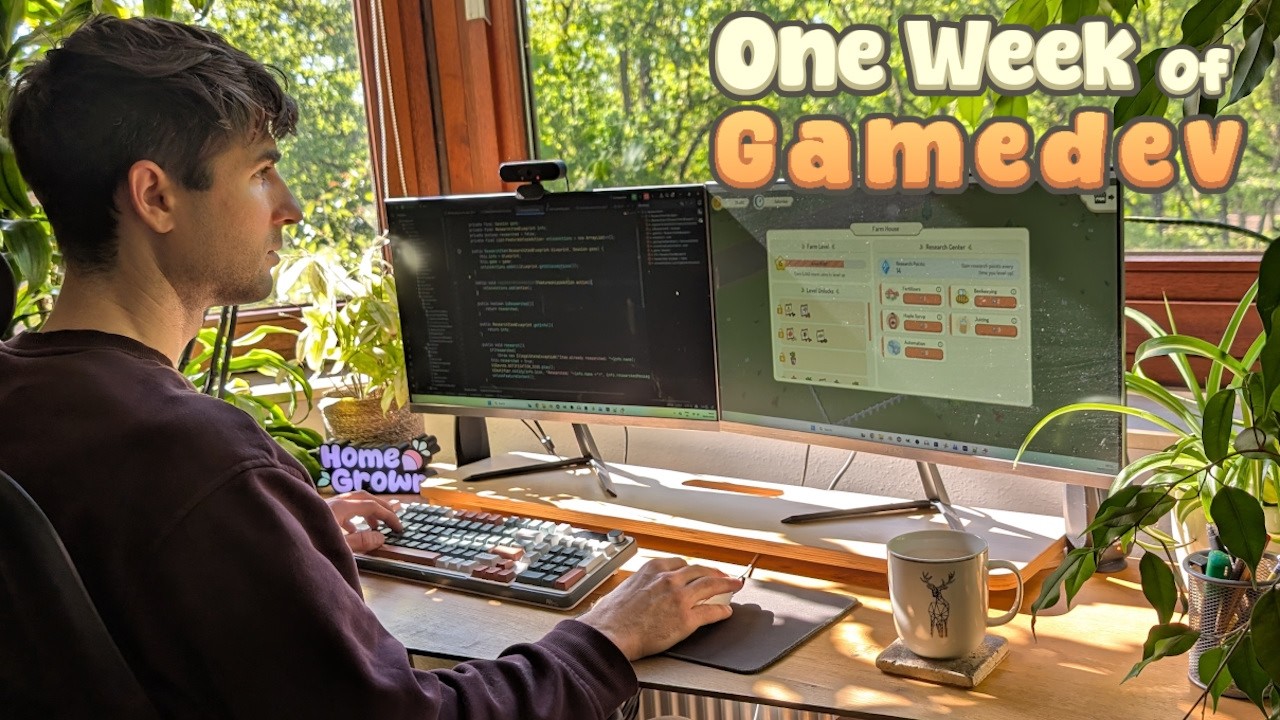
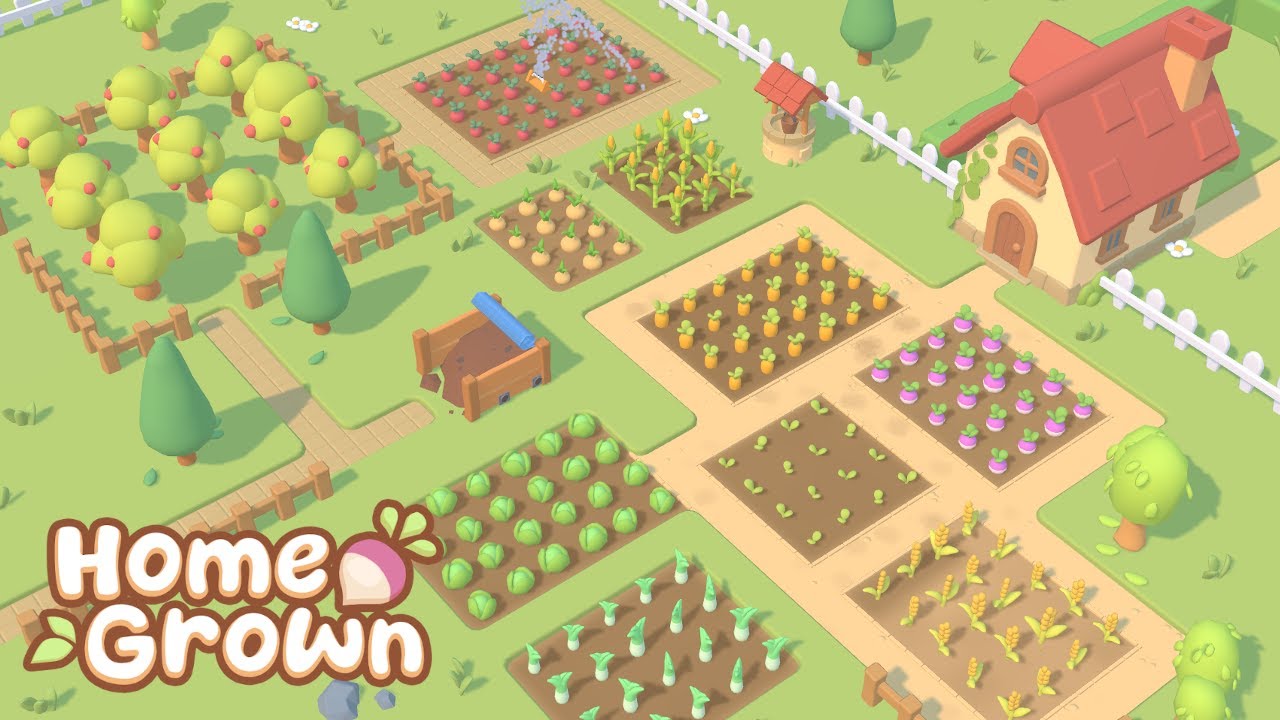
Hello everyone and welcome to another dev video for Homegrown, the casual farming game I'm making using my own engine. Sorry it's been so long since the last video. Uh, I went through a little bit of a rough time in my personal life at the start of this year and nothing too serious and it's all fine now, but I ended up taking a little bit of a break from social media. I was still working on the game though. Progress did slow down for a little while, but for the last month or two, things have been pretty much back to normal. So, I think it's about time that I get back to making some delogs. Let me first just quickly catch you up on what I've been working on recently, which has been all to do with how the player progresses through the game. Specifically about how features and items get unlocked as you progress. The idea of this is so that I don't overwhelm the player at the start of the game by presenting all of the items and features to them all at once, even though they can't use most of them. Instead, when they start the game, they'll just have access to a few starting items and features that they can actually use. And then as they progress through the game, new content will get unlocked as it becomes relevant to them. And that also has the benefit of me being able to introduce new features and concepts to the player one at a time. The way most things get unlocked is based on the new leveling system. Your farm now has a level, which you can check out in the new home interface. You level up by earning a certain number of coins. So, you'll just be gaining levels as you go about your normal farming and selling your produce. And at each level, new items get unlocked in the shops. And you can see which items are getting unlocked in this panel here. Currently, this system only unlocks items, though. And I also want it to be able to unlock entire features and buildings in the town area, and that's what I'm going to be working on next. So, that's basically where things are at the moment. My plan now for this video is I'm just going to film vlog throughout the whole next week of development and show you what I get up to, what I'm working on, and hopefully I'll have some interesting stuff in there to show you while I finish up this feature. Good morning everyone. It is 10 8 on a very sunny Monday morning, start of a new week. And this week I really want to finish up this whole update to do with progression and unlocking so that I can move on to the next topic next week. So, um, just a couple of things I need to do really this week. I need to add support for unlocking things other than items. I want you to be able to unlock shops in the town area and entire features really. And I also still need to tidy up the house UI a bit. Before I get started with that though, it's Monday morning. I always have a few little chores to do. Mostly plant watering. I've got a lot of indoor plants as I'm sure you've seen. So, I need to get them watered. And now out on the balcony, I've got some vegetables growing. And then I also just need to answer some emails, do some other admin stuff, and then I'll jump into the programming this morning. It's 12:00 now. Just about to stop for my lunch. I spent the whole morning polishing up the visuals of this house UI, which has been a bit of an experiment the whole way through because I'm still not completely satisfied with the look of the UI in the game. So, I thought while I'm working on this new UI, I'd try out a few different ideas just to see if I like them. Things like these titled panels or these little leaf decorations that I've got around the place. I just wanted to experiment a bit. One other thing I did, if I just go to the town and level up quickly, uh, when I now go into the house, it automatically scrolls to show the level that you've just unlocked at the top. So, you can straight away see what the new items are that you've unlocked and what's coming next. Anyway, going to stop for my lunch now. So this afternoon I started thinking about how features in the game get unlocked like beekeeping and the automation machines, the crafting machines. Um the obvious way to do it would to be just to have them get unlocked at specific levels. So like at level 10 you unlock beekeeping. At level 12 you unlock automation and so on. But I worry that that's a little bit too linear. I mean, this is meant to be quite a sandboxy game, and having the features unlock like that, like this, then this, then this, it's kind of guiding the player a bit too much. I'm thinking I want to give them a little bit more freedom and give them the choice of which features they unlock when. So, the way I think I'm going to do this is that every time you level up, you'll get some points, and then you can spend those points on unlocking the feature of your choice. So, I'm just in at the moment, trying out a few designs. And I think in a second I'm
Segment 2 (05:00 - 10:00)
just going to get into the code and give this a try and see how it feels. Just planned out the implementation of this system in a bit more detail and broke it down into individual tasks in Trello. And now I'm going to work my way through these tasks. So, I've just very quickly implemented some simple backends codes for this new system, which I'm calling the research system. All of the things that you can unlock are called research items, and they all have information like a name, a description, a cost, and an icon. And then I've also implemented some simple functionality for gaining research points and then using them to buy or research the research items. So that's the back end done. I'll be moving on to the UI next, but I'll start work on that tomorrow. It is 8:00 on Tuesday morning. Haven't got any chores to do this morning, so I can jump straight into programming and hopefully make a lot of progress on the UI for the research system today. I've actually just been in doing a few more little designs. And I think first up today, I'm going to try and implement this top panel here that shows you how many research points you've got. So, just finished implementing the research points panel that shows you how many points you've got. The way they work at the moment is that every time you level up, you gain one research point. Although, I'm probably going to have to make it more for higher levels, but I'll worry about the balancing later. I just want to get the UI done first. Obviously, I need to have another go at the research points icon. I had a couple of tries, but didn't go particularly well, but I'll do that later. I'm going to move on to implementing these feature cards now. Just programmed a very simple draft layout for these feature cards. Obviously, minus the icons. I need to make them at some point. Usually, when I'm setting up a new UI like this, I design it first in as you saw. Then I usually go to paper and just kind of work out what defines all the positions. So I work out what constants I need. Those constants I then input into the code like this. And then I program the code for actually creating the layout. And then I have to do the functionality which I haven't done yet. So these don't actually do anything yet. Um it's 10 to 3 now. I just want to go for a quick run first. Well, probably not a quick run. I've got a bit of a bad back at the moment. So, a slow run, then I'll come back and do the functionality. Pretty much done with the functionality now. I can click on the button to buy and unlock that feature. And if I can't afford the feature, then it grays it out and doesn't let me click on it. So, the colors aren't quite there yet. I need to tweak these a bit more. The visuals need a bit more work, but functionality is basically there now. It is 9:00 now. I'm just finishing up for the evening. I spent a little bit longer working on these cards, trying to get them to look a little bit nicer. I added this stripe down the left side, which I thought would make them look a bit more professional, and it also helps to show what the status of the card is. So, I'm fairly happy with how they're looking now. It's been a pretty productive day, but I feel like I just haven't got that much done. And this is always the case with UI work. It just takes me so long. I feel like I waste so much time playing around with colors and trying to get different values and thicknesses correct just desperately trying to get it to look professional. And uh it's always a bit frustrating because I don't really know what I'm doing. But eventually through a lot of trial and error, I end up with something that I'm fairly happy with and I think I'll be able to move on from this tomorrow. So, I'm going to stop for now. I actually still need to go grocery shopping this evening. So, I'm going to go and do that and I will see you in the morning. It is quart 7. I just made myself a quick porridge for breakfast and I'm going to try and get started with programming early today so that I can power through these final tasks for the research system. Um, I showed you this in Trello earlier. Somehow, even though I've completed a lot of tasks, I seem to have more tasks remaining than when I first started. So, I'm going to try and work my way quickly through them this
Segment 3 (10:00 - 15:00)
morning and finish up this system. It's been a very productive morning. I've been working my way through this list and I'm almost done with all the tasks now. Basically, just the icons to do. I've been working on things like these little info icons which you can mouse over and it gives you information about the feature. I've ordered them by price. Now, there's a sound effect when you unlock one of these. I also had another go at the research points icon. Tried to make that look a little bit more professional. So, pretty much done with this now. This afternoon, I'm going to be moving on to connecting this up with the content in the game so that when you research one of these features, it does actually unlock the relevant content. If we have a look at the research item class in the code, all that it has at the moment are these two things. One is all the information about the feature that you'd be unlocking. And the other is just this research boolean that tells you whether it's been researched yet or not. And the only thing that happens when I buy one of those research items, when I research one of these new features, is that it calls this research method, which simply sets that boolean to true and plays a couple of notifications. It doesn't actually do anything. It doesn't actually unlock any of the content in the game at the moment. And that's what I'm working on this afternoon. I'm working on a system that's going to connect up the research system with actual content in the game so it can unlock items and shops and other stuff. It's been a bit of a slower afternoon today. I spent a lot of time trying to work out how I'm going to handle having the research system connect and unlock other parts of the game. There's a lot of different things that might need to happen when you unlock one of these features. Like it could be unlocking a shop, it could be adding items to a shop, could be adding scenery to the town area. So, it's a lot of different systems involved. And in the code, I don't want the research system to have to know about all these different things. So, just been trying to work out how to handle it nicely in the code so that it doesn't all get too interconnected and messy. And I think I finally decided on a way and I've started implementing it, but haven't got very far yet. Um, and it's half past 5 now. I think I'm going to stop for today a little bit earlier today. Yesterday I went on a bit too long. I ended up dreaming of UI and colors last night. So, trying to avoid that today by stopping at a bit of a healthier time. It is Thursday morning. Another lovely sunny spring morning here in Hamburg. And today's actually the last day this week that I'm going to be developing because tomorrow is a public holiday in Germany and this evening we're going to be driving down to the coast to spend a long weekend with my partner's family. So haven't got a huge amount of time to work on the game day, but I'd really like to get some of the feature unlocking working when you buy one of the features in the research center. So really going to try and get that done today. Also, as you can see, um, while I was having breakfast, I just had a go at trying to make some of the icons for these features. Um, it's not the best, but better than nothing. So to start with, I wanted to just focus on the shop and implement the concept of a shop being locked or not cuz I didn't have that before. So I've done that. Shops can be unlocked and when they're unlocked, they notify any listeners. And then in the shop component class, so this is a an entity component, a component of these shop entities in the town area. And this now listens to the relevant shop. And when the shop gets unlocked, it can change its mesh, so it changes to a different model. So I'm testing that out with the B shop here. It's currently locked, so I can't access it. Um, but if I unlock it, which I for now, I just have to do manually like this. You can see it changes its model to a more openl looking shop. And I can now access the B shop. So I've just got to connect up that unlocking part with the research system. Now, so I've just been connecting it all together with the research system. So the shop still knows nothing about the research system. It just knows whether it's locked and it can be unlocked. Then in the research system, every research item or every feature has a list of actions that get carried out when this feature is researched. And I can register actions to happen when it gets researched. So then
Segment 4 (15:00 - 19:00)
elsewhere in the code when I'm setting this all up, I can connect it all together and say, for example, that when the beekeeping feature is researched, it should unlock the bee shop. Or I could tell it to add certain items to a shop or spawn scenery in the town. Just stopping for lunch now, and I think today I should be able to have my first harvest of lettuce from the balcony. I'm just going to take one of the outer leaves from each of the plants. That should be enough for a little side salad. And they'll be able to keep growing fine. So, the whole research system is pretty much working now. I mean, it's still very bare bones. I still need to do a lot more work on it, but the fundamentals are working. Um, I've just been testing it out with automation and juicing as well. These are quite interesting because they both the items both use the same shop. They both go into the machine shop here. So unlocking either of these will unlock that machine shop. So I'll research automation first. That now unlocks the shop and it puts in just the automation related items like the auto planters. Um, and if I now go and research juicing, that's now going to unlock all of the juicing items and they now also get added to the shop. So, I'm going to have to leave it there for now because we're going to be setting off on our little weekend trip in a bit and I still haven't packed or watered the plants. So, I need to go and do that now and I'll finish up this video when I'm back on Monday. Back home now after a really nice little weekend trip. And I did actually have a bit of time to do some programming while I was away. And I made the research system a bit more data driven. So I can now use text files to define new research items. And also, I can tell it what actions should get carried out when they're unlocked. So, this will be really good for mod support cuz it means you can add new features to the research center uh without having to write any code. So, the whole research thing is pretty much done now. I still have to make some proper icons, of course, and there's a lot of stuff that still needs balancing, but that's a job for another day. Overall, this should hopefully really help to declutter the start of the game, make things a lot clearer for new players, give them a bit more direction, and for experienced players, I'm hoping that it won't actually change that much. The items and features should still unlock at around the time that you'd want to use them anyway. So, it should still be a pretty similar experience, except for hopefully being a bit more satisfying now. You're leveling up as you progress. You're constantly unlocking new things. And also one thing that I'm very happy about, the house finally has a function. It isn't just sitting around being decoration in your farm. Also, I was thinking at some point it would be really good if I could have the house visually change as you level up. Or maybe I could allow the player to customize the house whenever they level. I don't know. But that's uh definitely something for another time. Before I finish, I want to say a massive thank you to the top Patreon supporters from last month who were villagers, Andrea, Matas, Henrique, Sarres, Orurel, Tomic, Benji, Wackburn, Jonas Bard, Stubner, Dan Andress, Marcus Reel, Daryl Zuniger, Kevin Sha, Peter West, Hasen, Ingo Moore, Helson, Taris, Andrew Romans, Mars, Shadeless Fox, Kimo, Tamio, Ross from Two-Minut Tabletop, Nick Asgazarda, Excs, Atomic Code, Walden, Yan, Chris Naymith, Alan Lance, Wanoff, Tita Rinert, Harry Chung, Christopher Poe, Matias Bard, Hogan Bingard, Migygie Doe's, Maric Moly Chickic, Timothy Gibbons, and Neil Blakey Milner. So, a massive thank you to you guys, and of course to everyone else supporting me over on Patreon. For this week, though, that is it. Thank you all very much for watching. Sorry again that it took so long for this video to come out. And I'll see you all again hopefully very soon in the next one.