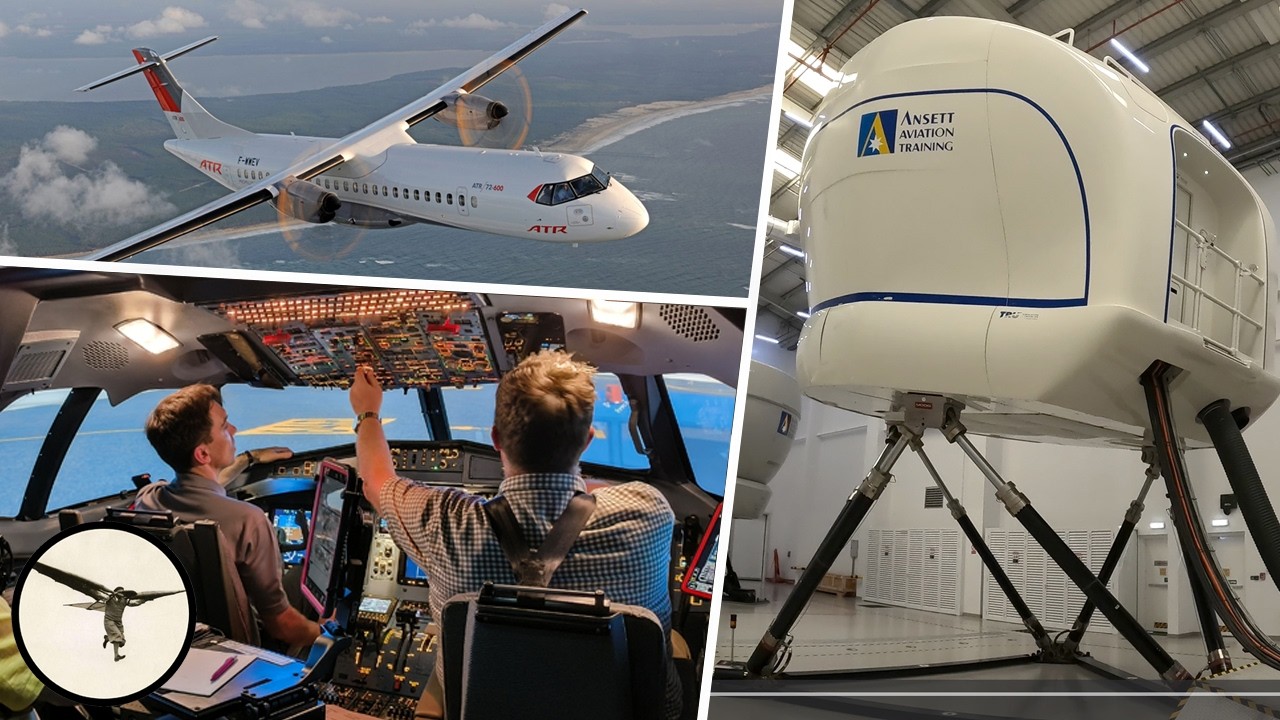
What These Cockpit Lights Really Mean – ATR Simulator Walkthrough – Dark Cockpit

What These Cockpit Lights Really Mean – ATR Simulator Walkthrough – Dark Cockpit

Machine-readable: Markdown · JSON API · Site index

Поделиться Telegram VK Бот
Транскрипт Скачать .md
Анализ с AI

Оглавление (4 сегментов)

Segment 1 (00:00 - 05:00)

Hello aviators. How are you today? My name is Magnar Nordal. I'm an ATR instructor, and I have flown this aircraft for 25 years. Today, I will talk about a concept called the dark cockpit. Not black, but dark. And that's a concept ATR shares with Airbus. So when all systems are operating, you will have either black, blue, or green indications. Not white, amber, or red. So, I will explain the meaning of each color because they have a specific meaning for the pilots. First, the black. That means normal operation in normal atmospheric conditions. The switch can be either ON or OFF, depending on the requirement. For example, a hydraulic pump, when it's ON, there is no light inside the pushbutton because that's the normal position. While anti-ice, which is only used when you're flying in icing conditions, shows black when it's OFF. And therefore, most indications in the overhead panel are in fact black with a few exceptions. Blue, that means manual operation. For example, you select anti-ice ON when you enter icing conditions. Green means automatic operation, for example, on the fuel pump. When before start it will run, and when you have started the engines, there's a pump inside the engine that takes over, and the electric pump and the RUN light goes... The pump stops, and the green light goes out. Then, you shut down the engine, the electric pump starts to run, and you get the green light again. That's all normal. White means the system is OFF when it should be ON, or it can also be a label. For example, if I select a hydraulic pump OFF, you get a white OFF light. Further down, we have amber. That's a caution. And when a system fails, you get a single chime, a flashing amber caution light, and indication on the flight warning system explaining what has gone wrong. And there will also be an amber light inside the push-button. For example, a generator has failed, and you get the amber FAULT light with the alert. Red is the warning. And now you will hear a continuous repetitive chime, together with a flashing red light. And again you will get the alert on the alert window together with a local alert light. For example, we have a red UNLOCK light on the propeller brake, which

Segment 2 (05:00 - 10:00)

illuminates in transition when you select the propeller brake ON or OFF. And if this takes more than 15 seconds, which is not normal, you will get an UNLOCK warning. And your action in that case will be to shut off the engine. You will also get the red alert for engine fire. Then, a big, red fire handle will be illuminated together with other indications. Okay, this is how it works in theory. And now let's go into the simulator and have a look. We are now in the ATR simulator. And we have the power ON. We are connected to external power. And this is what the overhead panel looks like when we enter the cockpit with the power ON. There are many lights, mostly because you don't have the generators running, and also bleed air to the air condition system. First, I will extinguish white lights. I skip the tests. I just show the lights. Now we have a RUN on the fuel pumps, which means they are running because there are no other pumps supplying fuel to the engine. I will arm the emergency exit lights. I select windshield heat ON. They still show FAULT because there's no electric power to them. Oxygen ON. And now, you can see those lights are for the doors. So they are now servicing and loading. I will close the service door, and if the wind direction is good, we can start engine 2 in hotel mode and get some air condition. Service door closed, pump running, propeller brake is ON. First start of the day, we select starter ON. Fuel open. We have ignition, oil pressure, and stabilized. Starter selector OFF/ABORT. And now, I check we have generator... is good. And I can deselect external power. External power is removed. And now we're waiting for the loading to be completed. That means the doors will be closed. In the meanwhile, we have a bleed from engine 2 supplying both air condition packs, which means we can keep the cabin cool or warm, depending on the temperature when we started. The doors are now closed, and we can release the propeller brake. I activate a little pump that supplies the blue hydraulic system. We get a green READY light, and we can release the propeller brake. We get a red UNLOCK light for a few seconds while the propeller brake disengages. Now, the propeller is turning, and I select condition lever to AUTO. And soon, we get the second generator running; the AC Wild generator. It's now powered, and it supplies all AC Wild buses, hydraulic pumps, windshield heating, and I can put on the probe heating. So now we have less amber light remaining. It's time to start engine number one. Starter ON, fuel open, ignition, oil pressure. The second generator is online. And during the start, the pack valves closed. They will come back on. Start is stabilized, and I select condition lever number two to AUTO... number one, I mean.

Segment 3 (10:00 - 15:00)

Pack one has come back. Six seconds later, and pack two will come. There. And with propeller turning, we have both AC Wild generators running. We have one amber light left, and that is exhaust mode FAULT. That means there is an extract fan cooling the avionics, which has stopped during the engine start to prevent pressure shocks. It will start to run after 120 seconds after engine start, and the light will go out. Otherwise, we have three green bars showing now the fuel supply to the engines. There is no cross-feed, which this closed. And now the fuel pumps have stopped because the engine-driven fuel pumps have taken over. There also secondary landing gear indication showing three green. Put on lights, we are about to take off And now, no amber light, no white lights. We are good, we taxi out. Many companies, they prefer take-off with air bleed OFF to preserve more power to the engines. So, we can do that. Bleeds OFF, and we are ready to take off. I will simulate a flight. I will put the aircraft on jacks. We have a... we are now simulated flight, and we take off. Positive climb, and I select the gear up. And the gear is up. And we reach acceleration altitude. We set climb power and the bleed ON. And this is what it looks like when you are flying in normal atmospheric conditions. If we enter icing conditions, that means we may collect ice, we select anti-ice ON. Five buttons and blue ON lights. If we accumulate ice, then we put on the de-ice to remove that ice; also blue lights. I will now simulate some failures. I fail AC Wild generator number one. And we get one amber light; FAULT light. And the other generator supplies both buses through a bus tie contactor, which is closed. So therefore, no big deal with a single generator fault. I reset the malfunction, and we're back to normal. Now I will select a little bit more serious (fault), an AC Wild bus number two OFF. Now we got a lot of amber lights. All because of AC Wild (bus) is off. The generator is isolated, and green hydraulic pump, which is powered by this bus, has stopped; low pressure. And there are also ice protection systems that were powered by this bus, which have failed. I clear the malfunction. They are back to normal. All systems running, good. One more failure. This time it will be fire. Engine number on fire. That will be a lot of noise. You have a big, red handle, and that means warning. And with that light, we know we have fire detection in that engine. Okay, I clear that malfunction, and we are back to normal operation. Of course, if you have an engine fire, it's not normal, but a simulator is great for this. I will now prepare for landing. And let's say we descend into warmer air. So, the de-ice goes OFF

Segment 4 (15:00 - 18:00)

and anti-ice. All good. And on approach, we select gear down. Three green. Beautiful. And we are about to land. We touch down. And as we slow down and taxi off the runway, off some lights. The first officer does his after landing procedure, which includes selecting probes heat off. That triggers some alerts. And after 2 minutes, we will feather engine number 1. And AC Wild generator 1 goes offline. 30 seconds later, we stop the engine. More alerts coming on. First was bleed air, and then we got generator. We are reaching the parking, put on the parking brake, and then feather the engine number 2. AC Wild generator 2 will go off, and with that more amber lights. We have ready light for propeller brake. So I put it ON. UNLOCK light. And propeller has stopped. Propeller brake is on. We're waiting for external power. We have external power on. That means it's available. I select it on, and I can now stop the engine. If we are planning to leave the aircraft, we will select oxygen off. We will select emergency signs to DISARM, and fuel pumps OFF like that. And then everybody has left, we can... and then we will shut off all the power. External power OFF. With that, many alerts disappeared because the other systems also need power, right? So, some electrical buses are no longer powered. So we lose those alerts. And after that, battery OFF. That's it. Okay, that is all for this time. Thank you to everybody supporting this channel. And I hope you enjoy the content. My next video will be about crosswind landings. And until then, thank you for watching, have a wonderful day, and happy landing. But now I will not de-crab. I will just continue. A little high there. I just started flaring. Oh! That was a bad landing! And this is caused by poor technique. No de-crab.

Другие видео автора — Fly with Magnar

Ctrl+V

Экстракт Знаний в Telegram

Экстракты и дистилляты из лучших YouTube-каналов — сразу после публикации.

Подписаться

Дайджест Экстрактов

Лучшие методички за неделю — каждый понедельник