Extend Excel Date Format To Other Dates: Fill Formatting Only Trick! Excel Short 80

Extend Excel Date Format To Other Dates: Fill Formatting Only Trick! Excel Short 80

Machine-readable: Markdown · JSON API · Site index
Поделиться Telegram VK Бот
Транскрипт Скачать .md
Анализ с AI

Оглавление (1 сегментов)

Segment 1 (00:00 - 00:00)

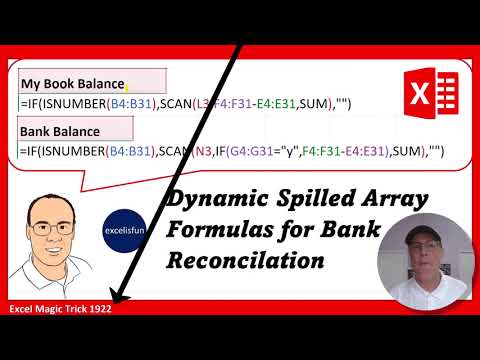
I have a template here that I've created and I want to enter a date 122. And when I hit enter, uh-oh, the date number formatting isn't the same in the bottom as in the top. Well, watch this. If I select the cell, there's my crosshair cursor or angry rabbit. If I click and drag down, but uh-oh, that just sequences the dates one date at a time. But check this out. down at the bottom. That's called a smart tag. I can click and it gives me various options for what that crosshair angry rabbit can do. And what do I want? I want a fill formatting only. When I click, bam. Even though we can't see it right now, if I type 123 and enter, that formatting from the top is now extended down to the bottom.

Другие видео автора — excelisfun

Ctrl+V

Экстракт Знаний в Telegram

Экстракты и дистилляты из лучших YouTube-каналов — сразу после публикации.

Подписаться

Дайджест Экстрактов

Лучшие методички за неделю — каждый понедельник