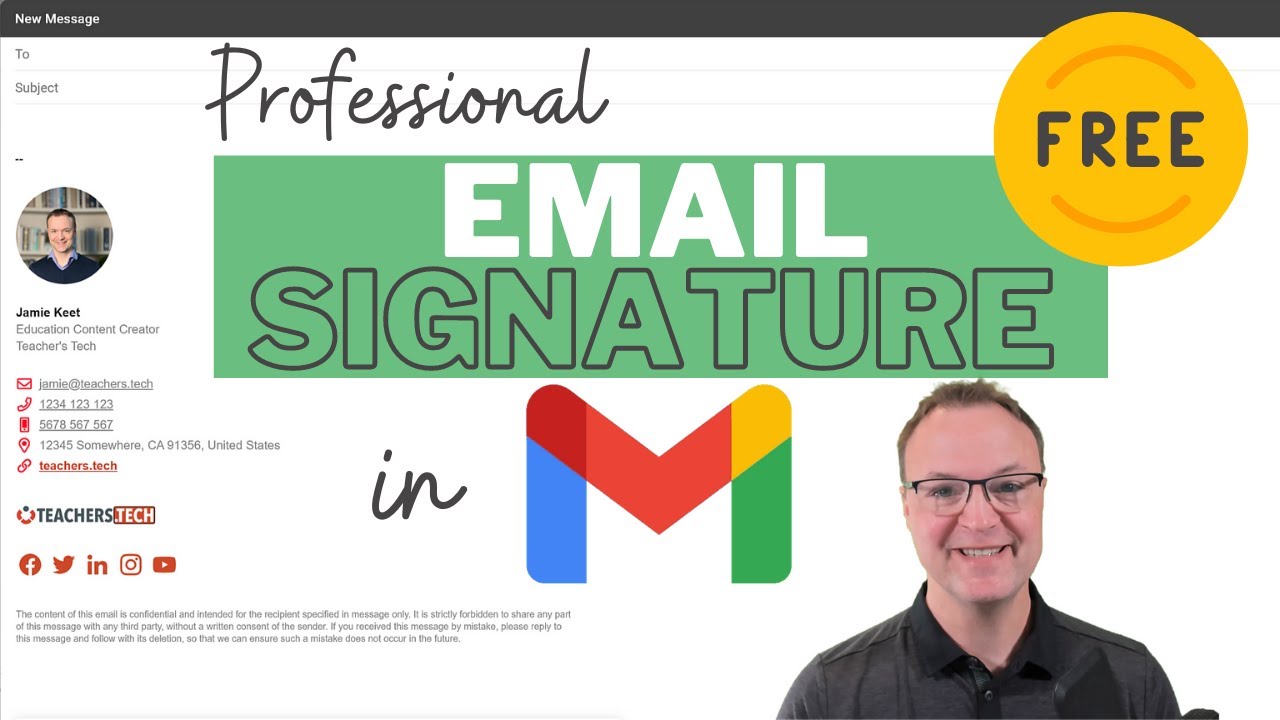
Gmail - Make a Professional Email Signature for FREE!
6:45

Gmail - Make a Professional Email Signature for FREE!

Teacher's Tech 08.04.2021 109 850 просмотров 2 201 лайков обн. 18.02.2026
Поделиться Telegram VK Бот
Транскрипт Скачать .md
Анализ с AI
Описание видео
In this video tutorial, I will show you how to create a professional Gmail signature for free. Lots of times companies charge a dollar amount or monthly subscription to get a professional email signature. With Signature Hound is done for FREE and it only takes a few minutes to get it over to your Gmail account. Signature Hound website: https://signaturehound.com/ 0:00 Intro 1:00 Sign up for FREE with Signature Hound 1:11 Create a new email signature 4:12 Install your email signature into Gmail settings I use Camtasia to create my videos: Use this coupon code: TEACHCAM10 Camtasia purchase with 10% OFF code applied: https://techsmith.z6rjha.net/c/1264585/701976/5161 Camtasia EDU 10% OFF with code applied: https://techsmith.z6rjha.net/c/1264585/704928/5161 Camtasia Download page: https://techsmith.z6rjha.net/c/1264585/489271/5161 DISCLAIMER: This video and description contains affiliate links, which means that if you click on one of the product links and end up purchasing it, I’ll receive a small commission. This helps support the channel and allows us to continue to make videos like this. Thank you for the support!


Оглавление (4 сегментов)

  1. 0:00 Intro 211 сл.
  2. 1:00 Sign up for FREE with Signature Hound 41 сл.
  3. 1:11 Create a new email signature 624 сл.
  4. 4:12 Install your email signature into Gmail settings 538 сл.
0:00

Intro

hi there jamie keate here today at teachers tech hope you're having a great day today today i want to show you how to make a professional looking email signature in gmail so if you're not sure what a signature is in your email it's when you're sending this is at the bottom and i'm going to show you how to make this in a few minutes and it's all for free so a lot of times when you go ahead and get a service like this you have to pay for this but with signature hound and i'll put the link down below in the description uh is completely free now you can see right here signature hound is completely free you do have to sign up with this there's no credit card or anything to put in and it's just very simple with your email you can click free sign up right here if you take a look at the pricing you can see uh that it's no it's completely free no strings attached to the person from australia that decided to change careers on this so i'm i already have a count but if you don't have an account go ahead get signed up for free here so
1:00

Sign up for FREE with Signature Hound

i'm all signed in here and you can see right away i already have a signature saved in here and that's the one i showed you at the beginning of the video in my gmail i can create a new signature
1:11

Create a new email signature

here and i'm going to go ahead and do that and i'm just going to call this demo and go ahead and hit create you'll see it's very quite forward to set up i'll go i just want to show you a few key things if you're looking how something might change now these are the templates and as i click on different ones you can see how it changes slightly i wouldn't even worry with the template at first i would go through and enter your information in here and so you're just going to go down and click personal uh so you can click your personal information this is where you're going to upload uh do pay attention to the size that it says on it if you for like if you're uploading the image here if it's too large it won't let you select it so if i was going to go this is one that i shrank a bit it just uploads and i can play with the uh profile width and you can see how it changes here you go through just enter your information in here you can put your job title i'm not going to change all these things i am going to just show you where a few things are then i'm going to go back to the one i already created and as you go through now you'll notice a few different things here is how it's a signature hound down here and it says create by signature hound you can turn those off too so if i keep going down and i go to business info you can see this is where i can select a logo here so if i was going to go to here i'll just open this up and you can see where it goes in right here you can see how quickly you can do this i can type my company or my youtube channel in here goes through update your information here's all the social media if you go through and you can just paste your information here you can take these away very quickly by just hitting the uh subtraction sign the minus sign on these to get and you can see how they disappear if you don't want this at the bottom just uh go through and we'll go to the design or down here and you can see created with signature hound just turn it off and it disappears so it makes it uh go through so and this is where you pick your colors uh and your customization of size on it so if i was going to go through a certain color you can see link color i can change it through here you can go and get your the hex number here and put it in to get it specific to whatever your brand is and go through and make all these adjustments we can even do a call to action so if there's an image that you created if you if i wanted them to subscribe to my youtube channel or send them somewhere else i could drag that up here and we do have the disclaimer that goes at the very bottom and this is kind of a standard one but you can go through and change this the way you want so let's say you get all this information in here you can go through at this time and pick your templates and click on different ones so let's say it's all set up now how do you get it over to your gmail that's what i want to show you right now okay so let's say i have
4:12

Install your email signature into Gmail settings

everything all ready to install into my gmail you can see all changes saved i can go back if i wanted to change some things here with the undo but i'm going to go and install the signature and i'm just talking about gmail in this tutorial here today but you can see there's lots of other options here too and i'm going to go to gmail the webmail so i would click on this and it kind of gives you a step through how to do this and i'll show you how this is done but i'm just going to go ahead down to this one and i'll show you the rest i'm going to hit copy signature here so copy and now i'm going to go over to my gmail so i have my gmail opened here and what we need to do is go up to the settings cog here so i'm going to click on this and i'm going to go to see all settings here so when this opens up i'm just under the general tab i'm going to go down and you'll see uh that there is a if i go down a little bit more right here create new signature and i'm going to create a new signature i'm going to click on this and you can name this so i'm just going to call this demo and i'm going to go ahead and hit create and all i am going to do now is paste it in so i'm going to go ctrl v i could right click on this too and do it that way as soon as i paste it because it copied from signature hound and it's putting it in here now we're not quite done yet you have some options so when you when do you want to use the signature so for new email use no signature you need to change this to well i want to use the demo on replies do you want this to come out every time so i'm going to leave it no because i just don't want the signature added to every reply i make to a message just when i send the message but that's up to you and make sure you save your changes so i'm going to go down to the bottom here and hit save changes and i'm going to go and hit compose right here so you'll see when i hit compose that this and i'll just maximize this is in my email now so if i can go ahead and type my message right in here i can send it to wherever and this email signature will be at the bottom so i hope you like this little tutorial on how to get a professional looking email signature into your gmail account i love this that it's all free super easy to use let me know if you've used this before and how it works for you and take advantage of it on your other emails if you're using other ones besides gmail too thanks for watching this time on teachers tech i'll see you next time with more tech tips and tutorials

Ещё от Teacher's Tech

Ctrl+V

Экстракт Знаний в Telegram

Транскрипты, идеи, методички — всё самое полезное из лучших YouTube-каналов.

Подписаться



