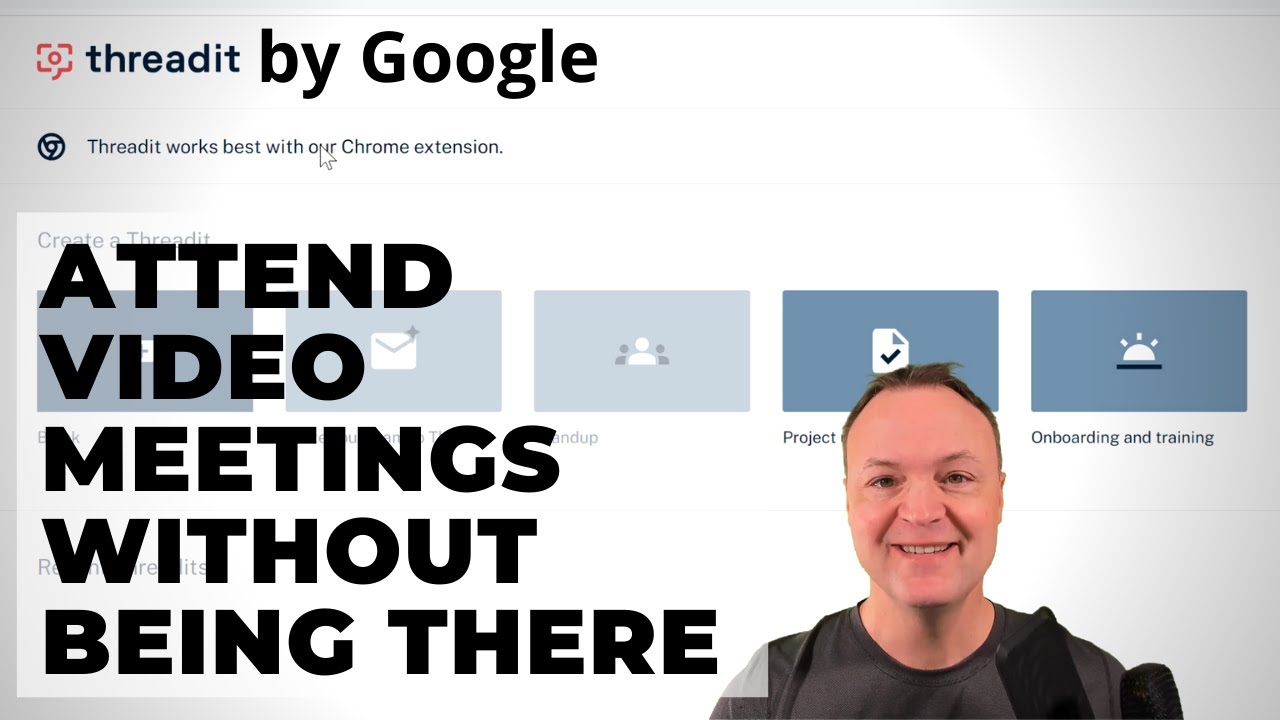
How to use Threadit - Video meetings you don't need to be at!
9:56

How to use Threadit - Video meetings you don't need to be at!

Teacher's Tech 21.03.2021 4 961 просмотров 125 лайков обн. 18.02.2026
Поделиться Telegram VK Бот
Транскрипт Скачать .md
Анализ с AI
Описание видео
In this video, I will show you how to use Threadit by Google. With Threadit you can record short videos to share work, connect your team. Simply record yourself and anything on your screen to get started. You can set the option for others to only watch your videos or to reply with a video of their own. The video threads get placed in an easy-to-see thread. Threadit Website: https://www.threadit.area120.com/ 0:00 Introduction 0:59 Creating an Account 1:44 Installing the Chrome extension for Threadit 2:38 Creating a Threadit 4:09 How to screen share in Threadit 5:09 Sharing your Threadit with others 6:26 Replying to a Threadit 8:37 Start a Threadit from your email I use Camtasia to create my videos: Use this coupon code: TEACHCAM10 Camtasia purchase with 10% OFF code applied: https://techsmith.z6rjha.net/c/1264585/701976/5161 Camtasia EDU 10% OFF with code applied: https://techsmith.z6rjha.net/c/1264585/704928/5161 Camtasia Download page: https://techsmith.z6rjha.net/c/1264585/489271/5161 DISCLAIMER: This video and description contains affiliate links, which means that if you click on one of the product links and end up purchasing it, I’ll receive a small commission. This helps support the channel and allows us to continue to make videos like this. Thank you for the support


Оглавление (8 сегментов)

  1. 0:00 Introduction 211 сл.
  2. 0:59 Creating an Account 129 сл.
  3. 1:44 Installing the Chrome extension for Threadit 169 сл.
  4. 2:38 Creating a Threadit 309 сл.
  5. 4:09 How to screen share in Threadit 206 сл.
  6. 5:09 Sharing your Threadit with others 254 сл.
  7. 6:26 Replying to a Threadit 409 сл.
  8. 8:37 Start a Threadit from your email 278 сл.
0:00

Introduction

hi there jamie keate here today at teachers tech hope you're having a great day today today i want to show you thread it so this is something new from google it's not part of their google workspace this is uh in their area 120 it's a project different from there so it is free to use and what it is uh what it does is able you to send out videos where people can reply in video so if you've used something like flipgrid before it can be very similar to that concept uh it integrates easily with your email with the extension so i'm going to go through and show you how to use thread here today on teachers tech and see if it could be a possibility of you for you not being able to be always in video meetings live or you could be sending these and getting more work done so i'll timestamp everything down below in the description so if you're looking for something in particular inside this video just take a look there and you can jump right to it but to get signed up it's super easy and remember i said this is free for now anyway i just go ahead and click
0:59

Creating an Account

try thread it and you're gonna be asked to log in with either your google or microsoft account so go ahead and click one of those and then you'll see you can use it for either work or for your personal life in this demo i'm just going to pick personal life here and hit continue and you can just pick your countries here really quickly that you belong to and we'll say in this case i'll just use it for i'm going to say actually education and then you can opt to get more updates i'm going to create account and it's that easy to get started and have your account with thread it now once you're in i would recommend to install the chrome extension because it
1:44

Installing the Chrome extension for Threadit

will connect with your gmail easily and it will also just actually works better i find when you work from the extension so go ahead and just click add extension and get that loaded up into your google chrome so you can see now i have my extension right up here uh i'll pick gut it if you want to pin it i usually the ones that i like the best i pin it just like that and it always shows up so now i can easily access uh i can start from blank here so i don't need the extension but i do find it works better i can start from blank here or i can go to the extension and it's going to open up the same things you can see from templates that i have here so now i'm just going to go ahead and just starting from a blank temple or blank one and then i'll show you some of the templates you can choose
2:38

Creating a Threadit

too so just before we start this is what we'll be creating down here and all your threads will be saved down here so here's a recent one i just did real quickly and what it does is it puts your thread it's in kind of this linear way that you can see them in order of people responding to each one so i'm just going to go ahead and go back and i'm going to start from a blank but do note there are the tutorials here if you drop down you can see all these different tutorials and all they really do is start with more headings that gives you an idea of what to fill in like a tutorial but you can do everything from a blank one very easy to use and that's what i'm going to start from right here by clicking blank now i'm going to call this since i already made demo 1 as an example i'll just call demo 2. and what i'm going to do here is let's say if i'm going to share this to people i want to show tell them about thread it make sure your settings are correct you have the right microphone and you have like the right camera you can turn them on and off here by just clicking but i'm going to just hit the start one and do a little message hi everyone i just wanted to take you to take a look at thread it this could be something that we could use to save a lot of time communicating with video so i have clip one i could go back and re-title it i'll call this thread it and let's say i want them to know about the extension too so if i go through here and i should spell
4:09

How to screen share in Threadit

things correctly you can go through and go back and change things too i'm going to screen share on this one so i want to show the actual uh page for the chrome extension so i'm going to hit share screen and i could do entire screen application window i'm going to go to chrome tab click on this because this is the one i want to share it's right up here i'm going to hit share now it brings me to this i'm going to open back up this right down here so this is what i'm working on you can see this is what's going to be recorded with my picture right here so i'm going to hit record it will count down again uh make sure you check out the extension to add this will make it so that right from your gmail you can start a new thread it's to save you a couple steps and hit stop i have two different parts of this so i could keep adding more and more to it so you can see how easy it is to screen share if you're helping people some tech stuff too i'm going to go ahead and hit finish
5:09

Sharing your Threadit with others

video and now this is the organization i'm in right now uh shared with teachers anybody in it so if you're working with an organization that would work well i can go and change this to public because maybe there's i could send the link but do note if you just send the link to somebody they're not going to be able to reply they'll see the video but so if i go to this one i'm going to go ahead and add a different email to here and i'm going to say this person can reply but notice i can only view but i want this person to reply for this demo so you can see so i could say notify people write a message hit save we have a transcript we can take a look at that everything i said in this and they get to see it on the other end too i could add an attachment so with this i'm just going to go and copy this link here and i'm going to go back and we'll add an attachment as a link here just like that and i'll just type link and hit save so i'm going to go ahead and hit publish so now what i'm going to do is go over to my other email account to see what they see on the other end or sorry at the other threaded account here so i'm going to say got it and move over so i'm just over
6:26

Replying to a Threadit

in my other threaded account so i've created an account for them too and i didn't even go to the email i did get a response but it goes right into here to recent credits and now if i look at this i could click on it and open it up from here if there's other people that i thought that would uh like that i think should be part of this i could go ahead and add them uh right uh through here so you could click add i could share with more people i'm not going to do that for this one i could go and watch hi everyone i just wanted the video like that and you might think well where's the other ones well it's right up here because i gave two different ones so this is where i can see the extension if i click on it will move back and forth to the different ones on it so make sure you check out the extension so here's the extension one on there and i do have uh if you look at it we can copy link to thread it we have uh the different options of the transcript on it too so that's what they uh that's what they will see and i can go ahead i'll hit reply and now i can talk back to them i'll just do a short recording hey thanks for showing me this i think this is something we can really use here and finish video and i'm going to keep everything the same because i don't need to add anything more and publish and gut it so now again i'll just switch back to my other account uh on it and my other threaded i'm just going to refresh this here and you'll see here is my other one a few seconds ago this is my most recent one uh kind of confusing because it's the same person but here's me responding to this hi everyone and now it could go on and on with more people and puts it in order of response so you get to watch it when you have the time you get to respond and it's super easy to use like i said if you've used flip grid before this is very can be very similar to that super easy to use too if i go over to my email and
8:37

Start a Threadit from your email

so i'm just over in my crate mode in my email notice down below uh here is a new threaded so when i've installed the extension i could go from my email here i could click on it and create thread and it will open it up right from here so it saves you those steps uh and this is the extension that's added so if i go uh you know if i could just i'll just say test and if i'm doing a blank one i could just hit enter here or i could go on and let's go onboarding and training and you can see what the templates do for you so you can kinda it helps you set up all the different parts of it to kind of help explain tell the story or tell the explanation uh and you can change any of these that you want but it just kind of helps you with those steps so i could go and record from here and move on so i hope you like this little walkthrough of threaded i think this is a cool tool i also like the price of it being free here let me know what you think give it a try i think there's lots of great things that could be used for work or education like i said very similar to flipgrid and you can have that conversation back and forth i would like to hear about yeah more people giving and try and see what they think of it thanks for watching this week on teachers tech i'll see you next time with more tech tips and tutorials

Ещё от Teacher's Tech

Ctrl+V

Экстракт Знаний в Telegram

Транскрипты, идеи, методички — всё самое полезное из лучших YouTube-каналов.

Подписаться



