Best way to screen for stocks in your spreadsheet #stockanalysis #stockpicking
1:24

Best way to screen for stocks in your spreadsheet #stockanalysis #stockpicking

Wisesheets Investing 11.04.2026 542 просмотров 6 лайков

Machine-readable: Markdown · JSON API · Site index

Поделиться Telegram VK Бот
Транскрипт Скачать .md
Анализ с AI

Оглавление (1 сегментов)

Segment 1 (00:00 - 01:00)

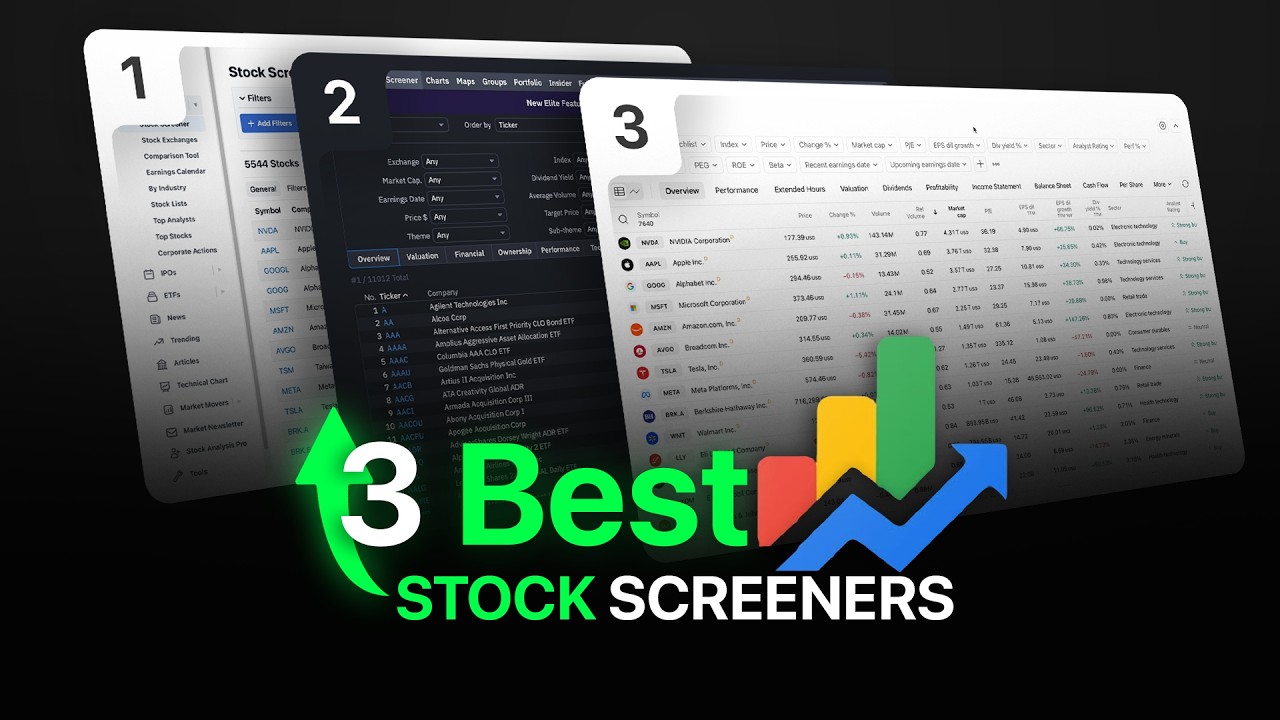
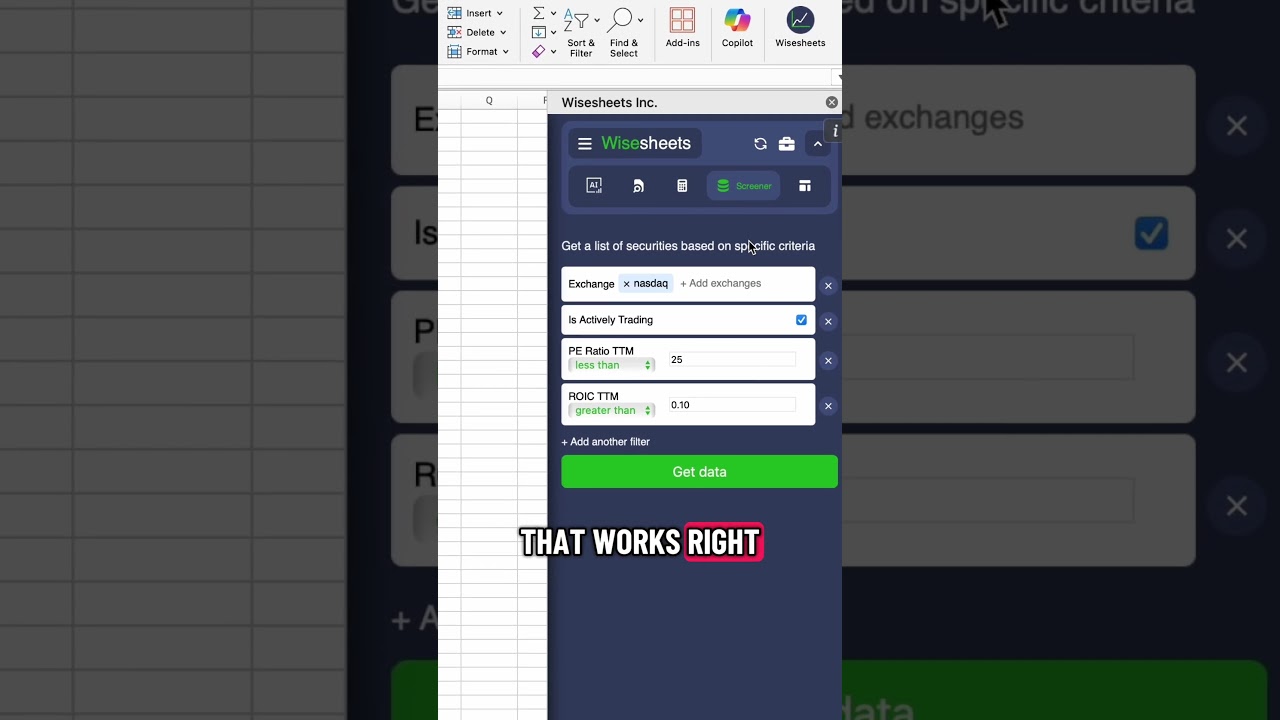
This is the best way to screen for stocks on your spreadsheet. There are a lot of really good screeners out there that you can use, but the problem with all of them is that when it comes to exporting data to your spreadsheet, for all of them you have to pay a pretty high price to get this feature. And of course, those screeners weren't meant to work on a spreadsheet. So, as soon as you get the data, the data automatically becomes outdated when it comes to metrics such as price, P/E ratio, etc. And there's not a real way to get those numbers constantly updating for you. This is where YSheets comes in, which is a super affordable solution that works right on your spreadsheet. So, you can simply select your filters like you can see right now, and there are hundreds and hundreds of these different filters that you can just enter, for example, this one. And then once you have all the filters that you're looking to get data from, you simply click on get data, and automatically, very fast, you're going to get all of the data right here to your spreadsheet. And we have global coverage, so you will be able to get tens of thousands of results very quickly. Once you have the data on your spreadsheet, you can click on get data anytime to refresh the data. And of course, you can use any of the built-in Excel functionality and filters, so you can filter for stocks based on your specific criteria.

Другие видео автора — Wisesheets Investing

Ctrl+V

Экстракт Знаний в Telegram

Экстракты и дистилляты из лучших YouTube-каналов — сразу после публикации.

Подписаться

Дайджест Экстрактов

Лучшие методички за неделю — каждый понедельник