How to Add Chapters to Your YouTube Videos
2:13

How to Add Chapters to Your YouTube Videos

Teacher's Tech 28.05.2020 132 324 просмотров 3 112 лайков обн. 18.02.2026
Поделиться Telegram VK Бот
Транскрипт Скачать .md
Анализ с AI
Описание видео
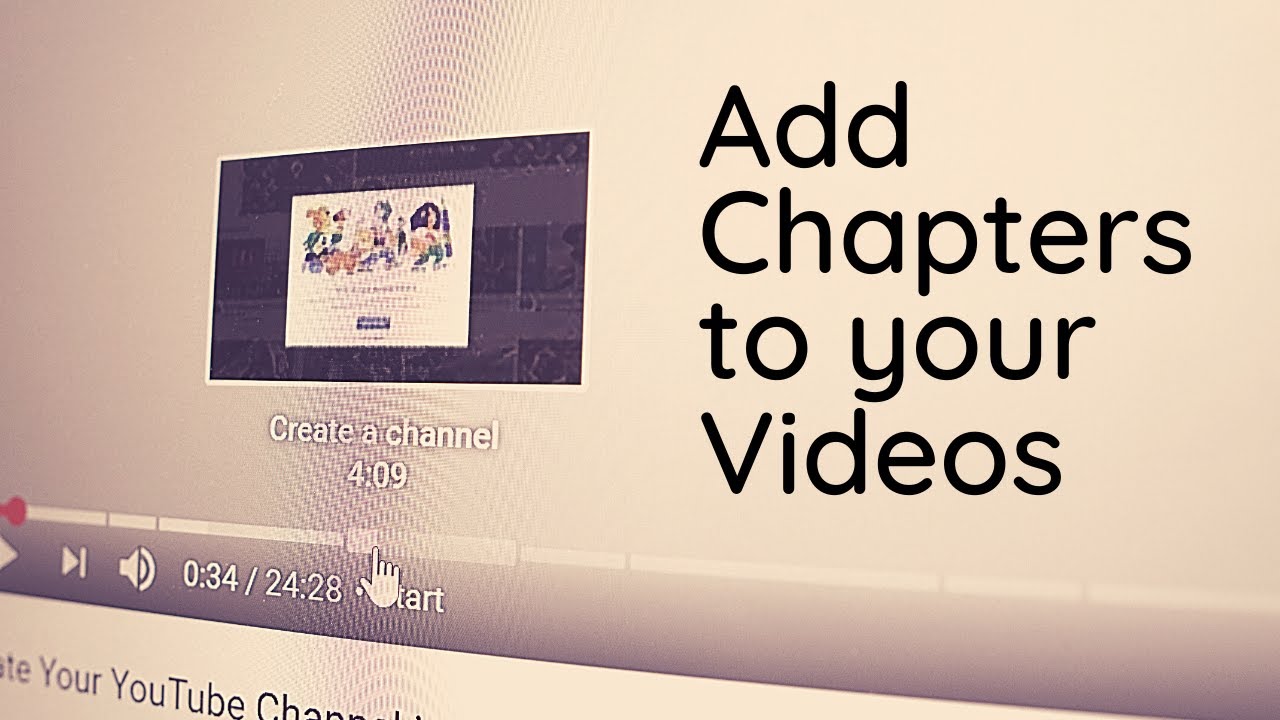
In this video tutorial, I will show you how to add chapters to your YouTube videos. This will show up in the progress bar of the videos. Start by using timestamps with titles and don't forget to add 0:00. This will help break your videos into segments so the viewer can quickly scan for a specific section. 0:00 Introduction 0:45 Chapter 1 1:30 Chapter 2 More tips about using timestamps: https://teachers.tech/how-to-timestamp-youtube-videos/ How to Create a YouTube Channel in 2020: https://youtu.be/qbzhigA-eI0 The Perfect Video Size for YouTube: https://teachers.tech/perfect-video-size-for-youtube/

Оглавление (3 сегментов)

  1. 0:00 Introduction 159 сл.
  2. 0:45 Chapter 1 147 сл.
  3. 1:30 Chapter 2 131 сл.
0:00

Introduction

hi there Jamie Keita here today a teachers tech hope you're having a great day today I'm gonna show you how to add chapters to your videos so if you take a look over this I'm gonna hover over and you can see there's individual chapters with headings to each one and this is super quick to add so stay tuned as I show you how to do this on teachers tech today so to show you how this is done I'm just gonna use this how to create your YouTube channel in 2020 video now it's a longer video and I use timestamps in some of these videos especially the longer ones you can see if I scroll down into the description what I mean by timestamps is I just put the number of the time where people can jump to because I feel this can save them a lot of time so they just go through they
0:45

Chapter 1

click on the numbers or and it goes to that point and all you have to do is type in those numbers now notice I don't have any chapter set up yet and that's what I'm gonna add now and that's very quick to add so I'm just gonna go to edit video and you can go through the YouTube studio to do this too to go to this specific video so I'm under edit video and you can see this is my description right here I have my timestamp timestamps just written like this with a heading next to it to get to the chapters I'm just gonna give it a space you need to put this so you just have to give it a start time of the zero time sorry and I'll just put I'm gonna write start like this so I'm gonna go
1:30

Chapter 2

ahead hit save this and then I'm gonna go back to the video now like this just click on this link over here and I'll just pause this here get rid of the add but look as I hover over now I have chapters that you can see that on the progress bar you can see where they break up and the titles under each one so people can quickly skim across it so I hope you like this tip today anything that helps can that can help manage you know people finding the right place in a video especially if they're longer videos can help a lot with your watch time thanks for watching this time when teachers tech I'll see you next week with more tech tips and tutorials

Ещё от Teacher's Tech

Ctrl+V

Экстракт Знаний в Telegram

Транскрипты, идеи, методички — всё самое полезное из лучших YouTube-каналов.

Подписаться




