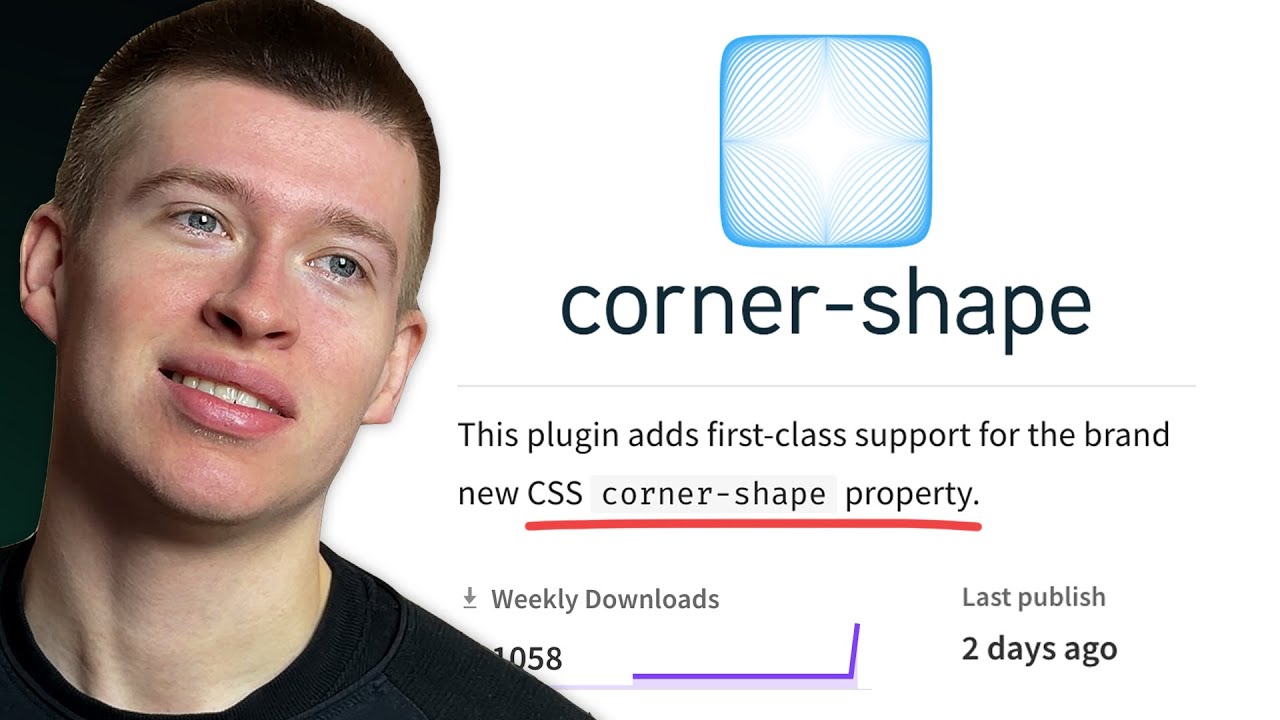
CSS officially has a new property: corner-shape! This plugin ports it to Tailwind v4 so we can use it directly with classnames :]
If a browser doesn't support the corner-shape property yet, we always fall back to the native border radius that's supported everywhere. So our app either looks better in supporting browsers or "normal" in all others
-- my links
twitter: https://x.com/joshtriedcoding
github: https://github.com/joschan21
appreciate you for watching :]
Оглавление (2 сегментов)
Segment 1 (00:00 - 05:00)
squirle. No, not this type of squirle. This type of squirrel, man. It's basically what happens if you put a square and a circle together. Squirles are regular squares with more border radius and some nice magic applied to them that make them look better than regular squares. They're also extremely painful to do yourself. And now they're native in CSS. And not only that, also natively supported with a Tailwind plugin available for you and me to use Squirles on our landing pages. The corner shape CSS property, man, it's finally here, but with limited availability. It's supported in Chrome and Edge, but not Firefox and probably not for the next 10 years in Safari cuz you know they're going they're pretty slow, pretty chill people. Nevertheless, what you're going to see in this video, the plug-in has a really smart back fill that actually also makes it kind of support in Firefox and Safari. The reason these are not supported yet is because they're very experimental. This is an experimental technology and essentially what it does and people have asked for it for so long, man. It's a CSS property that specifies the shape of a box corners with the area specified by its border radius property value. So, this sounds really simple, but these shapes that they now introduced, they didn't exist before or they were technically really hard to do yourself. It's possible, but it was really painful to implement. And now they're built into CSS, like a corner shape bevel, a notch that takes the shape of a super ellipse. There's a squirle, man. Very, very cool stuff. A scoop, probably some other stuff that nobody's ever going to use in the next hundred years. Very goofy stuff in here as well, but the one I'm most happy about is the squirrel. Now, I'm not going to bore you with the entire spec here, cuz to be honest, nobody cares. The only interesting thing I found in here was this. The default value of corner shape is round, which gives the same effect as using border radius on its own. So, as if you were not using any kind of corner shape by default. There is also a keyword value square, which gives the same effect as default square corners. Basically, you're removing any border radius that you've set. Cool. Let's see the browser support because that's the only gotcha here that the Tailwind plug-in solves really, really well. Chrome supports it. Edge supports it. Firefox does not. Neither does Safari, right? That's going to take a long time. But these look so nice for those browsers that do support this property. By the way, there's this one trick that you can do in any modern browser. It's the built-in CSS API that shows you if a property is supported. You can do CSS. Horner shape. Here we go. So, we can do CSS do. sup supports and then the property we want to check for and then the squirle. So we can see in Chrome this returns true. So this tells us is this property supported in the browser that we are currently using or is it not? Does this release mean we can already use it in any CSS file like this squirle? And then we can just specify you know the corner shape should be squirle. Can this already work? And the answer is yeah this already works at least in Chrome right? So let's go into Josh CSS dungeon here and let's add or I already added this property to the square that we can see on the left side. So if this already works Josh, we applied the corner shape squirrel. It's applied to this div. Why isn't this a squirle? Well, basically because it doesn't have any border radius. So if you apply like 100 pixels, there we go. This is a really nice squirle shape that's built in. And if we take a look at this in a browser that doesn't support it, like Safari for example, let's go there. Right here. Bam. It just has a really nice back fill as if you weren't using any specific corner shape that's not supported, but just the original border radius. So, it still looks good. It just looks better in browsers that do support it, which you know, like Chrome are major browsers that people use. So, if anything, this will look better. If nothing, it will look the same as before, right? So, you can just win from this. But Tailwind wouldn't be Tailwind if there wasn't a plugin to support this. So Brandon Mecconell, which I met at NexJS Conf this year, super chill guy, made a tool corner shaped Tailwind plugin that abstracts all the logic and we can just use Tailwind class names to style this. So we can simply copy this name and then add plugin. This works for the newest Tailwind 4. 0. Put that in quotes and that's it. We just installed that plugin. Of course, you also need to install the npm package. And then we can simply go ahead. There's a little documentation here. Let's not read that. Here we go. apply a corner shape and for example, you know, we could do round, scoop, bevel, notch, everything that's new. I think the most interesting is squirle right here. Let's go ahead save that. And as long as we now add a border radius, bam, we've got our squirle shape. And this is the tailwind abstraction for it. If we hover over this class name, we can see it's actually applying the same thing as we did before. And there's a bunch of others in here like the corners goop, for example, which we should get. Here we go. Autocomplete for beautiful. There's also bevel and notch. This is scoop. Interesting. You know, there might be some opportunities to use this.
Segment 2 (05:00 - 05:00)
It's more on the goofy side to be honest. Let's try the bevel. Here we go. That's going to be the last one. Let's kind of switch over to Josh CSS dungeon again. And I guess this is also a thing now. Man, if you wanted this shape, here you go. Now, we don't need to create CSS or SVG masks for this anymore. just kind of built in now. And adding a really nice touch to your website's UI design is as easy as applying the squirle that just looks better in Chrome and looks the same anywhere else with a really, really nice attention to detail. That's it, man. I really hope you enjoyed this very simple video about this very simple thing that is really, really cool that it's finally out. I'm going to see you in the next one. Until then, have a good one and bye-bye.