Create your first AI UGC ad:
https://higgsfield.ai/s/mcp-edmundyong-jchxgw
Higgsfield MCP URL:
https://mcp.higgsfield.ai/mcp
Higgsfield Prompt Generator Skill:
https://www.startupclub.community/resources
=====
Stop Building Apps That Make $0 - Join Startup Club (private community for solo founders):
https://www.startupclub.community/
Try my startups:
Convert Any Web Page to Clean Markdown for AI
https://www.createskills.io/
Bulk Extract YouTube Transcripts for AI
https://www.transcribr.io/
Accurate YouTube Translations & Subtitles
https://www.usefluently.app/
=====
Scrimba - Improve your coding fundamentals for your next app:
https://scrimba.com/?via=edmundyong
Mobbin - Instant design inspiration for your apps:
https://mobbin.com/?via=edmund
=====
Socials:
https://www.instagram.com/e.yongg/
https://www.twitter.com/edmundyong/
=====
00:00 - Intro
00:56 - Why this matters for solo founders
01:58 - Higgsfield setup
02:42 - How to plan a short-form ad
03:56 - Full workflow walkthrough & creating UGC ads for my apps
09:42 - Final thoughts
=====
#ai #coding #startups #aicoding #SingaporeVlog #dayinthelife #singapore #indiehackers #DigitalNomad #softwareengineer #softwaredeveloper #codingvlog #solotravel #solopreneur #startupvlog
Оглавление (6 сегментов)
Intro
blogs, YouTube videos, Reddit threads, ex articles, Instagram reels. Turn any of it into a custom AI skill in 30 seconds. Clean markdown straight into cloud or chatgpt. It's called create skills. io. Cheat code. Bro, I've been passing docs into cloud code by hand for a year. Someone just sent me this thing. One click any website, YouTube, x, anything, and it just makes you a clean skill. md. Just made an agent skill from three blog posts in like 10 seconds. Why has nobody told me about this? — So, what you just watched were some ads that I made from my new startup, create skills. The ads were made within Claude using the latest Higsfield MCP server. It took around 5 minutes to generate and only cost me a couple dollars compared to paying hundreds or even thousands for regular UGC creators. So, in this video, I'll show you my full workflow for creating short form UGC ads for your own apps. I'll guide you on how to use Claude to plan out your ad angles, hooks, and scripts and then use Hicksfield within Claude to generate the ad videos like the ones you saw in the intro. I'll also show you how to fix imperfections in your videos and get feedback on your ads from AI so you can
Why this matters for solo founders
iterate and improve them. So before I show you the setup and workflow, let me quickly talk about the importance of creating and running your own ads. Especially as a solo founder building apps, every ad is essentially a tiny test for product market fit. Because if your app currently doesn't have any users, you don't have a problem with traffic. You likely the messaging, as in you haven't found a way to make people care about your product yet. and creating ads and pumping out content is the only way to find out what works and what doesn't. And especially with AI video and image models getting better and better, you can literally brainstorm hooks, scripts, and create full videos in minutes for a fraction of the cost of a typical UGC creator. And then once you find a winning message or angle, that's when you double down on it and create variations of that ad. And then scale it even further by hiring creators to do it or run paid ads. And remember, when it comes to marketing, the point is not to make the perfect ad. The point is to test many angles fast and shorten the feedback loop. So, I just wanted to get that out of the way because as solo founders, we need all the help we can get whilst keeping things budget friendly. And the workflow I'm about to show you is a great way to keep things lean and cheap on the marketing side of things. All right, so before we get into
Higgsfield setup
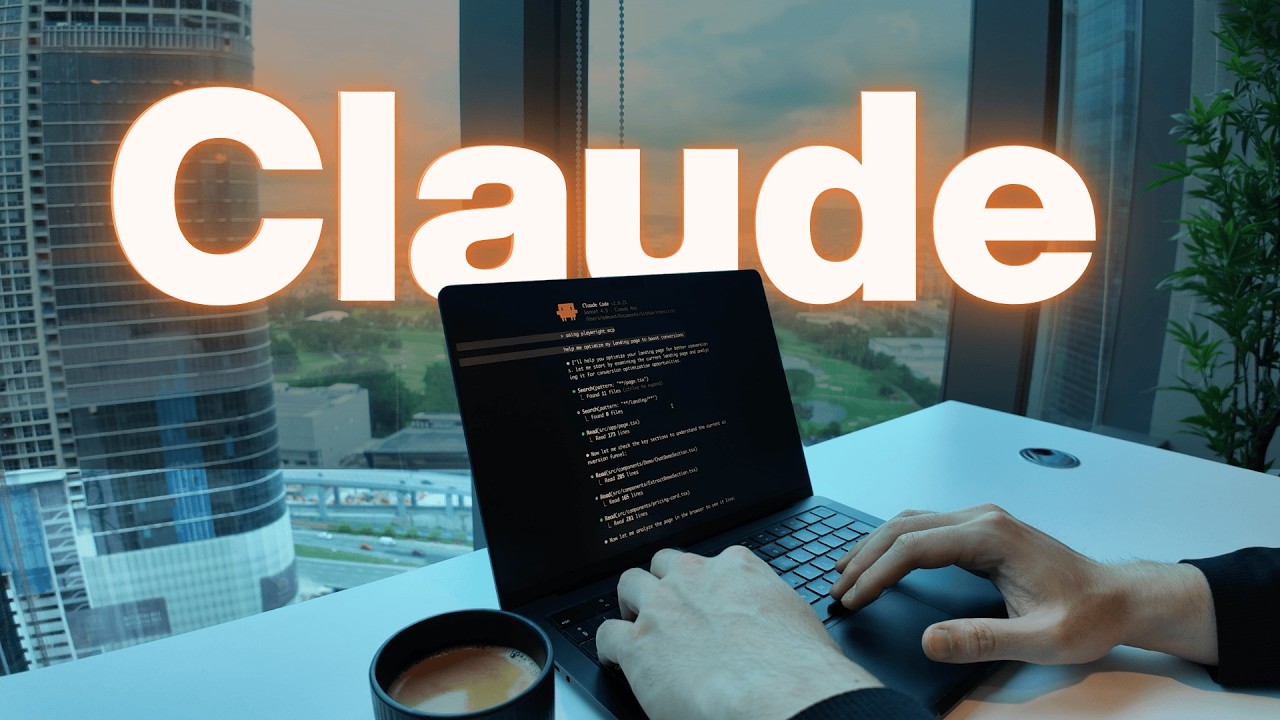
the setup, let me quickly explain what Hicksfield is for those of you that don't know. Higfield is basically a platform that lets you generate AI videos and images, and it brings together all of the best models into one place. But for this video, we're going to focus on their new MCP connector, which basically lets you interact with the whole Higsfield platform right inside of Claude. And what this means is that you can brainstor and generate assets all inside of Claude inside of a single conversation. So to set up the connection between Claude and Higsfield, open the Claude desktop app, click on settings, click on connectors, add a custom connector, give the name Higsfield, and then paste this URL. As you can see, I've already got mine set up. So, you want to make sure the connector is actually switched on and then you can just chat with Claude normally, but now you can interact with the whole Higsfield platform to generate images and videos. So, before I generate
How to plan a short-form ad
anything, I want to plan the ad properly. This is a simple checklist that I use to plan all of the ads that I make. So, the first and most important part is the hook because without a good hook, you won't get attention and then without attention, you get nothing. So, ideally, you should make the right person feel called out within the first 3 seconds of your clip. You need to make it seem like you're talking directly to them and not just talking about your product. To do this, you can say something bold, relatable, controversial, or unexpected. Your mindset should be to literally show or say anything to make the user stop scrolling. And in my opinion, you should really frontload all of your efforts into your hook because once they stay after the hook, they'll likely watch the rest of the video. And the second part is the visuals. Here you can show demo clips of your product in action, screenshots of your product's UI, but you should avoid anything that's too complex or loaded, especially in short form video where the user doesn't have a lot of time. And the final part of the plan is the script. For the script, I usually just split it up into four parts, which is the hook, the problem, the solution, and then the call to action. For the hook, we already discussed. For the problem, you need to think about what is the pain or problem the viewer is facing. And then what is the cost of not having your product? For the solution, think about how you can make the viewer care about your product and what does it do for them. And then the call to action is simple. Direct them to your product or website. So, now that you know how I plan my ads, let me show you my full workflow and how I create the videos in Claude. All right.
Full workflow walkthrough & creating UGC ads for my apps
So now we're going to use Claude to help generate some hook variations to use in our ad. So this is the prompt I'm going to send. Help me generate five hook variations for a UGC ad for my app. And then provide it the link. Let's just tell it to ask any questions if it has any. So let's send this and see what I get. So now it's asking me some questions about the prompt. For this one, I'm going to say mixed. combo. And I want five different angles. All right. So these are the hooks it came back with. And I think I like number four the best. So, I'm going to copy this. So, what we're going to do now is start a new chat and call this custom skill that I've made, which essentially generates a prompt for you to copy and paste into Higsfield so that it can give you the best looking video. All right, so it just came back with some clarifying questions and the first one it's asking about is the character reference. For this, you can either copy and paste your own reference image or you can head to Hickfield's website and choose from any of the avatars. So, for this example, I think I'm going to choose Megan and I'll just write that in the prompt and then Hickfield MCP will pick it up automatically. For the script length, I want 10 to 12 seconds. For the audio, I actually want seed dance to generate the dialogue and voice. And for the setting, I'm just going to pick at a desk laptop visible with a monitor. For camera setup, I'm just going to pick selfie handheld. And for the energy, I want something enthusiastic. And for the final CTA, I just want it to plug the website. So, let me send that and see what it says. All right. So, this is the prompt it gave back. And as you can see, it goes into detail about the character description, the setting and scene of the environment, and also the timings and a description of what happens in each scene. So, this looks good to me. And the next step, we're going to paste this into Higsfield and generate the video. Okay, so I just started a new chat, and this is the prompt I'm going to use to generate the video in Higsfield. As you can see, I'm telling it to use the UGC marketing studio, and then I've linked my landing page so it can learn more about my app. And here I've pasted the prompt from the previous step and then gave it some extra details such as which avatar to use, the aspect ratio, and how many variants I want. And as always, I tell it to ask me questions if it needs to. So I'll send this and see what it says. All right, so it's responded with some clarifying questions. The first one is asking about the duration. I'm going to keep the full script. For this one, it's asking about the background in the scene. I'm just going to say I just want a pure talking head video. for this. It's talking about the marketing studio which is a feature on the Higsfield's website. And what it does is you provide it a URL and it will fetch all of the mess data for you to learn about your product. So I'm going to select fetch the URL and let it perform the marketing studio flow. So now you can see the Higsfield MCP working where it searches for the avatarile we mentioned which was Megan. And for the next step is actually crawling my website and grabbing all of the data so I can use that data in the video and talk about my products. correctly. Okay, so it's finished fetching all of the data from our website and now it started generating all of the videos we asked for. So we asked for four variations and it's currently in progress. So we'll wait a couple minutes and see what kind of results we get. All right, so it's just finished generating. So let's play some of the videos to see what kind of results we got. — I just turned this 90-minute carameric lecturing into a custom AI skill in under 60 seconds. Blogs, YouTube transcripts, Reddit 3s, instant clean mastup, custom skills for your agents. Createkills. io. Go. All right. So, obviously, as you can tell, the first batch was not perfect. A couple issues I've spotted. It can't say markdown — instant clean masked up. — It actually can't pronounce car pathy properly. — This 90-minute carameric lecturing — and also I spotted that it messes up the pronunciation of the website at the end — createskills. — So, that leads me onto some tips on how you can fix some imperfections that you might get in your videos. So, for example, since it can't pronounce markdown, we can tell Claude to update the spelling in the script to make sure the word is hyphenated so that the model can pronounce it better. And also in the hook, it has a surname that's not commonly trained in AI models. So, for this case, I'm just going to remove it altogether. And last thing, when they say the website at the end, sometimes it helps just to spell things out phonetically. So, in this case, they literally have to say create skills. io. So, I'm going to send this and see what it says. All right, it seems like it's applied those changes and it's already generating the new videos. And this is one of the benefits of connecting Hicksfield to Claude because you can just tell it what kind of changes you want to make and then it will get to work automatically for you instead of having to switch apps back and forth. All of your videos and images are generated all in one place. So, the revisions just finished. Let's take a look to see if any of the fixes have been applied. — I just turned this 90-minute lecture into a custom AI skill in under 60 seconds. blogs, YouTube transcripts, Reddit threads, instant clean markdown, custom skills for your agents. Createkills. io. Go. — All right. So, as you can see, all the fixes have been applied. The hands still look a bit weird, but that's fine. Yeah, honestly, I'm pretty happy with the results. But let's say you've generated a couple ads that you're happy with, but you feel like you can still improve them, but unsure how. So, now, let me show you how you can get feedback on your ads using Gemini or Claude so that you can iterate and optimize them. So, I've loaded up Gemini and as you can see, I've attached a video file onto the chat and just gave it a basic prompt to analyze this UGC ad and give me some honest feedback on how to improve it. So, let's send this and see what kind of feedback we get. And here is the feedback we got from Gemini. What's working well is that it's high energy, strong hook and concise, which is good, which is what we wanted from the beginning. Some things we can improve on is adding some visuals and on-screen text. So, things like screenshots or on-screen captions. And I actually like this feedback a lot, which tells us to address the why. In other words, the outcome of using my tool. So, you can see how you can get some pretty practical advice that you can use to iterate and optimize your ad until you get to a point where you're happy with it. And I don't think many people actually know that Gemini can analyze videos frame by frame. So, I just think this is a really cool feature to know about and it's the perfect use case for analyzing and improving your own ad. So
Final thoughts
in summary, it's now incredibly easy and cheap to test any ad angle for your apps as a solo founder. The only things that are holding you back is how creative you are and the amount of volume you can produce. Now, obviously, you can't just spam AI slop and expect good results. Your ads still need to be good quality with well thoughtout hooks and a script, but once you've got that down, you can literally create all of your marketing assets right inside of Claude. And a quick tip before you start posting on social media. Just make sure you've properly warmed up your accounts for about 1 to two weeks. You can do this by engaging with content in your niche. For example, every day I would spend about 10 minutes scrolling and liking AI, coding, and startup content so the algorithm can see me as a real person and is more likely to push my content out to a wider audience. What you shouldn't do is create a new account and then start posting on it straight away. If you do this, your account will likely go into view jail and you'll just get stuck with a low view count, no matter how good your content is. So, that's it for this video and I'll see you in the next one. Bye-bye.