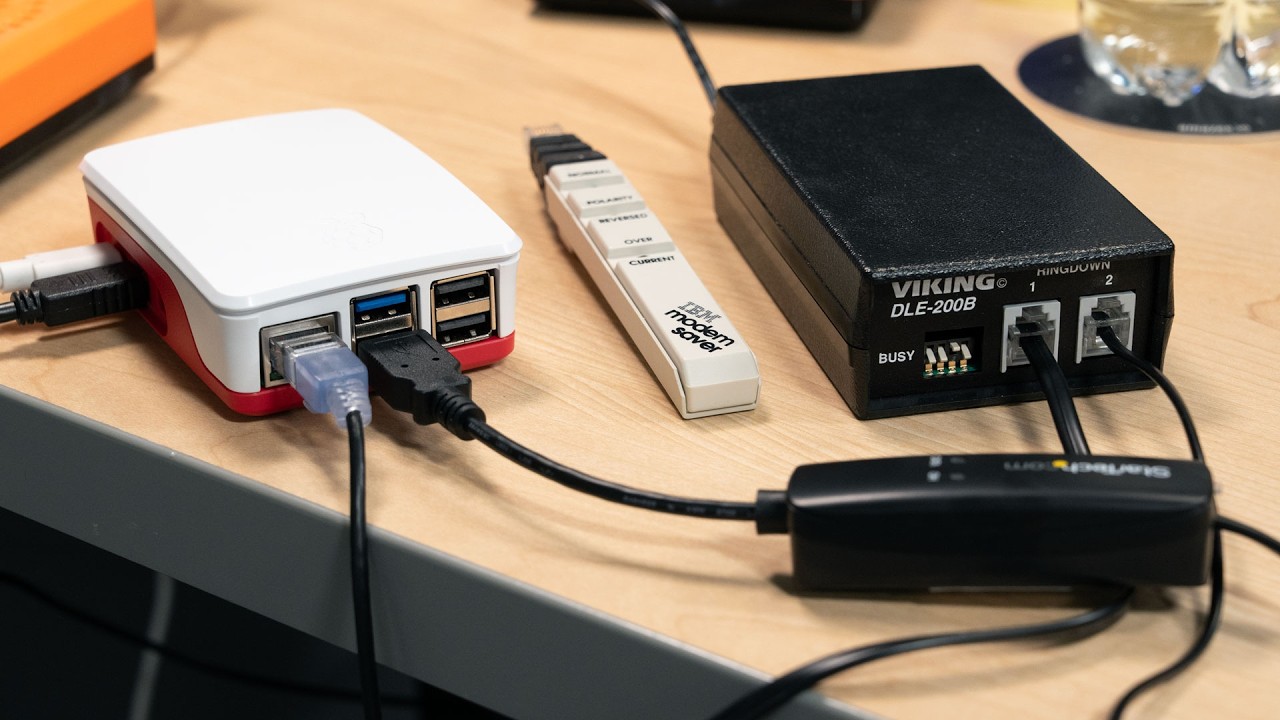
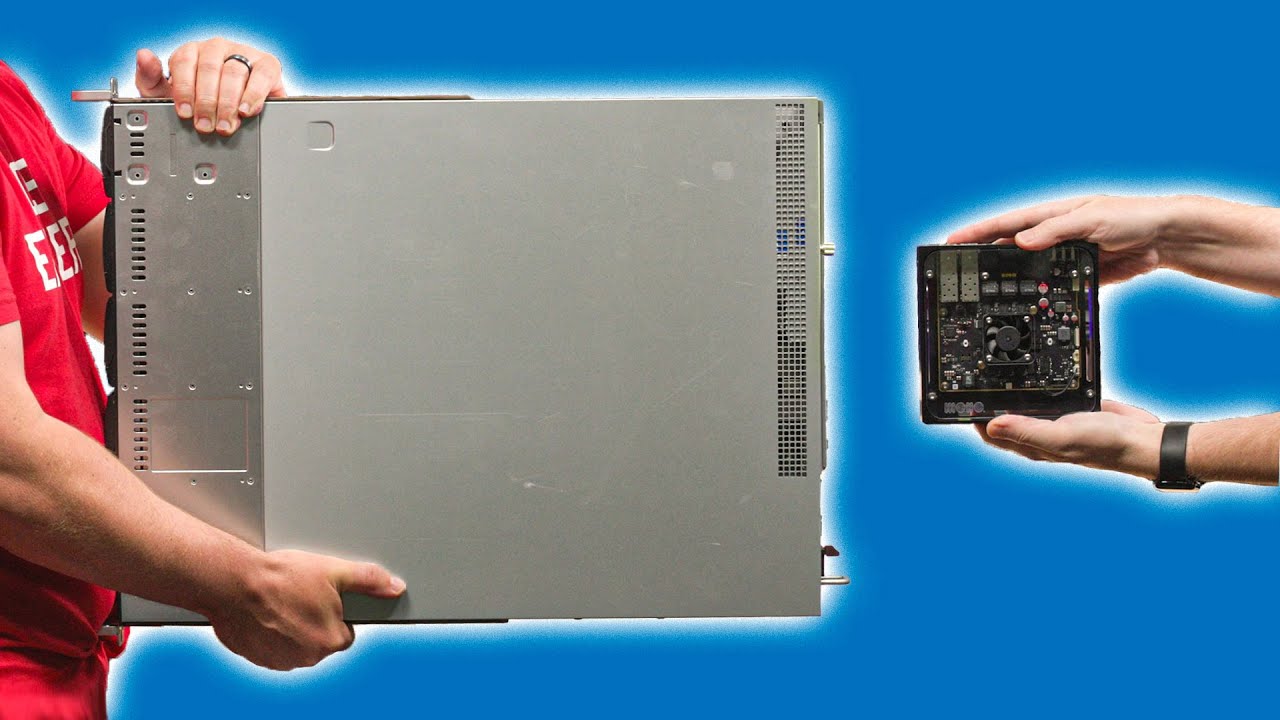
How did they make it this small??
6:54

How did they make it this small??

Jeff Geerling 24.04.2026 415 118 просмотров 12 736 лайков

Machine-readable: Markdown · JSON API · Site index

Поделиться Telegram VK Бот
Транскрипт Скачать .md
Анализ с AI
Описание видео
10 Gigabit networking tech is finally getting smaller, cooler, and less expensive. In this video, I test WisdPi's new 10G USB 3.2 adapter. Some of the things mentioned in this video (Amazon links are affiliate links): - WisdPi 10G USB Network Adapter: https://www.wisdpi.com/products/usb-c-to-10gb-ethernet-adapter - WisdPi 5G USB Network Adapter: https://www.wisdpi.com/products/wisdpi-usb-3-2-5g-ethernet-adapter-wp-ut5-wired-lan-network-connection-for-mac-os-linux-windows-backward-compatible-on-5g-2-5g-1g-100mbps-ideal-for-gaming - OWC 10G Thunderbolt 4 10G Adapter: https://amzn.to/4tjVFJu - QNAP 10G SFP+ Thunderbolt and USB4 Adapter: https://amzn.to/4vxSnDY Support me on Patreon: https://www.patreon.com/geerlingguy Sponsor me on GitHub: https://github.com/sponsors/geerlingguy Merch: https://www.redshirtjeff.com 2nd Channel: https://www.youtube.com/@GeerlingEngineering 3rd Channel: https://www.youtube.com/@Level2Jeff Contents: 00:00 - 10 Gbps NIC meets USB-C 01:00 - Testing on a Framework 13 02:35 - Testing on a MacBook Neo 03:36 - Full speed ahead (2x2) 04:20 - What about USB 4 05:04 - Best speed for value 05:42 - Power draw and thermals
Оглавление (7 сегментов)

10 Gbps NIC meets USB-C

For years, the best way to get 10 GB networking on laptops, especially Macs, was to buy one of these, a 10 gig Thunderbolt dongle. But these things are hot, expensive, and especially if you care about portability, kind of big and heavy. They also require Thunderbolt, which isn't on every laptop. 2. 5 and even 5 gig USB adapters have been out for a while now, and they're cheaper and smaller. Wouldn't it be nice if we had that, but for 10 gigs? Well, today I'm testing this guy, a new generation USB 10 gig Ethernet adapter. This one's from Whispie or however you say that, and I got it for like 80 bucks. Still not cheap, but that's cheaper than all the Thunderbolt competitors. If you need 10 gigs, this might be the best option, though. At least if you're still using RJ45 ports instead of SFP Plus. That's this squared off connector. But if you don't need 10 gigs, a 2. 5 or 5 gig adapter is still going to be the best value. Also, you might not even get 10 gigs with these new adapters depending on your computer. Why? Well, I'll

Testing on a Framework 13

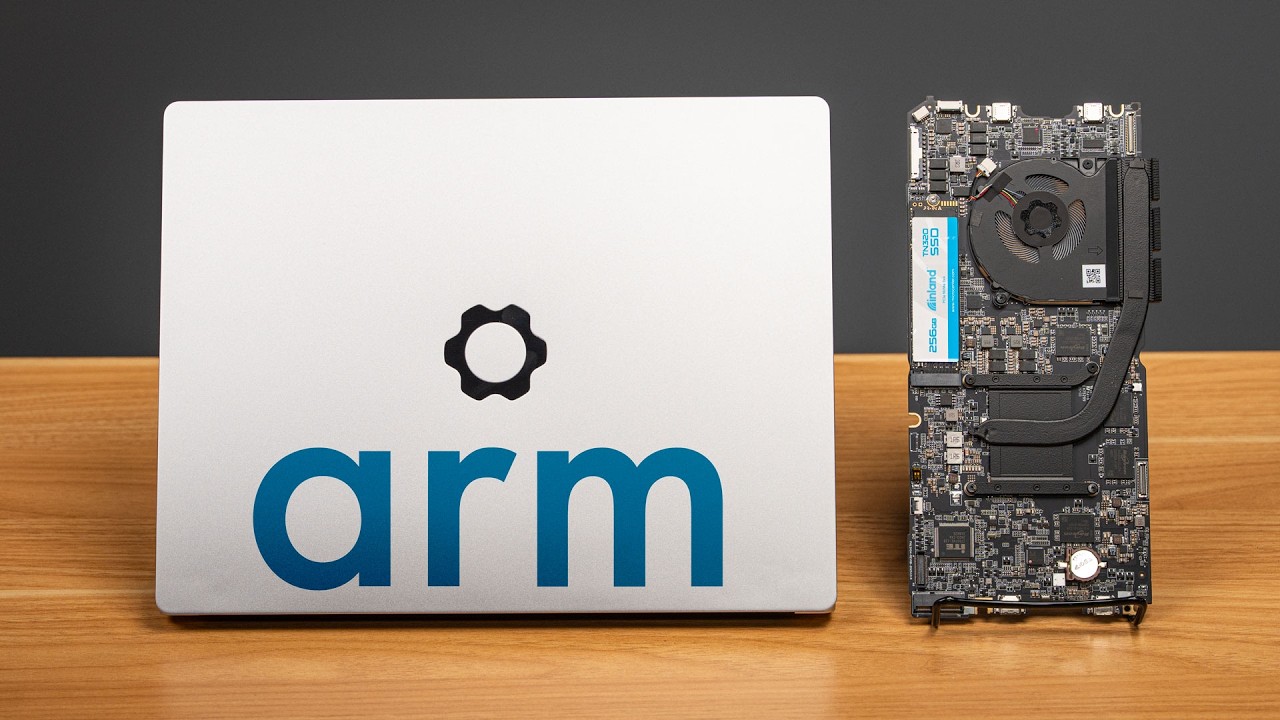
demonstrate that using my own computers. Starting with my Framework 13, I'm running AMD's Ryzen AI5 340, which has USB 4 and USB 3. 2 Gen 2 ports, the latter of which run at 10 GB. We'll see how much that affects speeds, but for this test, I'm going to try using Windows 11. Now, Windows 11 comes with a Realtech USB Ethernet driver, but that one's not new enough to work with this new 10 gig adapter. So, here I downloaded and installed the driver from Realte's website. After a minute or two, the interface looks like it's working correctly. It's saying it's 10 GB, and I have an IP address. So, I'll go ahead and turn off Wi-Fi so I can be sure that the laptop's only going to use this Ethernet connection. To test the maximum bandwidth I can get in Windows, I'm going to install Iperf 3. And a quick tip, if you're on Windows like this, make sure you're downloading a newer release of Iperf for high bandwidth testing. For me, I downloaded it from the Iperf 3 windbuilds project. But with that installed, I ran a bunch of speed tests. Testing upload, download, and simultaneous upload and download speeds. And this is all on my LAN. This isn't over the public internet. It looks like on the 10 gig USB 3. 2 Gen 2 port on my framework, I can get up to about 7. 4 4 GB one way or about 9 birectional, which means we're definitely maxing out the USB bandwidth. There's always a little overhead, especially if you're going through USB. But I wanted to confirm what USB speeds Windows negotiated for the adapter, but device manager didn't seem to have any clues. And when I went into device settings, it just said USB 3. 0, which I know is a lie because that would only get me a maximum of 5 GB. Maybe Apple reports this better in Mac OS. To test that, I plugged this thing

Testing on a MacBook Neo

into my MacBook Neo and apparently I did it in the wrong port, which Mac OS reminded me of. So, I plugged it into the other port on the Neo and went into the settings. I didn't install any drivers, but it looks like it was already getting a connection. Of course, the hardware page says it's 2500 BAS T, which seems wrong, but it correctly identifies as a 1000, 1 gig, 2. 5 gig, 5 gig, and 10 gig LAN adapter. So, maybe that's just a display bug. I fired up IPF 3 and got about 6. 3 GB. So, a little slower than on Windows, but definitely a lot more than 2. 5. So, Apple probably has a display bug in their network settings. What's better here, though, is when I tested birectional traffic, the MacBook's bandwidth was symmetrical. I got 5. 5 gigs up and down at the same time, which was more consistent than on Windows. And look at this. Apple gives me all the stats I need in system information, including the negotiated link speed right there. But so far, we haven't gotten the advertised 10 gigs. We've only gotten less than eight. So, what gives? Well, before I try out USB

Full speed ahead (2x2)

4, I have one computer in here that has a USB 3. 2 Gen 2 20 GB port. And yes, I hate USB's naming standards. They're still confusing no matter how many things they tack onto the name. But I plugged in the adapter there, found that Windows detected it, but when connect, installed the real tech driver, and got a connection. Again, it just says 10 GB. So, let's use IPF 3 and see what we get. Ah, here I finally got the full 10 GBs. Well, 9. 5 with a little overhead. And testing birectional traffic, I could get 9. 5 up and 5 gigs down for minutes at a time without any hiccups. It was extremely consistent on this machine. So now I know this thing can perform, at least if you have a 20 GB USB 3. 2 Gen 2 port. But what about USB 4? I plugged it

What about USB 4

into my M4 MacBook Air, which has two of those ports. And yeah, still just getting 6. 3 gigs. What gives? USB 4 does 40 gigs, which is double the 20 gigs on my PC. Well, the PC is using USB 3. 2 Gen 2 2x2 for that 20 Gbits, and Apple's USB 4 controller tunnels USB over Thunderbolt. For anything that's not USB 4 rated, you wind up with only one 10 gig lane. Thus, with overhead, I can only get around 6 to 7 GB. So, if you want to get the full potential, make absolutely sure you have a USB 3. 2 2 Gen 2 2x2 20 GB port, which good luck trying to figure that out without a detailed spec sheet for whatever computer you're using cuz Microsoft sure doesn't make it easy. But even with the slower speeds

Best speed for value

would this still be a useful upgrade over 2. 5 or 5 gig adapters? Well, I tried out the 5 gig adapter on my Air and it got 4. 6 GB. So, you're getting about 1. 4 times faster speed with the 10 gig adapter, even if you don't have the right port for it. Is that worth it? Well, considering the 5 gig adapter is 30 bucks versus 80 bucks for the 10 gig, maybe, maybe not. And I mean, how many of you even have 10 gig capable networks, if you don't have a 10 gig switch and a use case that needs a full 10 GB of bandwidth, you're better off with 2. 5 or 5 gigs? I mean, some of you are probably content with 1 gig or even just Wi-Fi. To wrap things up, I also

Power draw and thermals

checked thermals and power draw. Now, neither of these tests that I did are comprehensive. In fact, measuring the absolute power draw is kind of hard for me because all my power measurement devices downgrade the connection to USB 2, which means I'm not testing it at full performance. But at USB 2 speeds, this thing uses about86 watts of power. And it didn't get that hot, which was surprising to me. All my Aquatch based 10 gig adapters turn into little ovens. And that's a big reason they're so big. The enclosures are basically giant heat sinks. But this guy only got up to like 42 degrees C after I was running a birectional test for a few minutes. That's warm for sure, but not so hot that I'd burn myself touching it like I have with some of my other 10 gig adapters. And if 80 bucks is too rich, it isn't the only option that uses this new realtech chip. AliExpress is littered with options now, and you can get it on PCI Express cards, too, if you have a desktop. And it's still pretty cheap. We'll see how long that chip takes to get to other manufacturers outside of China, but I'm excited to see the price, power, and heat requirements for 10 gig Ethernet getting better. With all the price increases that we have nowadays, it's nice to have something that's cheaper, faster, and better again. Until next time, I'm Jeff Kurling.

Другие видео автора — Jeff Geerling

Ctrl+V

Экстракт Знаний в Telegram

Экстракты и дистилляты из лучших YouTube-каналов — сразу после публикации.

Подписаться

Дайджест Экстрактов

Лучшие методички за неделю — каждый понедельник