Visit OnDemand: https://app.on-demand.io/auth/signup?refCode=AICODEKING_D2
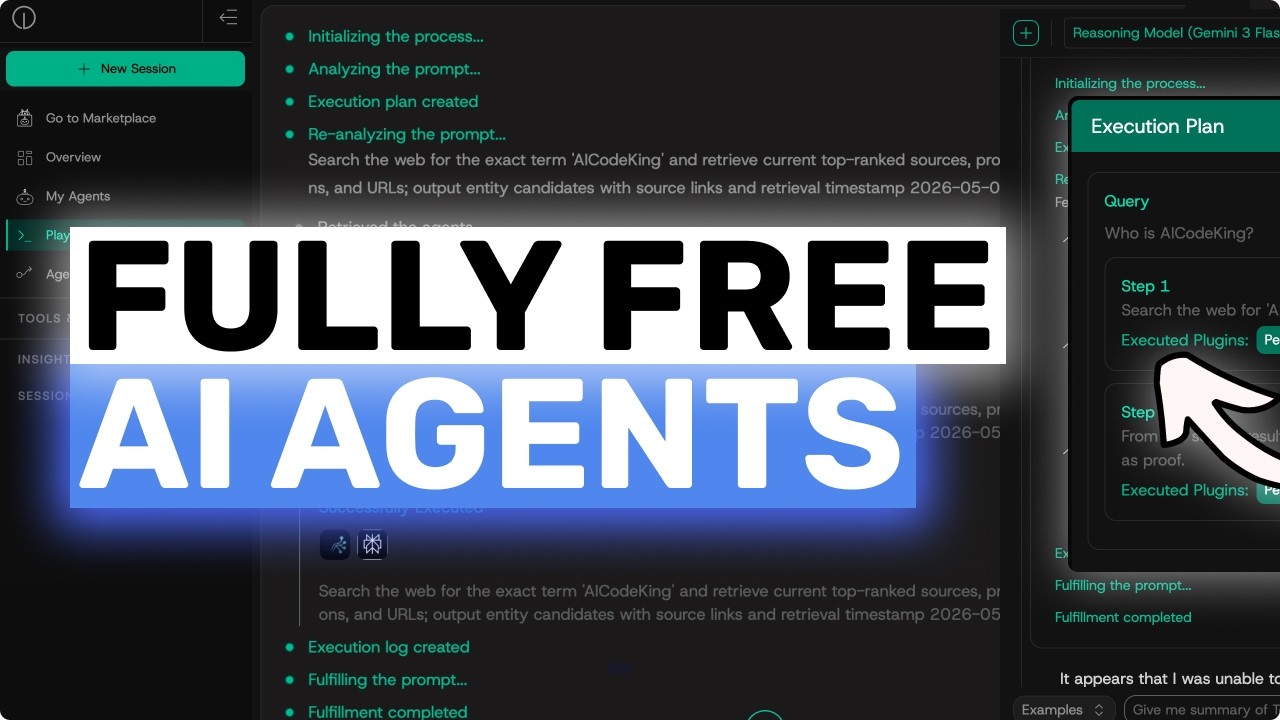
In this video, I'll be showing you how OnDemand helps you discover, assemble, and automate AI agents using a centralized platform with an Agent Marketplace, Playground, and Flow Builder for real business workflows.
--
Key Takeaways:
🚀 OnDemand gives you a centralized place to discover, build, and automate AI agent workflows.
🛠️ The Agent Marketplace includes 400+ agentic tools and over 1,200 possible AI agent combinations.
💡 You can assemble specialized agents in the Playground to create workflows for real business use cases.
🔄 BYOM support lets you bring your own model and choose the best model for each task.
🔒 Privacy-first connectors and a unified knowledge layer help agents work with real business context.
🤝 Multi-agent orchestration lets different agents handle different parts of the workflow in parallel.
⚙️ Flow Builder turns your workflow into a repeatable automation that can run on a schedule or trigger.
📈 Overall, OnDemand is a practical platform for teams that want to build reliable AI automations without starting from scratch.
Оглавление (2 сегментов)
Segment 1 (00:00 - 05:00)
— Hi. Welcome to another video. AI agents are in a very interesting place right now. Everyone talks about using agents for business workflows, but the moment you try to actually build one, you quickly realize that the agent itself is only one part of the problem. You need the right tools, model, you need business context, you need some way to connect it to your existing workflow. And if you want it to run again and again, then you also need automation. And this is exactly where a lot of AI agent tools start to feel a bit messy. So, today I want to show you On Demand. On Demand is a centralized platform where you can discover, assemble, and automate AI agents using a curated suite of agentic tools and the models you actually want to use. So, instead of jumping between a bunch of different dashboards, prompts, custom scripts, APIs, and integrations, you can build the workflow in one place and then turn it into something repeatable. And that is the main thing that makes it interesting, if you ask me. It is not just another chat interface. It is more like a workspace for building practical AI agent workflows for actual teams. So, let's get right into it. Now, the first place I would start inside On Demand is the agent marketplace. The marketplace is basically where you discover and deploy the specialized agents and tools that you want to use in your workflow. And this is quite important because most people do not want to build every single agentic tool from scratch. If you want an agent to research something, work with documents, use internal knowledge, summarize information, or take some kind of action, you probably want a solid starting point instead of spending the whole day wiring everything yourself. On Demand has more than 400 agentic tools available off the shelf, which is pretty good for sure. And because these tools can be combined in different ways, you can create more than 1,200 possible AI agent combinations. That is kind of wild because it means you can start simple, but you're not boxed into one tiny use case. For example, let's say I want to build a customer feedback workflow for a software company. So, the goal is simple. Every day, I want an AI workflow that looks at new customer feedback, checks it against our internal product docs or knowledge base, finds the most common issues, and then sends my team a clean summary of what needs attention. This is the type of thing a lot of teams still do manually. So, in the marketplace, I can look for the pieces I need. I might use a research or browsing tool, a document or knowledge tool, something that can connect to business context, and then an output tool for sending the final result where my team already works. This is where the platform starts to make sense, because I'm not asking one random model to magically know everything. I'm choosing the exact agentic tools that are useful for this workflow, and I can deploy them from one centralized place. And this is useful for smaller teams, because you can move quickly without building a giant back end. But, it is also useful for enterprise teams, because it gives you a more controlled way to discover, manage, and reuse agentic tools instead of having everyone create their own random setup. So, that is the first part. The marketplace gives you the building blocks. Now, once I have the agents and tools I want, the next step is the playground. The playground is where you assemble those agents into a purpose-built workflow. So, going back to the customer feedback example, I can create a workflow where one agent gathers or reviews the customer feedback, another agent checks internal knowledge, another agent extracts patterns, and another agent turns everything into a short team-ready report. And this is where on demand is quite nice, because you can also choose the model you want to use. On demand supports BYOM, which means bring your own model. So, if your team already has a model preference, or if you want to use different models for different kinds of work, then you have that flexibility. You're not forced into one model for every task, which is great, because different workflows need different tradeoffs. Sometimes you want the smartest model for reasoning, sometimes you want something faster or cheaper, sometimes your company already has a model that you need to use for compliance or internal reasons. So, having that flexibility is really good. So, after that, inside the playground, I can write a prompt for the workflow, something like look through the latest customer feedback, identify the top recurring issues, compare them against our existing product knowledge, and create a short summary with recommended next steps for the team. Then I can attach the agents and tools that I added from the marketplace. And this part is important as well. On demand talks about privacy-first connectors and a unified knowledge layer, which means your agents can work with reliable business context instead of guessing from a blank page. That is a big deal for business use cases. Because if an AI agent is helping with customer feedback, sales operations, internal reporting, support, or recruiting, it needs to understand the context of the business. It needs to know your docs, your processes, your connected tools, and whatever information you actually want it to use. Otherwise, it just becomes a nice demo that does not survive real work. So, with the unified knowledge layer, the idea is that the agents can use the right context from your business systems and documents, which makes the output much more useful. Now, another thing I like here is multi-agent orchestration. Instead of making one model do everything in one long prompt, you can coordinate multiple agents that work on different parts of the task. So, one agent can focus on reading feedback, another can focus on checking internal docs, prioritizing the issues, another can create the final
Segment 2 (05:00 - 08:00)
summary. And these agents can work in parallel, which is really useful when the workflow has multiple steps that do not all depend on each other. This is much closer to how real teams work. One person gathers context, another person checks the docs, another person thinks about priority, and then someone turns it into a final update. On demand basically lets you model that kind of workflow with agents. And once you have the first version working, you can keep testing it in the playground. You can change the prompt, you can swap the model, you can add or remove tools, you can make the output shorter or more detailed, you can adjust the workflow until it actually gives you something useful. So, this is the second part. The marketplace gives you the pieces, and the playground is where you turn those pieces into an actual agent workflow. But of course, there is still one big problem. So, if I have to open the playground every morning and run this manually, then it is useful, but it is not really automated. And that is where automations or flow builder come in. Flow builder lets you turn the workflow into an executable automation that can run repeatedly. This is probably the part that makes On Demand more serious for business use because now you are not just testing an agent, you are actually deploying a repeatable workflow. The workflow builder gives you a visual no-code way to chain the steps together. So, for the customer feedback example, I can build a flow where the first step is the trigger. Maybe it runs every morning. hour. Maybe it runs whenever a new support ticket comes in through an API or webhook. Then the next step gathers the relevant information. After that, another step analyzes it. Then another step compares it with internal knowledge. Then another step creates the final summary. And then the last step sends it to Slack, email, a webhook, or whatever system a team is already using. So, instead of having a workflow that lives in someone's head or in a random set of manual steps, you now have a visual automation that team can actually understand. That is pretty useful because a lot of AI automation breaks down when nobody knows what is happening. With a visual builder, it becomes much easier to see the flow, explain it to someone else, and improve it later. And because everything is in one centralized environment, you are not maintaining five different tools just to make one agent workflow happen. You can discover the agents in the marketplace, assemble them in the playground, and then automate them with flow builder. That is the whole loop. And this can apply to so many business workflows. You can use it for customer feedback reports, lead research, internal knowledge assistants, recurring market research, sales summaries, support triage, recruiting workflows, operations reports, and a lot more. For a small business, this means you can start with one painful manual workflow and automate it without building a massive system from scratch. For a larger team, this means you can create more structured AI workflows with BYOM multi-agent orchestration, privacy-first connectors, and a unified knowledge layer, which is really important if you care about control and reliability. And that is kind of the point here. On Demand is not trying to be just one more place where you chat with an AI model. It is trying to give you a practical workflow for building agent systems. You find the right agents and tools, then you assemble them into a workflow, then you turn that workflow into an automation that runs repeatedly. And once it is running, you can keep improving it as your team gets more specific about what it needs. So, if I had to summarize it, I would say this. The Agent Marketplace is for discovering and deploying specialized agents and tools. The playground is for combining those agents into a workflow for your exact use case. And Automations or Flow Builder is for turning that workflow into something that actually runs again and again without you babysitting it. That is a really practical approach. And the fact that you get more than 400 agentic tools, more than 1,200 potential combinations, BYOM support, visual no-code workflow building, multi-agent orchestration, privacy-first connectors, and a unified knowledge layer makes it pretty compelling for business teams. Overall, it's pretty cool. Anyway, let me know your thoughts in the comments. If you like this video, consider donating through the Super Thanks option or becoming a member by clicking the join button. Also, give this video a thumbs up and subscribe to my channel. I'll see you in the next one. Until then, bye.